
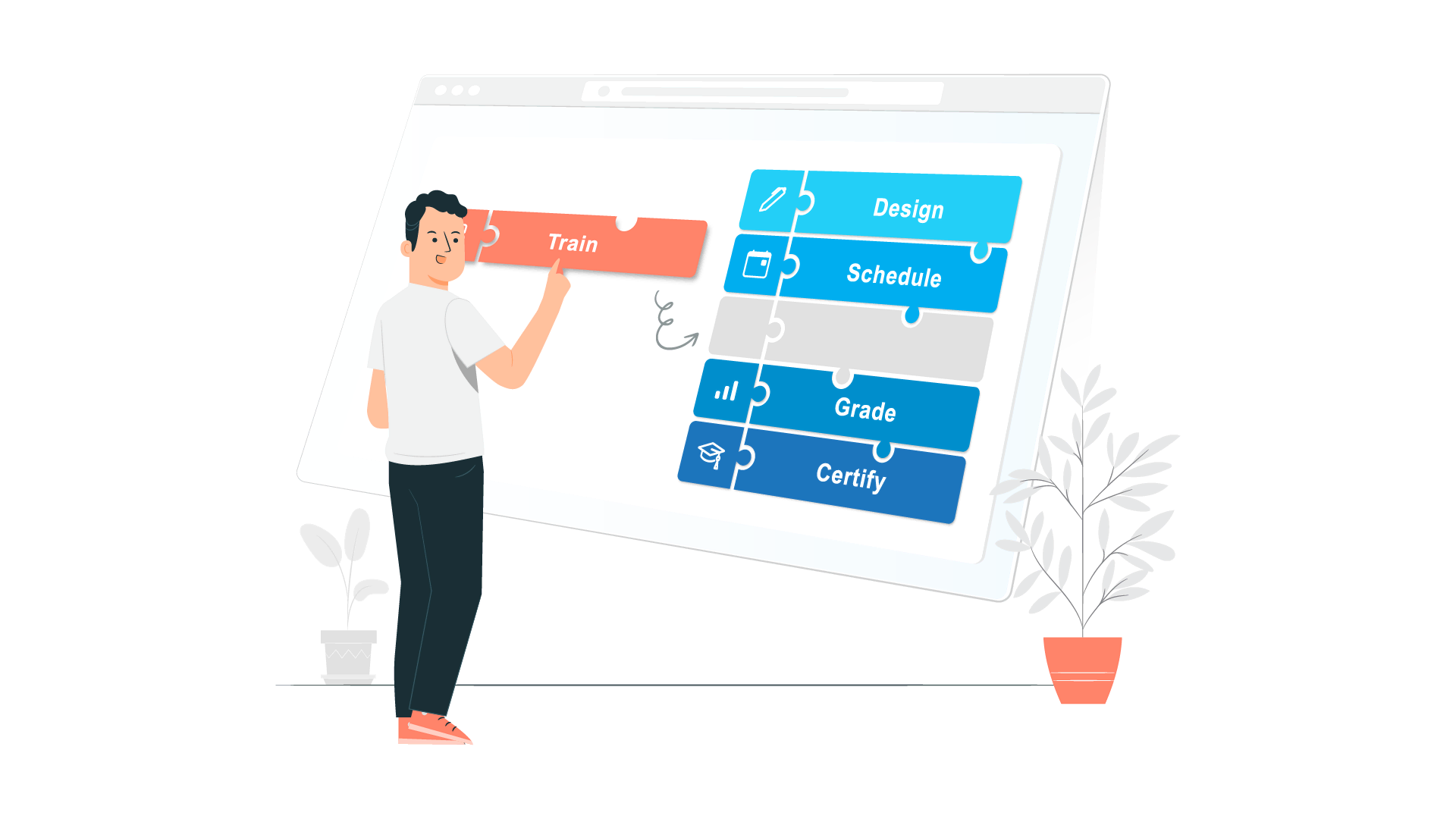
All the tools you need for multiple eLearning purposes

Slide-based Courses

Interactive Simulation

Assessments & Gamification

Video-based Courses
Create interactive courses in any scenario with a feature-rich editor
ActivePresenter authoring tool enables you to create professional-looking eLearning content with the user-friendly editor while making minimum effort. Once you get familiar with the tool, you can explore many features for creating advanced content.
Convert existing PowerPoint presentations to courses at blazing speed
Without additional software, ActivePresenter authoring tool straightly converts your PowerPoint presentations to HTML5 or eLearning packages (SCORM & xAPI). Unlike many other tools, you can do it on both PC & MAC.
Build an interactive simulation in minutes with smart screen capture technology
When recording interactive simulation, all steps you performed on screen are recorded as slides. Mouse clicks, keystrokes and their appropriate actions and values are generated automatically. You can create software tutorials or assessments with minimum time and effort.
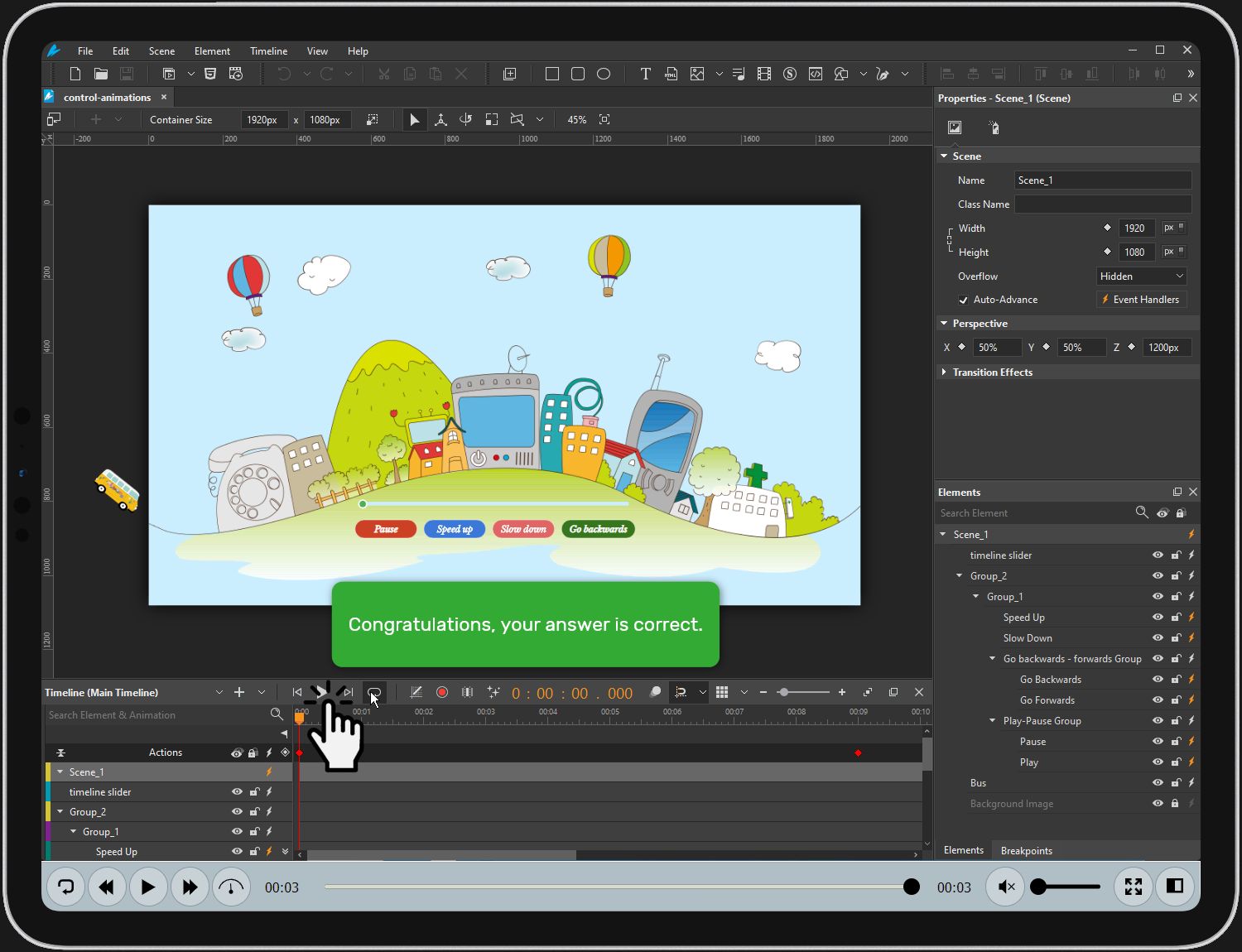
Develop interactive assessments & educational games
This eLearning authoring tool supports 13 question types, slide pools, slide randomization, and flexible branching with events, actions, and conditions. You can easily create assessments and unique educational games without coding skills.
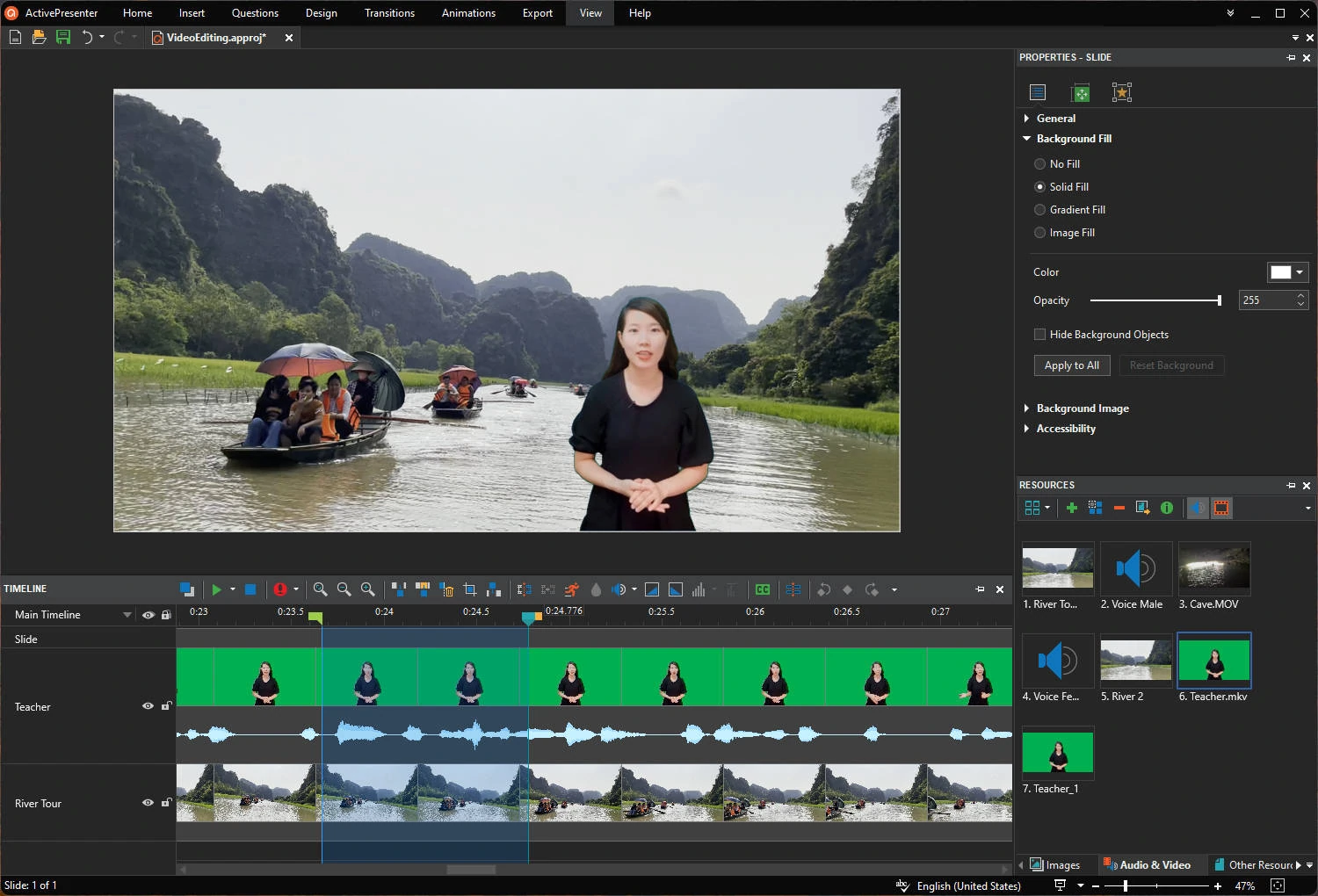
Create or record videos with screencasting and editing tools
Select multiple recording sources at once like screen, microphone, system audio, and webcam. Enhance further with common editing tools, effects, shapes, animations & transitions. HTML5 output enables you to add quizzes and make branched scenarios.
High-level responsive support. Perfect on any device.
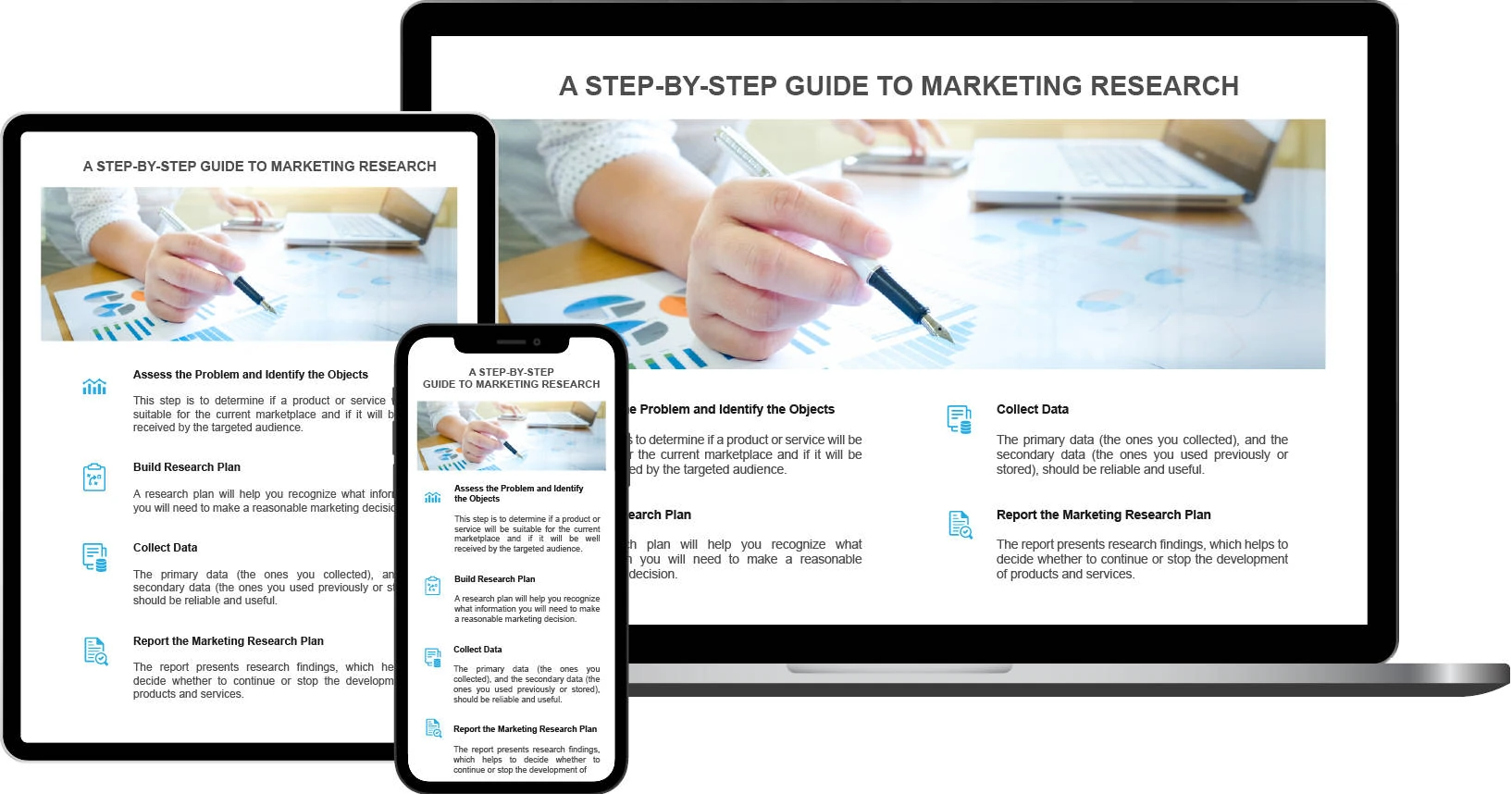
You can define layouts for different screen sizes or use Flex Boxes to layout objects automatically.
Trusted by millions of users
5.000.000+
downloads
10.000+
organizations












Create eLearning content like these and more


What people say?
Just a few words from our millions of users
I just wanted to say that I am so happy I bought your product – it provides everything I need and more, to make tutorials and your support is second to none.
People always seem to find it easy to complain about something, but rarely actually let people know how good something is, so, I wanted to write a short message to say how great the software, and your company are.
You are a rockstar. Thank you so much you have fixed everything. All is working as it should now. Again, I would just like to say a huge thank you for all your 5-star support and also a great bit of software.