
Make Every Lesson Interactive and Effective
Turn everyday teaching materials into engaging interactive lessons,
with one all-in-one authoring software.
No sign-up. No subscription.
Why Educators Choose ActivePresenter?

Video-based learning

Interactive lessons
Auto-graded quizzes
Multiple output formats
Create Video-Based Lessons with AI Assistant
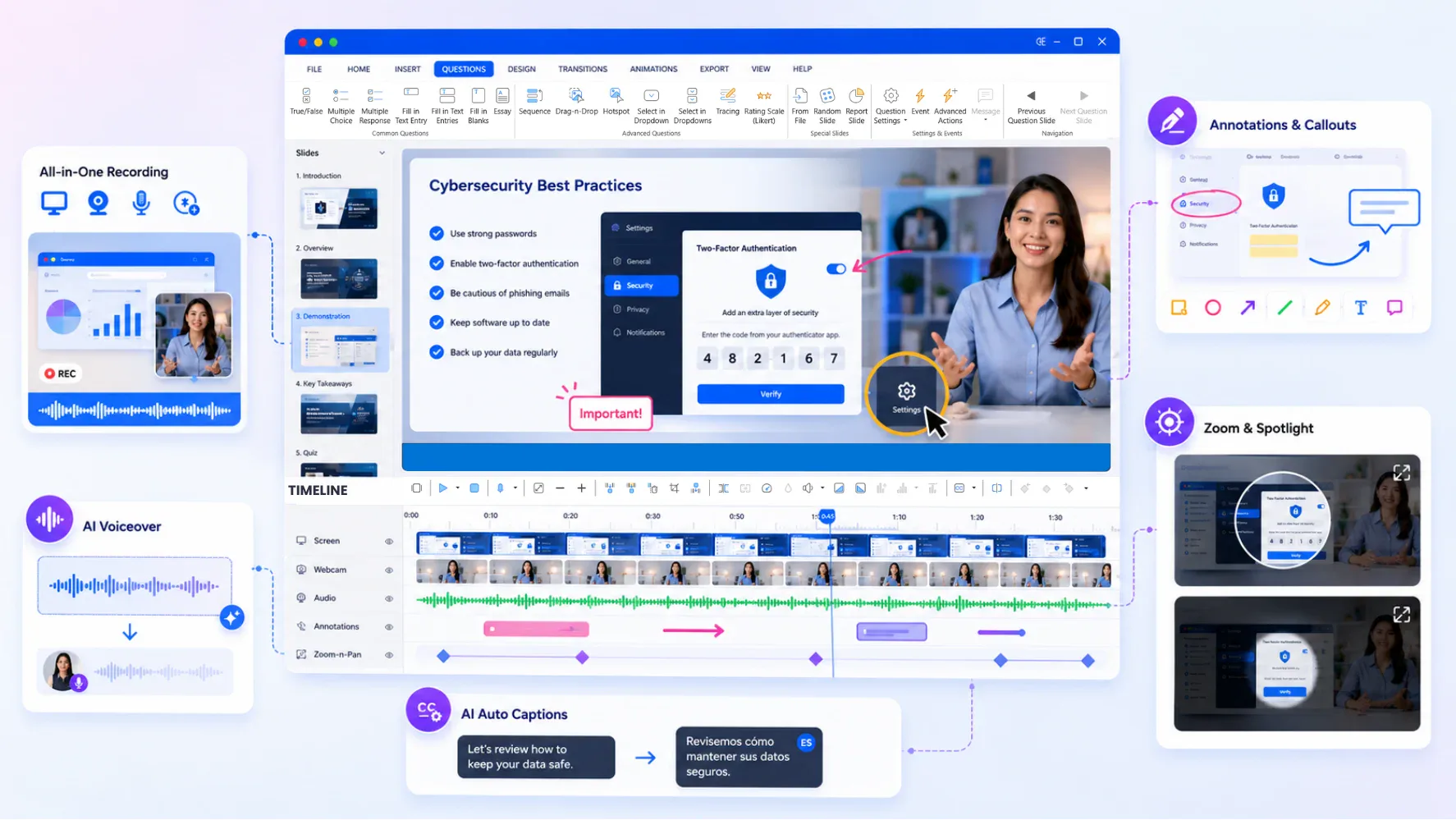
Record, enhance, and deliver video lessons without switching between multiple tools.
✔ Capture lectures, demonstrations, and tutorials with screen, webcam, audio and other sources altogether.
✔ Make lessons more accessible with voiceover and multilingual auto captions.
✔ Highlight important information with shapes, arrows, and callouts.
✔ Zoom & Spotlight effects to guide learners’ attention to important details.
Build Interactive Learning Activities
Turn passive lessons into interactive learning experiences that keep learners actively involved.
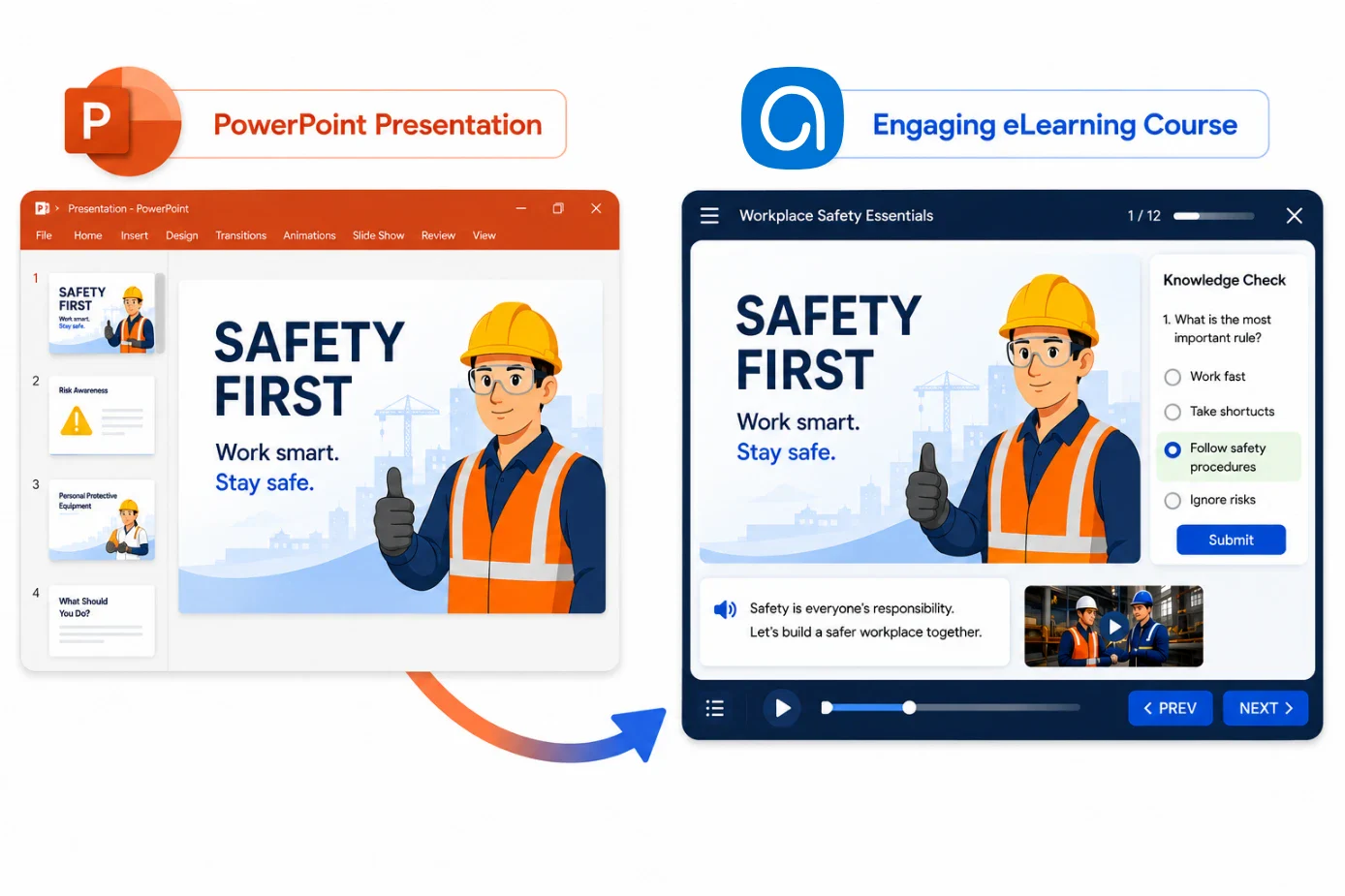
Import PowerPoint
Transform existing PowerPoint presentations into engaging eLearning courses while preserving your original layouts, animations, images, and media.
Enrich your slides with quizzes, interactive objects, navigation controls, and multimedia to create immersive learning experiences without starting from scratch.
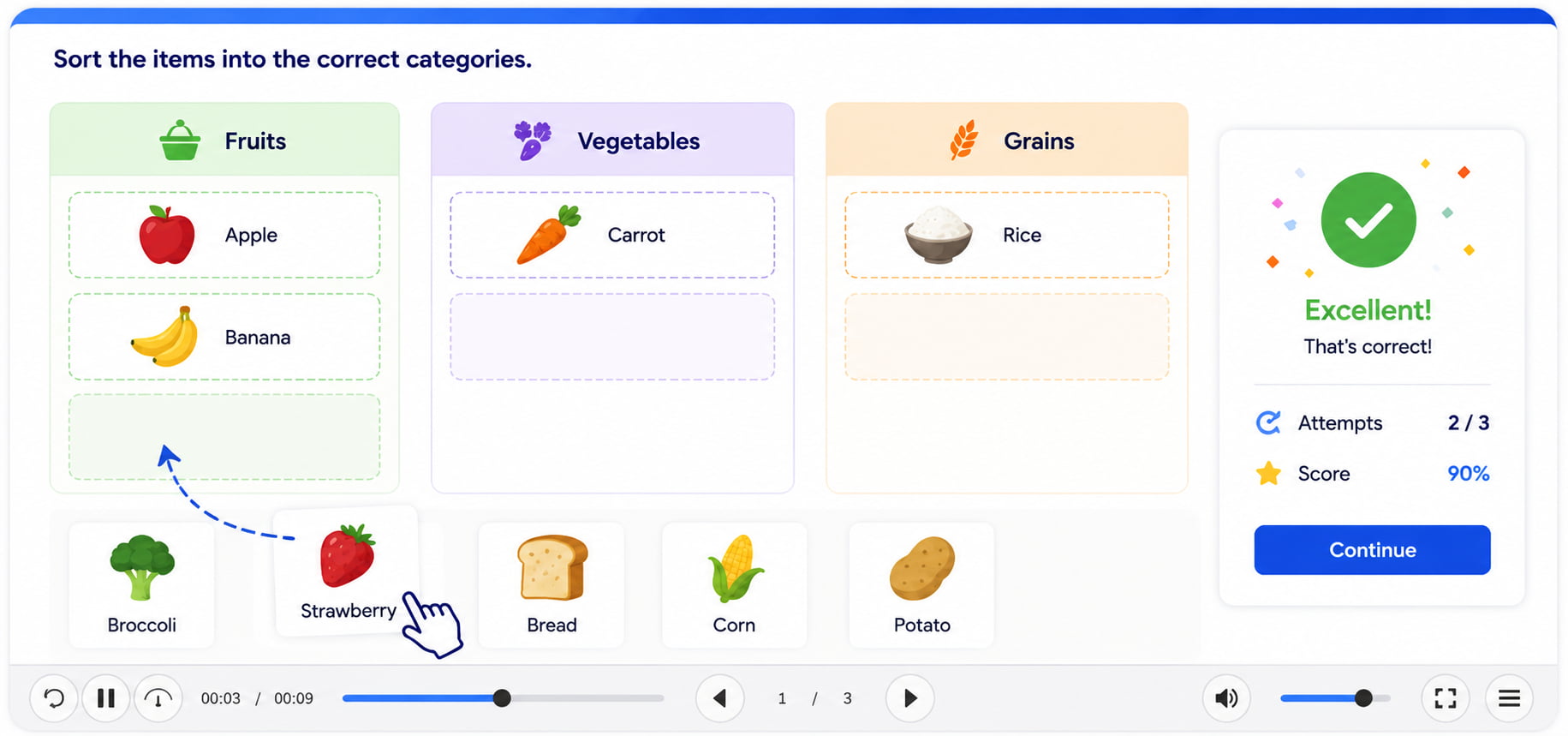
Drag-n-Drop
Reinforce knowledge through engaging drag-and-drop activities, including matching, sorting, and categorization exercises.
Provide instant feedback, multiple attempts, and scoring to help learners actively practice instead of passively consuming content.
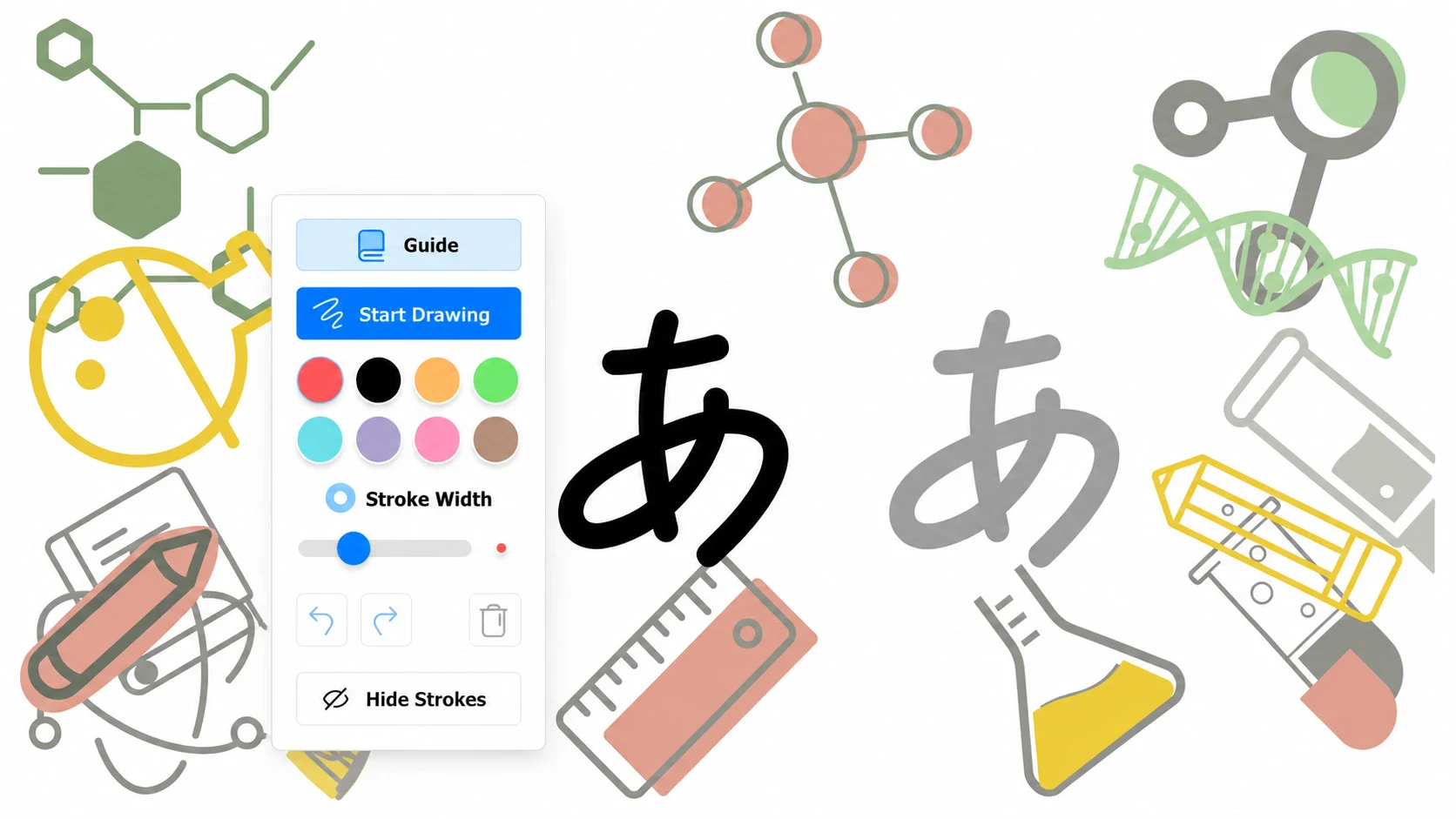
Tracing Interaction
Create interactive tracing exercises that allow learners to practice handwriting, numbers, symbols, and geometric shapes.
Ideal for early education, language learning, and skill development.
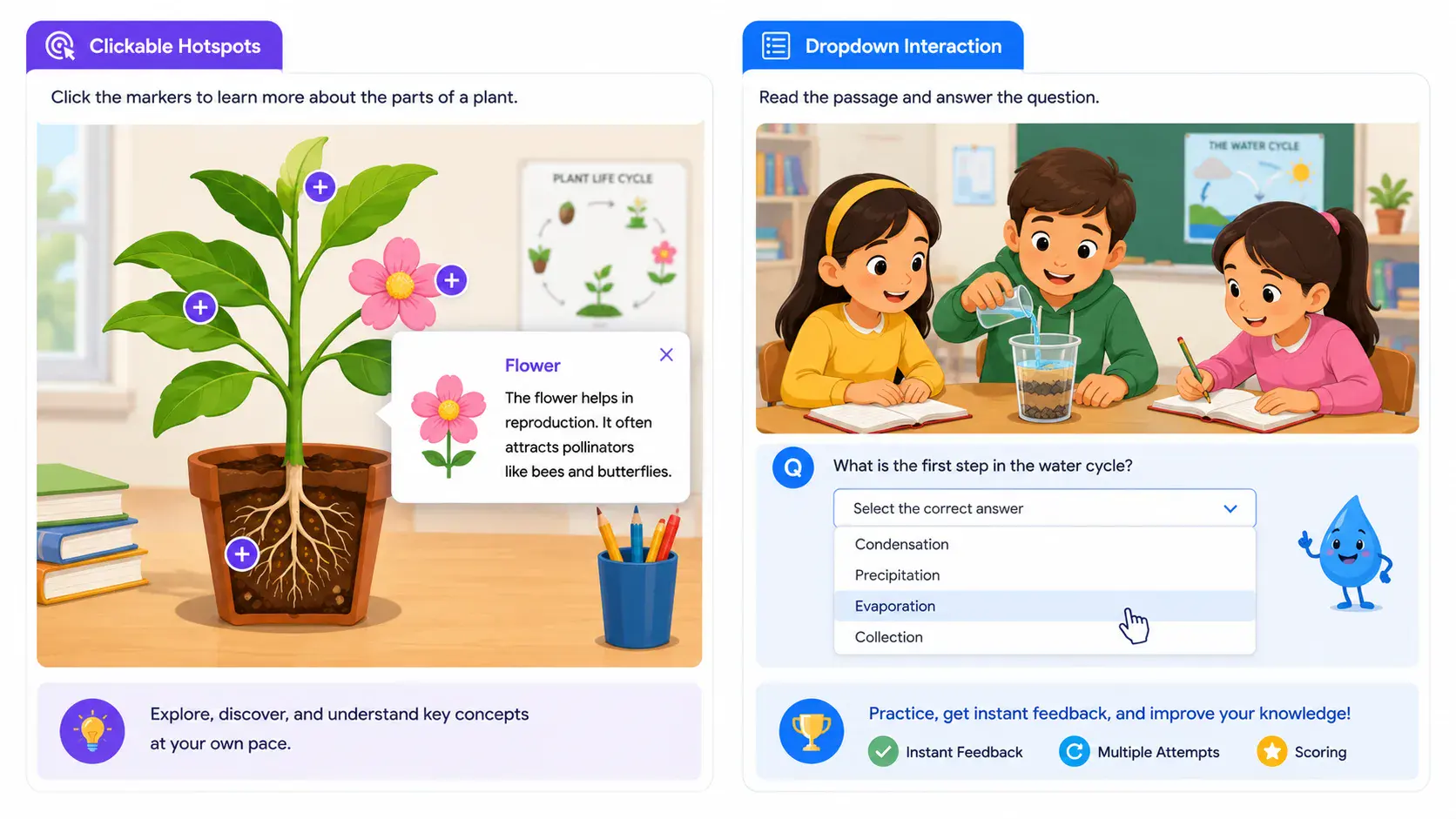
Hotspots & Dropdown
Design clickable hotspots and dropdown interactions that encourage learners to explore content at their own pace.
Use hotspots to identify parts of an image, reveal additional information, or assess understanding,
while dropdown questions offer a compact and interactive way to test knowledge within realistic scenarios.
Assess Learning with
Interactive Quizzes
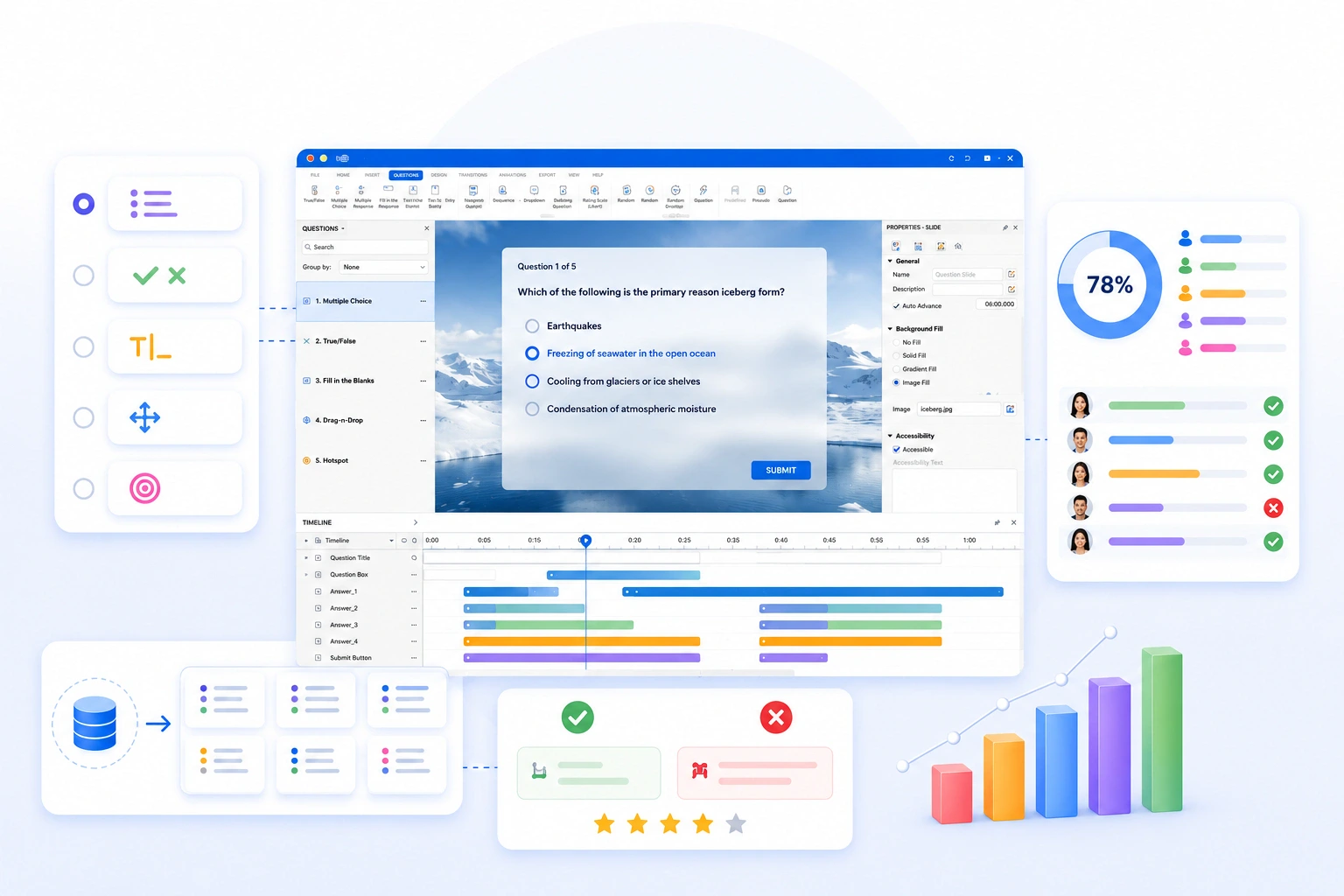
Measure learning progress with interactive assessments and instant feedback.
✔ Video Quizzes – Embed questions directly into videos to keep learners engaged.
✔ Automatic Scoring – Grade quizzes instantly with customized feedbacks
✔ Question Pools & Randomization – Deliver different quiz levels of difficulty in random order
✔ Instant Feedback – Reinforce learning with customized responses after every answer.
✔ Quiz Results Summary – Display scores, feedback, and performance at the end of each assessment.
Publish anywhere, any device
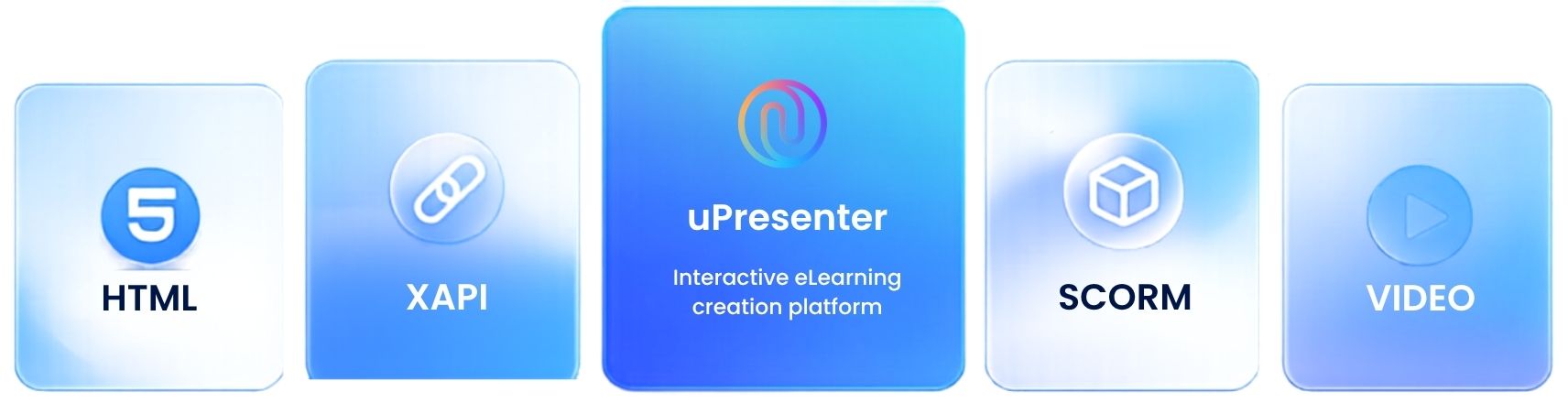
One click to export – SCORM, xAPI, HTML5, LMS, wherever learning happens
Trusted by millions of users
5.000.000+
downloads
10.000+
organizations







Frequently asked questions
Explore the answers to common queries and make the most of your ActivePresenter experience
Can I turn my existing PowerPoint slides into interactive lessons?
Yes. Import your PowerPoint presentations and enhance them with quizzes, drag-and-drop activities, videos, narration, and other interactive elements without recreating your content from scratch.
Can I create video lessons using only ActivePresenter?
Absolutely. Record your screen, webcam, and audio simultaneously, then edit your videos, add captions, voiceovers, annotations, and animations all within ActivePresenter.
Can I track students’ quiz results and learning progress?
Yes. Export courses as SCORM or xAPI for your LMS to track learner progress, quiz scores, and completion status. You can also publish directly to uPresenter LMS for built-in reporting and learner analytics.
Can students access my lessons on different devices?
How does the licensing work, is it per user or per course?
ActivePresenter uses a per-author licensing model.
You only pay for the people who create and develop learning content, not for each learner or course.
This means a single licensed author can create unlimited courses and train 10 or 10,000 learners at no additional licensing cost. There are no per-course or per-learner fees, making ActivePresenter a cost-effective and scalable solution for schools, universities, and organizations of any size.
Do you offer discounts for education?
Yes. ActivePresenter Pro Edu is available for $249 per license with a perpetual license.
Educators can also enjoy volume discounts of up to 45%, starting with the purchase of just 2 licenses.
This makes ActivePresenter an affordable and scalable choice for schools, colleges, universities, and training organizations.