
ActivePresenter Free Edition
Free Screen Recorder No Watermark or Time Limit.
The Best Free Video editor for teachers, students, and hobbyists.
Unlimited Trial Time. No Watermark. No Adware.
Note: ActivePresenter is designed primarily to create engaging and effective training courses, rather than being the go-to choice for recording lengthy hour-long sessions. You can vist ActivePresenter eLearning features here.
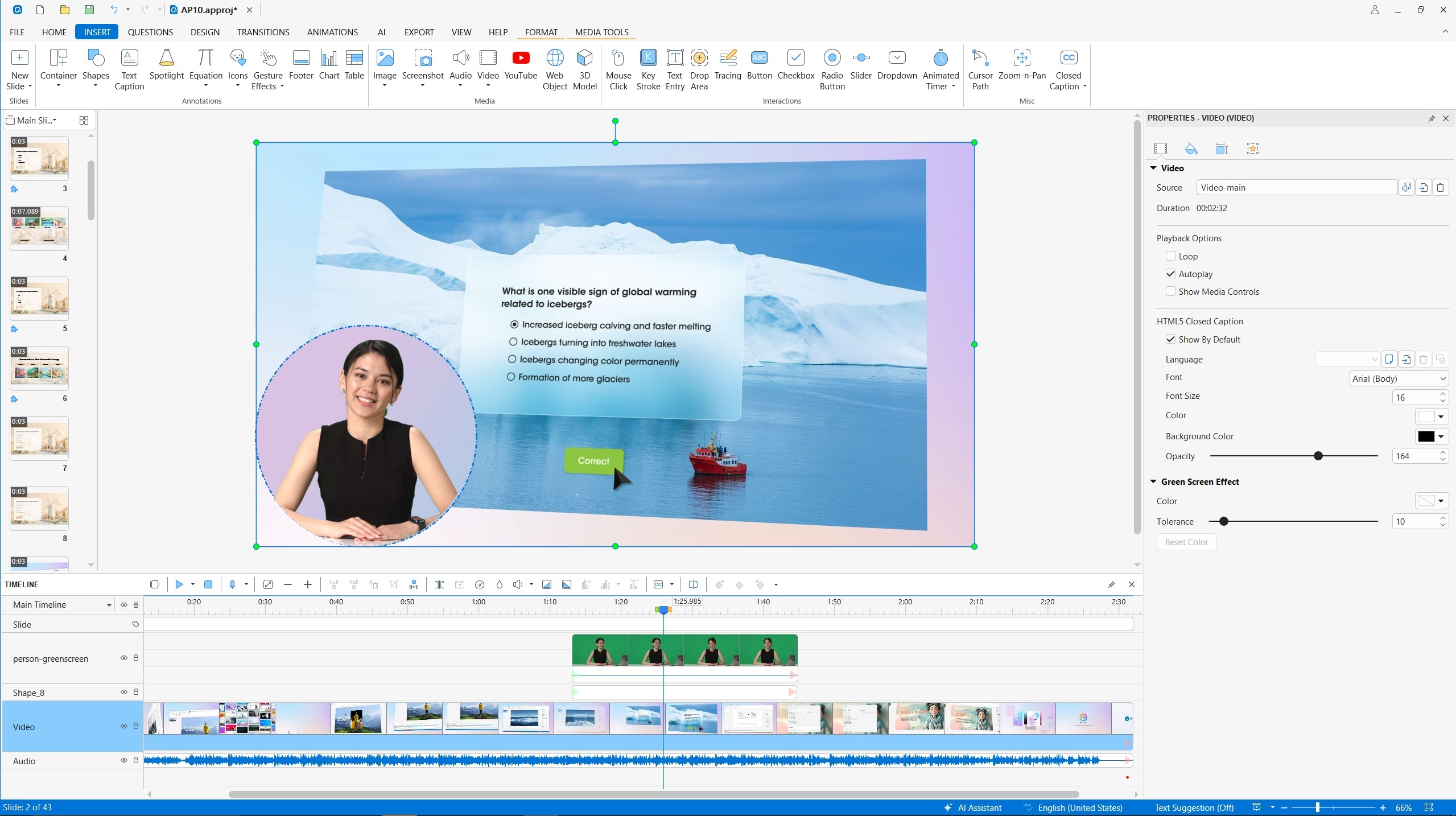
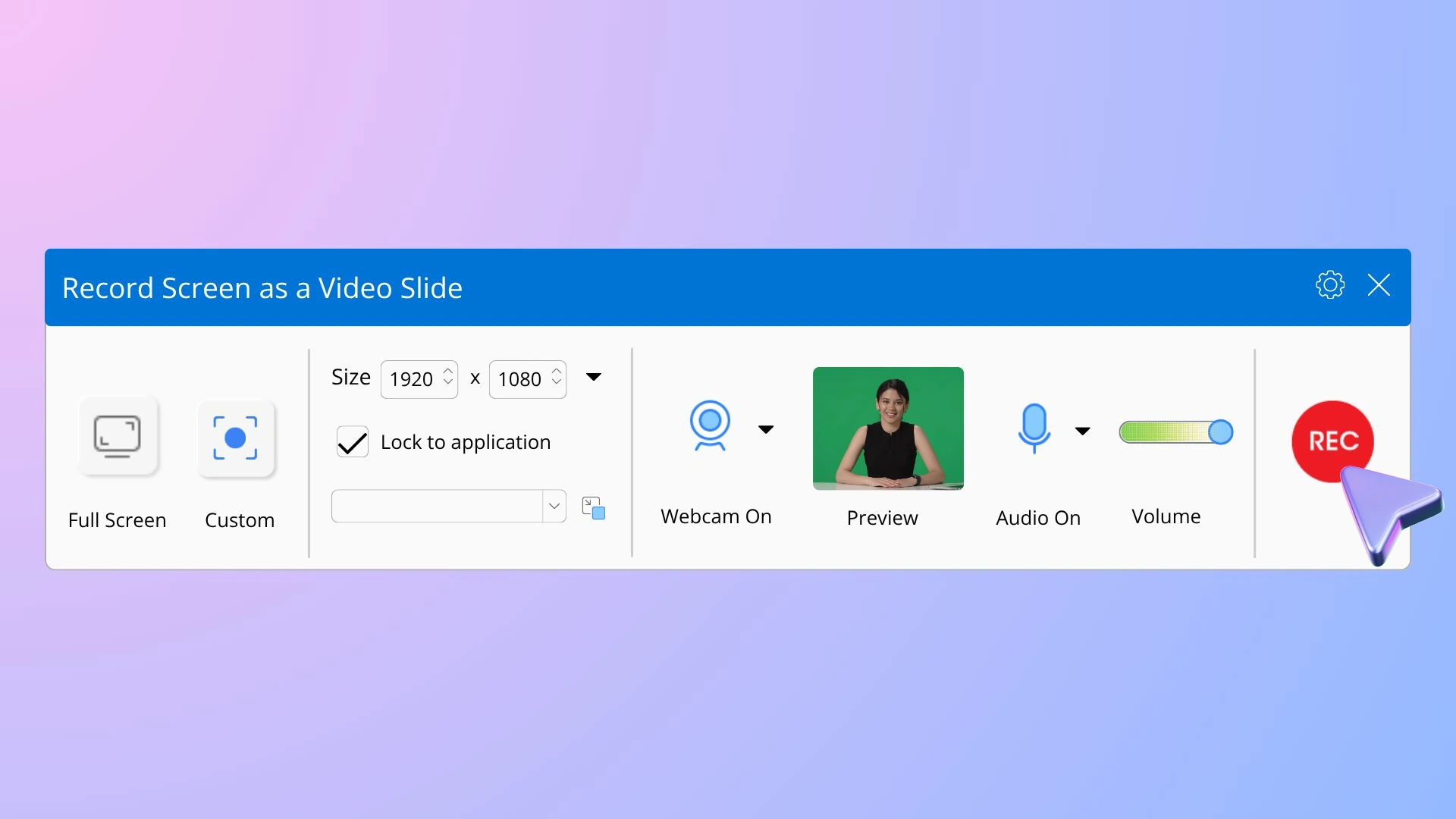
Record screen, webcam, microphone, and speakers simultaneously
Record everything on your computer screen with crystal-clear video quality. Select any area or full-screen for recording.
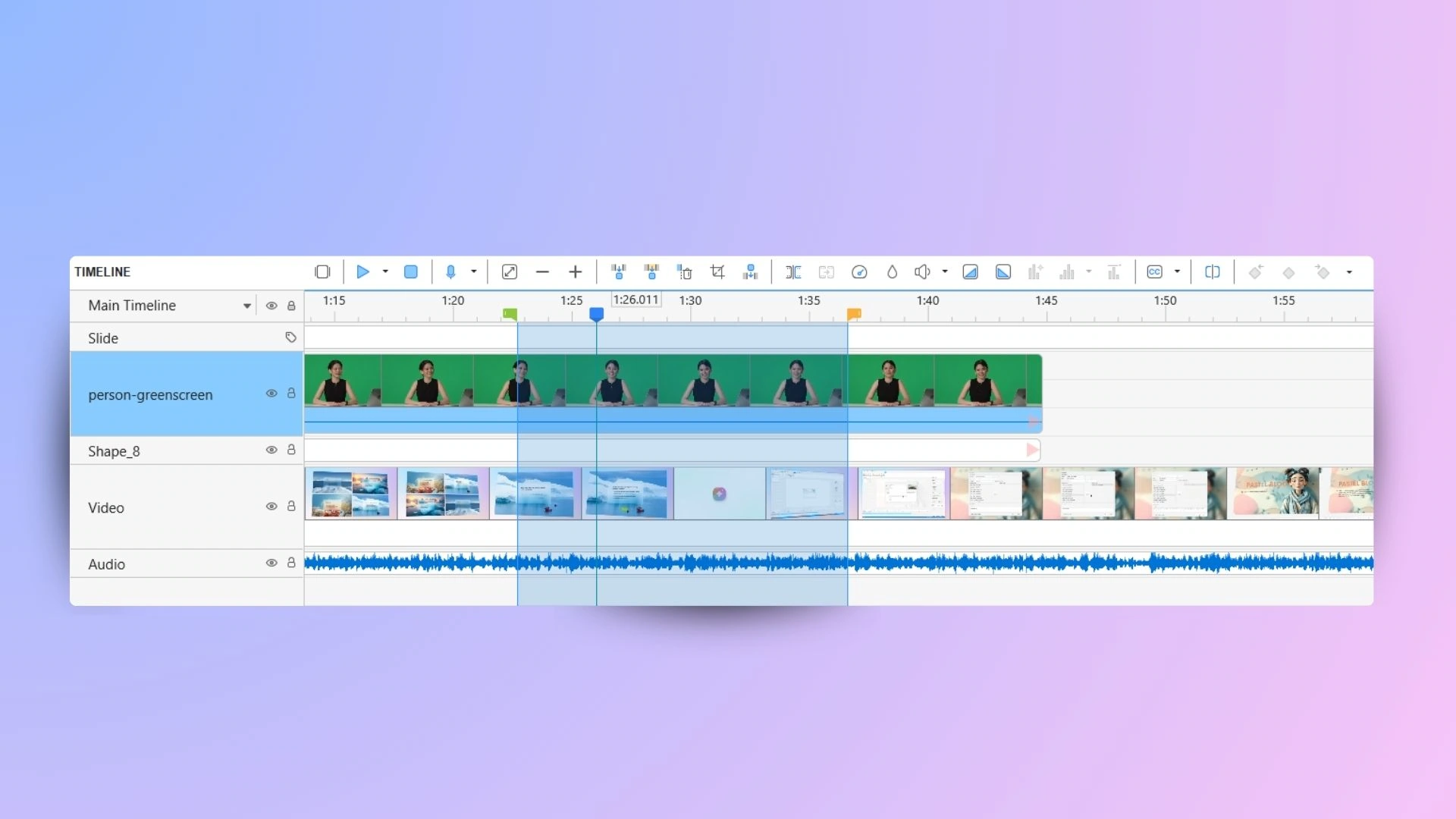
Cut, join, delete frames precisely
Provide all the necessary basic editing tools: Cut, Split, Join, Change Speed/Volume, Insert Freeze Frame.
Support multi-track audio/video editing.
Edit less. Create more.
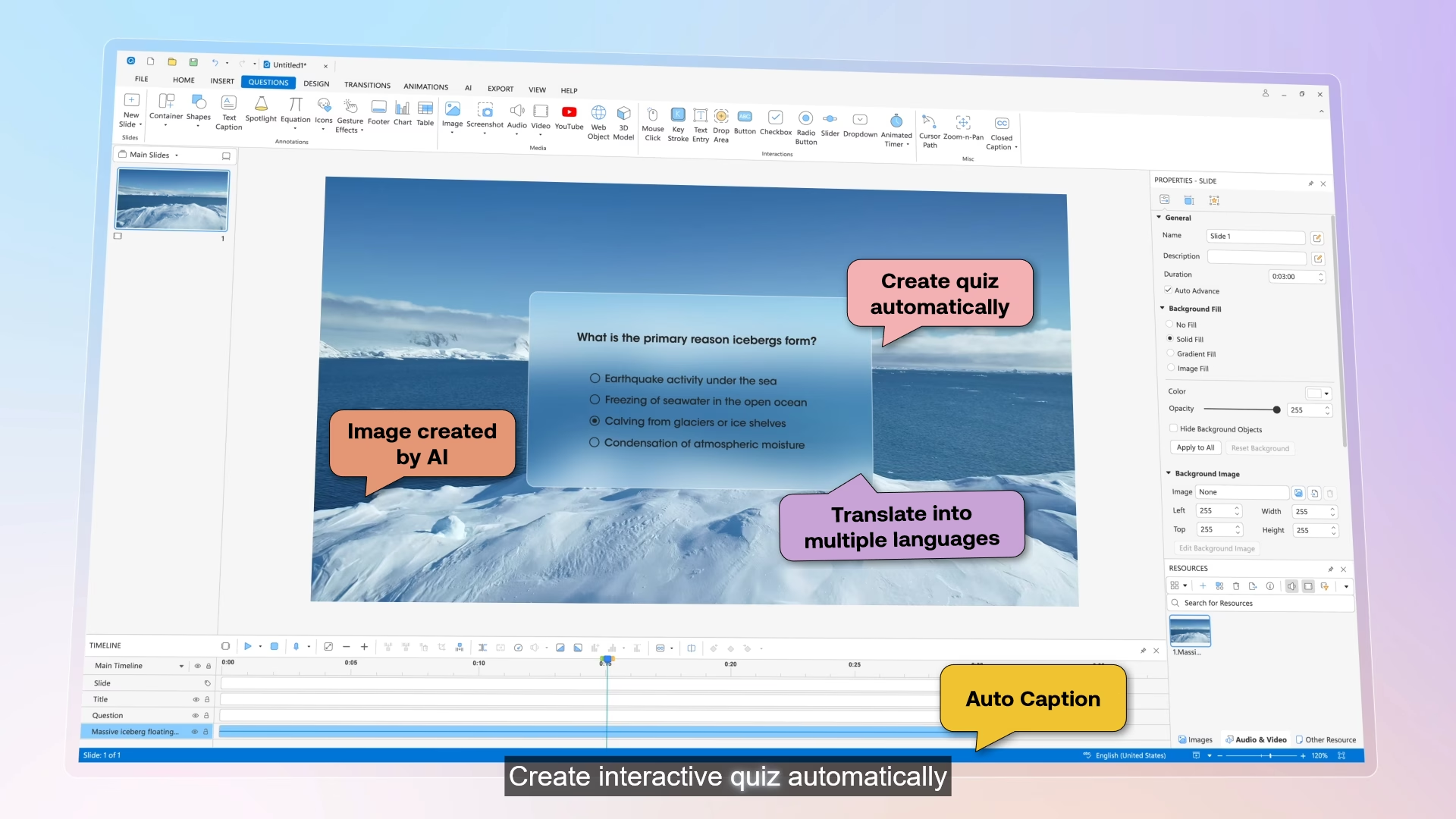
Stop spending hours on post-production. Our built-in AI tools handle the heavy work.
✔ AI noise removal for clean, studio-quality audio
✔ Auto captions in seconds, styled to match your brand
✔ Translate captions into multiple languages, instantly
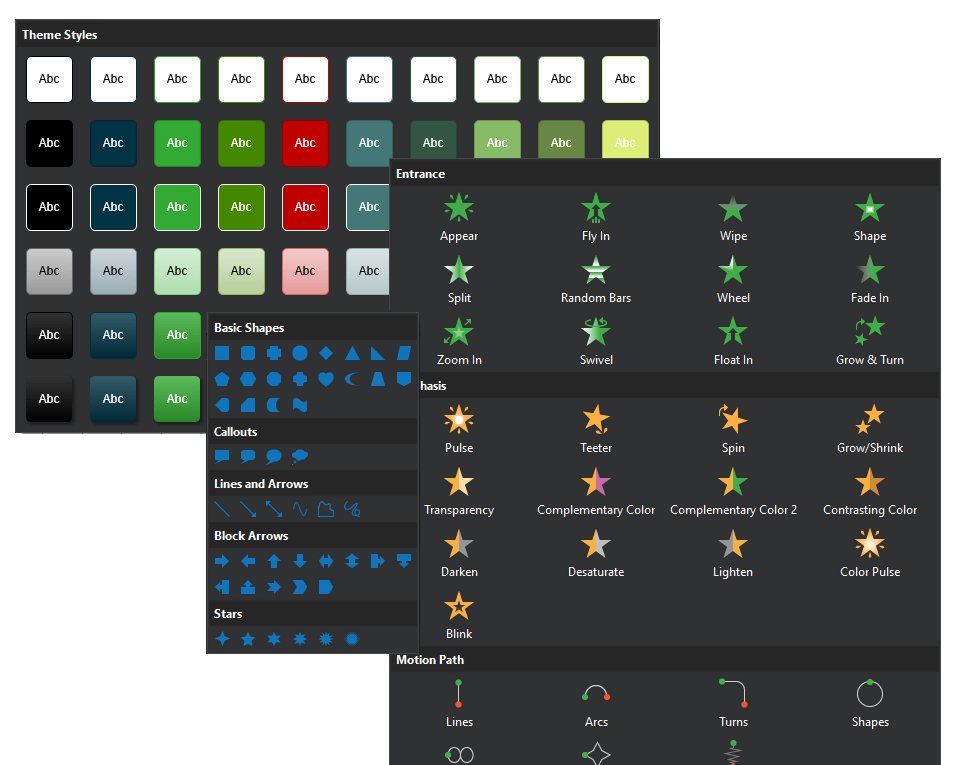
Annotate quickly and easily
Explain your videos with shapes, images, audio.
Make your style consistent with themes & colors.
Add dozens of transitions and animation effects to your videos.
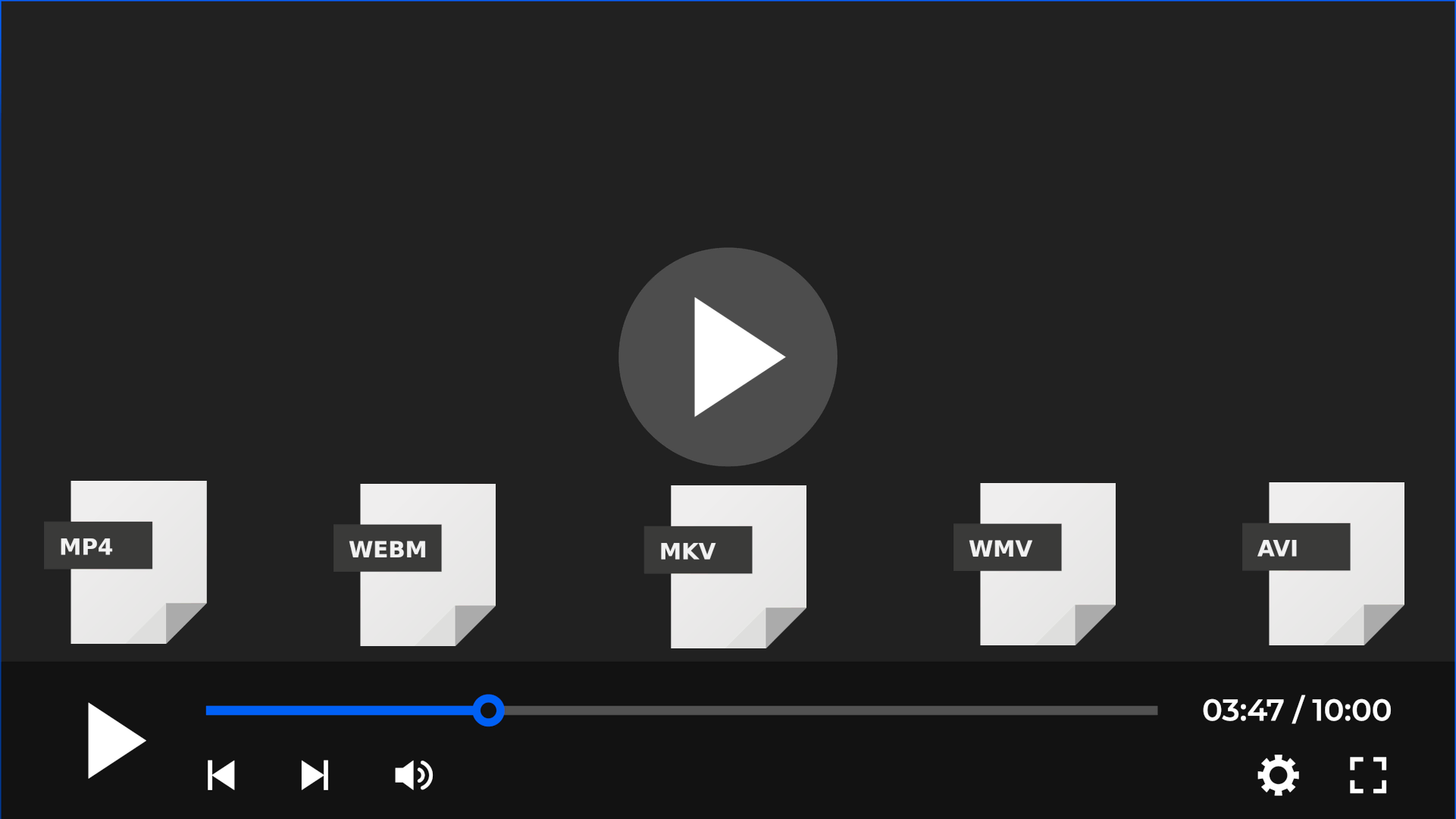
Export to popular video formats
Support best video codecs (H.264, H.265, VPX) in popular video formats (MP4, WebM).
Publish anywhere, any device
One click to export – SCORM, xAPI, HTML5, LMS, wherever learning happens

Download ActivePresenter –
the most powerful free screen recorder today!
No sign-up. No subscription.