
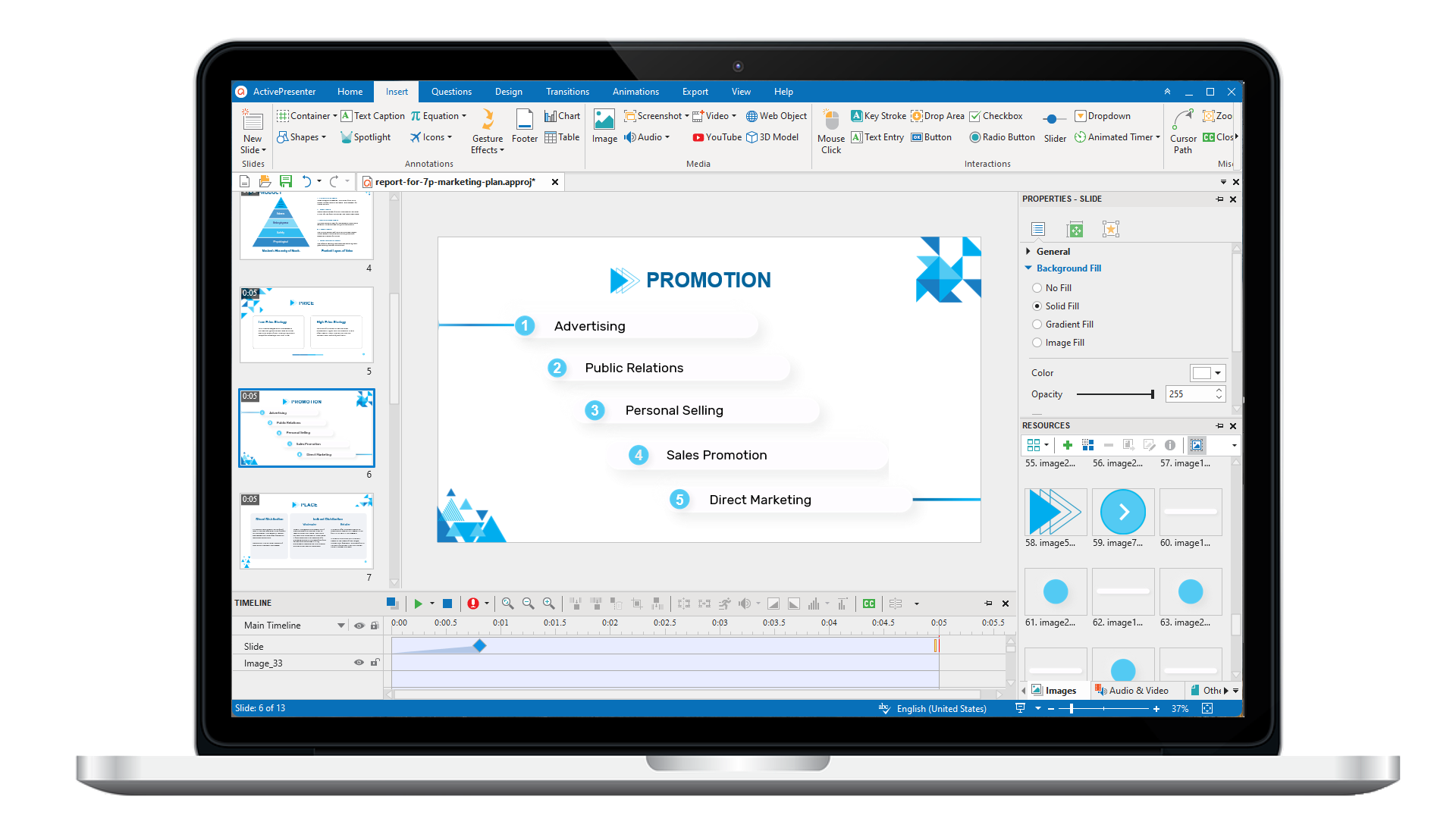
ActivePresenter 10
An AI-powered eLearning authoring tool that streamlines your course creation. An all-in-one eLearning solution to create training videos, software simulations, educational games, and interactive slide-based lessons.
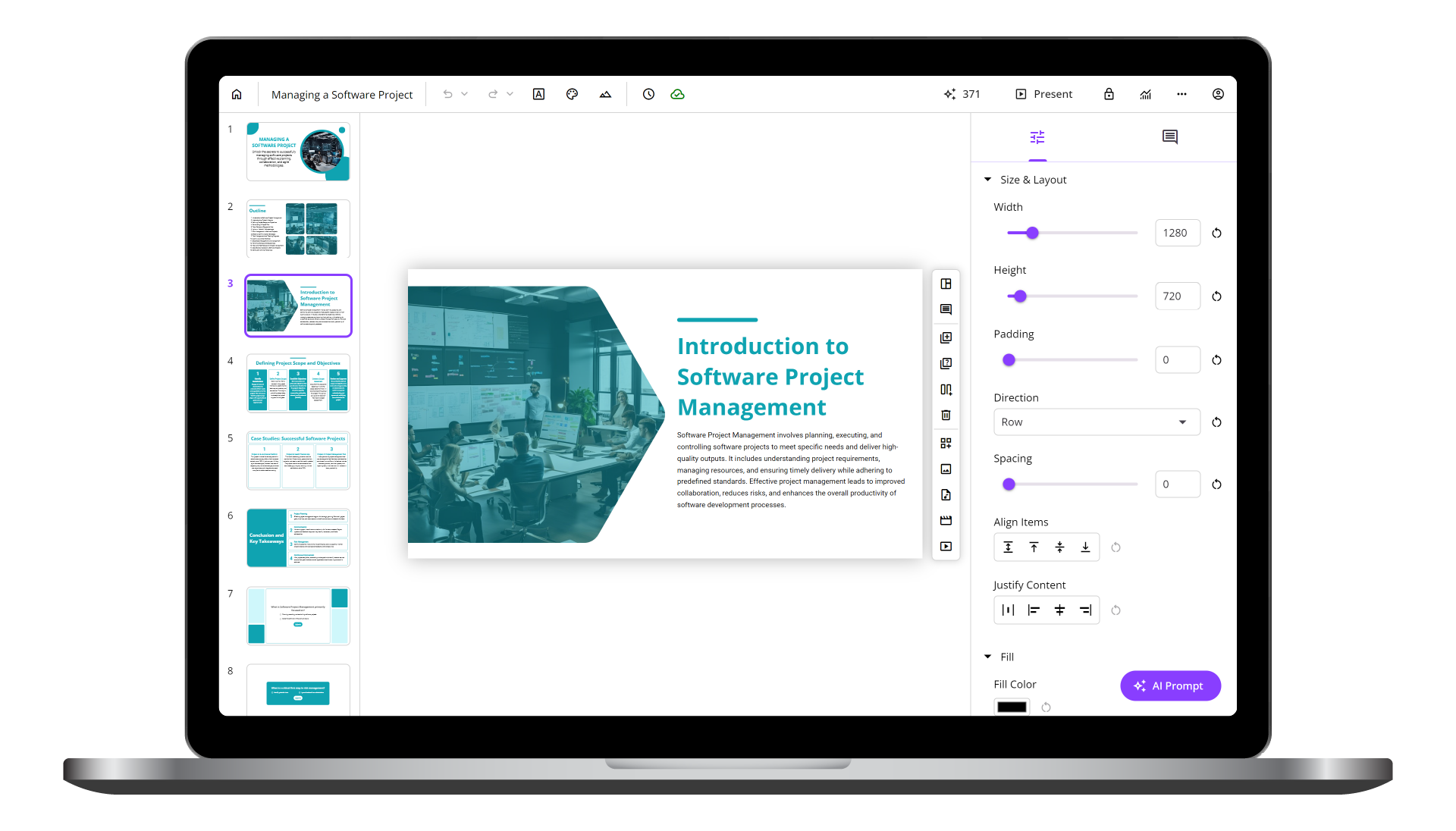
uPresenter
Next-Generation Interactive eLearning Platform
Create interactive presentations, quizzes, and dynamic learning experiences with real-time collaboration, seamless public sharing, and powerful reporting features.
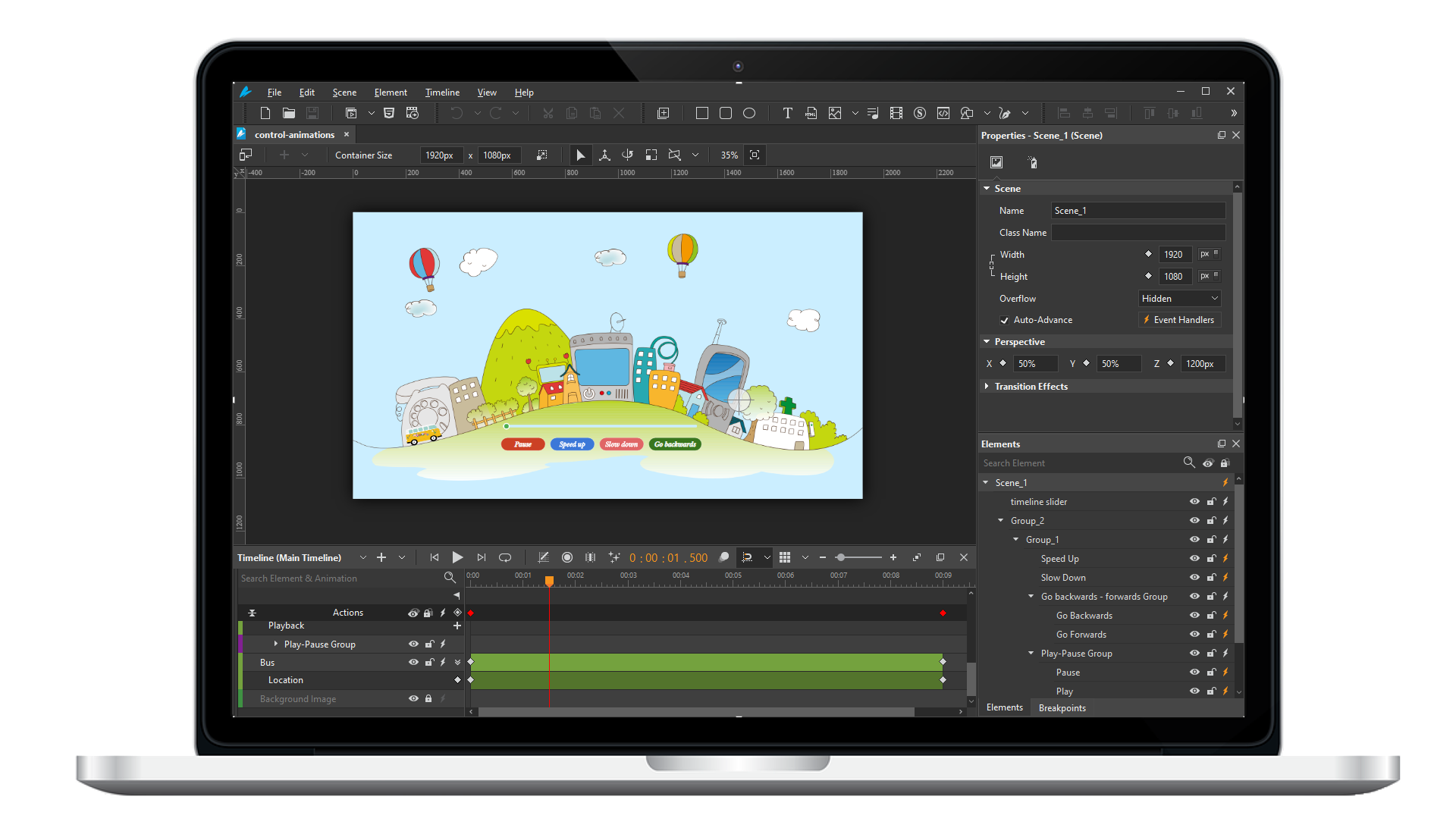
Saola Animate 3
Create HTML5 animations and interactive content which run on any platform and device without coding skills.
Learn, share, and get support

Read latest tutorials and tips

Learn & ask our support experts

Connect & share with user community
Latest from our blog
Screencasting & eLearning

Interactive Training: How to Get the Best for Remote Employees
Master interactive training for remote teams. Learn why it matters & see how ActivePresenter creates engaging quizzes, simulations & gamification.

The Decisive Importance of Corporate Training and How to Build High-Impact Programs with ActivePresenter?
Unlock effective corporate training with ActivePresenter! Learn how to build high-impact courses, create interactive content, and leverage diverse publishing formats for seamless LMS integration.

Boost Learning Engagement with the Right Employee Training Software
In this article, we’ll explore the benefits of using employee training software, essential tools to consider, and practical strategies to create learning experiences that truly resonate.
HTML5 Animation
Working with Scenes
Think of scenes as slides in Microsoft PowerPoint. Scenes are helpful in separating content and controlling the flow of animations. This tutorial shows you how to work with scenes.
Using the Effects Tab
The Effects tab contains sections: shadow, filter and clip effects. Each of them shows a great support for designing but easy to use. Learn how to use these effects to boost your design in this tutorial.
Grouping Elements
Grouping multiple elements into a single one allows you to streamline your editing and speed up your work. Learn how to group elements and work with group in Saola Animate in this tutorial.