
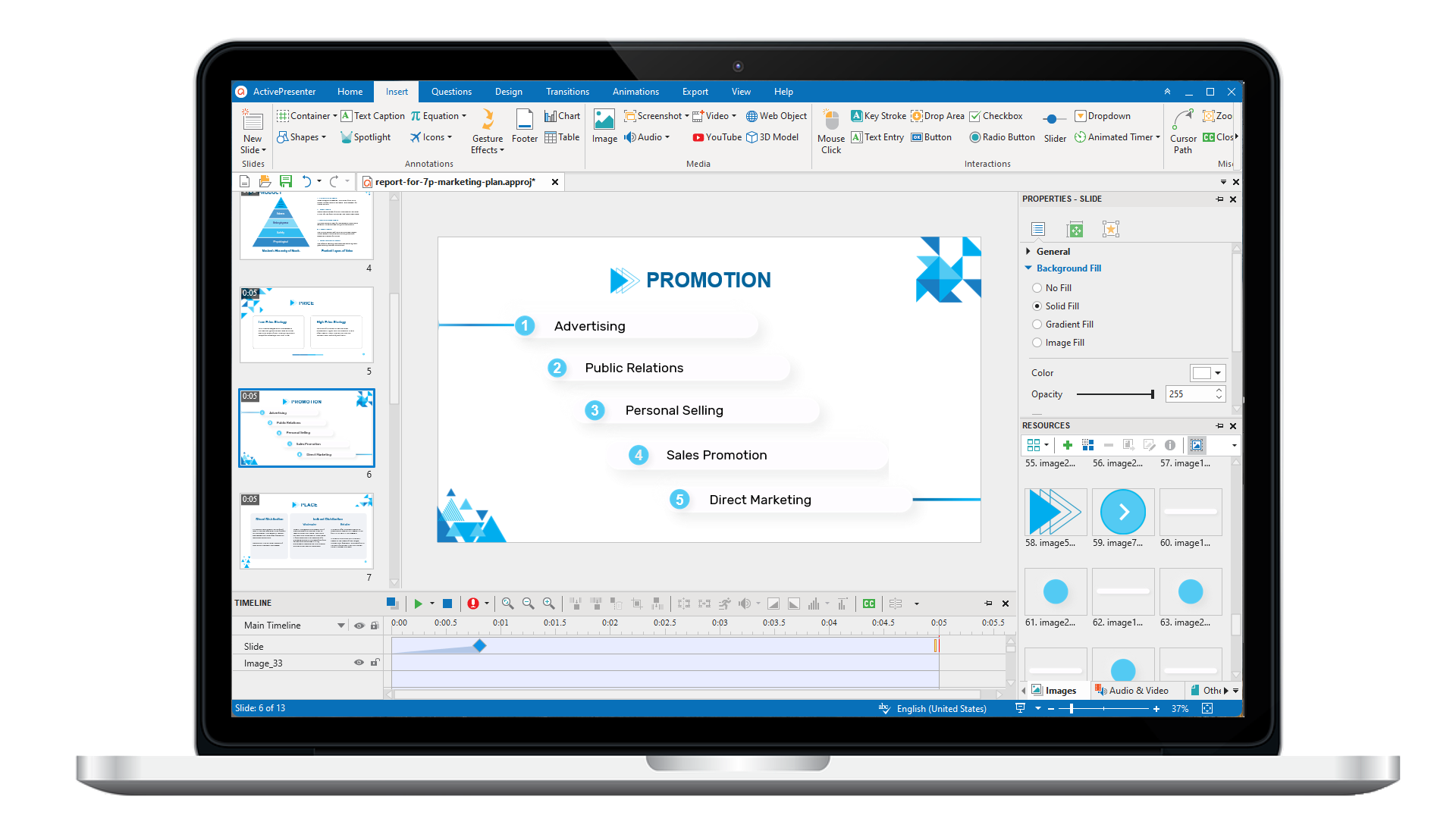
ActivePresenter 10
An AI-powered eLearning authoring tool that streamlines your course creation. An all-in-one eLearning solution to create training videos, software simulations, educational games, and interactive slide-based lessons.
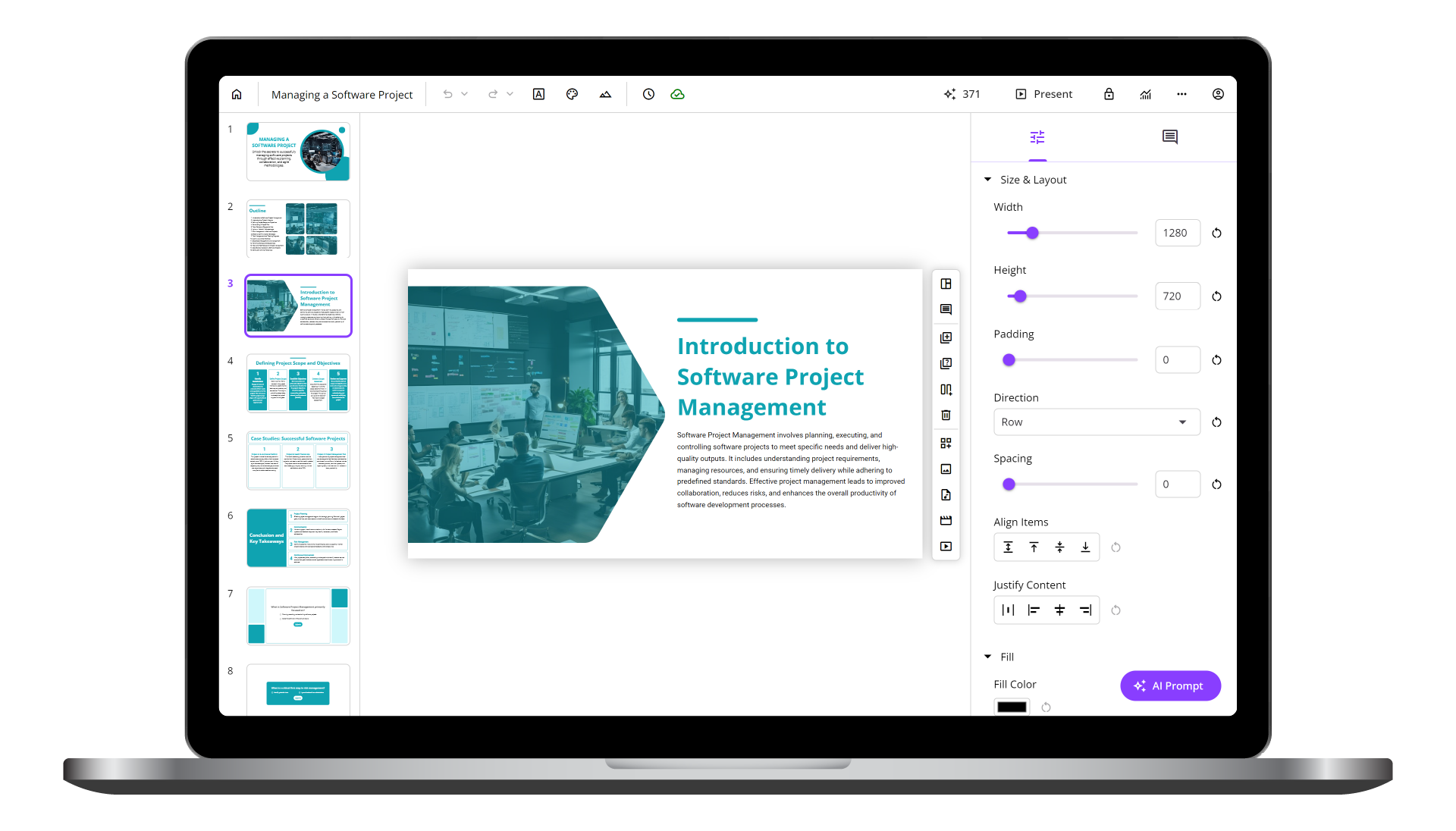
uPresenter
Next-Generation Interactive eLearning Platform
Create interactive presentations, quizzes, and dynamic learning experiences with real-time collaboration, seamless public sharing, and powerful reporting features.
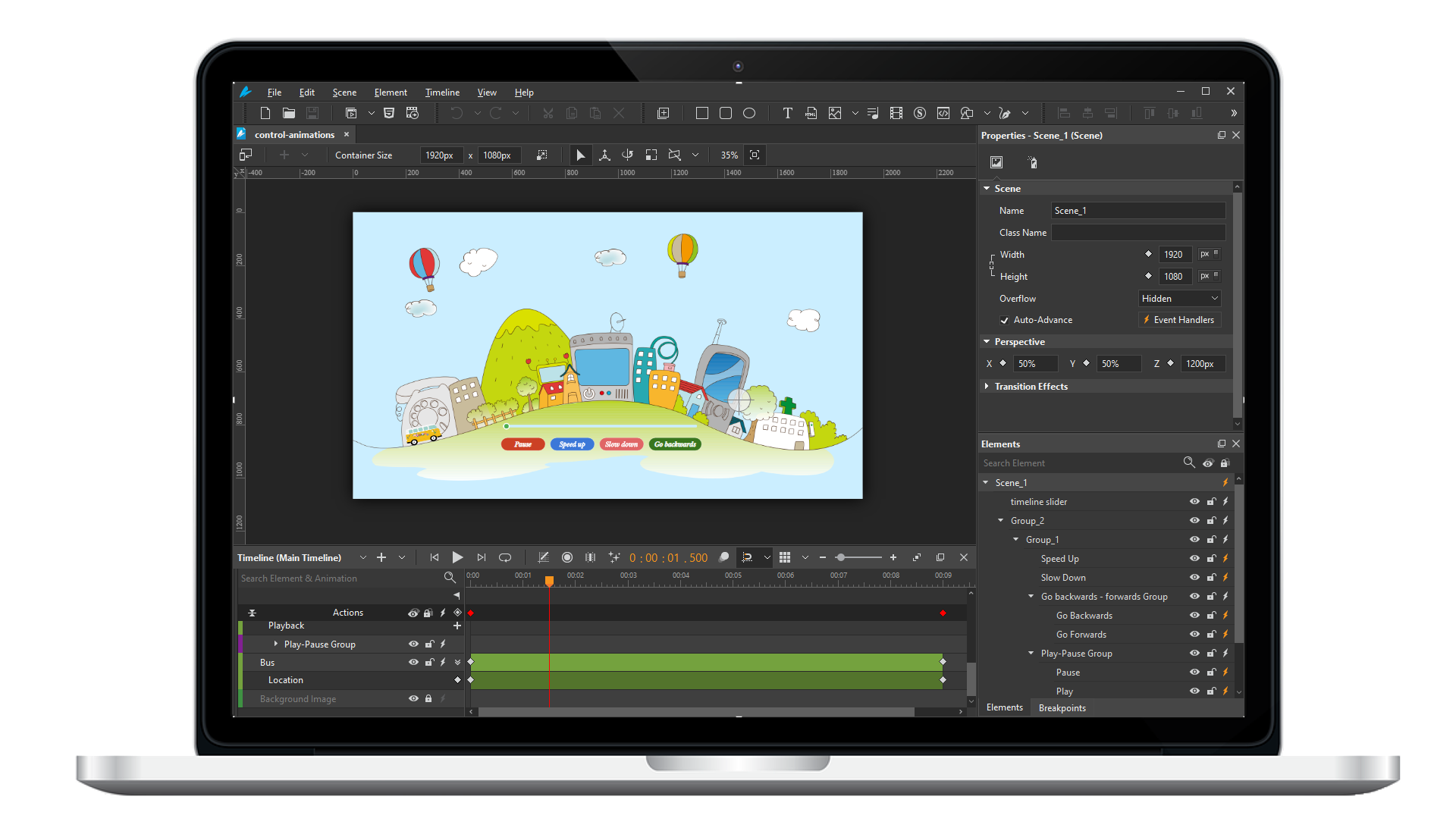
Saola Animate 3
Create HTML5 animations and interactive content which run on any platform and device without coding skills.
Learn, share, and get support

Read latest tutorials and tips

Learn & ask our support experts

Connect & share with user community
Latest from our blog
Screencasting & eLearning

Free Alternative to Articulate Storyline: 5 Powerful Tools Experts Actually Use in 2026
If you've ever opened Articulate Storyline's pricing page and felt your stomach drop, you're not alone. At roughly $1,299 per year (or bundled into the $1,599/year Articulate 360 subscription), Storyline is genuinely excellent, but it's a significant financial...

Course Authoring Software 2026: The Expert’s No-Fluff Buying Guide
Picking the wrong course authoring software is one of the most expensive mistakes an instructional designer can make, not just in dollars, but in months of lost productivity, retraining, and rework. I've spent over nine years building eLearning content across...
Record Screen on Windows 11: 5 Methods That Actually Work in 2026
Whether you're a teacher building an online course, an IT professional documenting a workflow, or a content creator filming your first tutorial, knowing how to record your screen on Windows 11 is a fundamental skill in 2026. The problem? With so many options floating...
HTML5 Animation
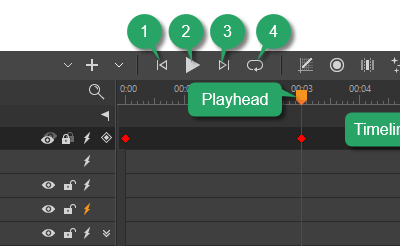
Use the Timeline Pane in Saola Animate 3
The Timeline pane plays an integral role in the animation-creating process. It gives you the capability to view and control all timing aspects of a project.
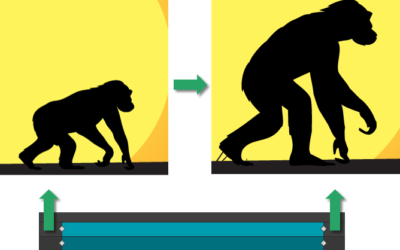
Create Morph Animations in Saola Animate 3
Morph Animations can be considered as a highlight in Saola Animate 3.0. This feature allows animating from one shape or freeform’s form to another through a seamless transition without coding skills required. Besides, it is possible to copy SVG paths from other vector graphic editors and paste them into the app as freeforms for further editing.
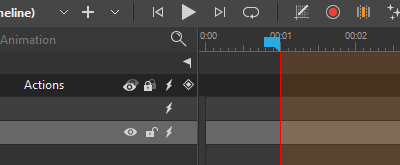
Use Auto-Keyframes in Saola Animate 3
Keyframes are the bread and butter in creating HTML5 animations. In the previous tutorials, you have learned how to add keyframes; adjust, move, copy, and remove keyframes. In this tutorial, let’s dive deep into how to use Auto-Keyframe – an automatic keyframing feature that allows you to generate keyframes in a flash.