
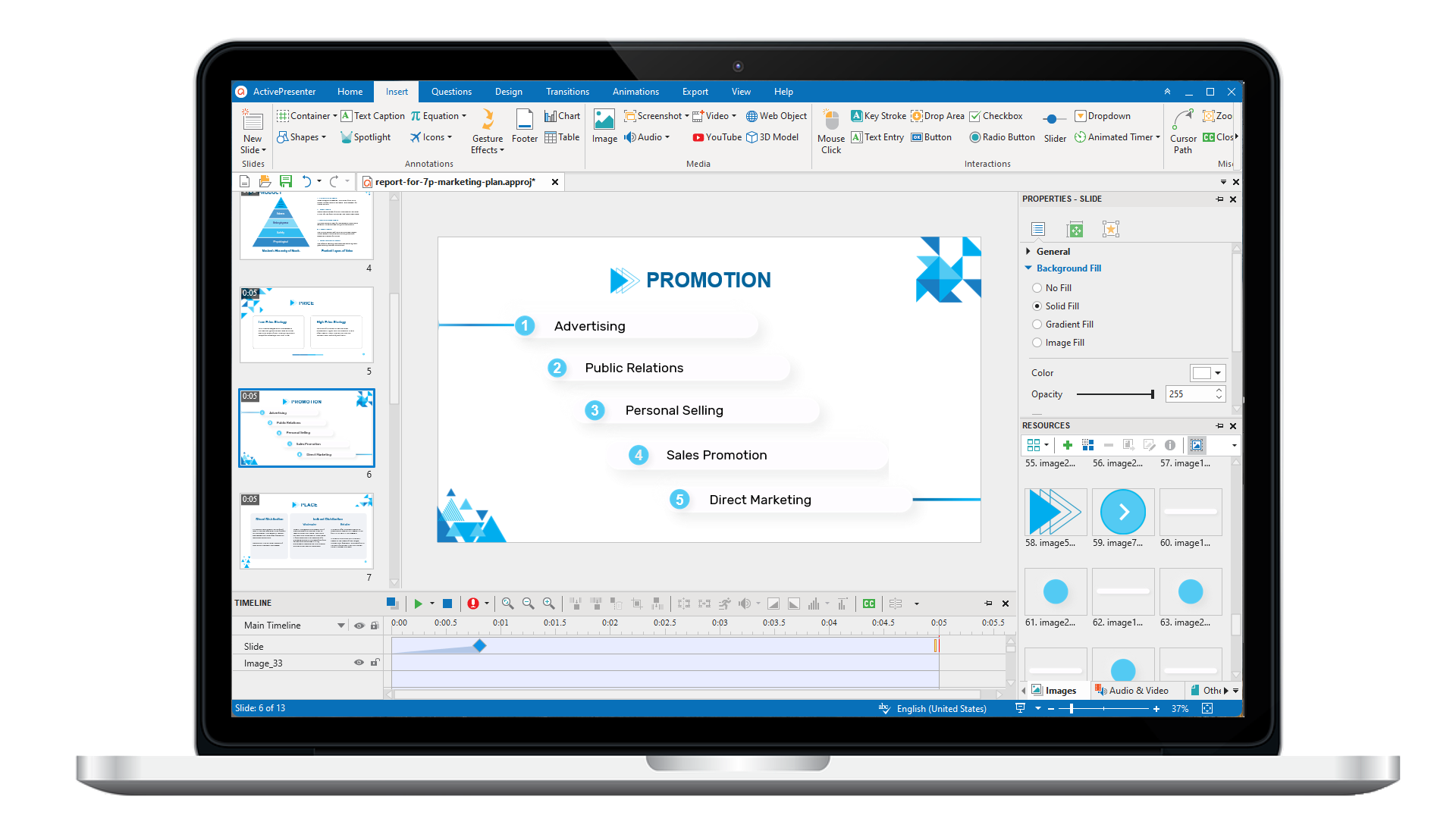
ActivePresenter 10
An AI-powered eLearning authoring tool that streamlines your course creation. An all-in-one eLearning solution to create training videos, software simulations, educational games, and interactive slide-based lessons.
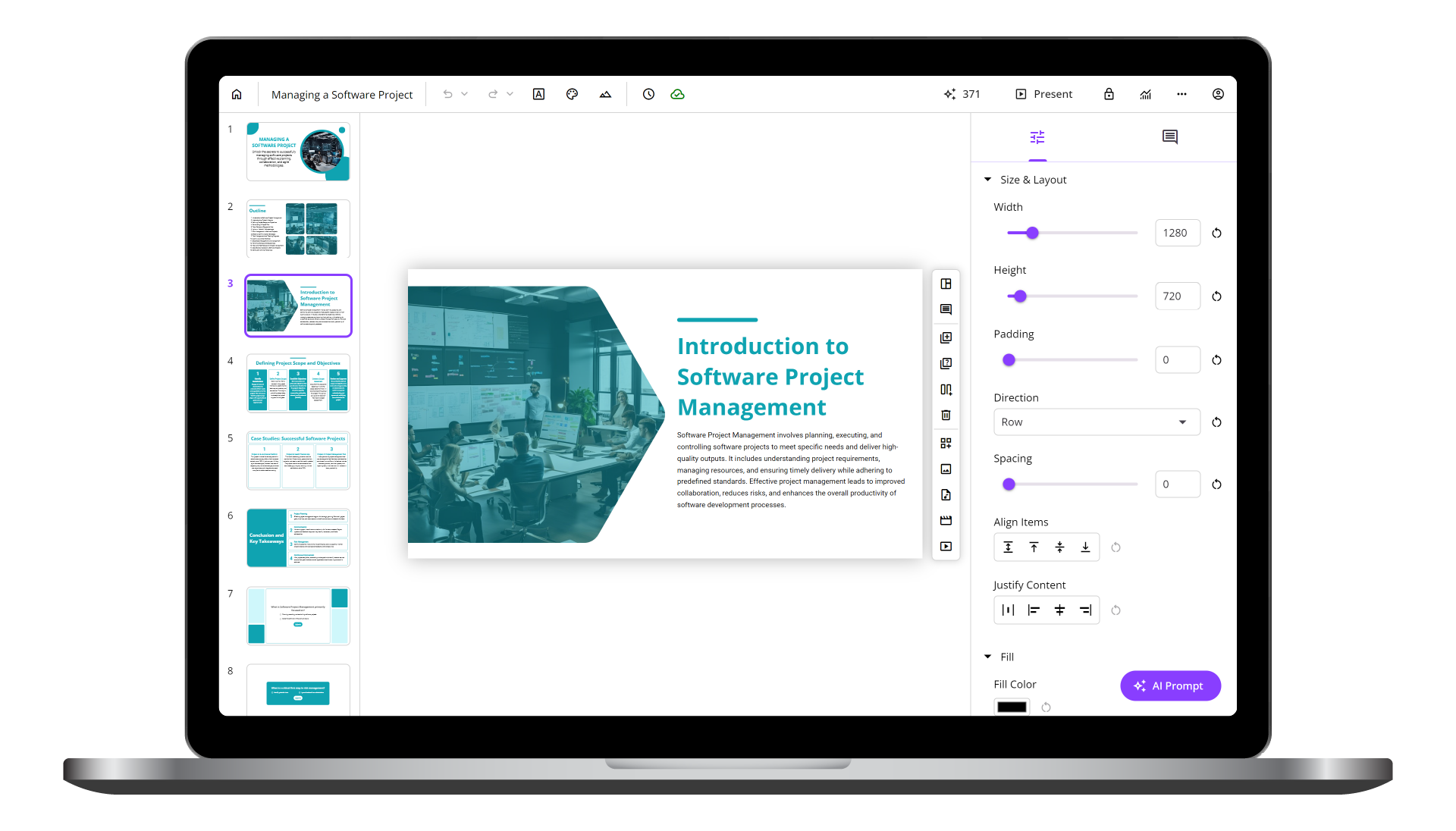
uPresenter
Next-Generation Interactive eLearning Platform
Create interactive presentations, quizzes, and dynamic learning experiences with real-time collaboration, seamless public sharing, and powerful reporting features.
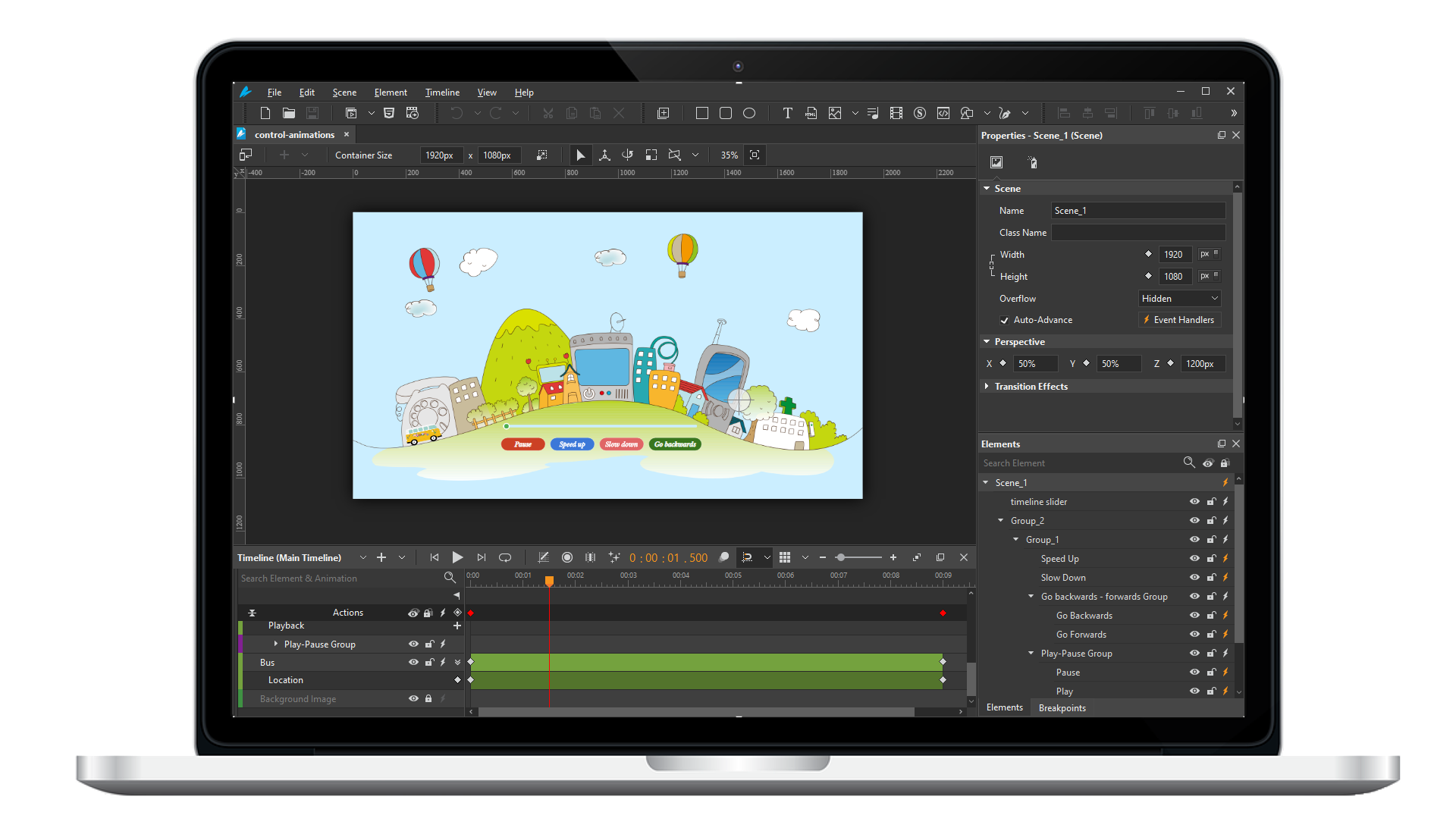
Saola Animate 3
Create HTML5 animations and interactive content which run on any platform and device without coding skills.
Learn, share, and get support

Read latest tutorials and tips

Learn & ask our support experts

Connect & share with user community
Latest from our blog
Screencasting & eLearning
How to Create Quizzes in ActivePresenter
Creating quizzes in ActivePresenter allows you to design interactive assessments with multiple question types, instant feedback, and flexible scoring. You can use these quizzes in eLearning courses, training videos, or classroom lessons, then publish them as SCORM, xAPI, HTML5, or uPresenter LMS for easy sharing and tracking.

Best Course Authoring Tools Compared 2026: Why ActivePresenter Stands Out
Choosing the right course authoring tool in 2026 requires balancing high-end interactivity with rising budget pressures. This guide compares the top eLearning software on the market and explores why ActivePresenter stands out as the Smart Investment

Export an eLearning Project in ActivePresenter: A Complete Guide for Beginners
ActivePresenter offers flexible export options that let you turn a single project into videos, documents, or fully trackable eLearning courses across multiple platforms.
HTML5 Animation
Exporting Saola Animate Animation to HTML5
Once your animation is complete, you’ll want to export it for final delivery. This tutorial presents how to export animation to HTML5 in Saola Animate.
Using Multiple Timelines
A single scene in Saola Animate can have more than one timeline to easily organize and control complex animations. This tutorial will show you how to use multiple timelines and control timeline playback.
Playing HTML5 Video and Audio
There is more than one way to play HTML5 video and audio. In Saola Animate, you can easily control video and audio playback either manually or automatically.