
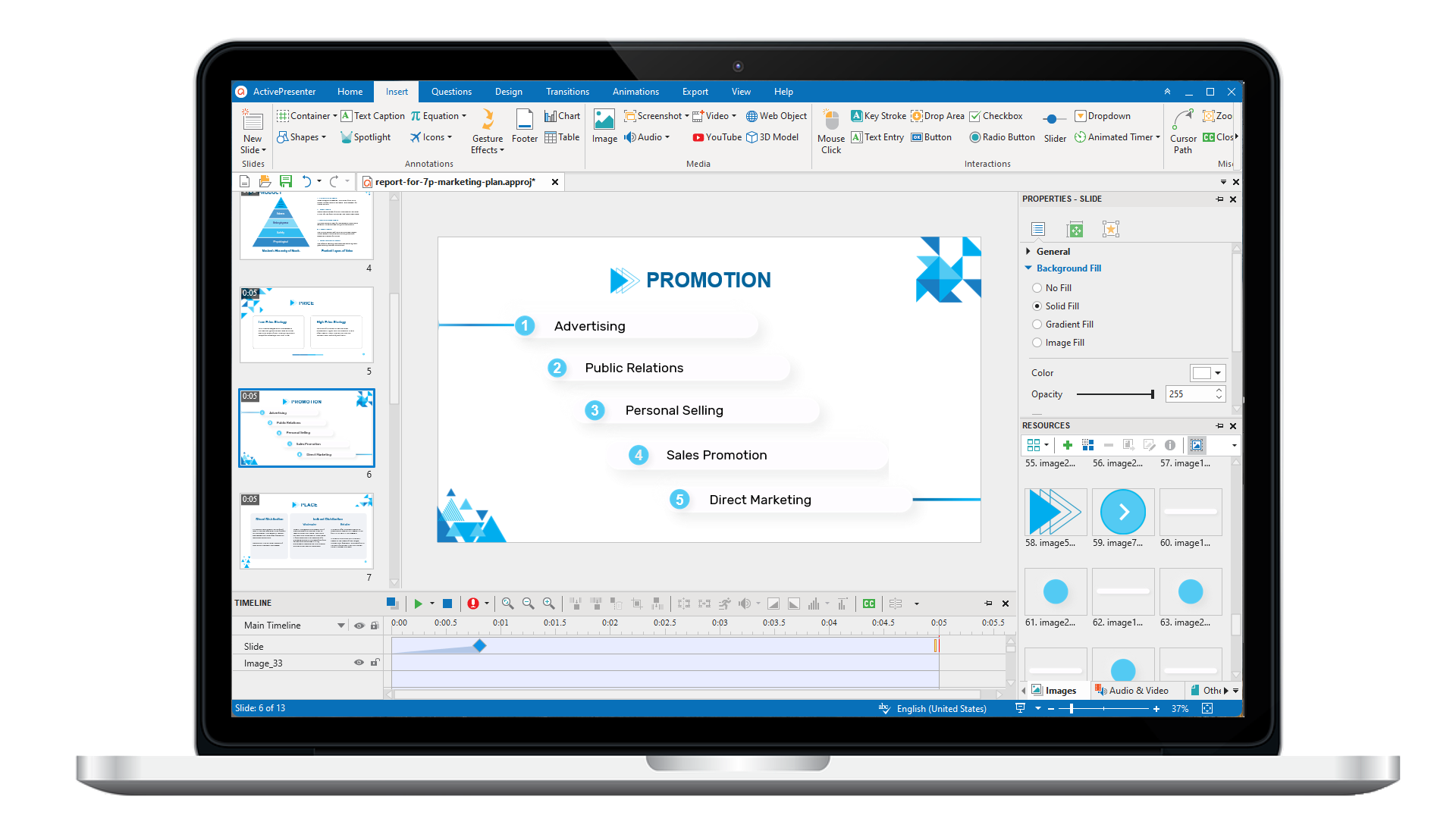
ActivePresenter 10
An AI-powered eLearning authoring tool that streamlines your course creation. An all-in-one eLearning solution to create training videos, software simulations, educational games, and interactive slide-based lessons.
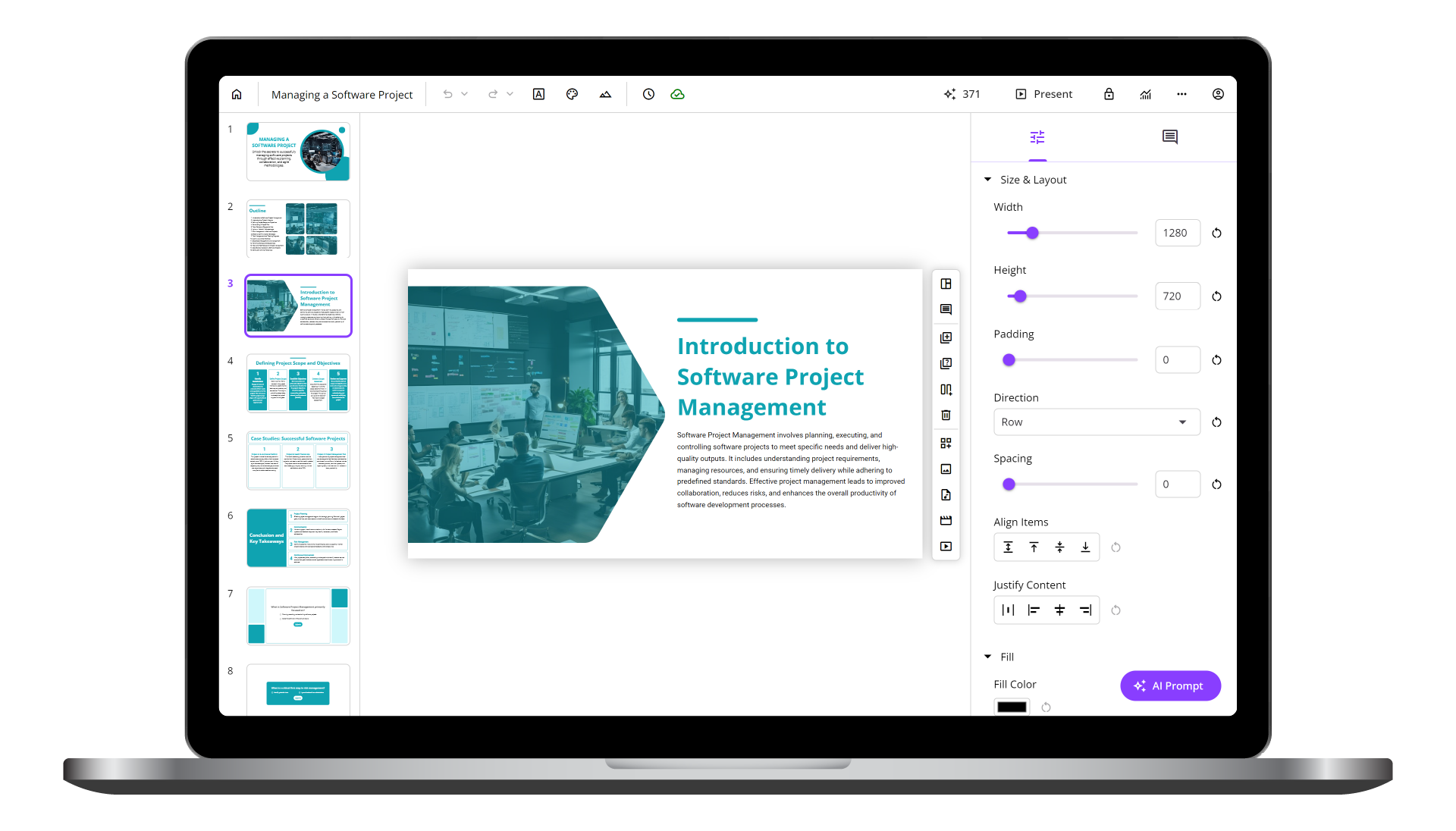
uPresenter
Next-Generation Interactive eLearning Platform
Create interactive presentations, quizzes, and dynamic learning experiences with real-time collaboration, seamless public sharing, and powerful reporting features.
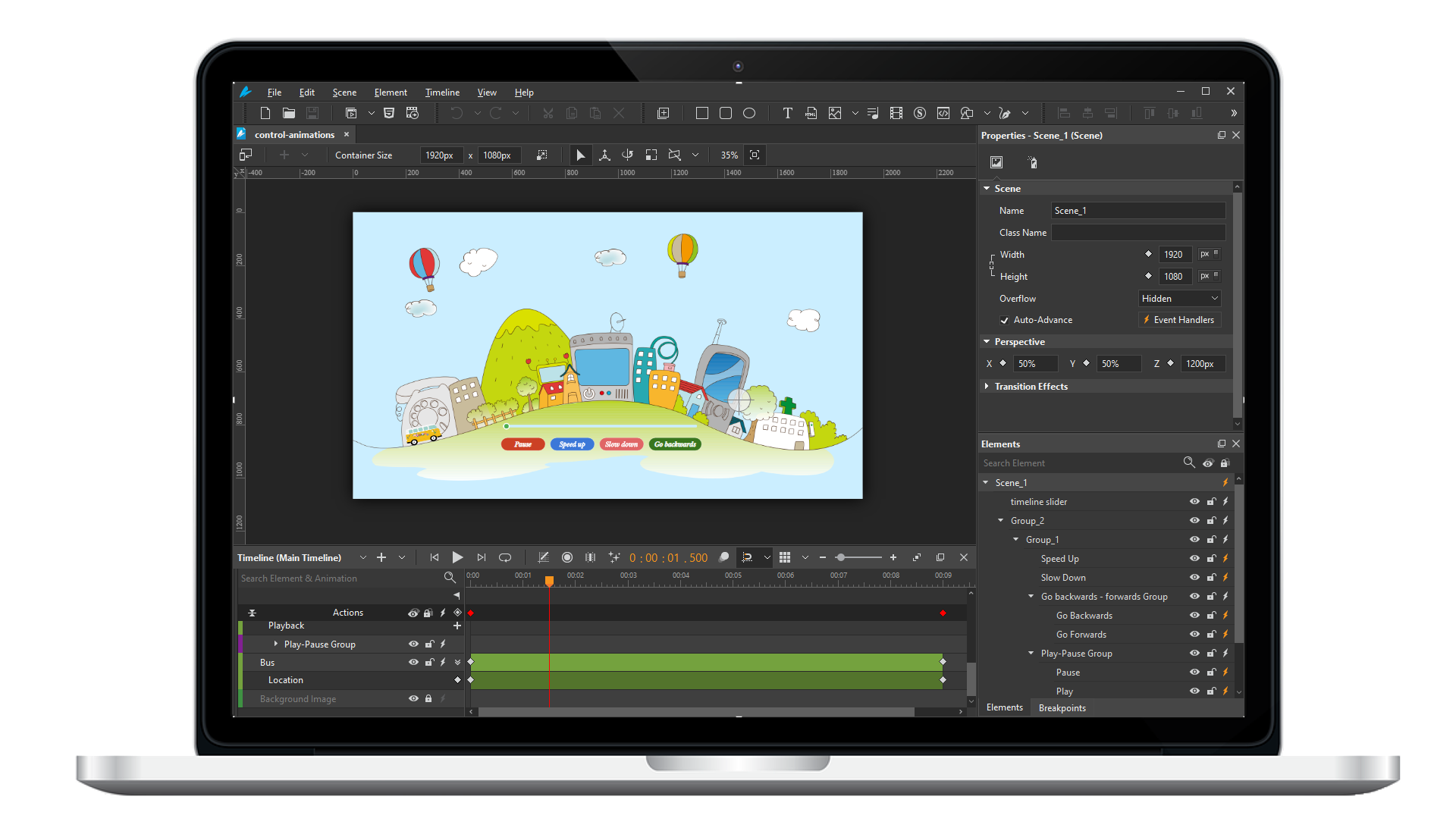
Saola Animate 3
Create HTML5 animations and interactive content which run on any platform and device without coding skills.
Learn, share, and get support

Read latest tutorials and tips

Learn & ask our support experts

Connect & share with user community
Latest from our blog
Screencasting & eLearning
Game-based Learning Examples for Inspiration (Updated)
Game-based learning examples are applied to engage students and adults, enhancing knowledge retention and making education enjoyable.

How to Reduce the Project Output Size?
Sometimes, the large project output size slows the loading speed or challenges you send to your students or co-workers. In today’s article, we’ll suggest ways to reduce the project output size in ActivePresenter.

Rapid eLearning Development: Top Tools and Techniques for 2024
Let’s recap some best tools and techniques for rapid eLearning development in 2024 and see how they can transform your content creation process.
HTML5 Animation
Adding Videos to HTML5 Animation
Using the HTML5 video element, adding videos to your page is as simple as adding images with no third-party plug-ins or player applications. Today’s tutorial will show you how to add video to HTML5 animation.
Moving, Copying, and Removing Animation Keyframes
Animation keyframes play a crucial role in creating HTML5 animation in Saola Animate. In the previous tutorial, you’ve learned how to create animation keyframes. This tutorial will show you how to move, copy, and remove animation keyframes.
Using Google Fonts
Hundreds of beautiful Google fonts are now available in Saola Animate. This tutorial shows you how to use Google fonts in your document.