
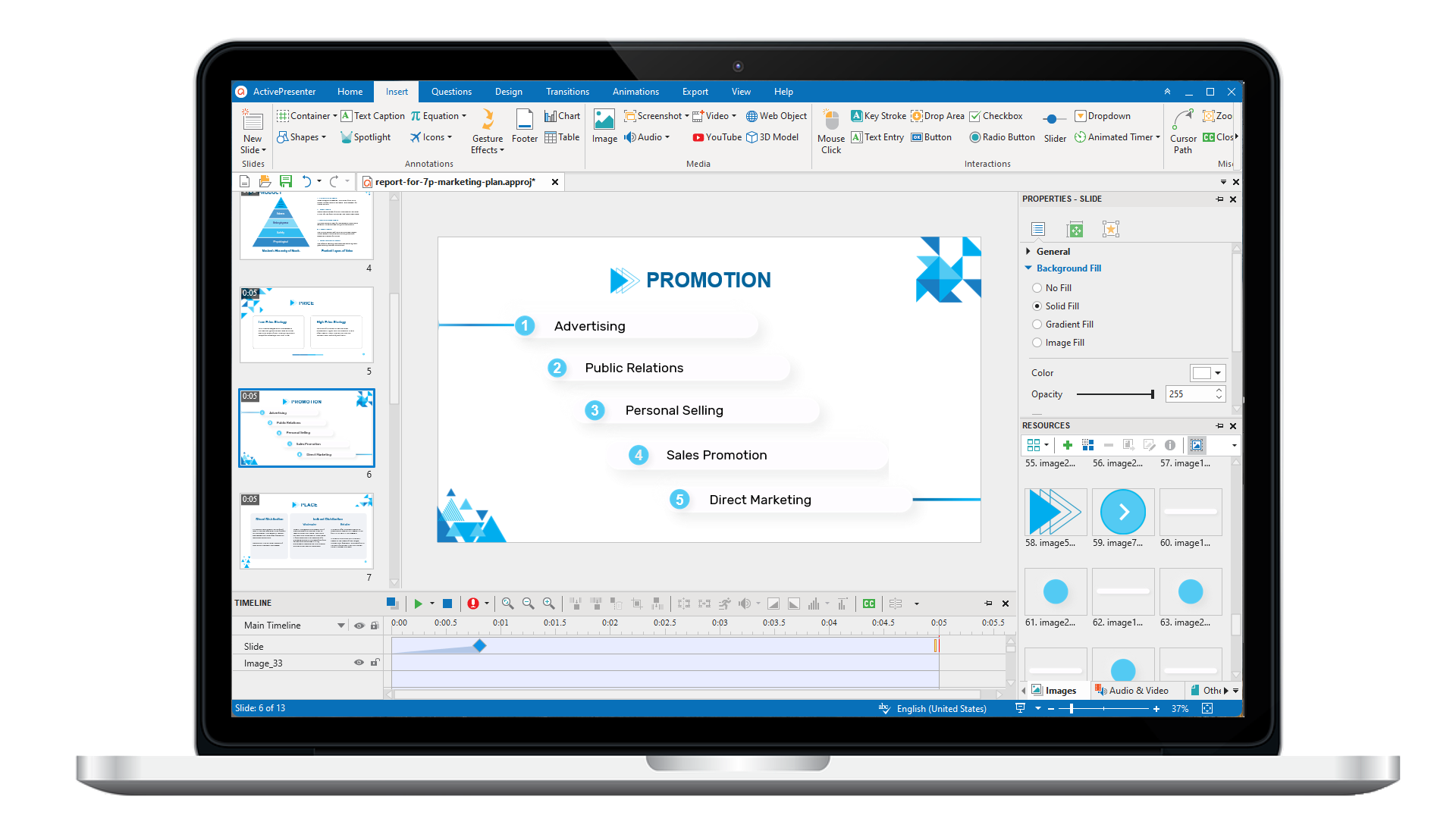
ActivePresenter 10
An AI-powered eLearning authoring tool that streamlines your course creation. An all-in-one eLearning solution to create training videos, software simulations, educational games, and interactive slide-based lessons.
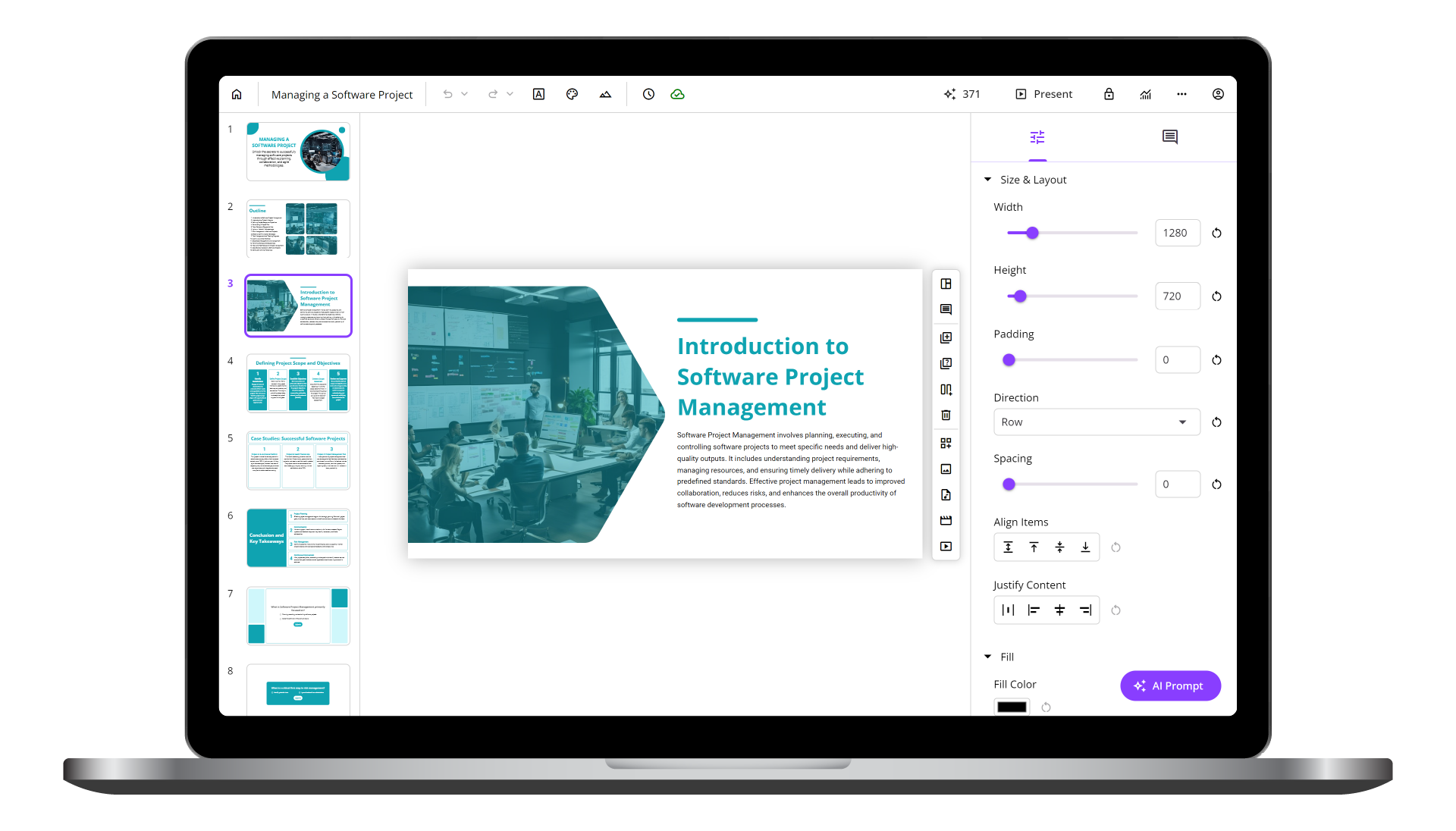
uPresenter
Next-Generation Interactive eLearning Platform
Create interactive presentations, quizzes, and dynamic learning experiences with real-time collaboration, seamless public sharing, and powerful reporting features.
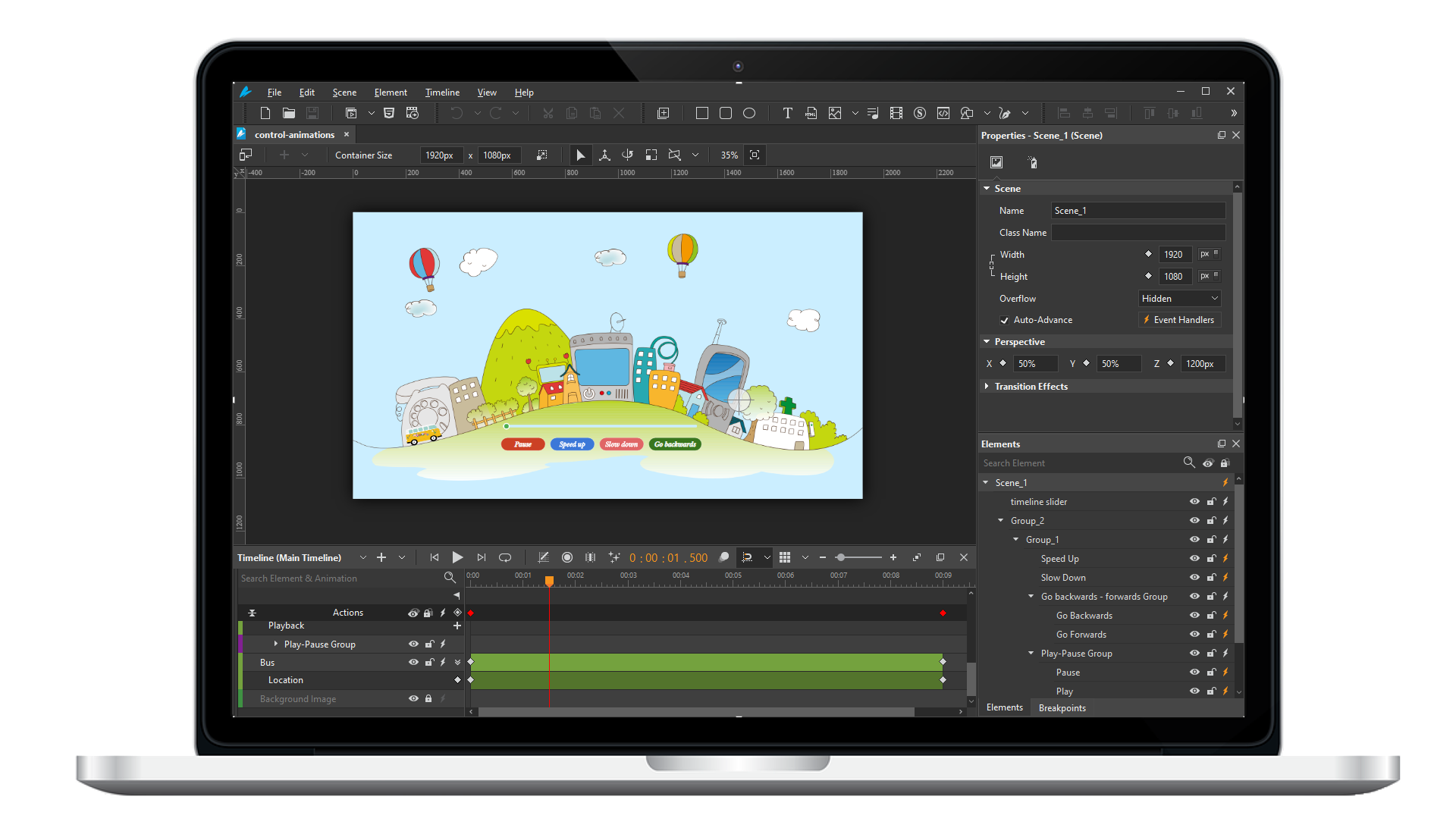
Saola Animate 3
Create HTML5 animations and interactive content which run on any platform and device without coding skills.
Learn, share, and get support

Read latest tutorials and tips

Learn & ask our support experts

Connect & share with user community
Latest from our blog
Screencasting & eLearning

eLearning Tools for Mac 2026: 5 Tools That Actually Fit Your Workflow
Tired of Windows-only eLearning tools? Here are 6 Mac-compatible authoring tools in 2026 — ranked by real use cases, not just feature lists. Find your match.
Free Video Editor No Watermark: Shotcut 2026 Review — Pros, Cons & Verdict
Is Shotcut still a top free video editor with no watermark in 2026? This expert review covers Shotcut’s features, pros, cons, real-world use cases, and how it compares to alternatives like ActivePresenter. Read before you download.

Interactive Training Video Software 2026: 3 Tools That Turn Passive Learners Into Active Participants
Compare the 3 best interactive training video tools for educators in 2026. Real classroom-tested reviews covering features, pricing, and hands-on workflows.
HTML5 Animation
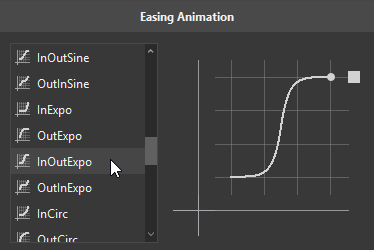
Customize Easing Animations in Saola Animate 3
Easing functions can bring a huge effect on the feel of transitions. In this tutorial, you’ll learn about easing functions in Saola Animate 3.
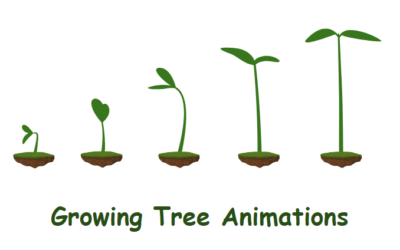
How to Create the Growing Tree Animations in Saola Animate 3
In today’s blog post, let’s explore how to create the growing tree animations with a powerful design tool – Saola Animate 3.
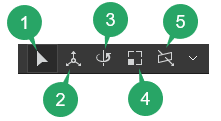
Use 3D Transformation Tools in Saola Animate 3
When it comes to 3D transformation in Saola Animate, there are two things that you need to be aware of here. They are 3D properties and 3D tools. The 3D properties help you precisely manipulate elements in 3D space, while the 3D tools offer the intuitive 3D view that allows you to quickly and visually adjust elements’ directions on the Canvas. In this tutorial, we will get to know how to use 3D transformation tools in Saola Animate 3.