
Screencasting is the act of recording the computer screen for sharing idea and spreading knowledge. In a screencast, the presenter records all the actions taken place along with their effects to show others how to complete a designed task or how to work with a particular software. The truth is that with a hundred of eLearning authoring tools these days, the utility and importance of screencasting are on the rise. Here are some of the most outstanding screencasting applications.
But wait, do you know you can screencast and export your recorded video for FREE by using ActivePresenter? It is a powerful eLearning authoring tool that unexpectedly excels in screen recording and video editing ability. This screencasting solution will help you simplify your process to create such high-quality applications as those in the following part of the blog.

1. Screencasts in eLearning industry
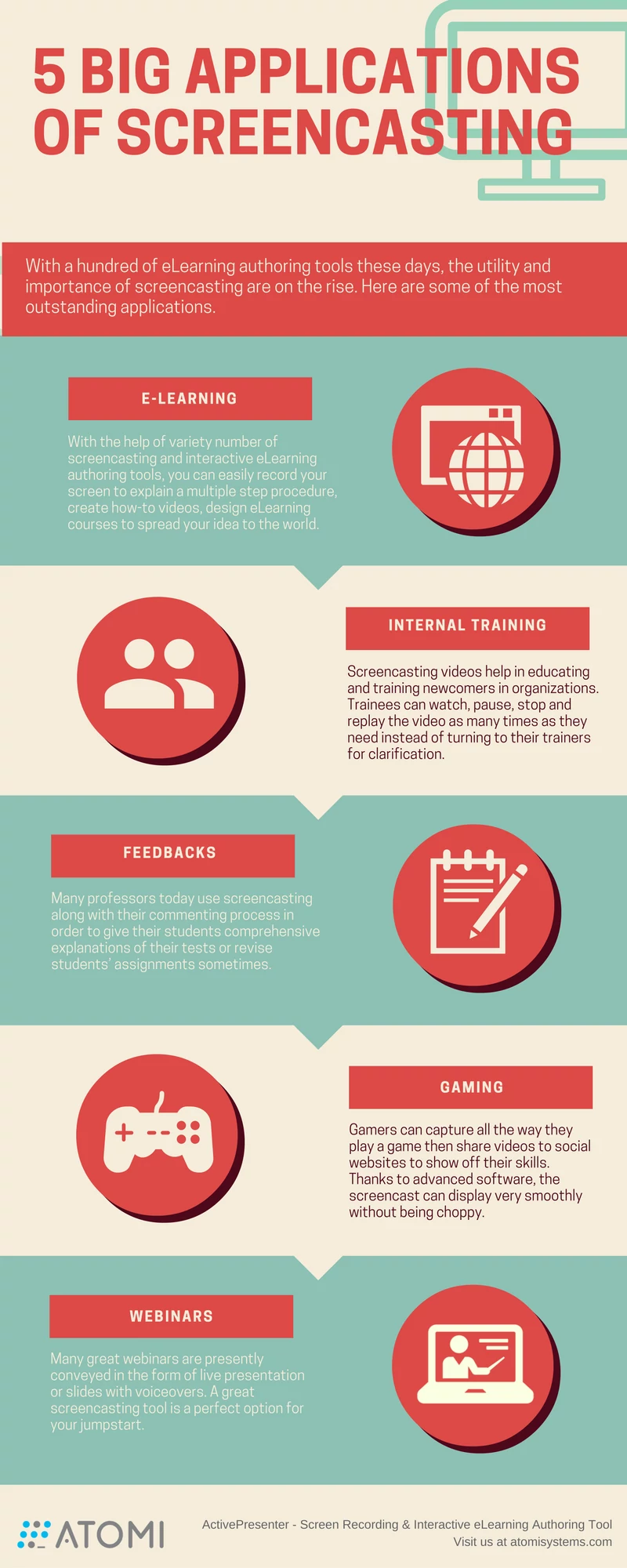
Screencasting is no wonder an indisputable part of every online course. With the help of variety number of screencasting and interactive eLearning authoring tools, you can easily record your screen to explain a multiple step procedure, create how-to videos, design eLearning courses to spread your idea to the world. On top of that, you can attribute your skills and knowledge to those who need them.
2. Screencasts in organizational training
Screencasting videos help in educating and training new comers in organizations. Creating an information-rich video once then use and share it for several times is a great choice of many trainers. Thanks to that, trainee can watch, pause, stop and replay the video as many times as they need without interrupting their trainers several times. This, as a result, saves them a bunch of time and reduces the feeling of being overwhelmed.
3. Screencasts for providing feedback
The truth is that the most efficient way in providing a clear feedback message is communicating face-to-face. However, what if they are in different locations or even time zones? There screencasting videos come to solve problems. Added to that, many professors today use screencasting along with their commenting process in order to give their students comprehensive explanations, and to revise students’ assignments sometimes. An effective screencasting video can add further clarifications of the test solutions from which learners may replay or re-watch numerous times according to their needs.
4. Screencasts for gamers
Undoubtedly, screencasting is the perfect solution to those gamers who wish to show off their gaming skills. They capture all the way they play a game then share videos to social websites. Thanks to advanced software, the screencast can display very smoothly without a single choppy. It also eliminates the black screen error encountered in even heavy-sized games.
5. Screencasts for webinars
Webinars (or web seminars) is an online informative talk or presentation which is carried out through broadcasting. Many great webinars are conveyed in the form of live presentation or talking over slides. A great screencasting tool is a perfect option for your jumpstart.
That some of increasing number of screencasting applications today that I want to share with you. Please drop me a message if you have something to share. You can also read 5 step preparation before screencasting article to know what to prepare for a successful screencast.
And, don’t forget to download and use ActivePresenter for free and create stunning screencasting materials.