
ActivePresenter 10
An AI-powered eLearning authoring tool that streamlines your course creation. An all-in-one eLearning solution to create training videos, software simulations, educational games, and interactive slide-based lessons.

uPresenter
Next-Generation Interactive eLearning Platform
Create interactive presentations, quizzes, and dynamic learning experiences with real-time collaboration, seamless public sharing, and powerful reporting features.

Saola Animate 3
Create HTML5 animations and interactive content which run on any platform and device without coding skills.

Learn, share, and get support

Read latest tutorials and tips

Learn & ask our support experts

Connect & share with user community
Latest from our blog
Screencasting & eLearning
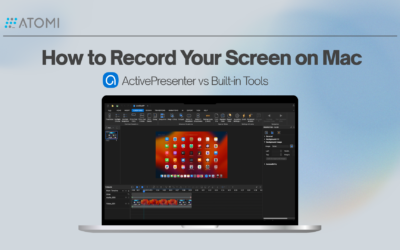
How to Record Your Screen on Mac (macOS 26): ActivePresenter vs Built-in Tools
Explore the best screen recorder Mac 2026 options for training. Get clean exports and interactive learning outputs.
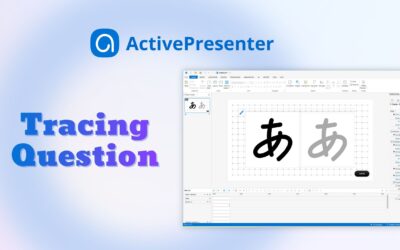
How to Add Tracing Interaction & Question in ActivePresenter
If you’ve ever wanted learners to practice writing, drawing characters, or tracing paths directly to create an eLearning course, a Tracing Interaction/Question in ActivePresenter eLearning authoring tool is the feature you need.

How to use the AI Assistant & MCP Connect in ActivePresenter 10.5
Discover how the new ActivePresenter AI Assistant and MCP Connect in version 10.5 revolutionize eLearning authoring tools for faster, smarter course creation.
HTML5 Animation
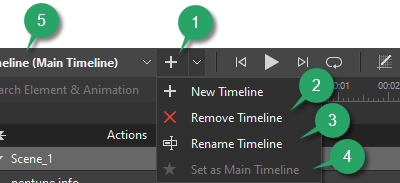
Use Multiple Timelines in Saola Animate 3
What is the best way to organize and control complex animations? Let’s consider using multiple timelines in Saola Animate 3.

Use the Effects Tab in Saola Animate 3.0
Let’s learn how to use the Effects tab to edit element’s shadow, filter, and clip effects in Saola Animate 3 to create awesome visual design.
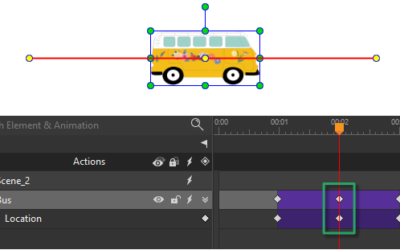
Create Motion Paths in Saola Animate 3
Saola Animate 3 brings your website to life with HTML5 animations and interactive web content. Today’s tutorial describes how to create motion paths to mimic real-life motions, giving objects the illusion of life.