
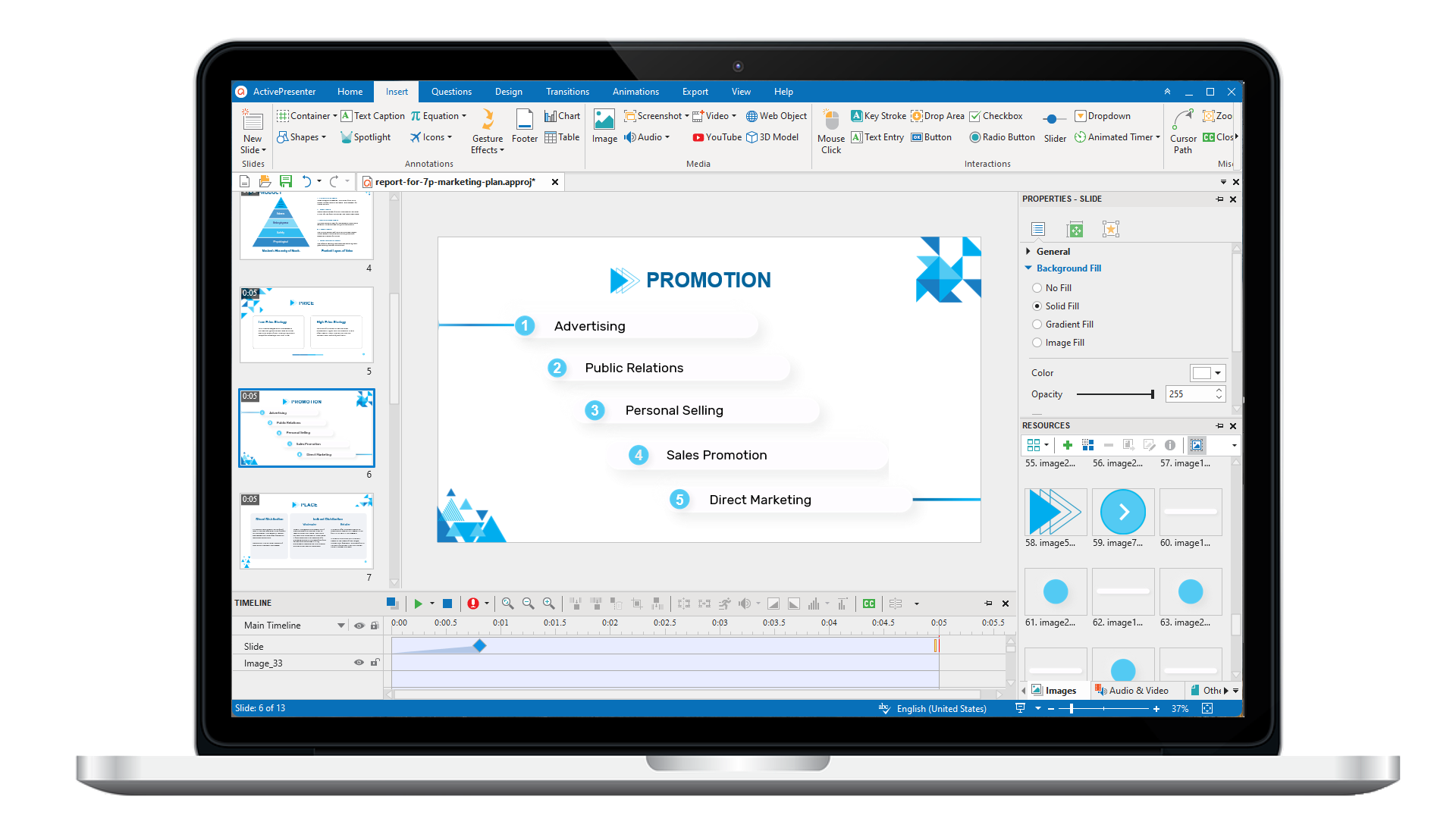
ActivePresenter 10
An AI-powered eLearning authoring tool that streamlines your course creation. An all-in-one eLearning solution to create training videos, software simulations, educational games, and interactive slide-based lessons.
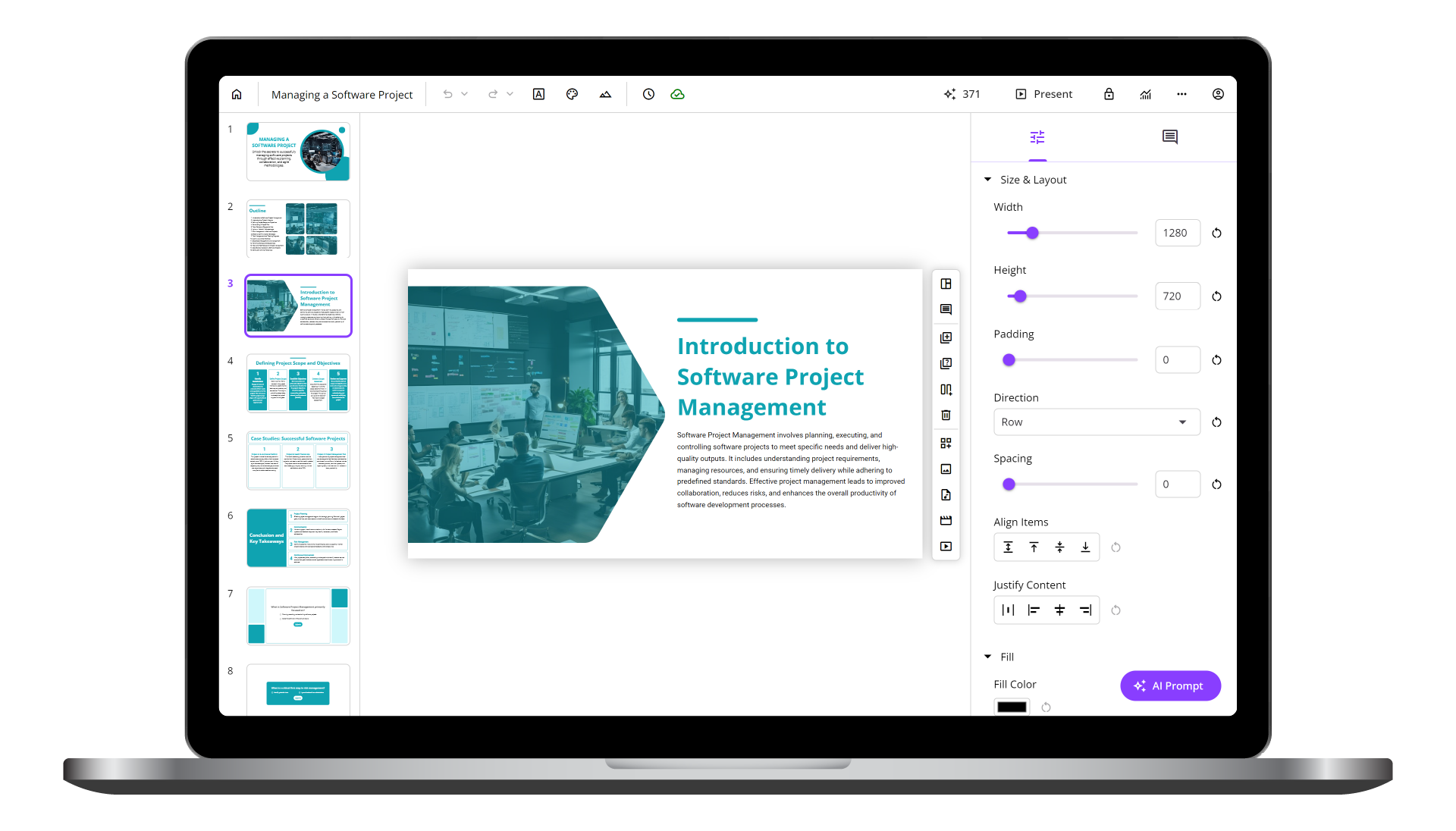
uPresenter
Next-Generation Interactive eLearning Platform
Create interactive presentations, quizzes, and dynamic learning experiences with real-time collaboration, seamless public sharing, and powerful reporting features.
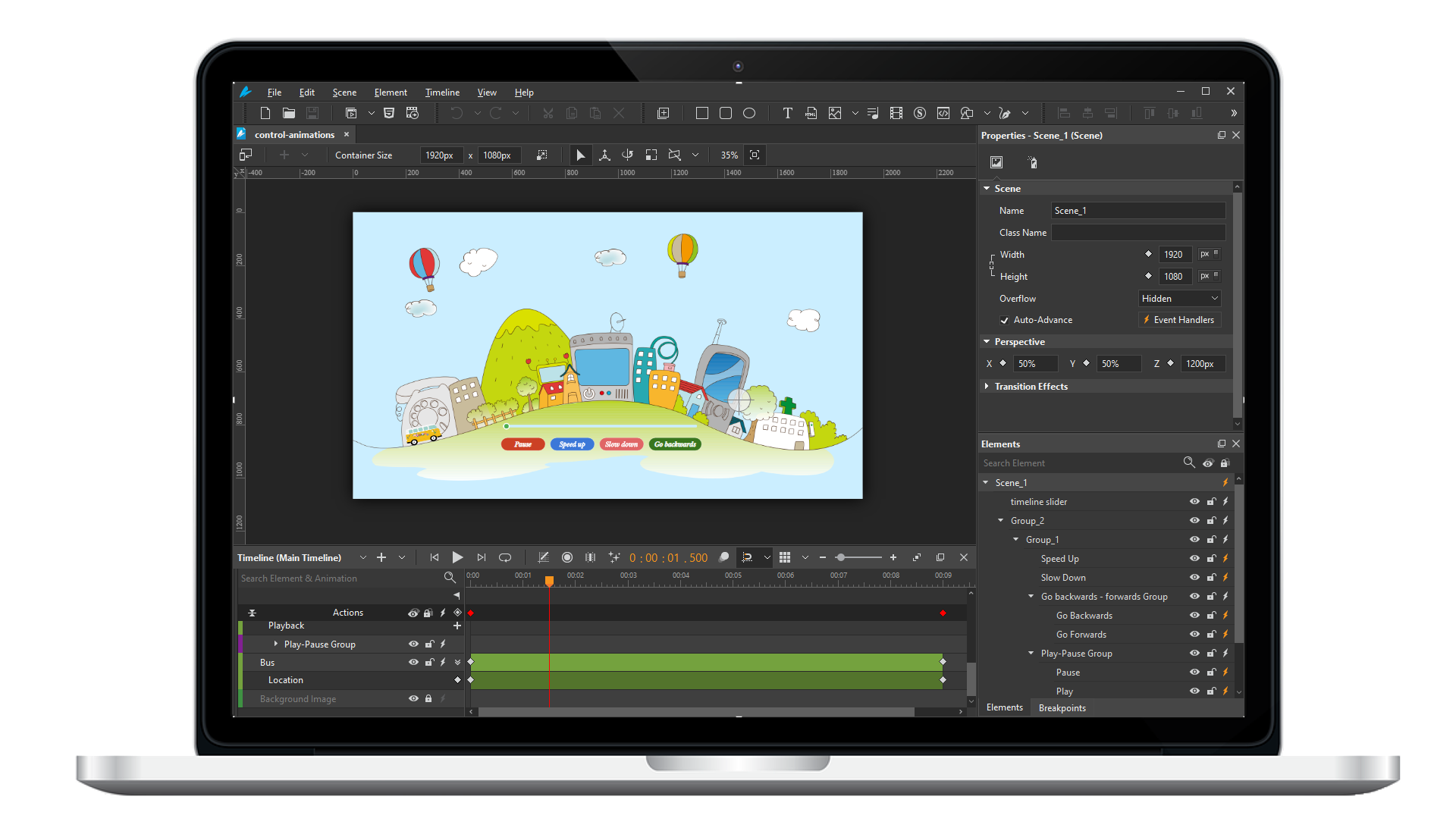
Saola Animate 3
Create HTML5 animations and interactive content which run on any platform and device without coding skills.
Learn, share, and get support

Read latest tutorials and tips

Learn & ask our support experts

Connect & share with user community
Latest from our blog
Screencasting & eLearning

Course Authoring Software 2026: The Expert’s No-Fluff Buying Guide
Picking the wrong course authoring software is one of the most expensive mistakes an instructional designer can make, not just in dollars, but in months of lost productivity, retraining, and rework. I've spent over nine years building eLearning content across...
Record Screen on Windows 11: 5 Methods That Actually Work in 2026
Whether you're a teacher building an online course, an IT professional documenting a workflow, or a content creator filming your first tutorial, knowing how to record your screen on Windows 11 is a fundamental skill in 2026. The problem? With so many options floating...

What is H5P? The Ultimate Guide to Interactive Learning in 2026
H5P has become a popular way for educators to add interactive elements like quizzes, videos, and branching scenarios to online courses. But is it still the best option in 2026? This guide explains what H5P is, how it works, and where its limitations start to show.
HTML5 Animation
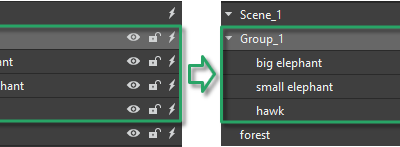
Group Elements in Saola Animate 3
When working with elements, Saola Animate allows you to group multiple elements into one. Thanks to that, you can work with them as a single one.

Export Projects to HTML5 in Saola Animate 3
Apart from exporting projects to video formats, you can also export your project to HTML5 output that allows users to view and interact with World Wide Web content. This tutorial presents how to export projects to HTML5 in Saola Animate 3.
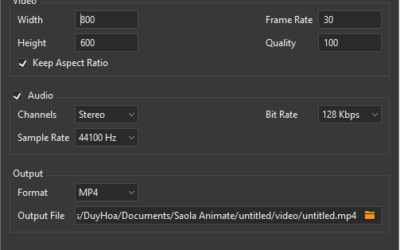
Export Projects to Video Formats in Saola Animate 3
While HTML5 output gives you the ability to interact with the content, the video format is great for demonstration purposes since it doesn’t require user’s interactions. Today’s tutorial will show you how to export projects to video formats, which is a very new feature offered in Saola Animate 3.