
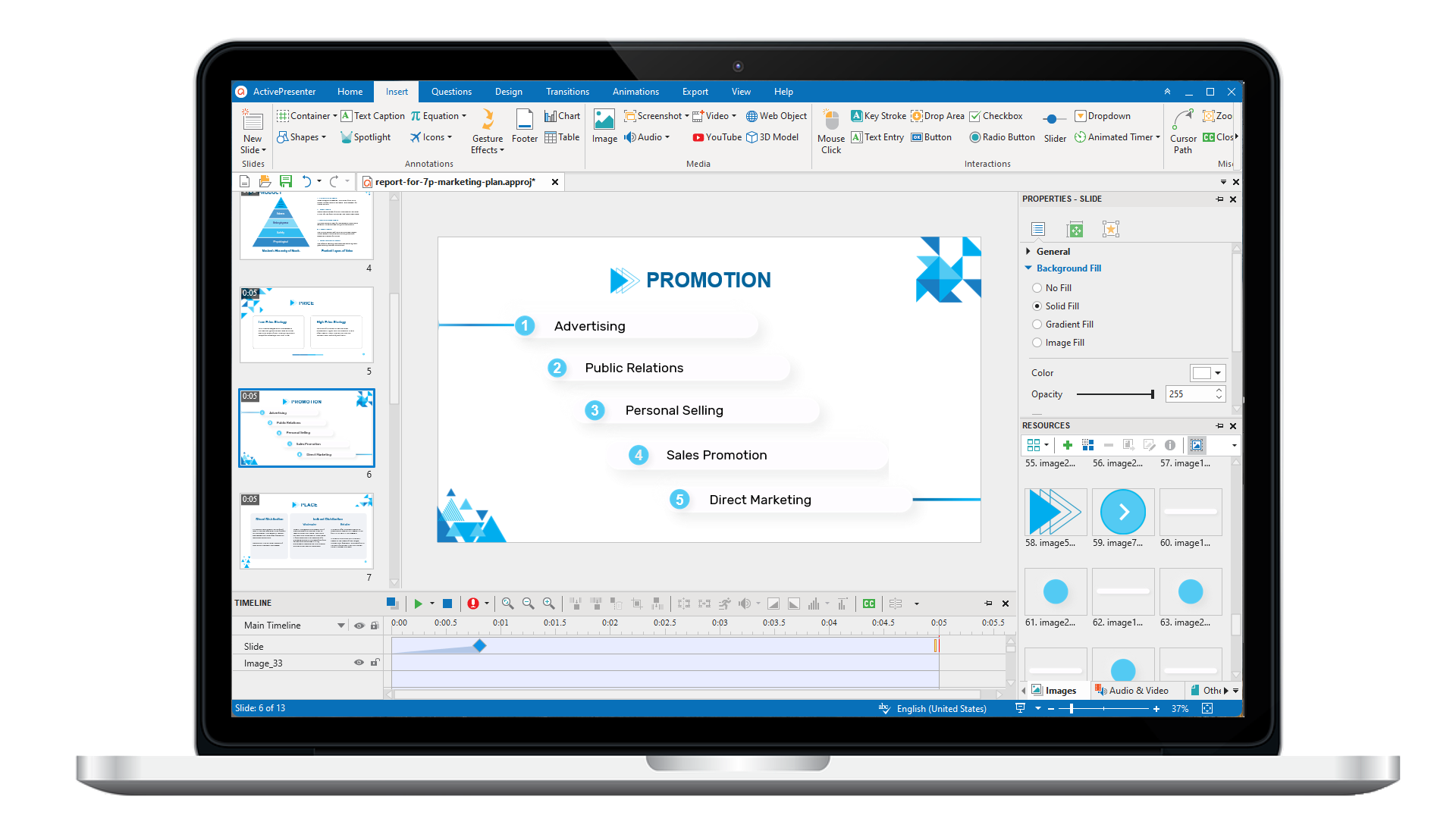
ActivePresenter 10
An AI-powered eLearning authoring tool that streamlines your course creation. An all-in-one eLearning solution to create training videos, software simulations, educational games, and interactive slide-based lessons.
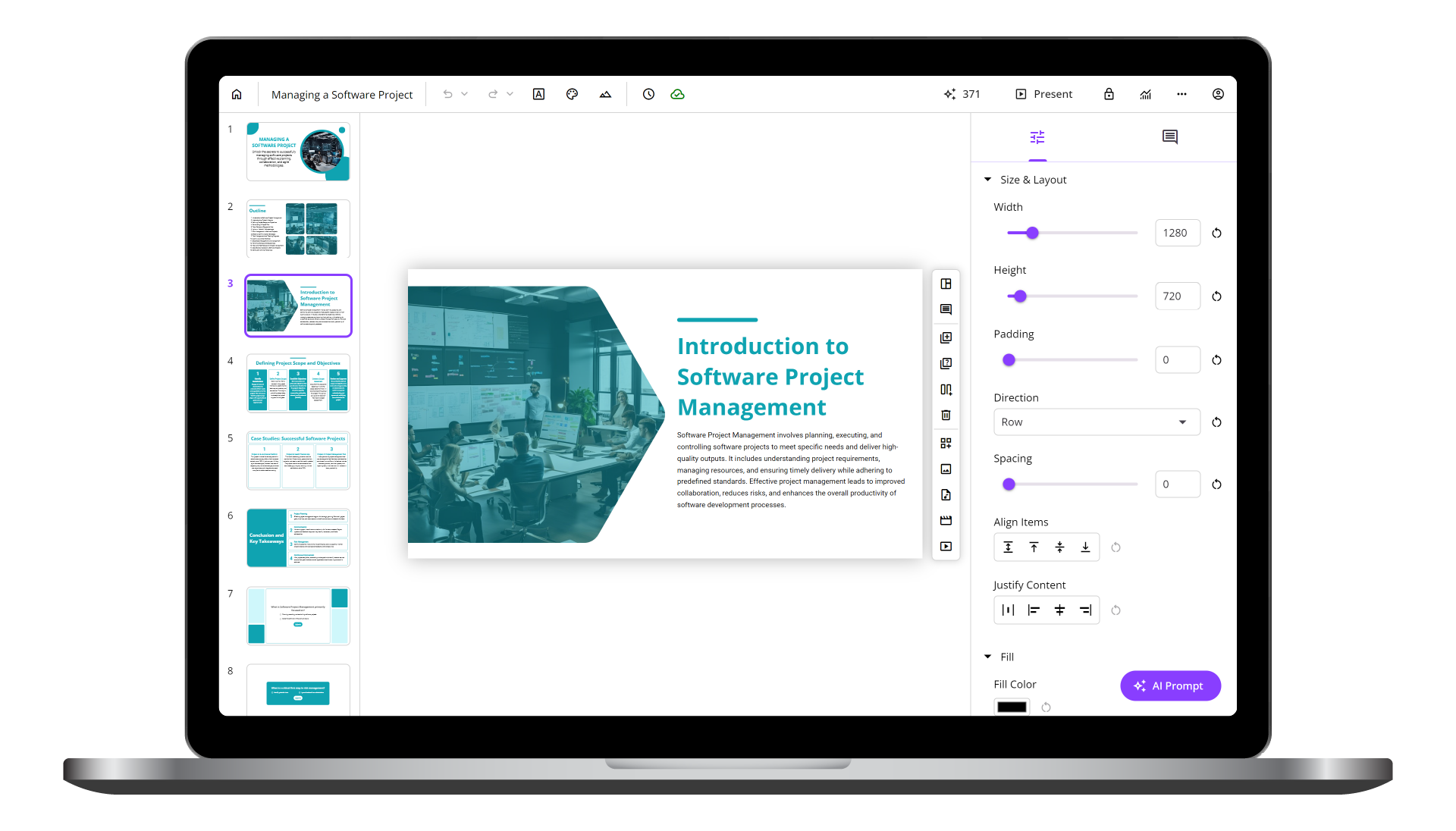
uPresenter
Next-Generation Interactive eLearning Platform
Create interactive presentations, quizzes, and dynamic learning experiences with real-time collaboration, seamless public sharing, and powerful reporting features.
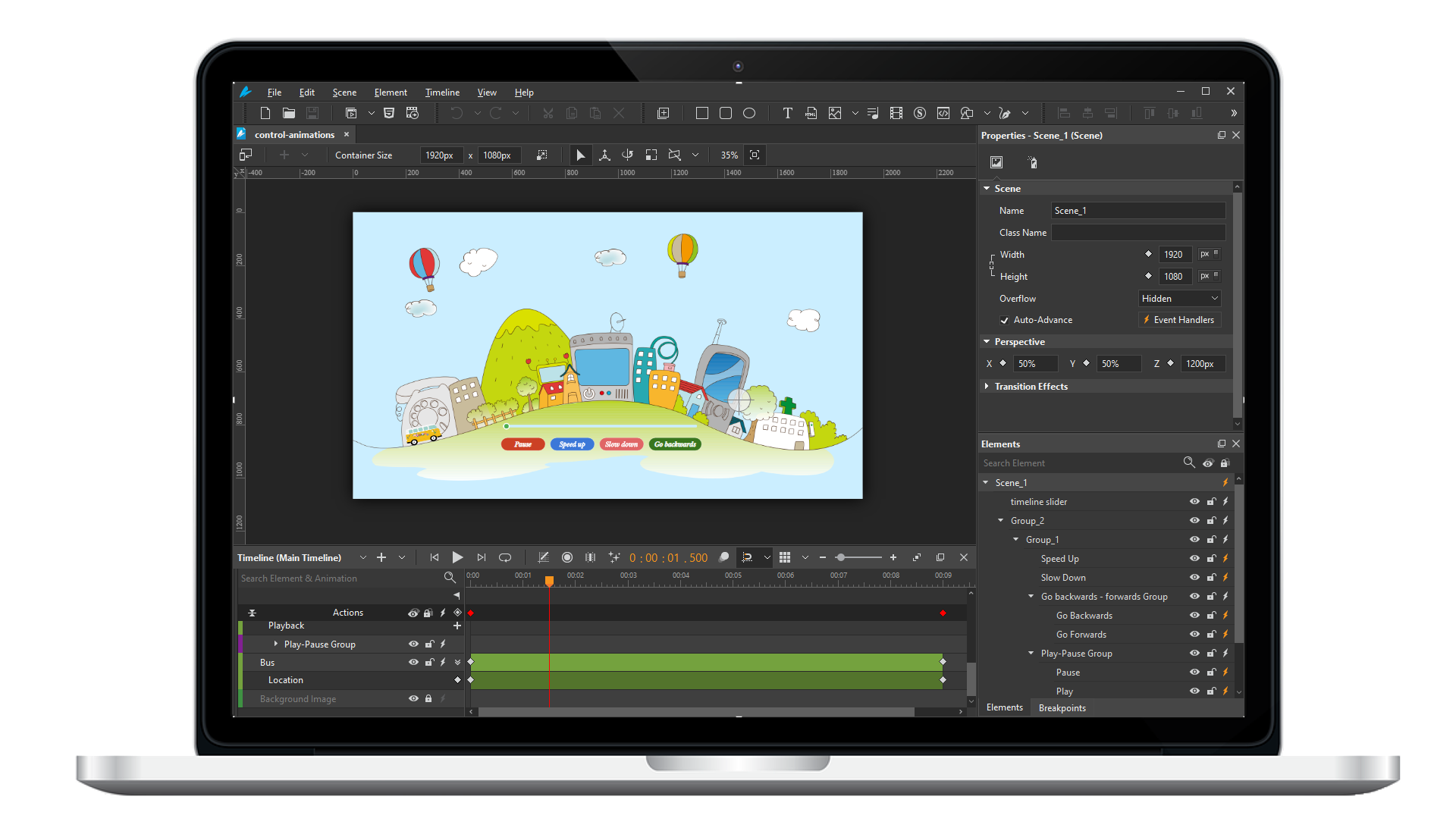
Saola Animate 3
Create HTML5 animations and interactive content which run on any platform and device without coding skills.
Learn, share, and get support

Read latest tutorials and tips

Learn & ask our support experts

Connect & share with user community
Latest from our blog
Screencasting & eLearning

How to Create a Software Tutorial with Smart Studio in ActivePresenter 10.6 and Publish it to your LMS
Learn how to create a software tutorial with Smart Studio in ActivePresenter 10.6, export SCORM 1.2/2004, and publish it to your LMS. Follow the steps now.
What’s New in ActivePresenter 10.6: Branching Scenario, Smart Studio, Local AI, and More Powerful eLearning
From the new Scenario Editor for visually designing branching learning paths to Smart Studio for automatically enhancing screen recordings, ActivePresenter 10.6 focuses on making content creation more powerful while keeping the authoring process efficient.

5 Practical Tips to Design an eLearning Project Faster (Without Sacrificing Quality)
Discover 5 practical strategies to accelerate your eLearning project development without sacrificing quality, from AI workflows to smart software simulations.
HTML5 Animation
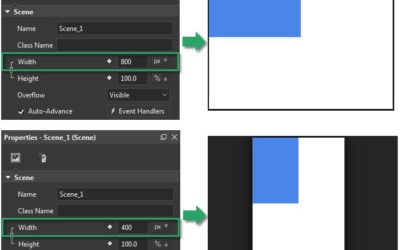
Use Flexible Layout in Saola Animate 3
In the previous article, you got useful information about the basics of responsive layouts. Today’s post will give you a closer look at the Flexible layout. This layout uses relative units and different types of positioning to adapt the document content to the browser window size. Let’s learn how to use Flexible layout in Saola Animate 3 now!
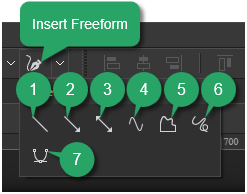
Use Freeform Tools to Draw Vector Graphics in Saola Animate 3
Based on mathematical formulas, vector graphics consist of points connected by either lines or curves. As the output of the connected points, vector graphics can look good at different sizes without loss of quality.
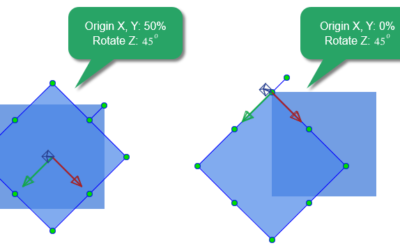
3D Transformation Properties in Saola Animate 3
Do you want your website to look more realistic and professional with 3D effects? Although Saola Animate is a 2D animation software, it also supports making some 3D animations. In this tutorial, let’s learn how to use 3D transformation properties in Saola Animate 3.