With support for 3D models, ActivePresenter eLearning course creation tool lets you create more engaging and realistic visuals. In this tutorial, you will learn how to work with 3D models effectively. A 3D model means a 3-dimensional object. It can help provide a...
Now forget about reading boring data, illustrating numerical or statistical data visually in your courses has never been easier with ActivePresenter 10. The very new feature – Chart – is here to help. Let’s learn how to create charts and graphs today....
Tables come in handy when you need to store and organize data in rows and columns. In this tutorial, you will learn how to work with tables in ActivePresenter eLearning creation software This tutorial covers: 1. Insert, select, and delete tables4. Reposition and...
Slide background has a huge impact on the look and feel of your presentation. In this tutorial, you will learn how to change the slide background in ActivePresenter eLearning software There are four ways to change the background of slides as follows: Using Background...
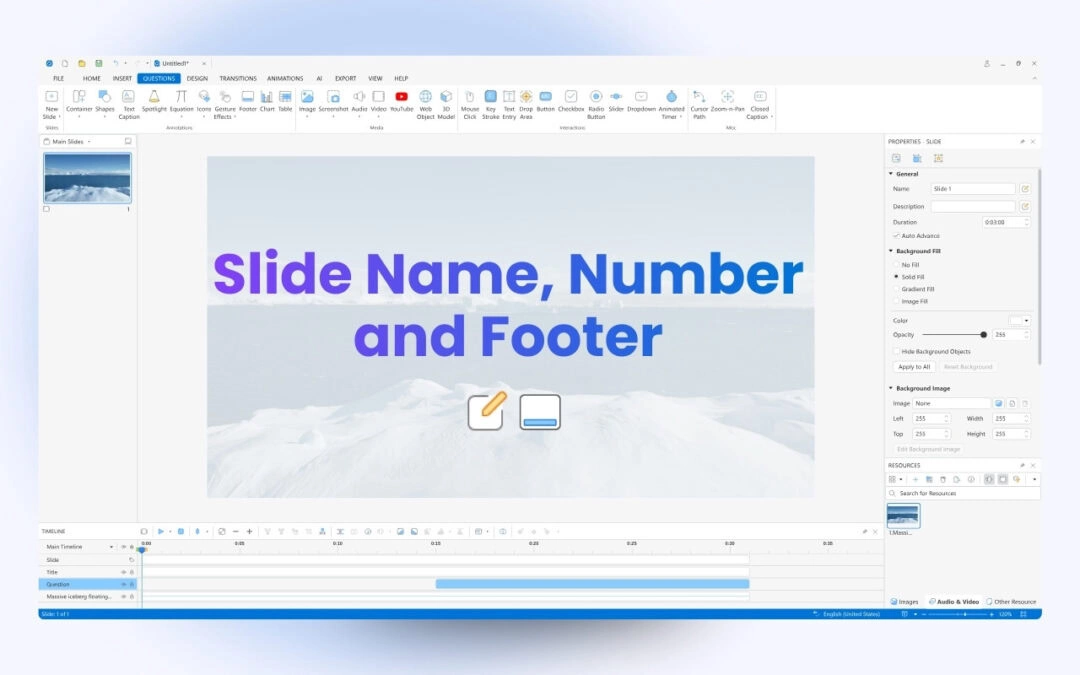
Slide names and numbers help you identify and manage slides more effectively. Let’s learn how to add slide titles and numbers and customize them with ActivePresenter eLearning tool In the previous tutorial, you learned how to create a new project and insert slides...
ActivePresenter course creation software allows you to split a slide into many small parts as well as merge numerous of them into one. Let’s learn about that in this article. This tutorial covers 2 parts: Split Slides Merge Slides Split Slides When working...