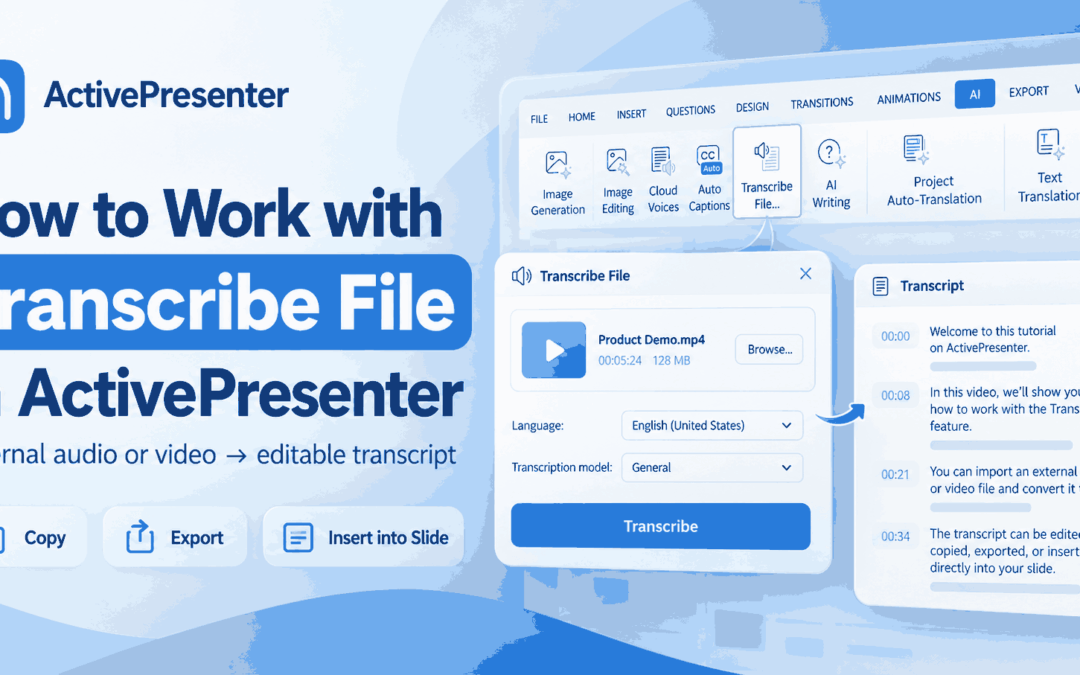
Have an audio or video recording and need its spoken content as editable text? Manually replaying the media and typing everything can take a lot of time. With the Transcribe File in ActivePresenter, you can start from an external media file and turn its speech into...
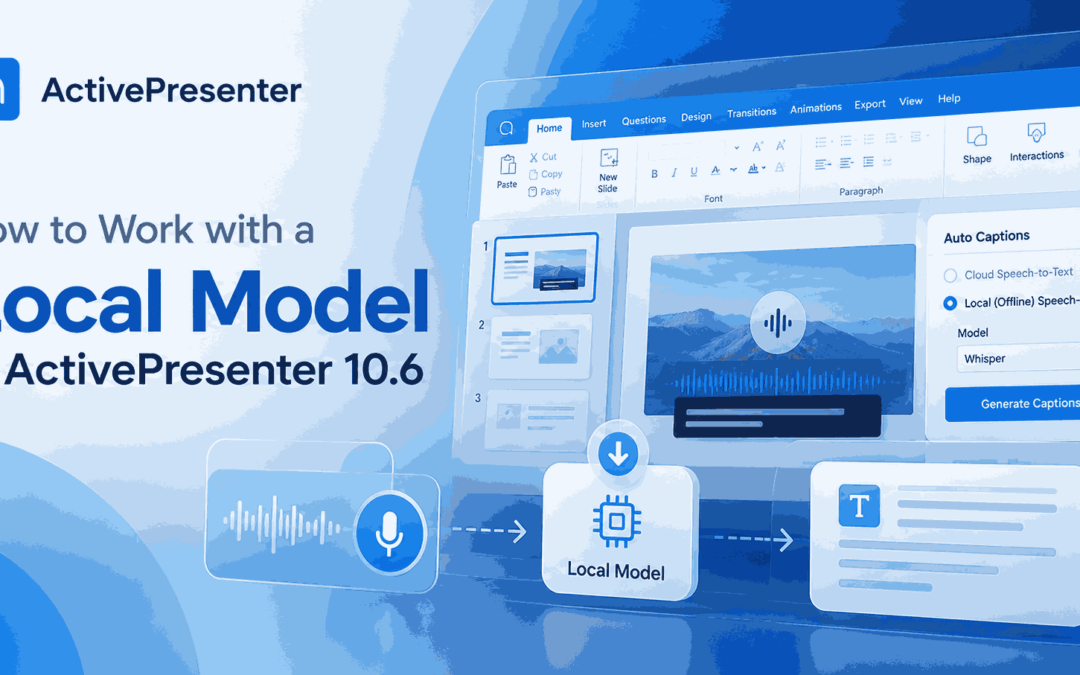
Need to turn speech in audio or video into captions or editable text? A local model in ActivePresenter 10.6 lets you process media directly on your computer instead of relying on cloud Speech-to-Text for every transcription. As an AI-powered eLearning authoring tool,...
Creating captions manually for a video or eLearning course can take a considerable amount of time and effort. You need to listen to each segment, transcribe the spoken words, and carefully adjust the timing so that the captions appear in sync with the audio. For...
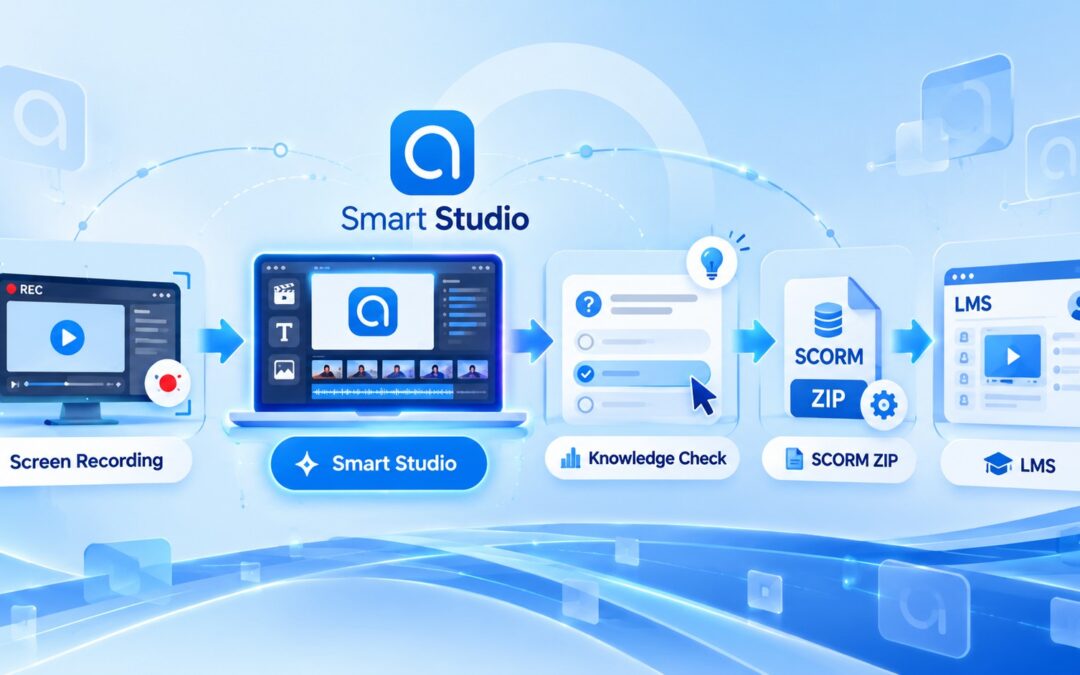
A software tutorial needs to make each action easy to follow. For instructional designers and course creators, it also needs to reach learners through an LMS and report the results that matter. This guide explains how to create a software tutorial with Smart Studio in...
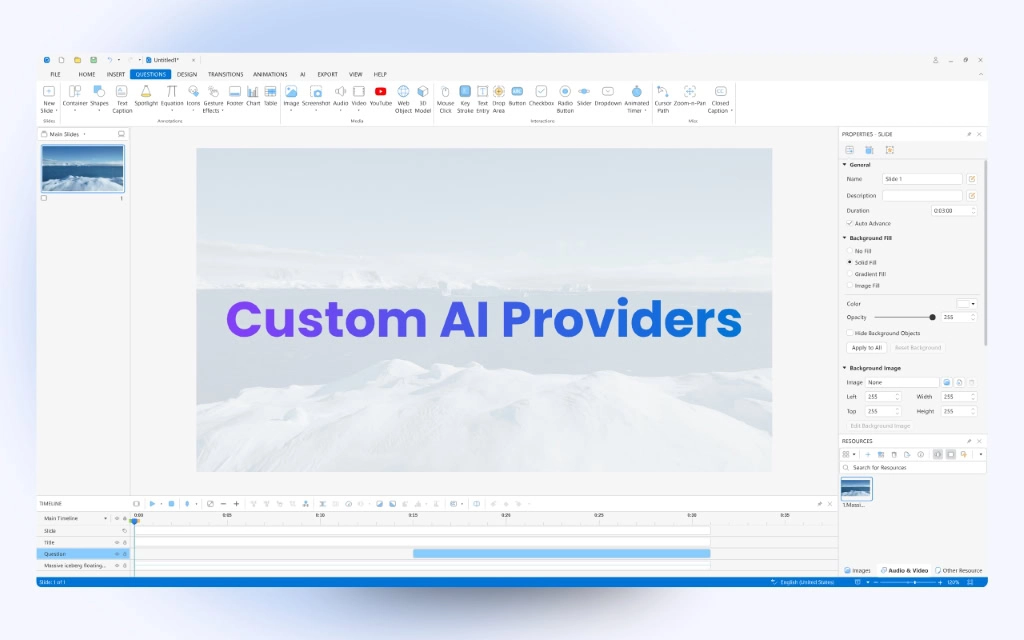
ActivePresenter 10 offers a built-in AI Assistant to help you create and manage eLearning content more efficiently. While using ActivePresenter-provided AI models consumes AI Credits, you can also connect external AI services through Custom AI Providers or MCP Connect...
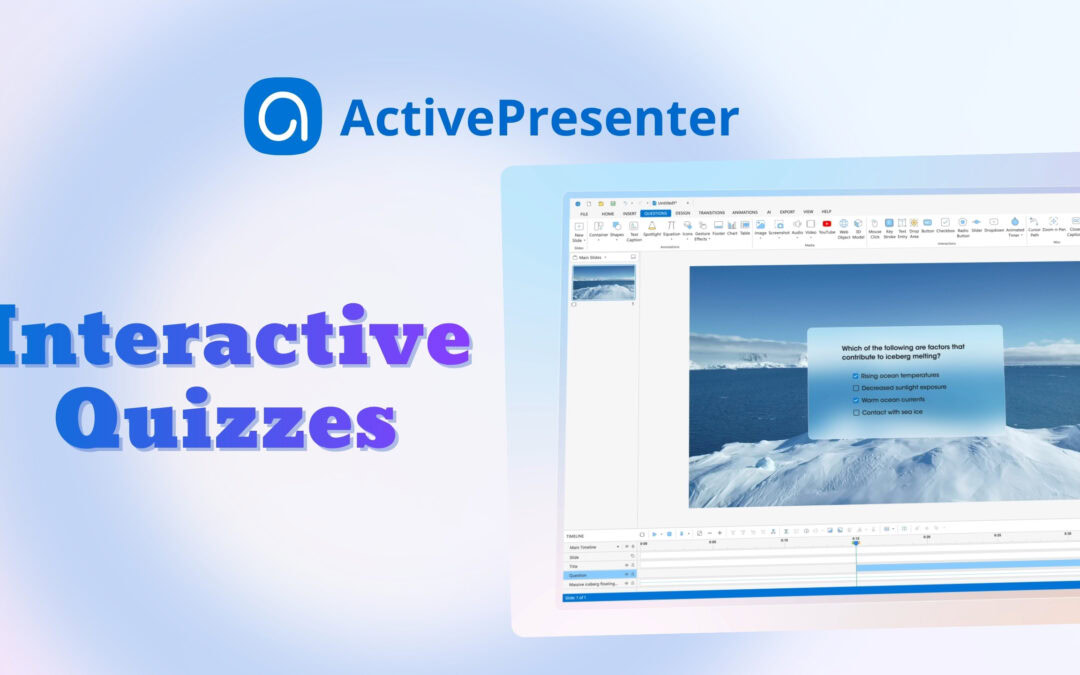
Create interactive quizzes are one of the most effective ways to increase learner engagement & reinforce knowledge. Whether you’re creating training materials for employees, educational content for students, or self-paced online courses, ActivePresenter...