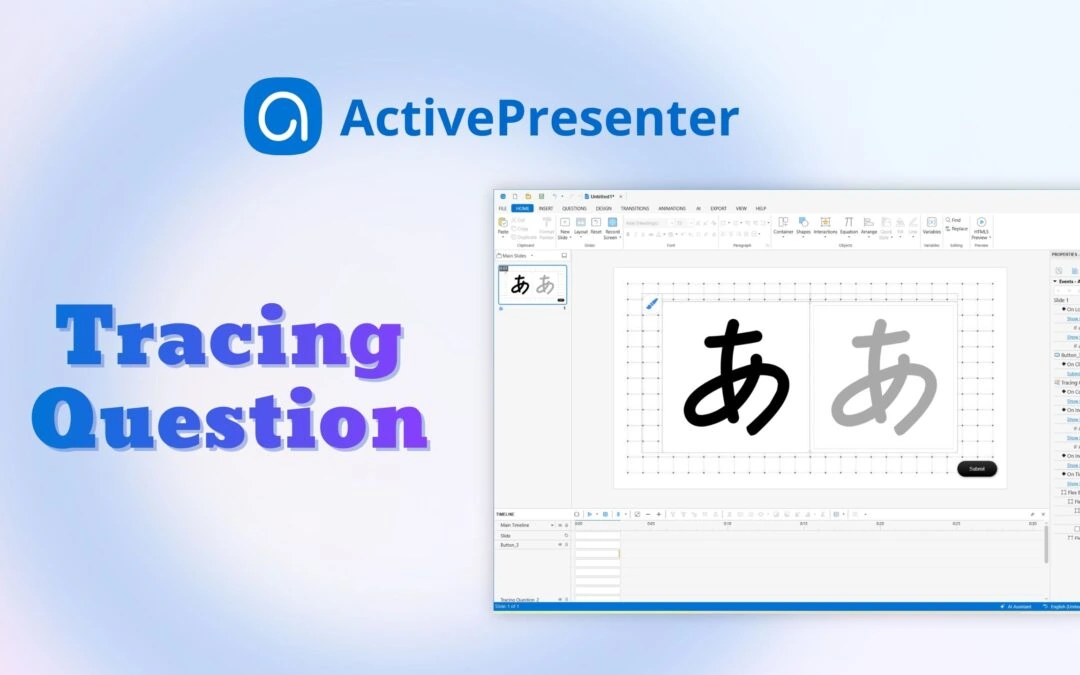
If you’ve ever wanted learners to practice writing, drawing characters, or tracing paths directly to create an eLearning course, a Tracing Interaction/Question in ActivePresenter eLearning authoring tool is the feature you need. Looking for the right tool to...
In this article, we’ll guide you through the steps to export your ActivePresenter course creation software projects to Word using a custom Word template. By utilizing custom templates, you can enhance the consistency and professional look of your documents,...
Active window area is the window of an application that you are currently working with. This feature is helpful when you create interactive simulations, in which there are specific windows that you want to capture or export. For example, you want to create a manual...
ActivePresenter course creation software allows you to export projects to document formats such as PDF, Word, or Excel so that you can save, or print them to create handouts. Let’s learn more in this tutorial. To export projects to any type of document...
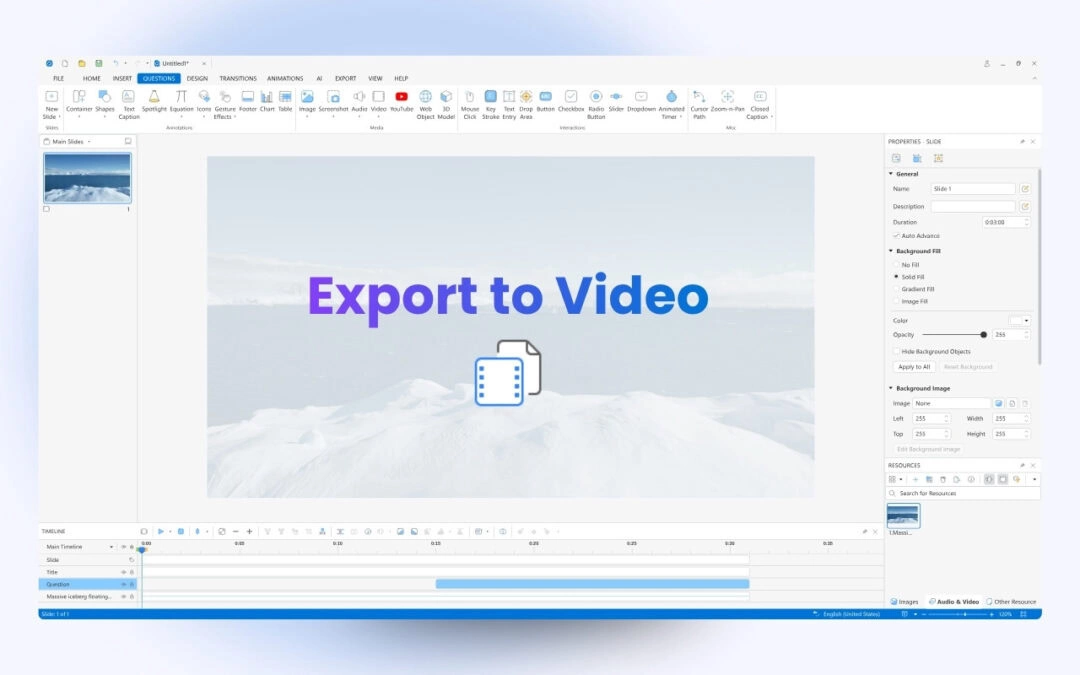
After completing a project in ActivePresenter course creation tool, you can export it to many output formats depending on your needs such as image, video, document format, HTML5, and more. This tutorial will show you how to export projects to videos. Table of...
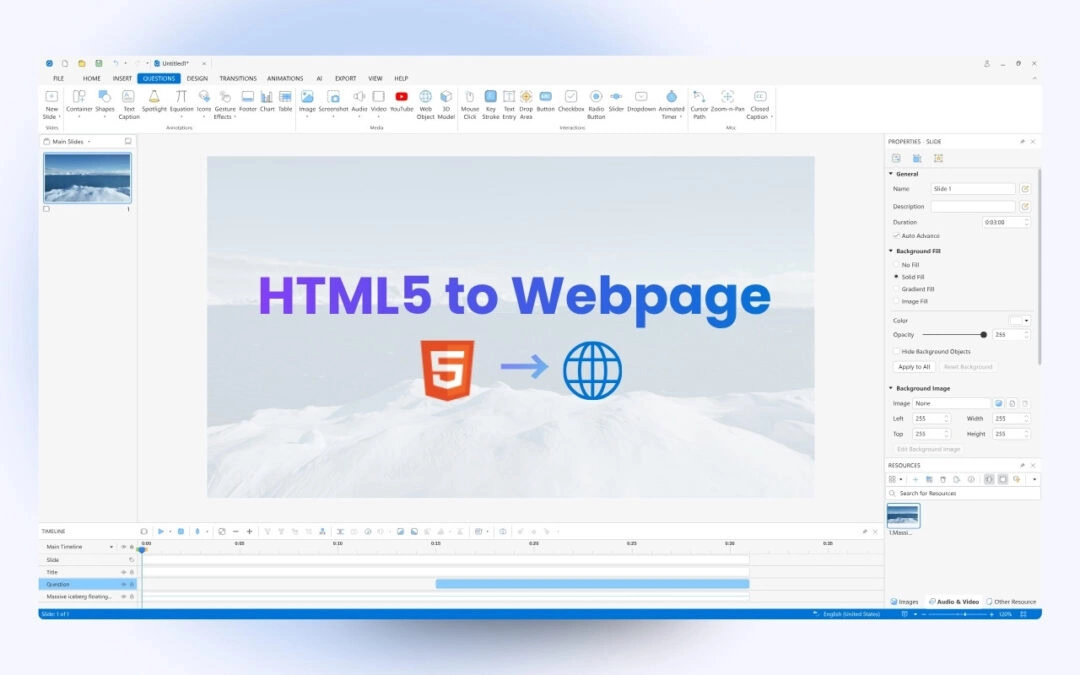
Have you ever had an idea to show your course that made from ActivePresenter course creation tool as a part of your webpage? If yes, this tutorial is for you. Today, I will show you the way to embed HTML5 course into a webpage using iframe. Make sure to download...