Picture-in-Picture (PIP) is a multi-window mode mainly designed for video playback. It allows you to enjoy a video in a small window pinned to a corner of the screen while browsing content on the main screen. Let’s explore this feature with ActivePresenter...
HTML5 closed caption is one of the new features in ActivePresenter SCORM creation software. The app allows you to embed captions into videos for displaying in the HTML5 output. Let’s learn more about it in this tutorial. For example, you have a slide with one or more...
ActivePresenter eLearning authoring software allows you to add new languages to closed captions so that you can create subtitles for videos or projects in different languages. This feature helps your content be more accessible for everyone regardless of their...
Closed caption or CC is the text version of the spoken part of videos, or movies. It makes videos/movies more accessible for people who are hard of hearing. So, in this post, you will learn how to add CC to projects in ActivePresenter eLearning tool. Table of content:...
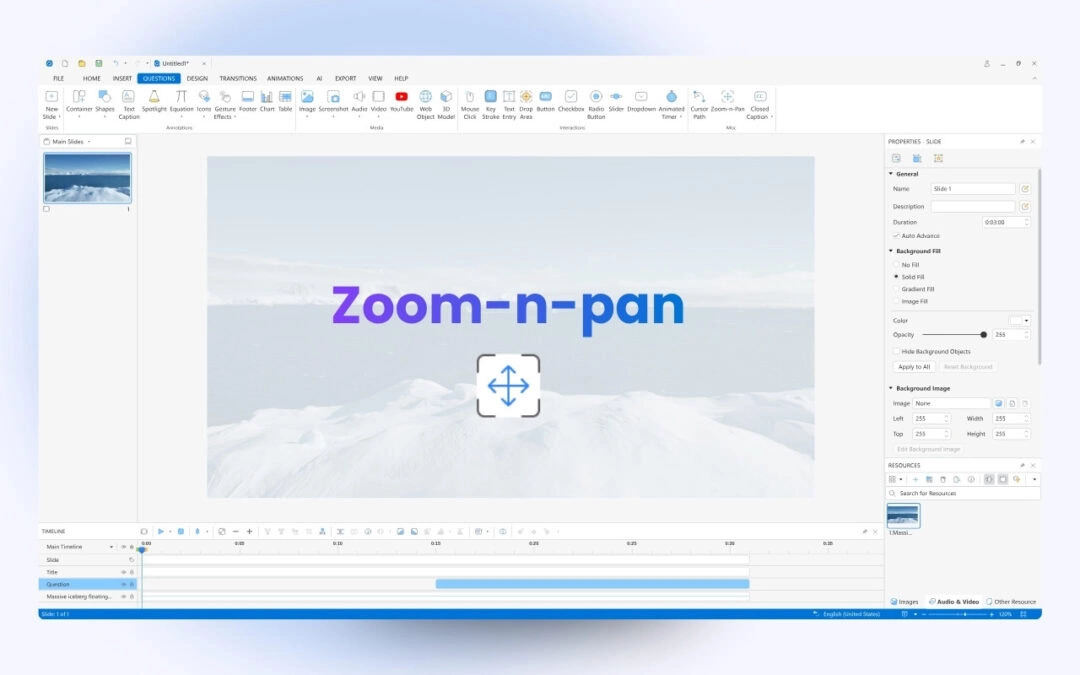
When creating your projects, there is a high chance that you may want to zoom in on the objects of interest or pan from one object to another. You can do that within seconds by working with the Zoom-n-Pan feature in ActivePresenter eLearning authoring software. In...
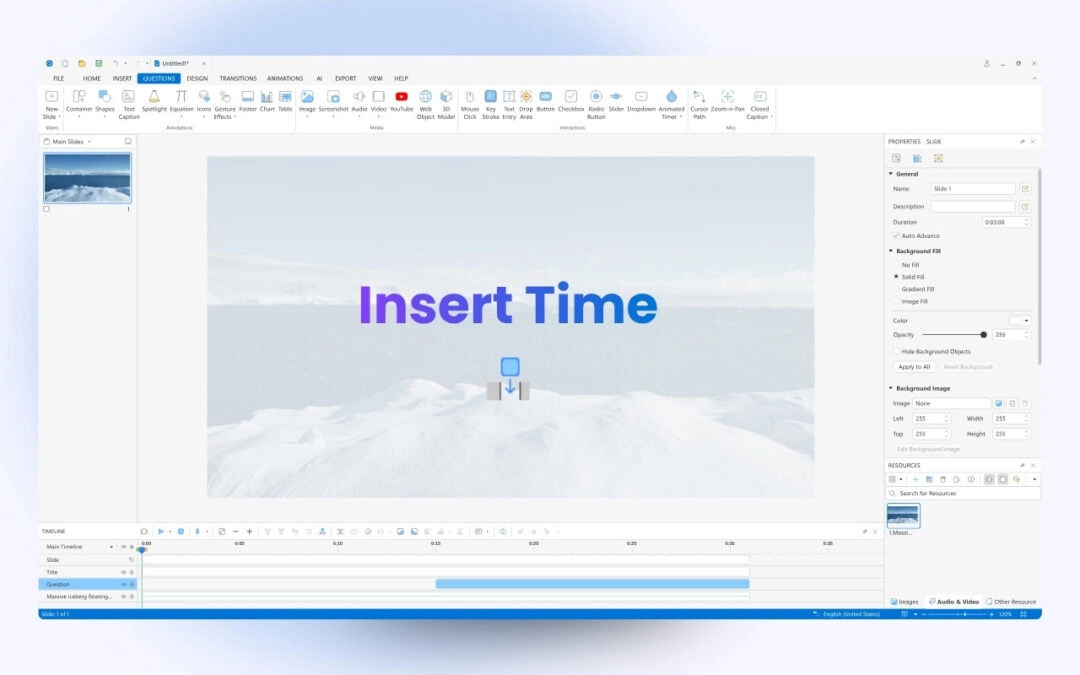
When you need to add silence to your audio or pause a video clip for a certain amount of time to explain something, the Insert time feature in ActivePresenter video editing tool will give you a hand. Concerning editing videos, the Insert time feature helps you a...