
ActivePresenter 10
An AI-powered eLearning authoring tool that streamlines your course creation. An all-in-one eLearning solution to create training videos, software simulations, educational games, and interactive slide-based lessons.

uPresenter
Next-Generation Interactive eLearning Platform
Create interactive presentations, quizzes, and dynamic learning experiences with real-time collaboration, seamless public sharing, and powerful reporting features.

Saola Animate 3
Create HTML5 animations and interactive content which run on any platform and device without coding skills.

Learn, share, and get support

Read latest tutorials and tips

Learn & ask our support experts

Connect & share with user community
Latest from our blog
Screencasting & eLearning
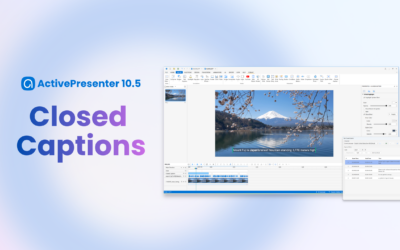
Closed Captions in ActivePresenter 10.5 (2026): Cut Editing Time by X3 with Pro Caption Controls & Styles
Explore Closed Captions in ActivePresenter 10.5. Gain professional control over text design and enhance accessibility effectively.

How to Record Your Screen on Mac (macOS 26): ActivePresenter vs Built-in Tools
Explore the best screen recorder Mac 2026 options for training. Get clean exports and interactive learning outputs.

How to Add Tracing Interaction & Question in ActivePresenter
If you’ve ever wanted learners to practice writing, drawing characters, or tracing paths directly to create an eLearning course, a Tracing Interaction/Question in ActivePresenter eLearning authoring tool is the feature you need.
HTML5 Animation
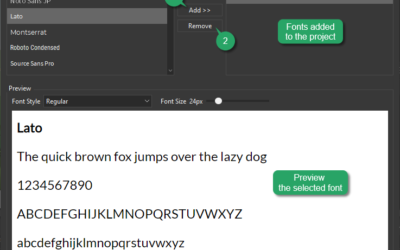
Use Google Fonts in Saola Animate 3
Besides Web safe fonts and System fonts, Google fonts provides you with hundreds of beautiful fonts and are supposed to bring great advantages.
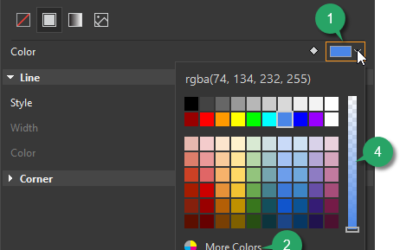
Choose and Animate Colors in Saola Animate 3
Color has tremendous power in storytelling. Choosing and animating colors for an element can help bring it to life and make truthful feelings.
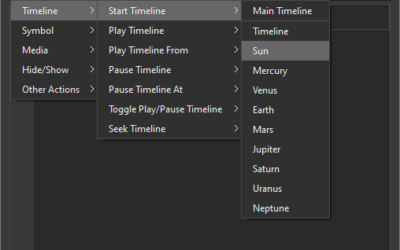
Use Timeline Triggers in Saola Animate 3
Timeline triggers play an important role in building interactive HTML5 content. Let’s explore using timeline triggers in Saola Animate 3.