
ActivePresenter 10
An AI-powered eLearning authoring tool that streamlines your course creation. An all-in-one eLearning solution to create training videos, software simulations, educational games, and interactive slide-based lessons.

uPresenter
Next-Generation Interactive eLearning Platform
Create interactive presentations, quizzes, and dynamic learning experiences with real-time collaboration, seamless public sharing, and powerful reporting features.

Saola Animate 3
Create HTML5 animations and interactive content which run on any platform and device without coding skills.

Learn, share, and get support

Read latest tutorials and tips

Learn & ask our support experts

Connect & share with user community
Latest from our blog
Screencasting & eLearning
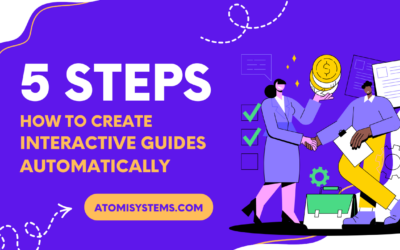
Record Software Simulation: Auto-Create Interactive Guides in 5 Steps
Learn how to record interactive software simulation in ActivePresenter to automatically generate click-by-click training guides — complete with annotations, feedback, and SCORM export. A step-by-step guide for eLearning developers in 2026.
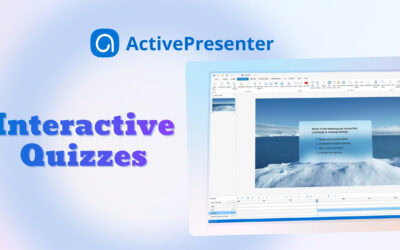
3 Ways to Create Interactive Quizzes in ActivePresenter
Create interactive quizzes are one of the most effective ways to increase learner engagement & reinforce knowledge. ActivePresenter provides multiple ways to create interactive quizzes efficiently, including creating with AI and bulk CSV file.
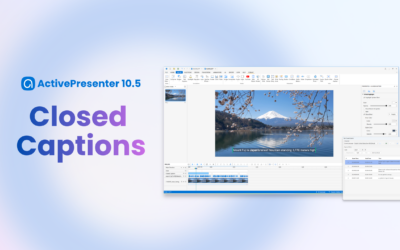
Closed Captions in ActivePresenter 10.5 (2026): Cut Editing Time by X3 with Pro Caption Controls & Styles
Explore Closed Captions in ActivePresenter 10.5. Gain professional control over text design and enhance accessibility effectively.
HTML5 Animation
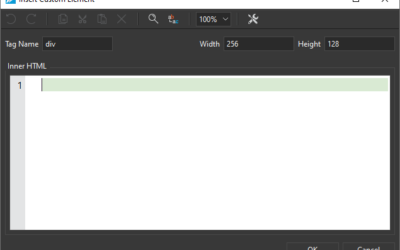
Use Custom Element in Saola Animate 3
Custom Element is one of the new features offered in Saola Animate 3. It allows you to create your own elements with HTML tags. In this tutorial, you will learn how to create, edit, rename and remove custom elements.
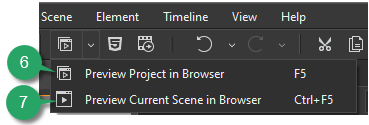
Preview Projects in Saola Animate 3
When building projects in Saola Animate 3, you can always preview how your animations and interactive content look and function when they are live. Moreover, previewing is crucial because it helps notice any required change, especially when your document has a great deal of interactivity. In this tutorial, you’ll learn how to preview projects in Saola Animate 3.
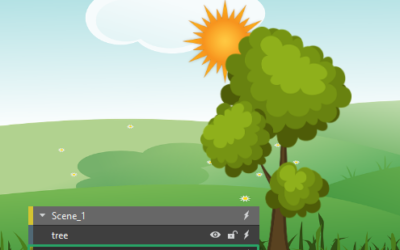
Reorder Elements in Saola Animate 3
Due to z-order, the newly-added elements are placed in front of others and may cover them partly or fully. Don’t worry, you can re-order elements with ease.