
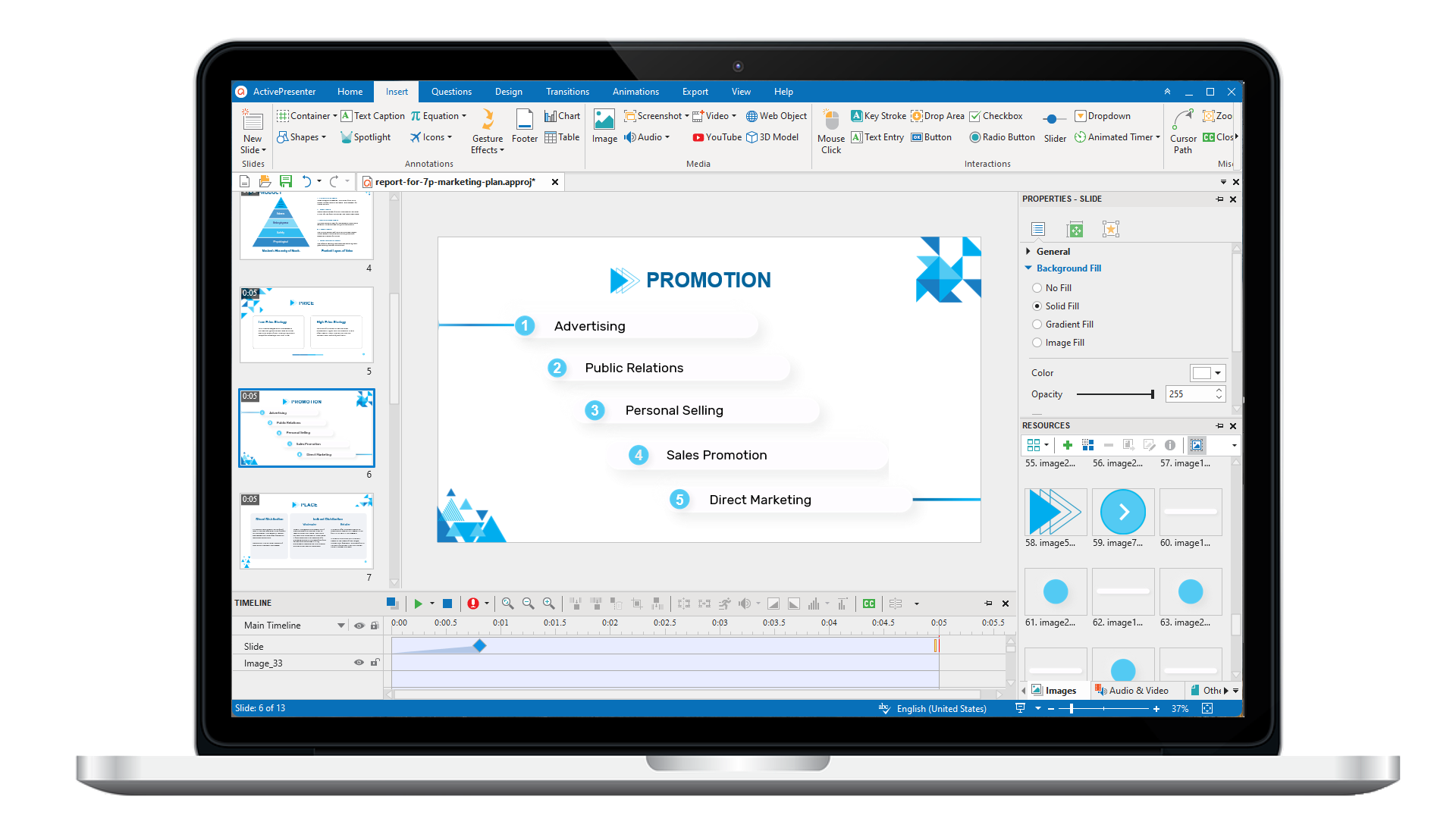
ActivePresenter 10
An AI-powered eLearning authoring tool that streamlines your course creation. An all-in-one eLearning solution to create training videos, software simulations, educational games, and interactive slide-based lessons.
uPresenter
Next-Generation Interactive eLearning Platform
Create interactive presentations, quizzes, and dynamic learning experiences with real-time collaboration, seamless public sharing, and powerful reporting features.

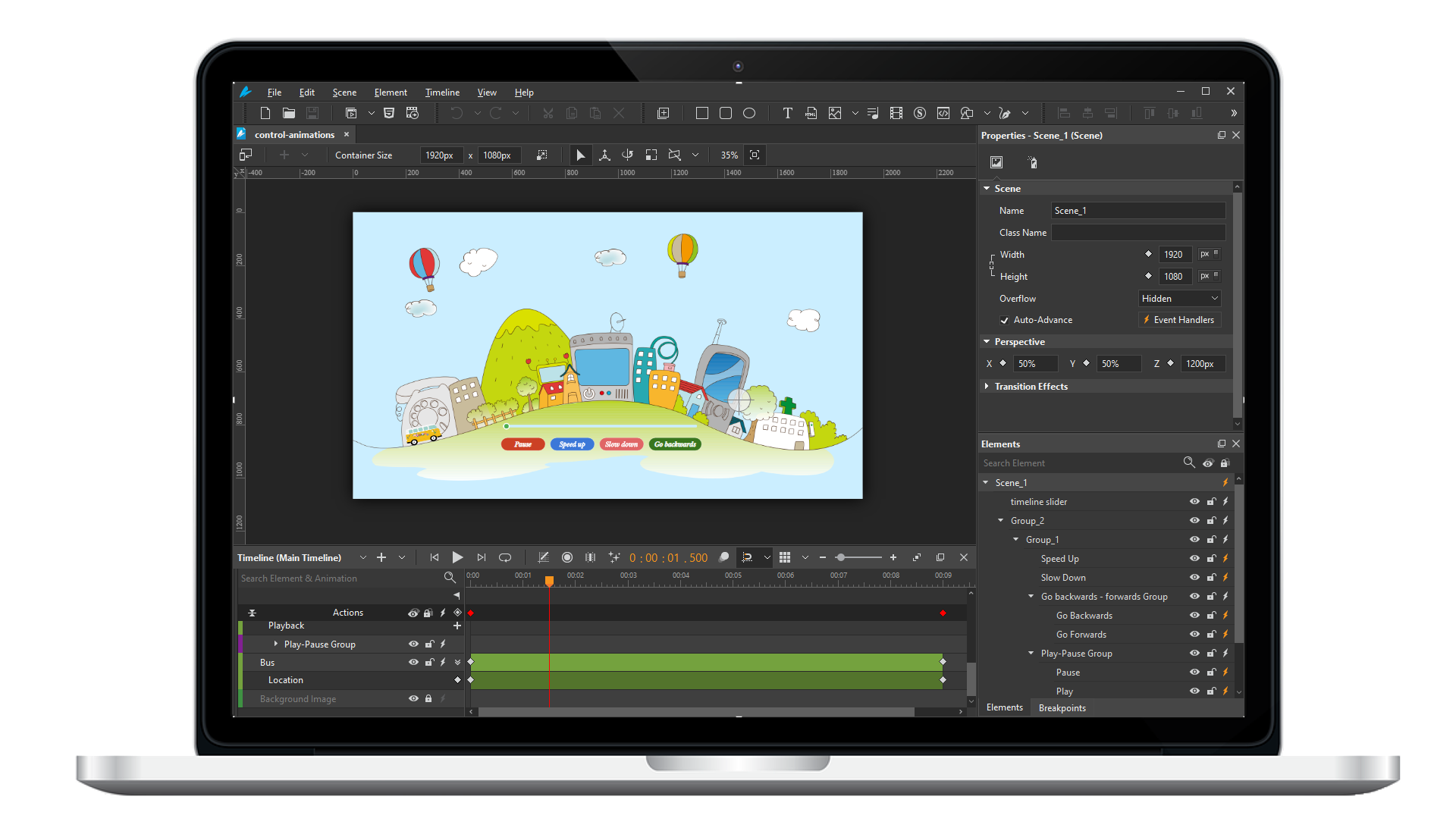
Saola Animate 3
Create HTML5 animations and interactive content which run on any platform and device without coding skills.
Learn, share, and get support

Read latest tutorials and tips

Learn & ask our support experts

Connect & share with user community
Latest from our blog
Screencasting & eLearning

What’s in the Bag Game: How to Create It with ActivePresenter
What’s in the bag is one of the games that help learners quickly memorize information and new vocabulary in a lesson. Today’s article will guide you through the process of designing this game using the eLearning authoring tool, ActivePresenter 9.

Peer-to-Peer Learning: Do’s and Don’ts for Building Collaborative Success
Ready to revolutionize your learning experience? Peer-to-peer learning offers a unique and powerful approach to education. In this post, we'll explore the benefits of learning from your peers and provide practical tips on how to make the most of this collaborative...

Learning Design Book: Best-picked for Instructional Designers
Learning design books offer a gateway to mastering the art of creating impactful educational experiences. They go beyond theory, providing practical insights and real-world scenarios that help bridge the gap between knowledge and application.
HTML5 Animation
Introducing Saola Animate User Interface
Saola Animate offers a user-friendly interface for building HTML5 animation. This tutorial will show you a brief overview of the Saola Animate user interface.
Creating New Projects
Saola Animate makes it easy to create HTML5 animation for different screen sizes. When working with the application, the first thing to do is creating a new project. Then, you’ll import content, create animations, add interactivity, and finally export the project to HTML5. In this tutorial, you’ll learn the first step: creating a new project.
Creating HTML5 Animation with Saola Animate
HTML5 has become an integral part of modern websites. Why should you use HTML5? And why should you use Saola Animate to create HTML5 animation? The article will give you the answers.