
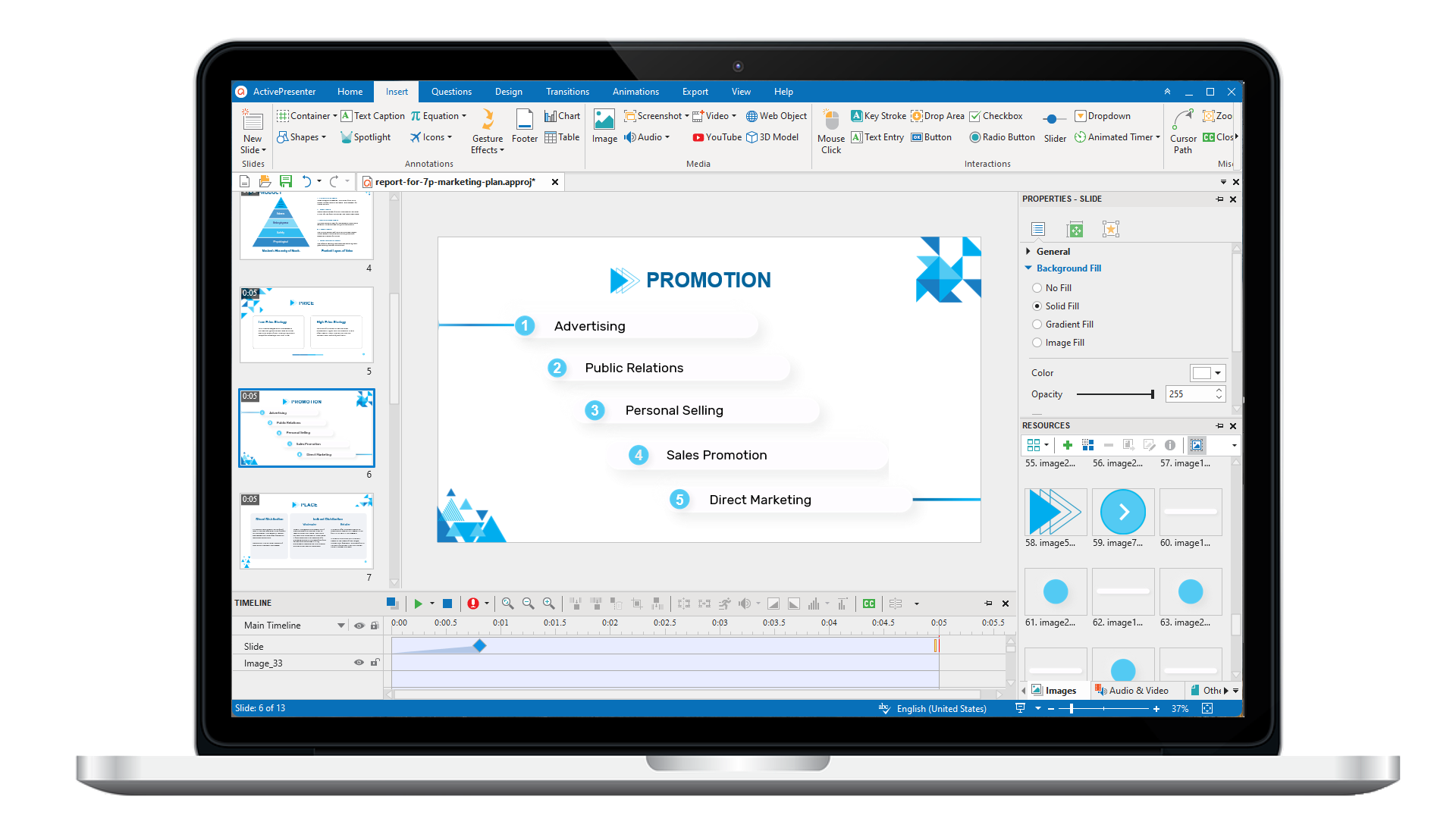
ActivePresenter 10
An AI-powered eLearning authoring tool that streamlines your course creation. An all-in-one eLearning solution to create training videos, software simulations, educational games, and interactive slide-based lessons.
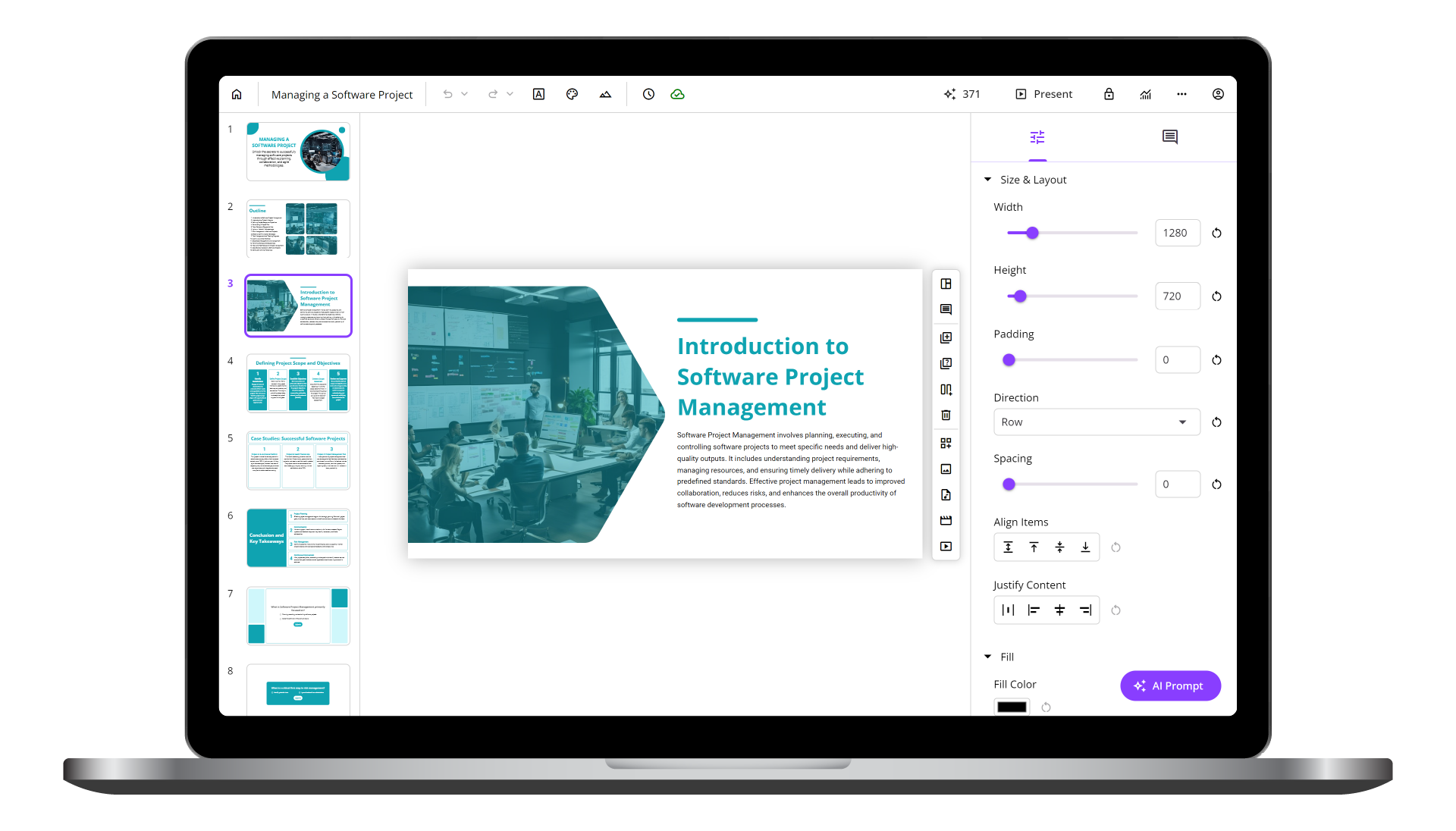
uPresenter
Next-Generation Interactive eLearning Platform
Create interactive presentations, quizzes, and dynamic learning experiences with real-time collaboration, seamless public sharing, and powerful reporting features.
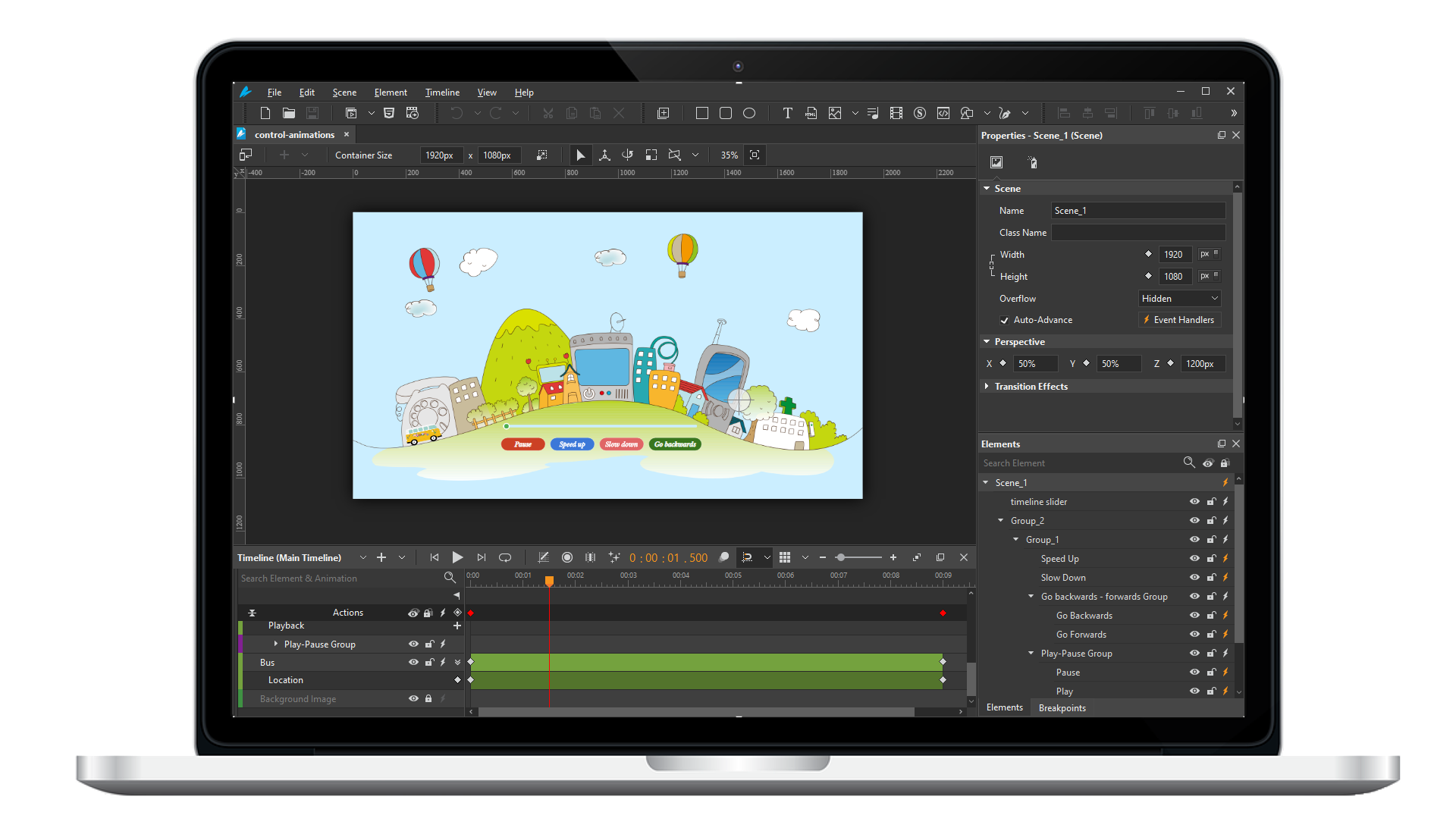
Saola Animate 3
Create HTML5 animations and interactive content which run on any platform and device without coding skills.
Learn, share, and get support

Read latest tutorials and tips

Learn & ask our support experts

Connect & share with user community
Latest from our blog
Screencasting & eLearning
Top 5 Best eLearning Software for Responsive Design: 2026 Expert Guide
Searching for the best eLearning software for responsive design? Compare top authoring tools in 2026 — features, pricing, and real use cases to help you decide fast.
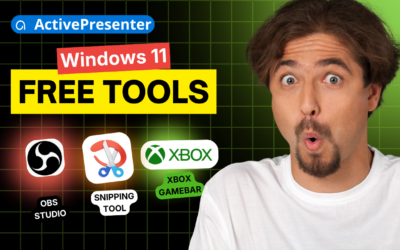
Record Screen Windows 11 Free: OBS vs. Game Bar vs. Snipping Tool
Comparing OBS Studio, Xbox Game Bar & Snipping Tool to record screen on Windows 11 free? See which tool actually fits tutorial makers and trainers in 2026.
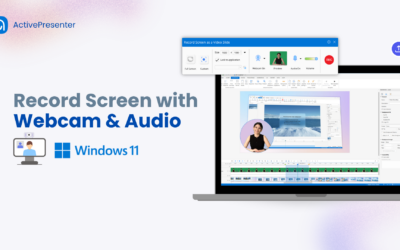
3 Free Methods to Screen record with Audio & Webcam on Windows 11
Learn the easiest methods for recording your screen on Windows 11 with audio and a webcam using ActivePresenter.
HTML5 Animation
Best Animation Software for Beginners (Free and Paid)
Nowadays, the rapid development of technology has made animations available to the masses. As a result, there is a diverse range of animation software for beginners, intermediate or advanced animators in the market. As a beginner with basic design skills, you need to find suitable animation software to start your journey. Let’s take a look at the best animation software for beginners – Free and Paid that you can consider using.
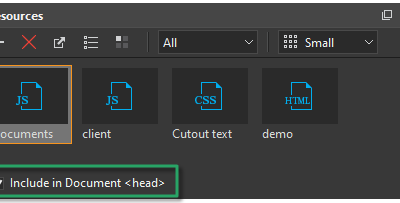
Use External JavaScript, CSS, and HTML in Saola Animate 3
Saola Animate allows you to create and call JavaScript functions. Besides that, it also allows you to use external script resources to create advanced interactivities. In this tutorial, you will learn how to use external script resources in Saola Animate 3, namely JavaScript, CSS, and HTML files, to better control your document’s look and feel.
Work with Scenes in Saola Animate 3
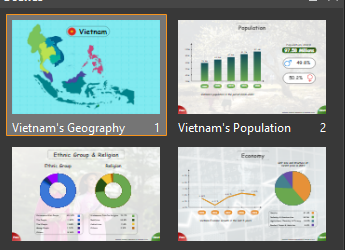
It’s easy to work with scenes in Saola Animate 3. You can insert new scenes, remove unwanted ones, or customize their properties in a second.