Knowing how to add and customize shapes on a slide is one of the building blocks of learning ActivePresenter 10. Once you become skillful in shape, you can do so much more. Explore the basic manipulation with shapes through today’s tutorial. In addition to shapes,...
ActivePresenter 10 allows you to create object animation effects with four types: Entrance, Exit, Emphasis, and Motion Path. There are up to 80 effects of all types that help bring your content to life effortlessly. Creating animation for objects in your...
Flex box is a flex container that can hold objects. It is made for one-dimensional layouts, which means the child objects can be laid out either horizontally or vertically. As you know, a grid box is two-dimensional that can distribute child objects both...
Slide templates come in handy to let you keep and reuse everything that you’ve added to your project. Sounds interesting? Let’s explore how to create and use slide templates in ActivePresenter 10. In the previous articles, you’ve learned how to create and use...
Have you ever wished you could save all the settings in the themes you’ve made to reuse later? If so, you come to the right place. Let’s learn how to save a project as a custom theme and use it in ActivePresenter 10. Besides the built-in themes that...
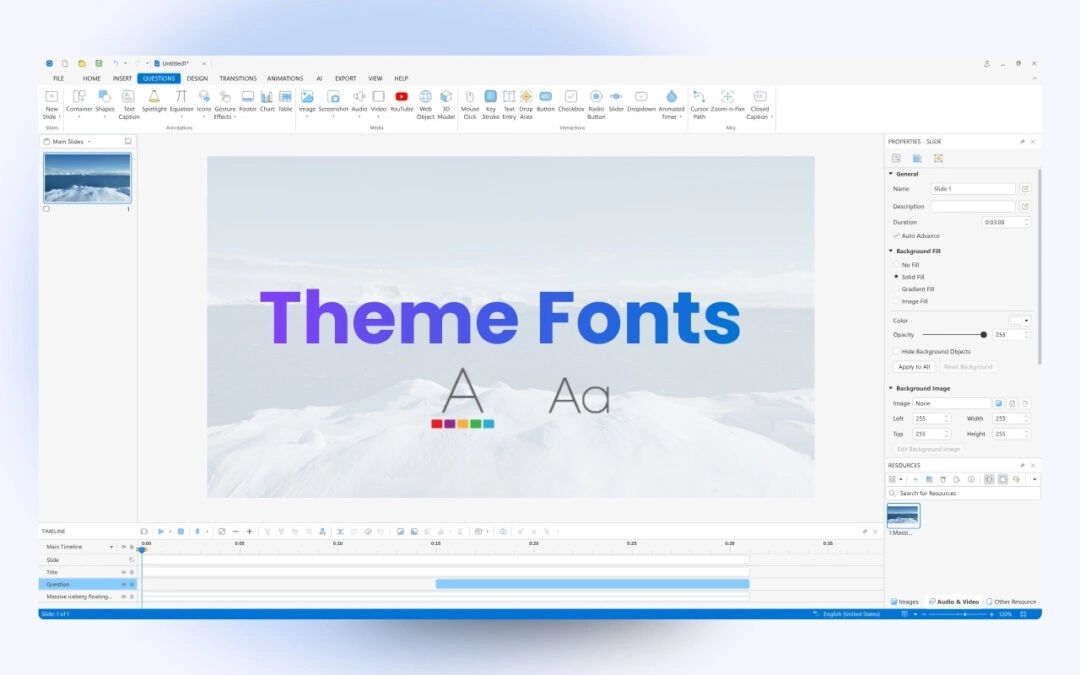
Apart from Theme Colors, Theme Fonts are also a component of themes. Let’s learn how to work with Theme Fonts in ActivePresenter 10 through this tutorial. Theme font is a set of fonts including a heading font and a body font. In ActivePresenter 10 –...