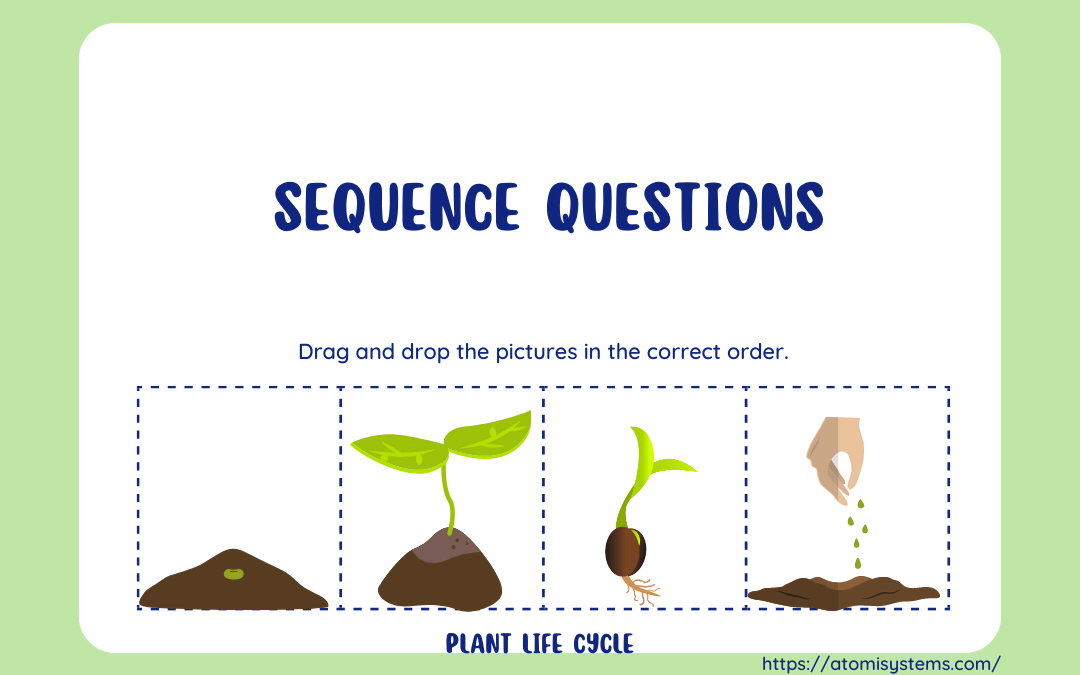
Sequence question is one of the thirteen question types in ActivePresenter 9. This question requires you to rearrange items into the right order. In this tutorial, you will learn more about it. Take a look at the example below. It gives you 4 letters, then you have...
Without a single line of code, you can create variables and use them to collect and store information such as learners’ names and scores, then retrieve them throughout the course. They are also helpful to add interactivity to your course with conditional...
A Fill in Blanks quiz is widely used to test learners’ knowledge while reducing their guessing rate. So, in today’s article, let’s learn how to create a Fill in Blank quiz using the Fill in Blank questions in ActivePresenter 9. At first look, many people may...
Key stroke object is another type of interaction object in ActivePresenter 9. It allows you to interact with eLearning content by using the keyboard. For example, ActivePresenter 9 lets you combine some objects into a group by pressing CTRL+G. When you record...
The Advanced Actions is a fantastic feature in ActivePresenter 9 that helps you create multiple actions in one place and reuse them for other objects without repeating the same manipulations. In the previous tutorial, we’ve learned how to use events-actions to add...
Likert scale surveys are widely used in both daily life and science research. Using this type of survey is one of the most reliable ways to measure many variations such as satisfaction, frequency, quality, importance, likelihood, etc. Keep reading to know how to...