How to Customize Hotkeys in ActivePresenter 8

How to Customize Hotkeys in ActivePresenter 8

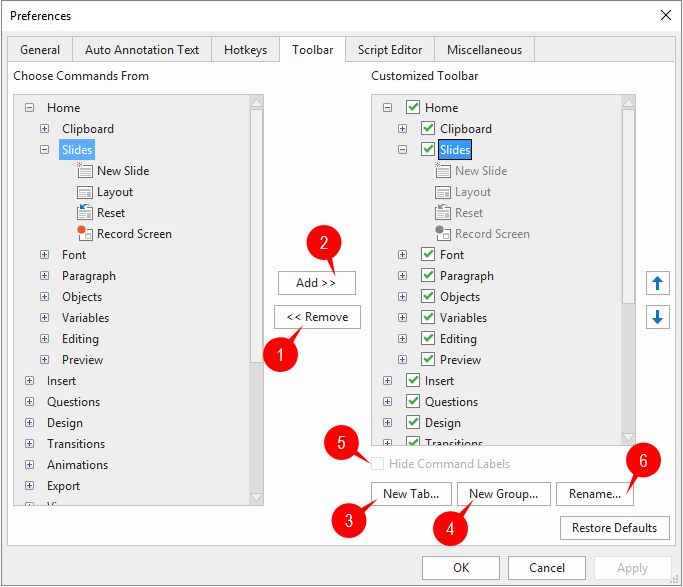
ActivePresenter provides many default hotkeys to help you work with the app more effectively. Besides, it also allows you to customize hotkeys by assigning a key or a combination of keys to specific commands. Let’s learn how to do that in this article. Where to...
How to Use Snapping Modes in ActivePresenter 8

How to Use Snapping Modes in ActivePresenter 8

Snapping modes help you easily align objects whether they are on the Canvas or in the Timeline. There are four snapping modes in ActivePresenter 8 including Canvas Snapping, Timeline Snapping, Cursor Snapping and Container Snapping. Let’s learn about them in today’s...
Use Audio Normalization in ActivePresenter 8

Use Audio Normalization in ActivePresenter 8

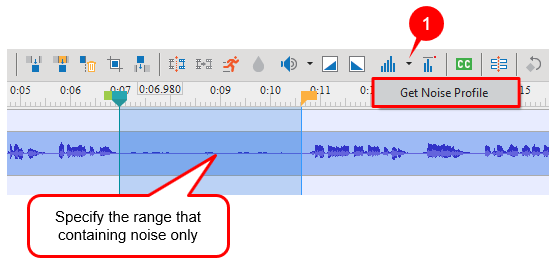
Suppose you have a group of audio objects at different amplitudes and you want to make them all play at the same level. You can easily solve this issue by using the Audio Normalization feature in ActivePresenter 8. Basically, Audio Normalization applies a constant...
How to Work with Animated Timers in ActivePresenter 8

How to Work with Animated Timers in ActivePresenter 8

Animated Timer is an interaction object that helps to limit the time that learners can respond to a question. Using animated timers is very useful in creating a sense of urgency, tension, or pressure and simulating practical tasks that involve time constraints. In...
How to Group Objects in ActivePresenter 8

How to Group Objects in ActivePresenter 8

Object grouping in ActivePresenter 8 allows you to work with multiple objects as if they were a single object. In this tutorial, we’ll show you how to group objects and work with groups. Group Multiple Objects Object grouping lets you move, rotate, or resize multiple...