
Small and medium enterprises (SMEs) face a training paradox: your people need to grow fast, but your budget and team size can’t support the training infrastructure of a Fortune 500 company. The result? A patchwork of live workshops, outdated PDFs, and inconsistent onboarding that quietly drains productivity — and talent.

After spending over a decade producing eLearning content and stress-testing dozens of platforms across industries, I can tell you this: the right corporate training solution doesn’t just organize your content. It multiplies your team’s capability without multiplying your costs. In this guide, I’ve cut through the noise to bring you the five best corporate training solutions for SMEs in 2026 — with honest pros, cons, and real-world use cases for each.
Table of contents
- Why SMEs Need a Dedicated Corporate Training Solution in 2026
- How I Evaluated These Corporate Training Solutions
- Top 5 Best Corporate Training Solutions for SMEs in 2026
- 1. ActivePresenter — Best All-in-One eLearning Authoring Tool for SMEs
- 2. Articulate 360 — Industry Standard, Premium Price Tag
- 3. iSpring Suite — Best for PowerPoint-Centric Teams
- 4. TalentLMS — Best Learning Management System for SMEs
- 5. Adobe Captivate — Best for Technical & Simulation-Heavy Training
- Side-by-Side Comparison: Best Corporate Training Solutions for SMEs
- Which Corporate Training Solution Is Right for Your SME?
- 5 Expert Tips for Implementing Corporate Training Solutions at SMEs
- Final Verdict: The Best Corporate Training Solution for Most SMEs
- 🚀 Ready to Build Your First Course?
Why SMEs Need a Dedicated Corporate Training Solution in 2026
Before we dive into the tools, let’s address the elephant in the room: “Can’t we just use PowerPoint and Zoom?”
You can. But here’s what that approach costs you:
- Inconsistency: Every trainer delivers a slightly different version of the truth
- No tracking: You have zero visibility into who actually completed the training
- Zero scalability: Hiring 10 new people means 10 more live sessions
- High marginal cost: Every new cohort costs nearly as much as the last
According to the Association for Talent Development, companies with comprehensive training programs generate 218% higher income per employee than those without. The gap between “training as an afterthought” and “training as a system” is measured in real revenue.
The tools below are specifically chosen for SMEs — meaning they balance professional-grade features with realistic pricing and manageable learning curves.
How I Evaluated These Corporate Training Solutions
Before listing the tools, here’s the criteria framework I used. Use this yourself when evaluating any platform:
| Criterion | What to Look For |
| Content Creation | Can non-developers build engaging courses? |
| Interactivity | Quizzes, branching scenarios, simulations |
| Export Flexibility | HTML5, SCORM, xAPI, MP4 |
| LMS Compatibility | Does it integrate with your existing stack? |
| Responsive Design | Mobile and tablet-friendly output |
| Pricing Model | Perpetual license vs. subscription; free tier available? |
| Support & Community | Documentation, tutorials, active user community |
Top 5 Best Corporate Training Solutions for SMEs in 2026
1. ActivePresenter — Best All-in-One eLearning Authoring Tool for SMEs

Best for: Teams that need screen recording, video editing, and eLearning course creation in a single workflow
If there’s one tool I recommend most consistently to SMEs, it’s ActivePresenter by Atomi Systems, one of the best eLearning authoring tools for SMEs. In my experience working with training teams that don’t have dedicated instructional designers, the “all-in-one” pitch isn’t just marketing — it genuinely removes the friction of juggling multiple tools.
ActivePresenter combines:
- Screen recording with annotation and cursor effects
- Non-destructive video editing — you can revise without losing your source content
- Advanced eLearning authoring — branching scenarios, drag-and-drop interactions, hotspot questions, fill-in-the-blank, and conditional logic
- Publishing to HTML5, SCORM 1.2, SCORM 2004, xAPI, MP4, WebM, PDF, and PowerPoint
That last point deserves emphasis. I’ve reviewed tools that charge premium pricing for SCORM export alone. ActivePresenter includes it across the board.
✅ Pros
- Genuinely free edition with no time limit (rare in this space — most competitors cap you at 14–30 days)
- Most versatile export suite in its price range
- Non-destructive editing is a lifesaver when stakeholders request revisions (and they always do)
- Responsive design support for mobile learners
- Active documentation and tutorial library from Atomi Systems
⚠️ Cons
- Desktop-only (Windows & macOS) — no browser-based collaborative editing
- Advanced features like variables and conditional logic have a learning curve
- Free edition adds a watermark to certain export formats
💡 Pro Tips (From 10+ Years of Use)
Tip 1: When exporting HTML5 courses, enable “Compress Images” and “Optimize Audio” in the export settings. In my testing, this reduces file size by 30–50% with no visible quality loss — critical when deploying to remote employees on slower connections.
Tip 2: Master Ctrl+Shift+R for recording and Ctrl+D for duplicating objects. Ten keyboard shortcuts in ActivePresenter will cut your production time by a meaningful margin.
Tip 3: Always start with a storyboard before opening the software. The tool should serve your design — not the other way around.
🎬 Real-World Use Cases
Scenario 1 — Software Simulation for Banking Staff:
A regional bank needed to train 200 tellers on a new transaction system before go-live. Using ActivePresenter’s screen recording and simulation mode, the L&D team built a “try it yourself” module where employees practiced the workflow in a safe, simulated environment — with instant feedback on mistakes. Training time dropped from 3 days of live instruction to 4 hours of self-paced eLearning.
Scenario 2 — IT Help Desk Video Tutorials:
An IT manager at a 150-person logistics company was drowning in repetitive support tickets. She recorded a series of screen-capture tutorials using ActivePresenter, exported them as MP4, and hosted them on the company intranet. Ticket volume for the top 10 issues dropped by 60% within a month.
Scenario 3 — Compliance Training for a Healthcare SME:
A healthcare startup with offices in three countries needed consistent HIPAA compliance training. ActivePresenter’s SCORM export allowed them to push the course to their LMS, track completion rates, and auto-generate certificates — all without hiring an external vendor.
Pricing: Free edition available (with watermark on some exports). Paid licenses are perpetual — no ongoing subscription required for the desktop version.
2. Articulate 360 — Industry Standard, Premium Price Tag
Best for: Larger SMEs with dedicated L&D staff and budget to match
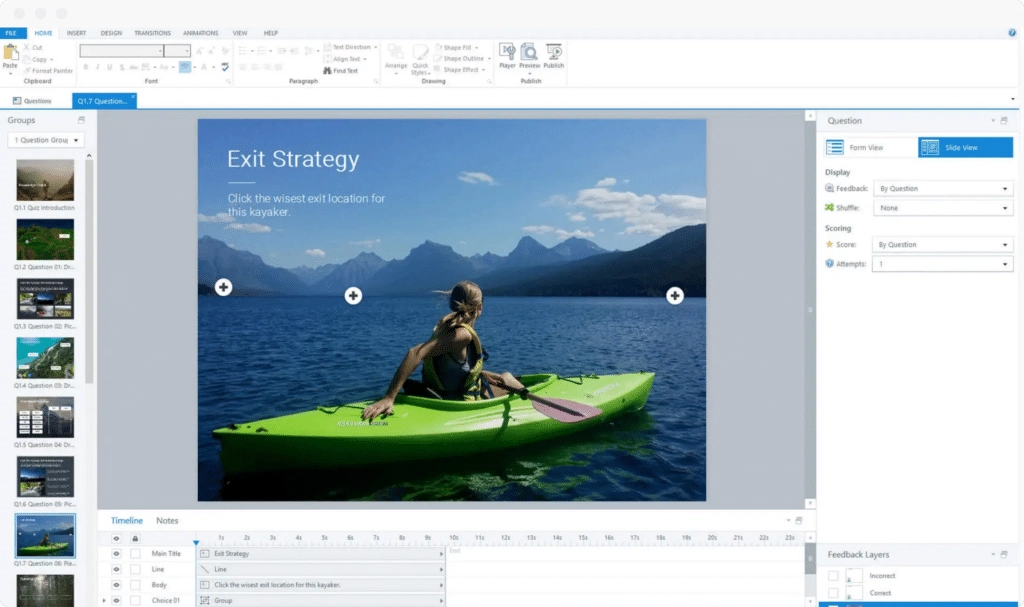
Articulate 360 (which includes Storyline 360 and Rise 360) is the most widely recognized name in eLearning authoring. Storyline offers deep interactivity and a large template library; Rise produces beautiful, responsive courses quickly.
✅ Pros
- Massive community and template ecosystem
- Excellent mobile-first course design with Rise
- Strong LMS compatibility
⚠️ Cons
- Subscription-only pricing (~$1,499/user/year) — a significant commitment for SMEs
- No perpetual license option
- Storyline has a steep learning curve for non-designers
Verdict for SMEs: Powerful, but the annual subscription model makes it a tough sell for small teams. If budget is a constraint, ActivePresenter delivers comparable core functionality at a fraction of the cost.
3. iSpring Suite — Best for PowerPoint-Centric Teams
Best for: Organizations that already live in PowerPoint and want a low-friction upgrade path
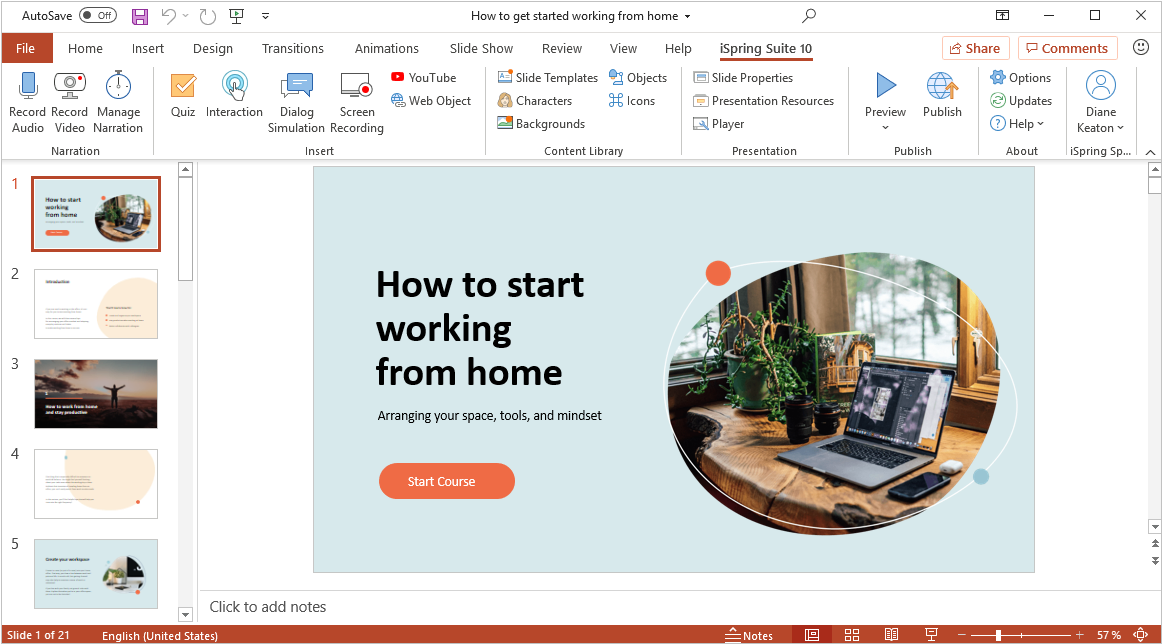
iSpring Suite works as a PowerPoint add-in, converting your existing slide decks into interactive SCORM-compliant courses. For SMEs with large libraries of PowerPoint training content, this is a compelling bridge solution.
✅ Pros
- Minimal learning curve for PowerPoint users
- Solid quiz and assessment builder
- Good LMS integration
⚠️ Cons
- Output quality is constrained by PowerPoint’s design limitations
- Less flexibility for custom interactions compared to ActivePresenter or Storyline
- Annual subscription model
Verdict for SMEs: Great entry point if your team is PowerPoint-native. Less suitable if you need screen recording, simulation, or advanced branching.
4. TalentLMS — Best Learning Management System for SMEs
Best for: SMEs that need a ready-to-deploy LMS with built-in course creation
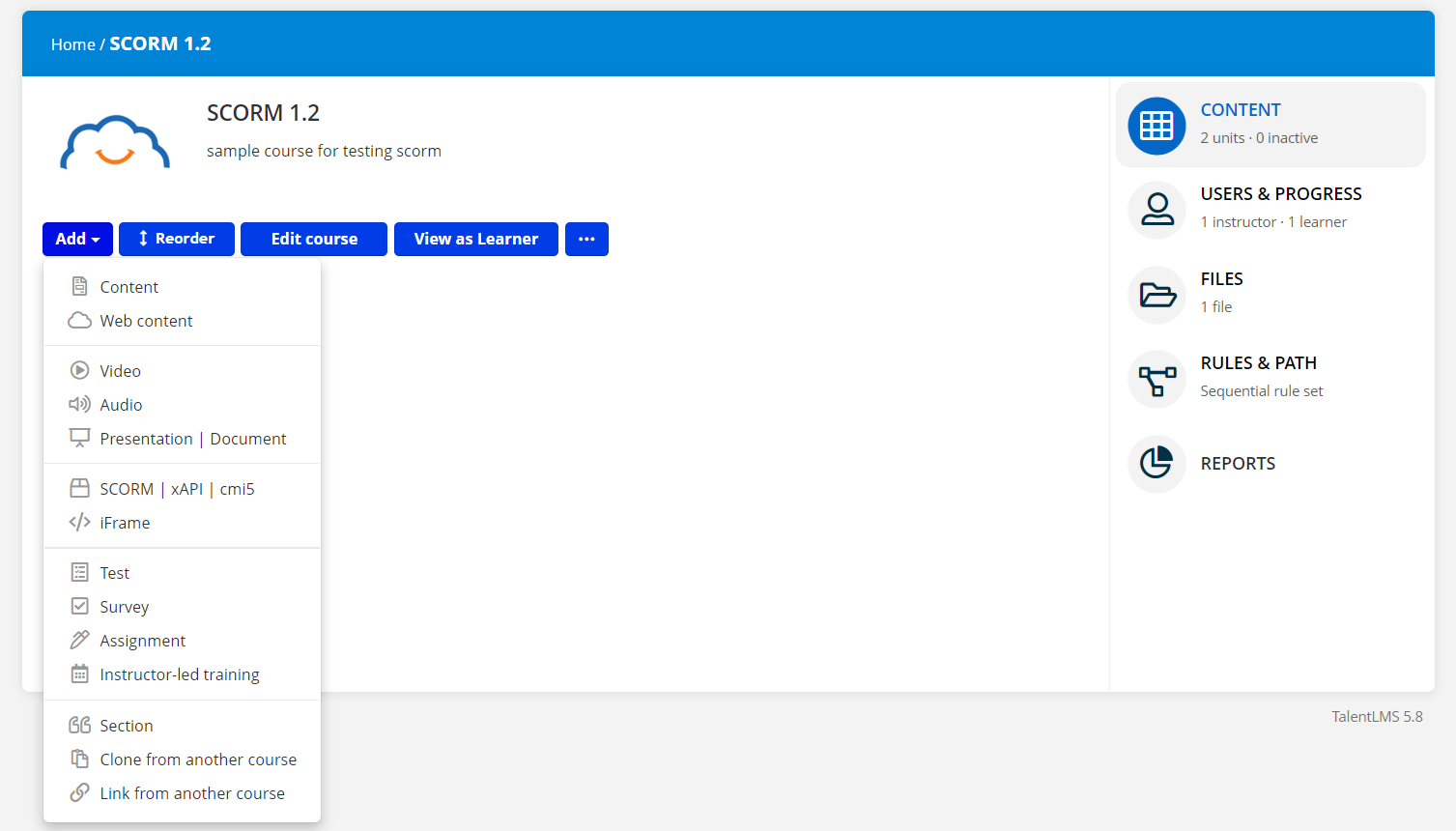
TalentLMS sits on the LMS side of the equation rather than pure authoring, but its built-in course builder makes it relevant here. It’s one of the most popular LMS platforms for SMEs, offering a clean interface and strong automation features.
✅ Pros
- Fast to deploy — cloud-based, no IT setup required
- Good built-in course builder for simple content
- Gamification features (points, badges, leaderboards)
- Free tier available (up to 5 users)
⚠️ Cons
- Built-in authoring is limited for complex interactions — you’ll still need an external tool for advanced courses
- Pricing scales quickly with user count
- Less control over content design than dedicated authoring tools
Verdict for SMEs: Excellent LMS choice. Pair it with ActivePresenter for course creation and SCORM delivery for a complete, cost-effective training stack.
5. Adobe Captivate — Best for Technical & Simulation-Heavy Training
Best for: SMEs in technical industries (software, manufacturing, healthcare) that need advanced simulation capabilities
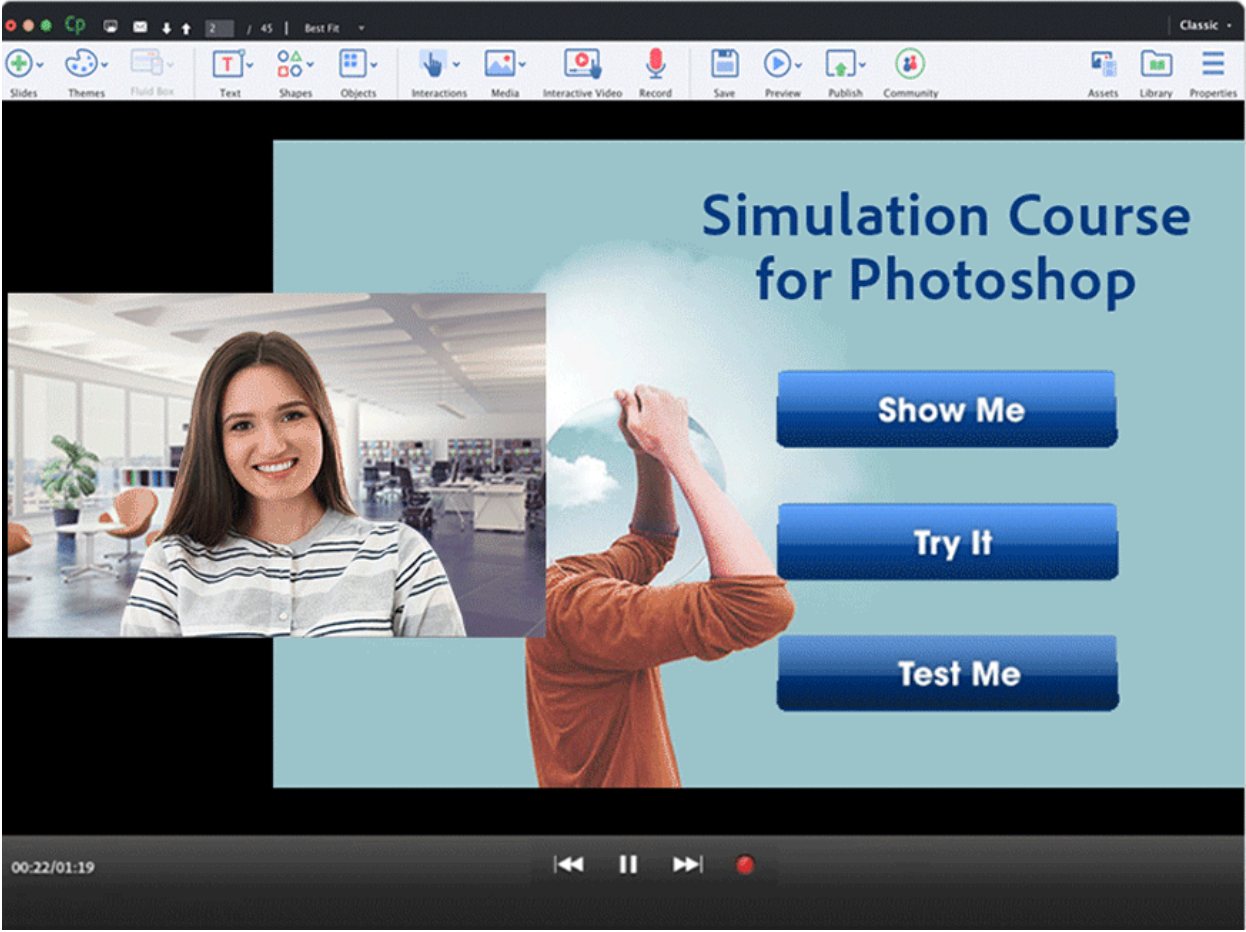
Adobe Captivate has long been a specialist tool for software simulations and complex interactive training. Its VR/360° content support and responsive authoring make it a strong choice for technically demanding training scenarios.
✅ Pros
- Excellent software simulation capabilities
- VR and 360° content support
- Strong SCORM/xAPI compliance
⚠️ Cons
- Steep learning curve — arguably the steepest on this list
- Subscription pricing (~$33.99/month) adds up over time
- Interface feels dated compared to newer tools
- Overkill for most SME training needs
Verdict for SMEs: A specialist tool for specialist needs. If your training is primarily compliance documentation, onboarding, or skills development, the complexity isn’t worth it. If you’re building detailed software simulations for technical staff, it earns its place.
Side-by-Side Comparison: Best Corporate Training Solutions for SMEs
| Feature | ActivePresenter | Articulate 360 | iSpring Suite | TalentLMS | Adobe Captivate |
| Free Tier | ✅ No time limit | ❌ Trial only | ❌ Trial only | ✅ Up to 5 users | ❌ Trial only |
| Screen Recording | ✅ Built-in | ❌ | ❌ | ❌ | ✅ |
| SCORM/xAPI Export | ✅ | ✅ | ✅ | ✅ (LMS) | ✅ |
| Non-Destructive Editing | ✅ | ❌ | ❌ | ❌ | ❌ |
| Pricing Model | Perpetual + Free | Subscription | Subscription | Subscription | Subscription |
| Mobile Responsive | ✅ | ✅ | ✅ | ✅ | ✅ |
| Learning Curve | Moderate | Moderate–High | Low | Low | High |
| Best For | All-in-one SME use | Enterprise L&D | PPT users | LMS-first teams | Technical simulations |
Which Corporate Training Solution Is Right for Your SME?
Here’s my honest recommendation matrix after 10+ years in this field:
- Tight budget + need everything in one tool? → ActivePresenter. The perpetual license model and genuinely unlimited free tier make it the most financially sensible choice for SMEs. You’re not locked into annual renewals.
- Already using PowerPoint heavily? → iSpring Suite as a starting point, then graduate to ActivePresenter as your content complexity grows.
- Need an LMS first, authoring second? → TalentLMS for the platform, ActivePresenter for course creation. They work seamlessly together via SCORM.
- Enterprise budget, dedicated L&D team? → Articulate 360 becomes justifiable at scale.
- Highly technical simulation needs? → Adobe Captivate, but only if the use case specifically demands it.
5 Expert Tips for Implementing Corporate Training Solutions at SMEs
These are hard-won lessons — save yourself the trial and error:
- Storyboard before you build. Map learning objectives and content flow on paper before touching any software. The tool should serve your design, not dictate it.
- Start with your highest-pain training first. Don’t try to digitize everything at once. Identify the one training topic that’s costing you the most time (usually onboarding or compliance) and build that first.
- Optimize for mobile from day one. In 2026, a significant portion of your workforce will access training on smartphones. Build responsive from the start — retrofitting is painful.
- Use SCORM tracking even if you think you don’t need it. The data on completion rates, quiz scores, and time-on-module will tell you more about your training effectiveness than any survey.
- Leverage the free tier fully before committing. ActivePresenter’s free edition gives you unlimited time to evaluate the tool with real projects. Use it to build a pilot course before purchasing licenses.
Final Verdict: The Best Corporate Training Solution for Most SMEs
After evaluating these platforms against real-world SME constraints — limited budgets, small teams, diverse technical skills, and the need to scale without proportional cost increases — ActivePresenter consistently earns the top recommendation.
It’s not the flashiest tool on the market. But for a business that needs to build professional, trackable, interactive training content without a dedicated instructional design team or a five-figure software budget, it delivers more per dollar than anything else in its class.
The free edition alone is worth downloading today. You can build, test, and evaluate a complete course before spending a single dollar.
🚀 Ready to Build Your First Course?
Download ActivePresenter for free — no time limit, no credit card required. Join thousands of SMEs that have already cut training costs while improving learner outcomes.
👉Download ActivePresenter Free |Explore Tutorials |Join the Community
Have questions about which plan is right for your team? Drop a comment below or reach out to the Atomi Systems support team — they’re genuinely responsive, which is rarer than it should be.
Last updated: May 2026 | Written by a content specialist with 10+ years in eLearning and corporate training technology