
Designing an eLearning course can take far longer than expected. Depending on the complexity of the content, interactions, media, and review process, producing just one hour of finished eLearning can require dozens or even hundreds of hours of development work.
The challenge becomes even greater when you’re working against a tight deadline. Subject Matter Experts (SMEs) may have limited availability, stakeholders may provide lengthy or conflicting feedback, and seemingly small changes can force designers to redo entire sections of a course.
But faster development doesn’t have to mean lower quality.
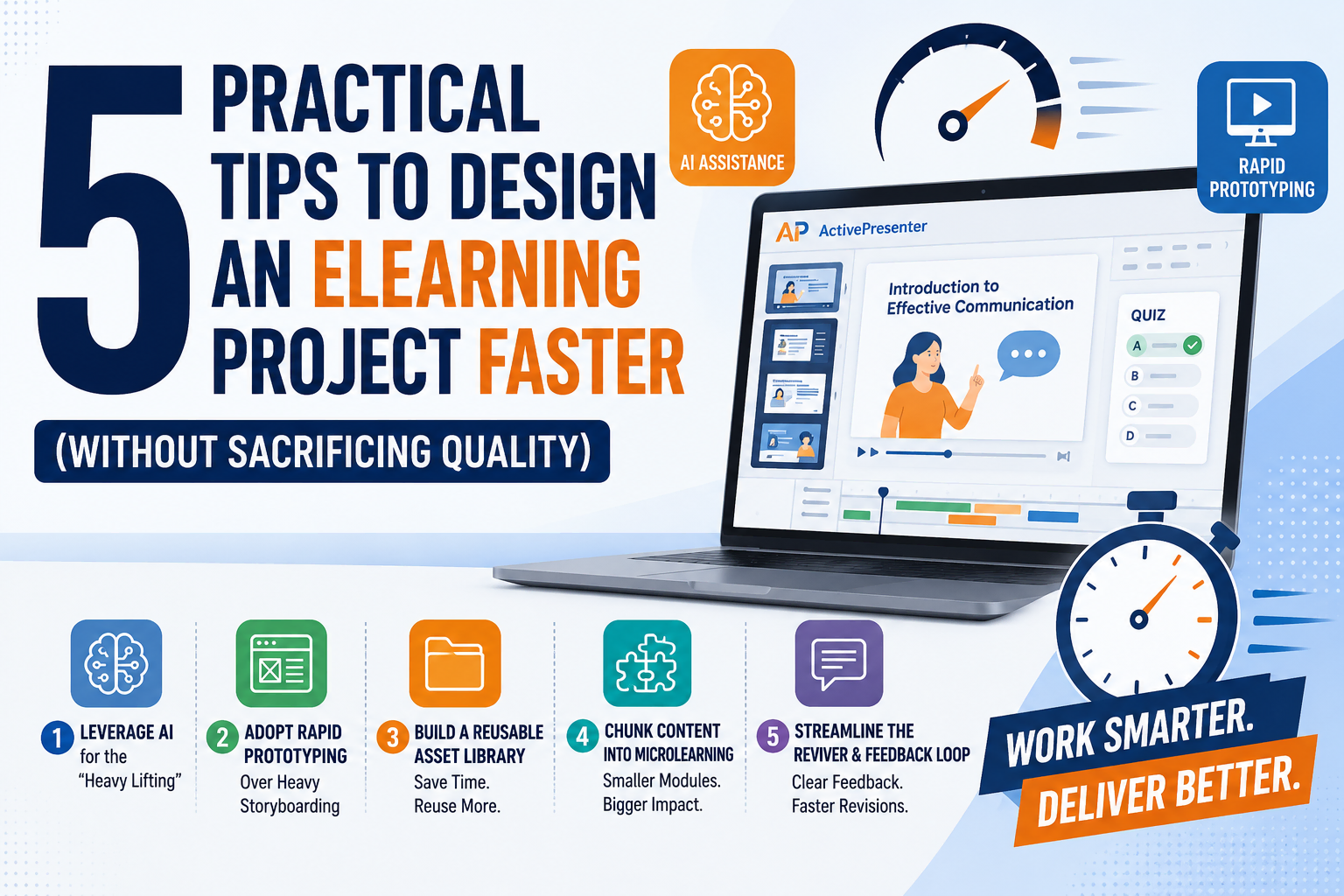
In fact, the biggest gains in eLearning productivity often come from improving the workflow, not simply working faster. By using AI strategically, prototyping earlier, reusing assets, breaking content into smaller modules, and streamlining reviews, instructional designers can significantly reduce development time while maintaining or even improving course quality.
Here are five practical strategies you can start applying to your next eLearning project.
1. Leverage AI for the “Heavy Lifting”
You don’t have to start every eLearning project with a blank page.
Today’s AI tools can assist with many repetitive and time-consuming tasks throughout the development process. Instead of replacing the instructional designer, AI can handle much of the initial “heavy lifting,” allowing designers to spend more time on instructional strategy, creativity, and quality control.
Draft Storyboards Faster
One of the most time-consuming early-stage tasks is transforming raw SME information into a structured learning experience.
Instead of manually organizing dozens of pages of documents, you can use AI tools such as ChatGPT or Claude to create an initial course outline, organize topics into modules, and draft storyboard content. Professional eLearning software like ActivePresenter often comes with built-in AI integrations ready for you to use. By connecting directly to AI services within the authoring tool, it eliminates the hassle of switching between multiple tabs or applications. This incredibly convenient setup empowers you to draft, edit, and perfect your course content faster and more efficiently.
For example, you can provide AI with:
- SME documentation
- Existing training manuals
- Company policies
- Product documentation
- Presentation slides
- Learning objectives
AI can then help transform this information into a preliminary structure containing:
- Module titles
- Learning objectives
- Key concepts
- On-screen text
- Narration scripts
- Suggested interactions
- Knowledge-check questions
The important point is that the AI-generated storyboard should be treated as a first draft, not a finished product. Instructional designers still need to verify accuracy, instructional effectiveness, tone, accessibility, and alignment with learning objectives.
Generate Voiceovers Faster
Voiceover production can also become a major bottleneck.
Traditional voice talent requires scheduling, recording sessions, revisions, file management, and sometimes multiple rounds of re-recording when the script changes.
AI text-to-speech tools such as ElevenLabs and WellSaid Labs can significantly accelerate this process.
You can generate a voiceover directly from the approved script, listen to it immediately, and make revisions without scheduling another recording session.
The workflow becomes much simpler:
Write → Generate → Review → Edit → Regenerate
If one sentence changes, you can update the script and regenerate the audio rather than organizing another recording session.
Generate Quiz Questions
AI can also help create an initial question bank from training materials.
For example, you can ask AI to generate:
- Multiple-choice questions
- True/false questions
- Scenario-based questions
- Knowledge checks
- Distractors
- Explanations for correct and incorrect answers
However, instructional designers should carefully review AI-generated questions. A technically correct question isn’t necessarily a good learning assessment.
The goal should be to test whether learners can apply knowledge—not simply whether they can remember a sentence from the training material.
Best practice: Use AI to accelerate production, but keep humans responsible for instructional decisions and final quality control.
2. Adopt Rapid Prototyping Over Heavy Storyboarding
A 50-page storyboard may look thorough, but it doesn’t necessarily guarantee a smooth development process.
One of the biggest problems with traditional storyboarding is that SMEs often struggle to visualize what the final course will actually look and feel like.
They may approve a Word or Excel storyboard containing descriptions such as:
“Slide 5: Display the process diagram. Narration explains the three stages.”
Everything may look fine on paper.
But once the designer turns it into an actual eLearning experience, the SME may suddenly realize:
“That’s not what I imagined.”
Now the project has a problem.
The designer may need to change the layout, navigation, interactions, animations, visual hierarchy, and even the learning flow—after significant development time has already been invested.
Build a 3–5 Slide Prototype
A more efficient approach is rapid prototyping.
Instead of designing the entire course before getting meaningful feedback, create a small prototype containing approximately 3–5 representative slides.
Build the prototype directly in your authoring tool, such as:
- Articulate Storyline
- Articulate Rise
- Adobe Captivate
- Other eLearning authoring platforms
Choose slides that demonstrate the most important design decisions.
For example:
- A typical content slide
- An interactive learning activity
- A scenario-based screen
- A knowledge check
- A results or summary screen
Ask the SME and stakeholders to review the prototype specifically for:
- Look & Feel
- Branding
- Navigation
- Interaction style
- Learning flow
- Visual hierarchy
- Tone
- Level of interactivity
Once the prototype is approved, you have a much clearer design direction for the remaining course.
Why This Saves Time
Imagine you’re building a 100-slide course.
If stakeholders approve a storyboard but reject the visual approach after slide 70 has been developed, you could potentially spend days or weeks reworking the project.
With rapid prototyping, you discover major problems after 3–5 slides instead of after 70–100 slides.
Prototype early. Get alignment early. Build at scale only after the direction is approved.
3. Build a Reusable Asset Library
Another major productivity killer is reinventing the wheel for every project.
If your team repeatedly creates the same buttons, navigation elements, icons, characters, backgrounds, layouts, and interaction patterns from scratch, you’re spending valuable development time on work that could have been reused.
A reusable asset library solves this problem.
Create Master Templates
Start by creating a standardized design system containing reusable elements such as:
- Master slides
- Buttons
- Navigation controls
- Content layouts
- Quiz layouts
- Interaction templates
- Progress indicators
- Results screens
- Character sets
- Backgrounds
- Icon sets
- Infographic elements
- Audio and video components
Your Master Slides should establish consistent formatting for:
- Fonts
- Colors
- Headings
- Body text
- Spacing
- Buttons
- Navigation
- Branding elements
Once these elements are established, designers don’t have to recreate them every time a new project begins.
Create a “Drag-and-Drop” Workflow
The real objective is to transform your development process from:
Design → Build → Rebuild → Reformat → Repeat
into:
Select → Customize → Assemble → Publish
For example, suppose your team frequently creates compliance training.
Instead of designing every knowledge check from scratch, create five or ten polished knowledge-check templates in advance.
When the next project starts, the designer simply selects the appropriate template and replaces the content.
The same principle applies to:
- Scenario templates
- Interactive timelines
- Process diagrams
- Flashcards
- Tabs
- Accordions
- Software simulations
- Assessment screens
Invest Once, Save Repeatedly
Building an asset library may require significant effort initially.
You might spend several days—or even a week—standardizing your templates, GUI elements, icons, characters, and backgrounds.
But this is an investment rather than an expense.
If a reusable template saves two hours on each project and your team produces dozens of courses every year, the time savings quickly compound.
Don’t optimize individual projects. Optimize the system that produces all your projects.
4. Chunk Content into Microlearning
Large courses can be difficult to design, develop, test, update, and maintain.
A single 45-minute eLearning course may contain dozens of screens, interactions, videos, assessments, and branching scenarios. When something changes, the designer may need to revisit a large portion of the course.
A more efficient approach is to chunk the content into smaller learning modules.
Instead of creating one large 45-minute course, consider breaking it into several 3–5 minute microlearning modules.
For example:
Traditional structure:
Workplace Safety Training — 45 minutes
Microlearning structure:
Module 1: Identifying Workplace Hazards — 5 minutes
Module 2: Reporting Safety Issues — 4 minutes
Module 3: Emergency Procedures — 5 minutes
Module 4: Personal Protective Equipment — 4 minutes
Module 5: Incident Response — 5 minutes
Why Microlearning Speeds Up Development
Smaller modules are easier to manage.
If a policy changes in Module 3, you can update that module without rebuilding the entire course.
This creates several advantages for the development team:
- Smaller files
- Faster publishing
- Easier testing
- Easier troubleshooting
- Faster revisions
- Simpler version control
- Easier content maintenance
Microlearning can also improve the learner experience because users can complete short learning units without committing to a long uninterrupted session.
Think in Learning Objectives, Not Course Length
The goal isn’t simply to make every course shorter.
Instead, structure each module around a specific learning objective.
Ask:
“What should the learner be able to do after completing this module?”
If the answer is clear and focused, that objective may become a standalone microlearning unit.
This approach makes the content easier to design—and often makes the learning experience easier to consume.
5. Streamline the Review & Feedback Loop
Even when the actual development process is efficient, the review process can bring everything to a standstill.
One of the most frustrating workflows for eLearning teams is collecting feedback through email, Word documents, spreadsheets, and screenshots.
For example, an SME might send an email saying:
“On Slide 5, change the blue button to red.”
Then another reviewer sends:
“The button on Slide 5 should actually remain blue.”
A third person sends a spreadsheet containing 30 additional comments.
Now the instructional designer has to figure out:
- Which version is the latest?
- Which comment refers to which screen?
- Has this issue already been fixed?
- Who approved the change?
- Which feedback takes priority?
This creates unnecessary administrative work and increases the risk of missed revisions.
Use In-Context Review Tools
A much better approach is to use an in-context review platform.
Tools such as Articulate Review 360 and zipBoard allow reviewers to view the actual course and leave comments directly against specific content.
Instead of writing:
“Please change the image on Slide 27.”
the SME can comment directly on the relevant screen.
This creates a much clearer feedback loop:
View → Comment → Resolve → Review Again
For video-based learning, time-based comments can be particularly useful because reviewers can identify exactly where an issue occurs.
For example:
“At 02:18, the narration says ‘three steps,’ but the screen displays four.”
That’s dramatically more actionable than an email saying:
“There’s an issue somewhere in the video.”
Establish Review Rules
Technology alone won’t solve a chaotic review process.
Your team should also establish clear review rules.
For example:
- Assign one primary SME responsible for consolidating content feedback.
- Define who has final approval authority.
- Set specific review deadlines.
- Ask reviewers to provide actionable comments.
- Avoid reopening previously approved decisions without a clear reason.
- Keep feedback in one centralized system.
- Establish a maximum number of formal review rounds.
This turns review from an unpredictable process into a manageable production stage.
The Bigger Picture: Speed Comes From Workflow, Not Rushing
Designing eLearning faster doesn’t mean cutting corners.
The fastest teams aren’t necessarily the teams that work the hardest. They’re the teams that eliminate unnecessary work.
The five strategies in this article work together:
| Strategy | What It Saves |
| Leverage AI | Reduces repetitive drafting and production tasks |
| Rapid Prototyping | Prevents expensive redesigns |
| Reusable Asset Library | Eliminates repetitive design work |
| Microlearning | Makes development and maintenance more manageable |
| Streamlined Review | Reduces feedback-related delays |
The real goal isn’t simply to produce courses faster.
It’s to build a repeatable eLearning development workflow where every project becomes easier, more predictable, and more efficient than the previous one.
When AI handles repetitive tasks, prototypes prevent costly misunderstandings, reusable assets accelerate production, microlearning simplifies maintenance, and centralized reviews eliminate feedback chaos, your team can move faster without sacrificing instructional quality.
In many cases, the result can be better quality—not lower quality—because designers have more time to focus on what humans do best: instructional strategy, creativity, learner experience, and meaningful learning design.
Final Takeaway
Speed doesn’t come from rushing. Speed comes from designing a smarter process.
Start small. Choose one bottleneck in your current eLearning workflow and fix it first.
Then gradually build a system around the five principles:
AI → Prototype → Reuse → Chunk → Streamline
Over time, these small workflow improvements can turn into significant productivity gains across your entire eLearning production process.
Choose Tools That Fit Your Workflow
The right authoring tool can make a significant difference, but there isn’t a single platform that is ideal for every eLearning team. Your choice should depend on factors such as the type of content you create, the level of interactivity required, your team’s technical skills, publishing requirements, and budget.
For example, teams that need a combination of screen recording, video editing, interactive presentations, quizzes, and eLearning authoring may want to evaluate solutions such as ActivePresenter alongside other established authoring platforms. The important thing is to choose a tool that supports your workflow rather than forcing your workflow to fit the tool.
What About Your Workflow?
What tools or techniques are you currently using to speed up eLearning development?
Are you already using AI for storyboarding, voiceovers, or assessments? Or is your biggest challenge getting SMEs and stakeholders to provide feedback on time?
Share your experience in the comments. Your workflow might give another instructional designer the idea they need to save hours on their next project.