
Let’s be real for a second: we’ve all been there. You spend hours crafting a beautiful slide deck or a document for your students, only to see their eyes glaze over the moment they open it. In 2026, the challenge isn’t just sharing information; it’s keeping people awake while they learn it.
If you are an educator or a corporate trainer, you have likely come across the term “H5P.” But what is H5P, and is it truly the best way to keep your learners hooked? In this guide, we will dive deep into the H5P ecosystem, explore its capabilities, and discuss why professional course creators are increasingly looking toward AI-integrated eLearning authoring tools to take their content to the next level.
What is H5P?
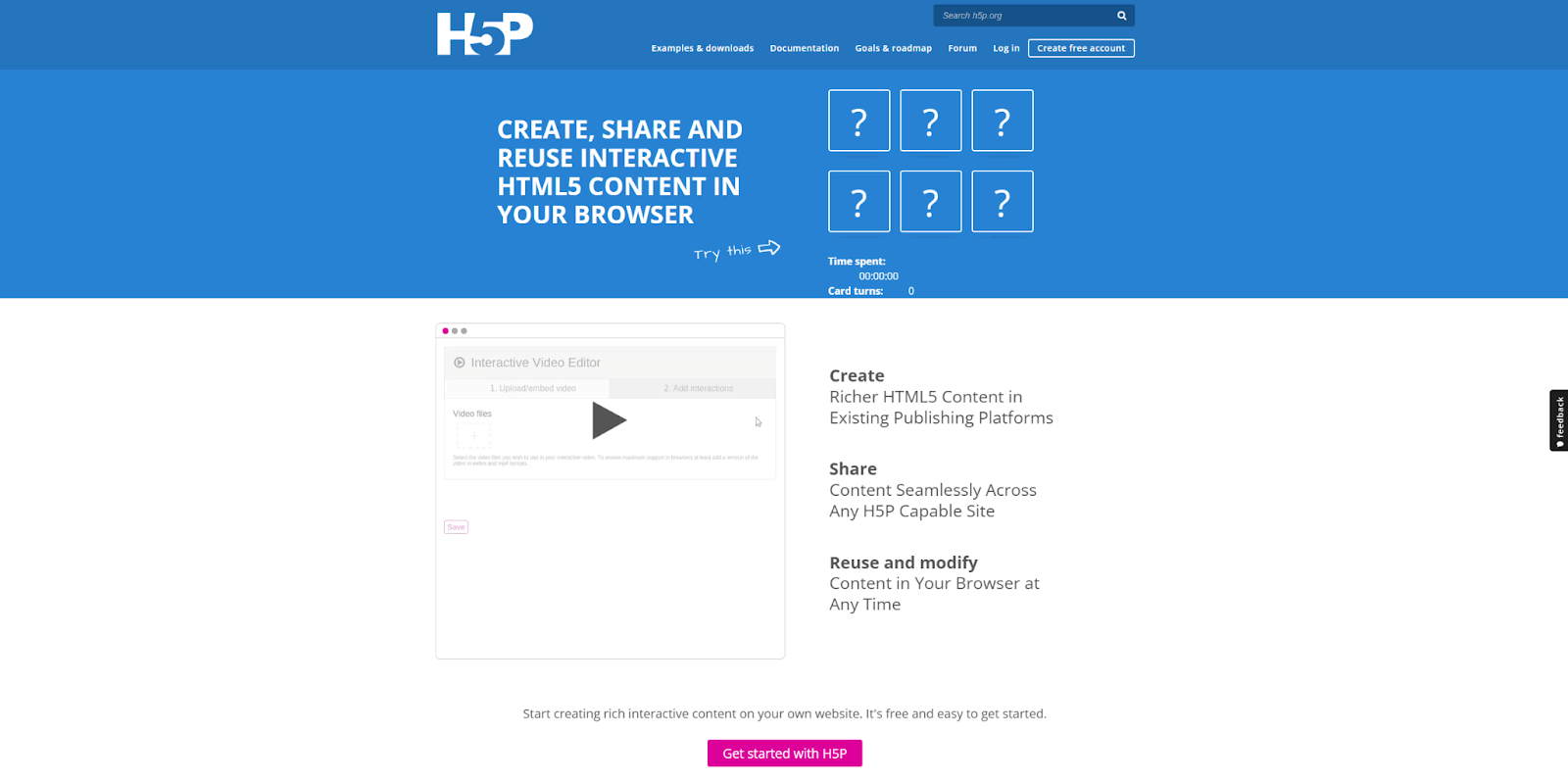
At its core, what is H5P? H5P stands for “HTML5 Package.” It is an open-source framework that allows users to create, share, and reuse interactive content. Whether you want to build drag-and-drop activities, interactive videos, or branching scenarios, H5P serves as a bridge between simple static text and high-end interactive experiences.
Because it is open-source, it has garnered a massive community of users who contribute templates, making it a favorite for those on a tight budget.
The Mechanics Behind H5P Content
Integration with LMS (Moodle, Canvas, WordPress)
H5P is effectively a “plugin-first” tool. Its power lies in how effortlessly it integrates into existing Learning Management Systems (LMS). If you are already running a WordPress site or a Moodle instance, installing the H5P plugin is a low-friction way to add interactivity without needing to host your content on a third-party platform. It follows a “write once, run anywhere” philosophy, ensuring your interactive quizzes look consistent across desktop and mobile browsers.
Top Features of H5P
The H5P library boasts over 50 content types, but a few stand out as industry favorites:
- Interactive Video: Add quizzes, bookmarks, and pop-ups directly over your video timeline.
- Branching Scenarios: Create “choose-your-own-adventure” style learning paths.
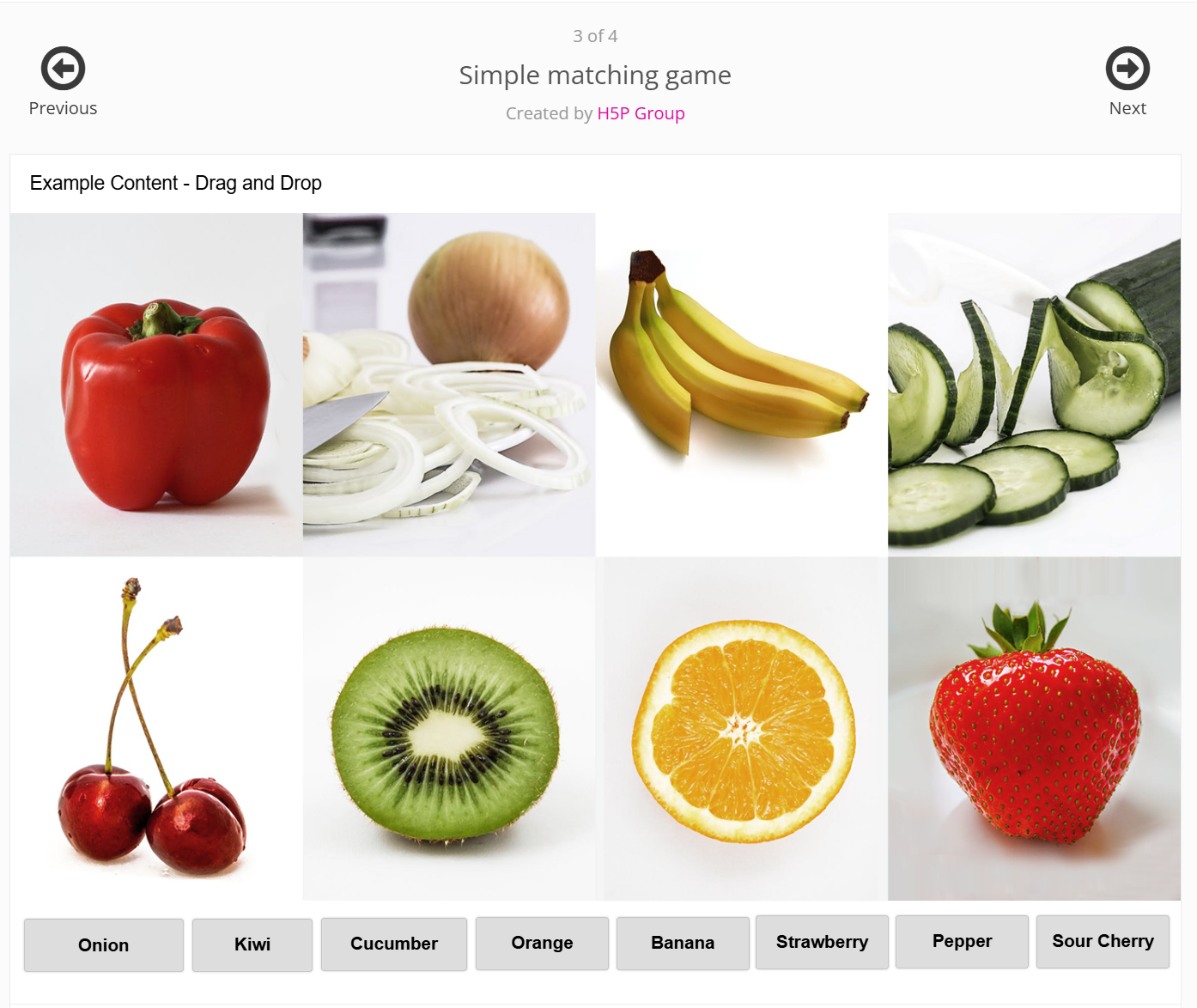
- Gamification: Drag-and-drop, flashcards, and memory games that make learning feel less like a chore.
Is H5P Right for You? Pros & Cons
The Upsides: Cost, Community, and Flexibility
- Budget-Friendly: The most undeniable draw of H5P is its price tag—the core open-source plugin is completely free to install, making it highly attractive for tight budgets.
- Built for Global Sharing: H5P makes it incredibly easy to download and share content types as OER (Open Educational Resources). This means you can easily distribute and reuse interactive modules with colleagues anywhere in the world.
The Downsides: Steep Learning Curve and Design Limitations
However, H5P is not without its flaws. For professional creators, the “free” price tag often comes at the cost of your time and sanity.
- Dated and Clunky Interface: The authoring environment hasn’t kept pace with modern design standards. It can feel unintuitive and rigid compared to the smooth, drag-and-drop workflows of dedicated authoring tools.
- Technical Roadblocks for Branding: Want to perfectly match your corporate brand guidelines or tweak a specific visual element? “Advanced” customization in H5P rarely happens with a simple click; it frequently requires digging into custom CSS or relying on backend technical work.
- The “DIY” Time Sink: Because it is essentially a modular plugin, building highly sophisticated, professional-grade interactive experiences can feel like a fragmented, do-it-yourself project. The hours spent troubleshooting, testing across platforms, and tweaking designs quickly consume more time than the software saves.
- Fragmented Workflow: You are entirely dependent on your host platform (like WordPress or Moodle). This means you lack a centralized, all-in-one environment where you can seamlessly record screens, edit heavy video files, and build complex logic without jumping between different software.
- Limited Advanced Logic: While H5P offers branching scenarios, the depth, tracking capabilities, and complexity of the logic you can build are relatively basic compared to standalone, professional-grade e-learning suites.
H5P Pricing: Is it Really Free?
Yes and no. The open-source plugin is free to install on your own infrastructure. However, if you require hosting, analytics, and enterprise-level support, you may find yourself looking at H5P.com, which is their paid, SaaS-based offering. It is worth weighing whether the “free” price tag matches the hidden costs of maintenance and limited design support.
Beyond H5P: Why Professional Designers are Switching to ActivePresenter
If you are a professional instructional designer, you know that time is your most valuable asset. While H5P is a great starting point, it lacks the deep, AI-driven automation that modern workflows demand.
Enter ActivePresenter. As the industry evolves, creators are moving away from manual, piecemeal building and toward all-in-one, AI-powered suites. ActivePresenter provides a seamless bridge for those who want to create high-impact, studio-quality content without the technical hurdles of open-source plugins.
ActivePresenter: The AI-Powered Choice for Pro Educators
Why is ActivePresenter considered the perfect evolution for H5P users? It’s simple: Integration and Intelligence.
- AI-Driven Content Generation: ActivePresenter utilizes advanced AI to automate the boring stuff. From generating quiz questions to intelligent text-to-speech, it helps you build courses in a fraction of the time.
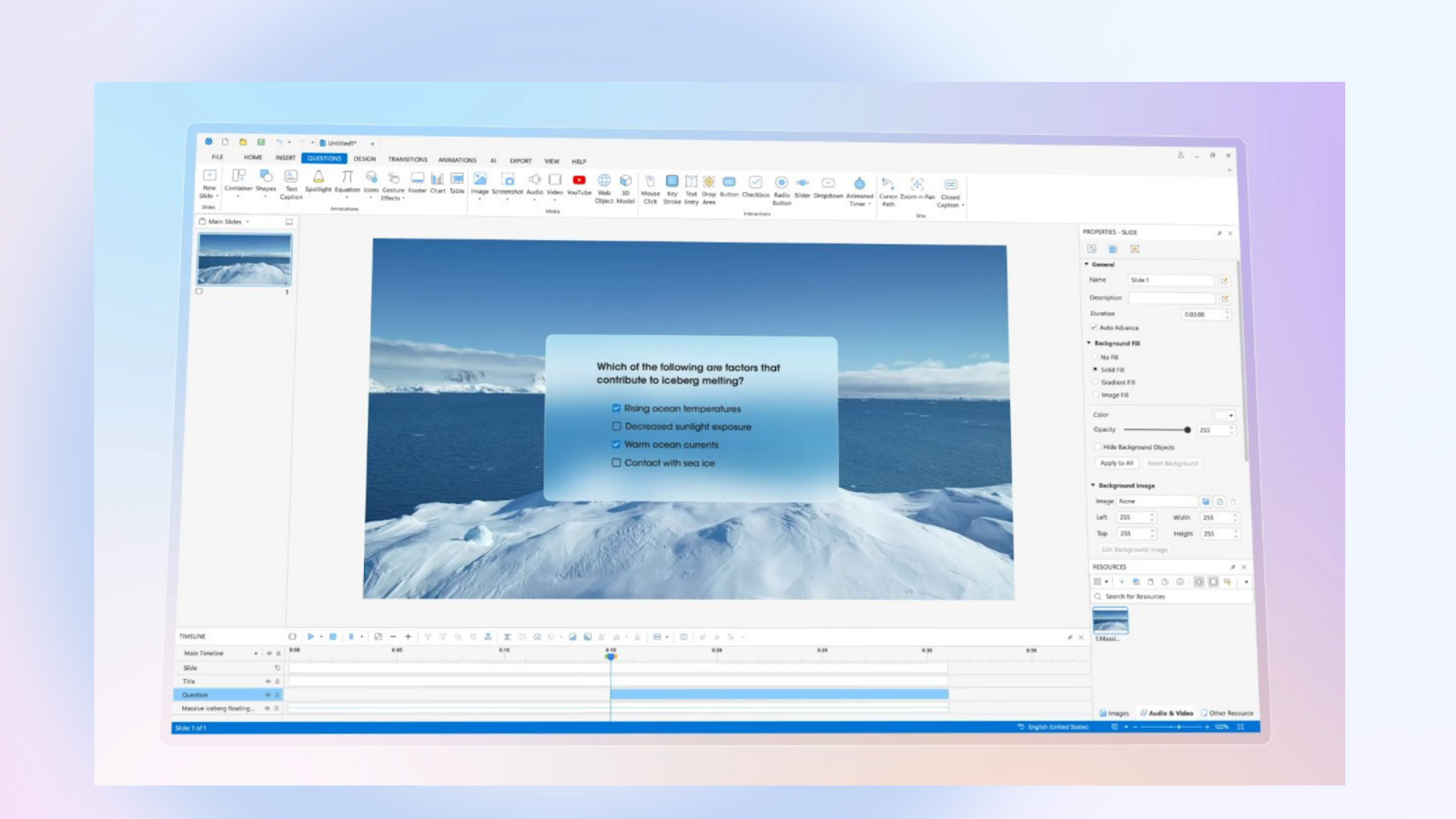
- All-in-One Solution: Unlike H5P, which requires a host platform, ActivePresenter is a comprehensive screen recorder, video editor, and interactive course creator in one. You can record a software simulation, add animations, insert interactive quizzes, and export it as an HTML5 package all from a single, intuitive interface.
It is the difference between building a house brick-by-brick and using a modern, pre-fabricated modular system that looks stunningly professional.
H5P vs. ActivePresenter: Choosing the Best Tool for 2026
| Feature | H5P | ActivePresenter |
| Learning Curve | Moderate | Moderate (High Ceiling) |
| AI Features | Limited | Advanced AI Automation |
| Workflow | Plugin-dependent | All-in-one Suite |
| Best For | Educators/Budget-conscious | Professionals/Corporate Trainers |
For the modern professional, ActivePresenter is the clear winner when efficiency and high-fidelity output are required.
The Bottom Line: Your Next Step Toward Better eLearning
H5P is a great starting point for adding simple interactivity to existing learning platforms. It’s free, widely supported, and works well for educators who need quick activities inside an LMS.
However, as your courses become more complex, the limitations start to show. Managing plugins, working around design constraints, and building content piece-by-piece can slow down the creation process.
This is where ActivePresenter offers a practical alternative. Instead of relying on multiple tools and integrations, it gives you everything in one place: screen recording, video editing, interactive quizzes, simulations, and HTML5 course publishing. You can design complete eLearning modules from start to finish without switching platforms or dealing with technical setup.
If you like the interactivity of H5P but want more control, flexibility, and a smoother workflow, ActivePresenter is definitely worth exploring. It’s a powerful step up for educators and training teams who want to create more engaging learning experiences with less hassle.
