The Object States feature in ActivePresenter 10 helps change the appearance of an object in response to user interaction. An object can have more than one state. You can use the default states or create new ones. A state is a collection of visual elements (such...
The Advanced Actions is a fantastic feature in ActivePresenter eLearning creation software that helps you create multiple actions in one place and reuse them for other objects without repeating the same manipulations. In the previous tutorial, we’ve learned how to...
Working with Events – Actions is an important skill that you need to possess if you want to create highly interactive quizzes, courses, or games in ActivePresenter eLearning creation software. Utilizing this powerful feature, you can make objects interactive the way...
ActivePresenter 10 allows you to add a visual timer to your eLearning courses using animated timers to limit how long learners can respond to a question/test. In this article, let’s learn more about it. The animated timer is one of the 10 interaction objects in...
When you have a long list of content to show in menus, consider using dropdowns. Now, this type of object is offered in the latest version of ActivePresenter. Let’s experience new things that the feature brings to us in ActivePresenter eLearning software. A...
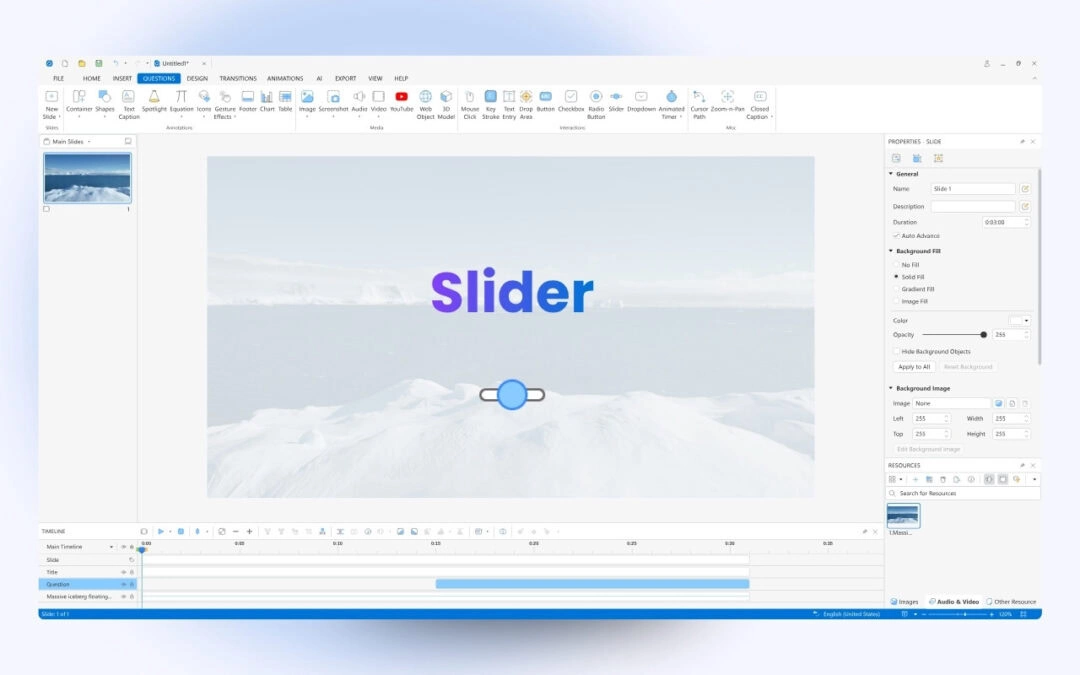
With the release of the new version, ActivePresenter 10 offers you a new type of interaction object. That’s Slider. In today’s tutorial, let’s explore how to work with sliders in the app. A slider allows users to select a specific value or drag...