It can be said that the Fill in Text Entries question is a variant of the Fill in Text Entry one. From its name, you can see that the only difference is that the Fill in Text Entries question includes more than one text entry for learners to type their answers. ...
In the previous articles, you’ve learned how to create many interactive question types in ActivePresenter 10 such as True/False, Multiple Choice, Multiple Response and Essay questions. Now, turn to the next one – Fill in Text Entry questions. Like Essay...
The Multiple Response question is also a popular question type in creating tests. So, inthis article, you will learn how to create this question type in ActivePresenter 10 – a toolt to create interactive quizzes A Multiple Response question has a quite same...
Given quick assessment and the ability to provide immediate feedback, a multiple choice quiz can be a simple and favored approach to gauge learners’ knowledge. A Multiple Choice quiz consists of numerous multiple choice questions. Each question has two parts: a...
Are you looking for a quiz maker that helps create high-quality and professional-looking interactive quizzes? If yes, ActivePresenter 10 will satisfy you. ActivePresenter is a powerful eLearning authoring tool. The release of version 10 brings you more advanced...
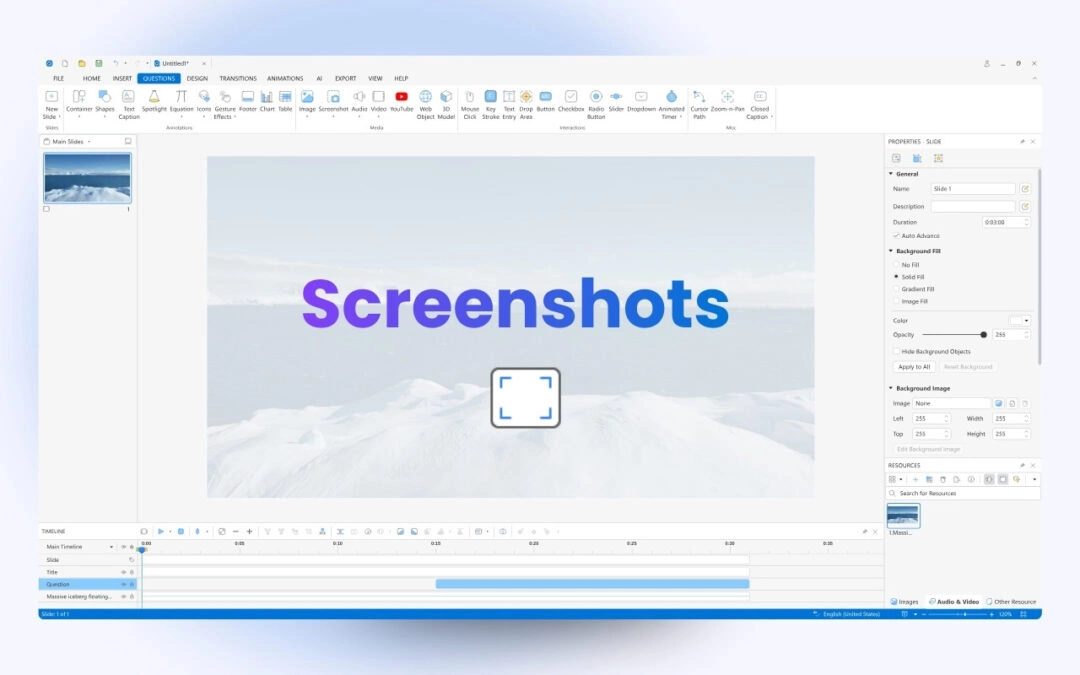
Taking screenshots is a simple way to capture important information on your screen. In this tutorial, you’ll learn how to take screenshots in ActivePresenter 10. Screenshots are useful for creating tutorials, documentation, or instructional materials. ActivePresenter...