Cut, Copy, Duplicate and Delete are basic commands when you work with slides in ActivePresenter 9. Let’s dive deeper into this article to learn more about that! In the previous post, you grabbed many ways to insert slides into your ActivePresenter 9 project. After...
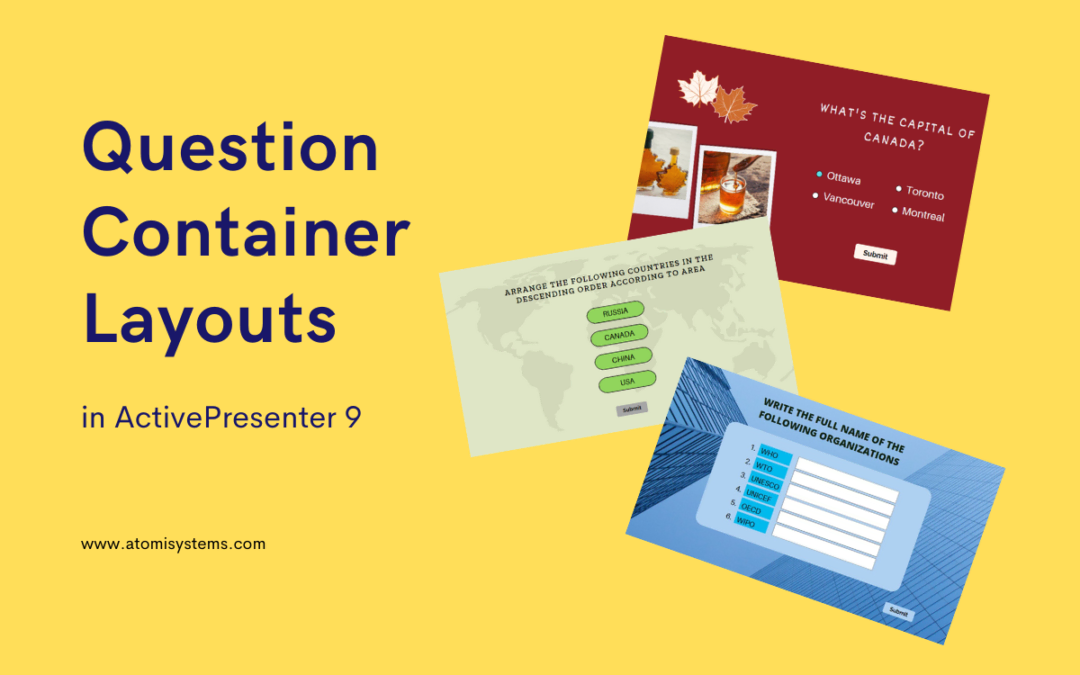
Changing the container layouts of questions is a common task when designing eLearning courses. For complete control over your question design, ActivePresenter 9 provides you with 3 different types of question container layouts. Let’s learn more about them in today’s...
In the previous articles, you have learned how to create a new project from a blank slide or PowerPoint presentations. However, do you know how to insert a new slide to the opening project? Let’s learn in today’s tutorial. There are numerous ways to add slides...
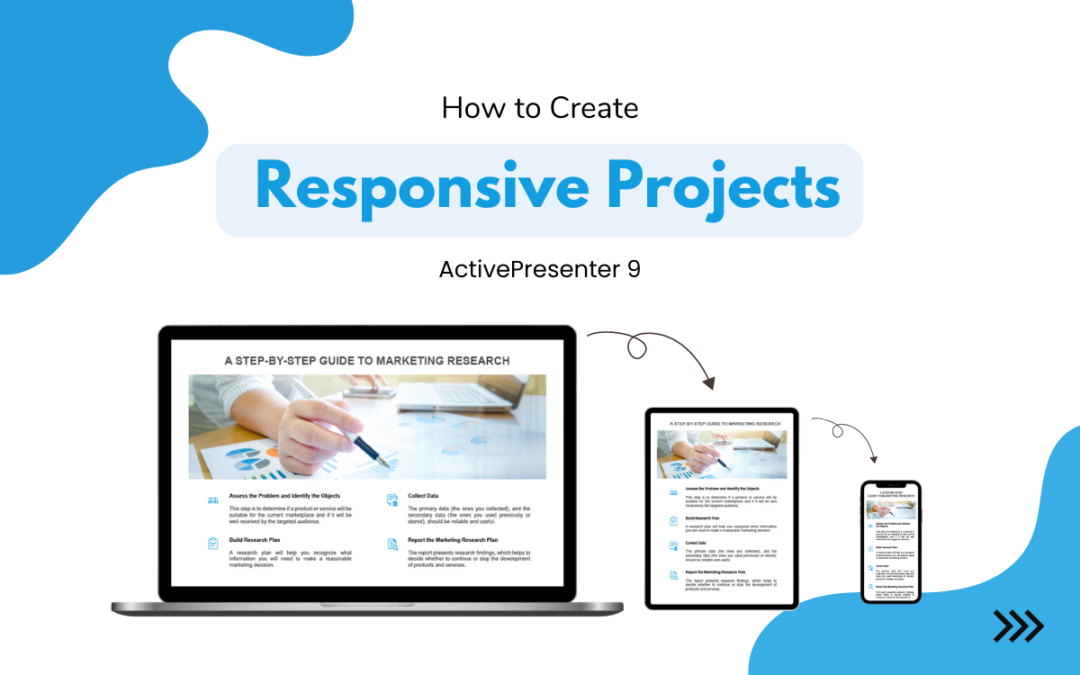
One of the key features of ActivePresenter 9 is the responsive design. It allows you to create a single project that displays precisely as it should on any device, regardless of the screen size. Let’s learn how to create a responsive project in this tutorial. Why do...
Just like Column charts, Bar charts are ideal for showing trend data or comparisons among items or categories. But when there are a great number of categories, using Bar charts is a better choice. Let us explain them to you in this tutorial. A bar chart...
As you may know, themes play a crucial role in any successful project. Choosing the right theme helps create a consistent visual design for the whole project. So, let’s explore how to work with themes in ActivePresenter 9 through today’s article. The article covers...