With ActivePresenter, it’s easy to brand your training course with a logo. This tutorial shows you 2 ways to add company logos to your training content. The first one is using Slide Master and the second one is using the Show over Multiple Slide option. Let’s...
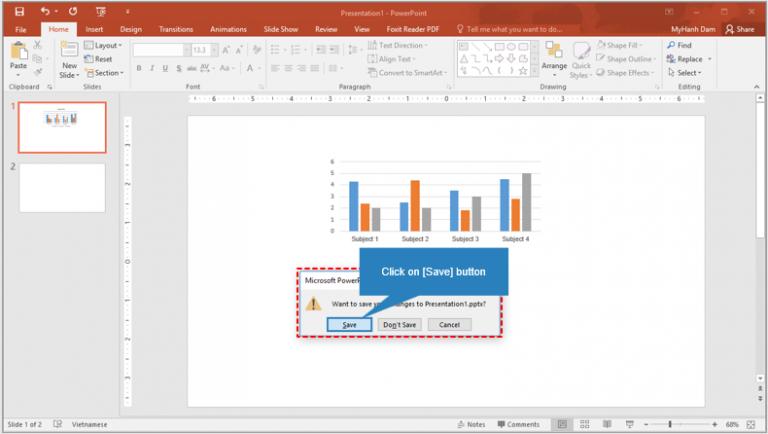
As you may know, ActivePresenter allows exporting projects to many output formats, including HTML5, videos, and PowerPoint slides, etc. This tutorial will guide you how to export to PowerPoint presentation. In general, you can use this feature to convert an...
You are designing an eLearning course? You are finding the way to create a question, which allows learners to choose many correct answers, in the fastest and the most efficient way? Simply, a Multiple Response question in ActivePresenter 7 is all your need. In this...
To make you work easier, ActivePresenter provides two snap modes: canvas snapping and timeline snapping. These snap modes help you organize objects on the Canvas and the timeline. Let’s learn about them. Canvas Snapping ActivePresenter has a snap mode for the Canvas...
When it comes to sharing eLearning content and tracking learner result, eLearning content packages (e.g. SCORM, AICC, xAPI, etc.) will be of help to you. ActivePresenter allows exporting the content to two popular versions of SCORM currently which are SCORM 1.2 and...
Shapes are considered as “building blocks” of almost whatever you create in ActivePresenter. Today we’ll show you how to insert and style a shape. Once you become skilful in shapes, you can do so much more. Overview of Shapes ActivePresenter offers a vast number of...