To make you work easier, ActivePresenter provides two snap modes: canvas snapping and timeline snapping. These snap modes help you organize objects on the Canvas and the timeline. Let’s learn about them. Canvas Snapping ActivePresenter has a snap mode for the Canvas...
When it comes to sharing eLearning content and tracking learner result, eLearning content packages (e.g. SCORM, AICC, xAPI, etc.) will be of help to you. ActivePresenter allows exporting the content to two popular versions of SCORM currently which are SCORM 1.2 and...
Shapes are considered as “building blocks” of almost whatever you create in ActivePresenter. Today we’ll show you how to insert and style a shape. Once you become skilful in shapes, you can do so much more. Overview of Shapes ActivePresenter offers a vast number of...
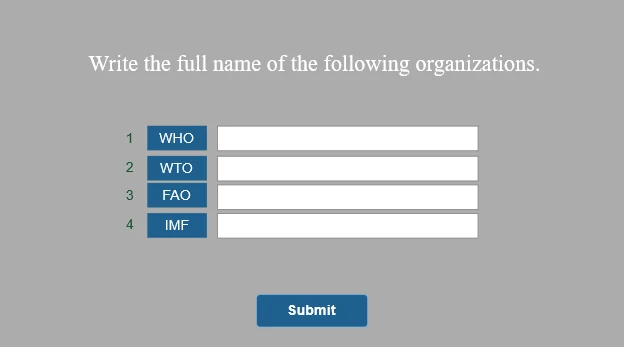
In comparison with True/False, Multiple Choice, or Multiple Response questions, Fill in Multiple Blanks questions help teachers to reduce the potential ability that learners can guess a correct answer from the predefined list of answer options. This question type is...
Number variables are great solution to capture and track numeric values. This tutorial shows you how to use number variables to count the number of incorrect clicks on a screen. This is useful when you want to keep a record of the total clicks taken to reach the...
In a word, using audio can turn a dry and dull eLearning course into a truly engaging and enjoyable one. In this tutorial, you’ll learn how to insert audio in ActivePresenter 7. ActivePresenter basically allows you to add almost any sound to your projects. The app...