
The harsh reality is that 70% of new information is forgotten within 24 hours if not reviewed properly. In this ultimate Quizlet review 2026, I am going to show you exactly how this platform effectively eliminates the “learn and forget” cycle using Spaced Repetition algorithms, helping teachers, students, and E-learning designers optimize the learning experience.
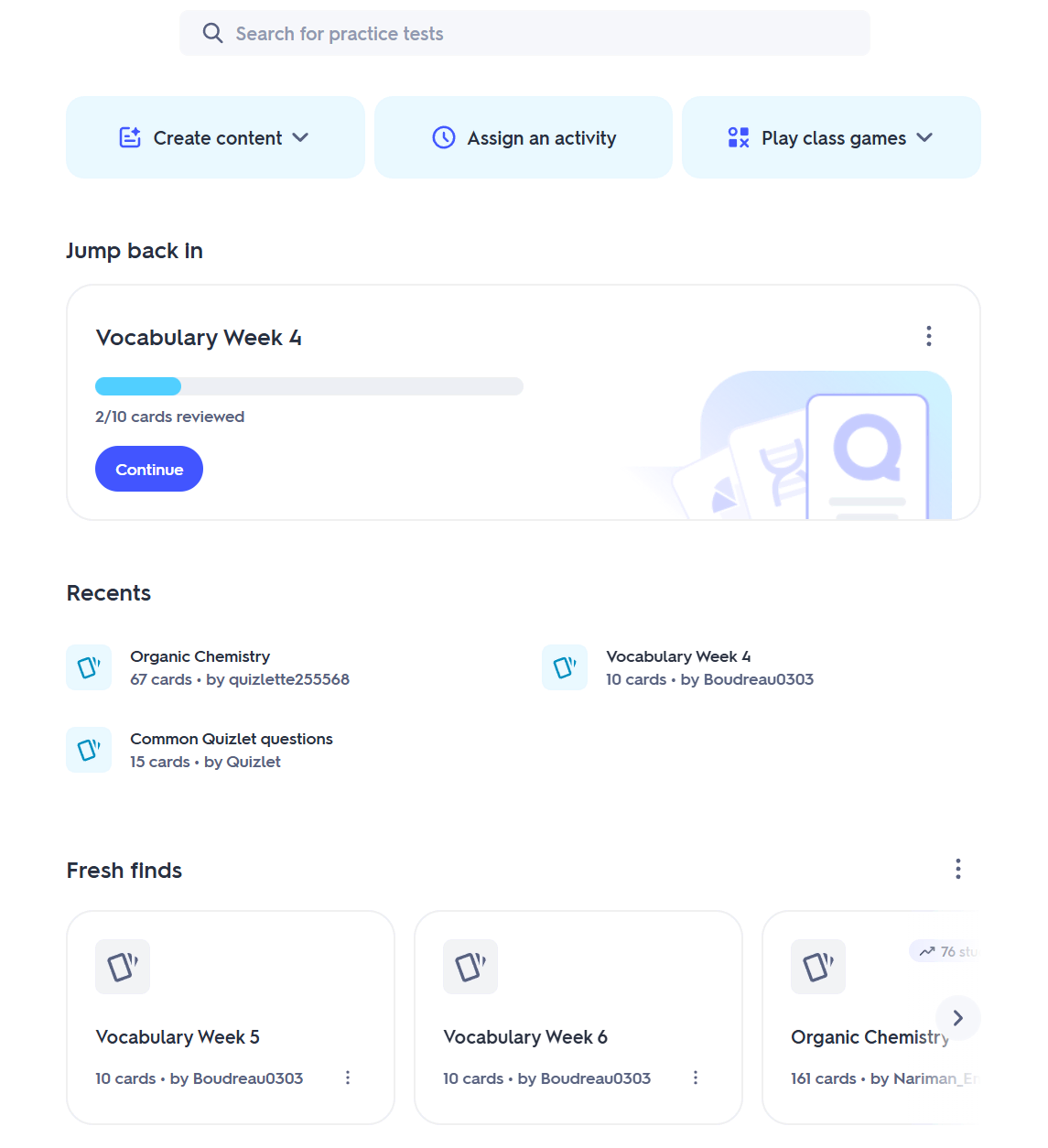
As an eLearning content creator and instructional designer, I’ve tested dozens of flashcard tools. But as of 2026, Quizlet is no longer just a digital stack of index cards. It has evolved into a comprehensive AI-powered learning assistant. Let’s dive deep into the details!
1. Evaluation Criteria for EdTech Software
Before dissecting the features, I always apply a strict framework to evaluate any E-learning tool. For Quizlet, I looked at four core criteria:
- User Interface & Experience (UI/UX): Is it intuitive enough for both elementary students and adult learners?
- Cognitive Science Foundation: Do the study modes actually follow brain science principles?
- Integration Capabilities: How easily can it be embedded into LMS platforms or other authoring tools?
- Return on Investment (ROI): Is the Free tier sufficient? Is Quizlet Plus worth the money?
2. Uncovering Quizlet’s Breakthrough Features in 2026
If you haven’t used Quizlet in a few years, its current capabilities will surprise you.
2.1. Flashcards & Spaced Repetition
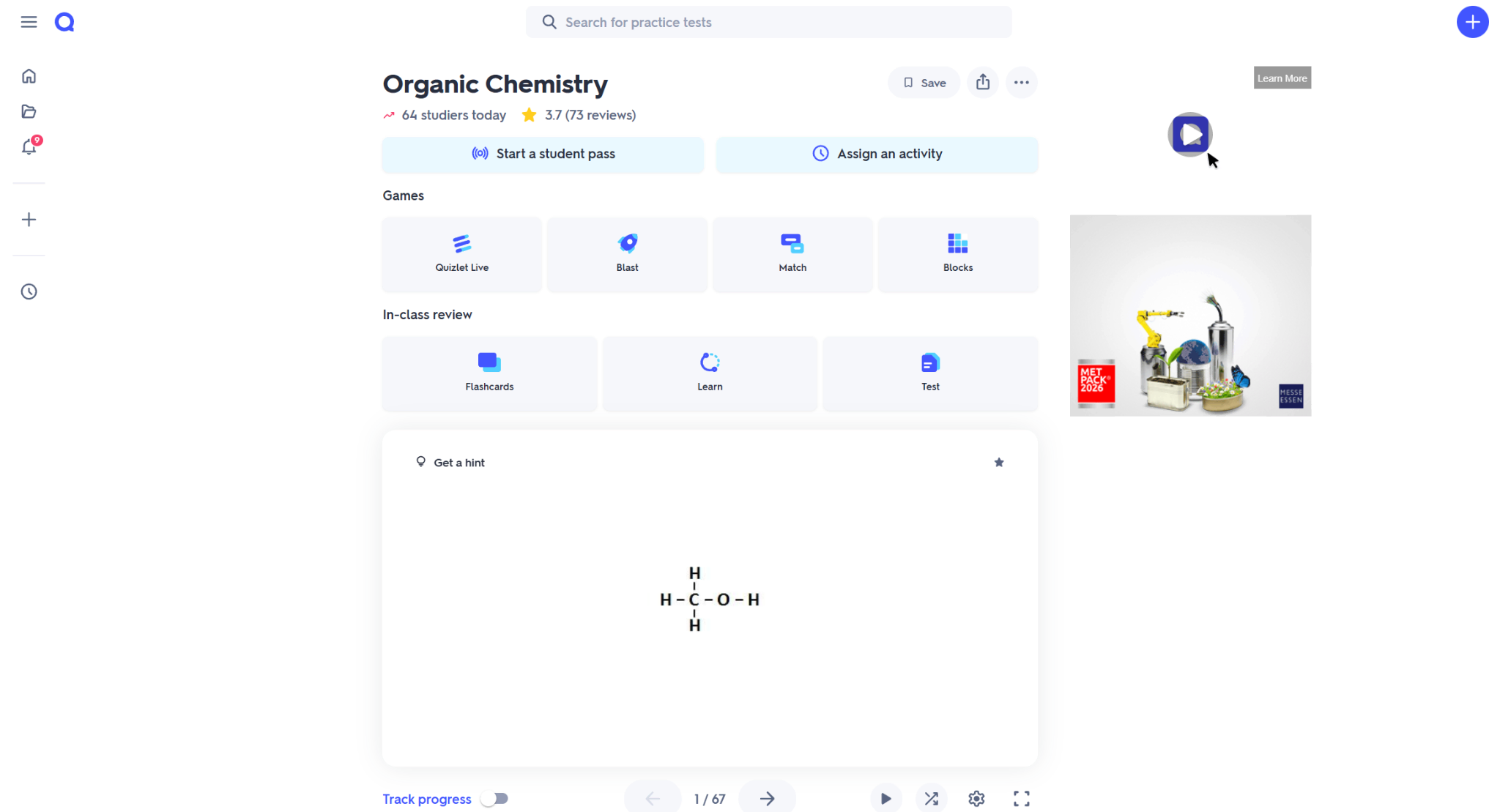
This remains the “heart” of Quizlet. However, the Learn Mode is now incredibly smart. The system automatically analyzes the terms you struggle with and increases their frequency. Instead of studying everything equally, learners focus solely on their knowledge gaps.
2.2. Q-Chat: The Personalized AI Tutor (Exclusive)
This feature completely redefines Quizlet. Q-Chat uses large language models to act as a real-time tutor. It doesn’t just ask multiple-choice questions; it prompts learners to type out answers, explain why they got something wrong, or even generates funny stories to help you remember difficult jargon.
2.3. Magic Notes
With this feature, you simply paste a long block of text (or upload a PDF lecture), and Quizlet AI automatically summarizes it, generates flashcards, and builds practice tests in about 5 seconds. For E-learning Designers, this is a massive timesaver when breaking down raw content.
2.4. Quizlet Live: Interactive Classroom Mode
We can’t ignore this gamification powerhouse. Students are grouped into random teams and must collaborate to find the correct answers. The noise, excitement, and competitive nature of this mode easily break the monotony of traditional classrooms.
3. Pro Tips for Advanced Users
Don’t just stick to the basics. Bookmark these 3 insider tips:
- Ultra-Fast Importing: You can copy a list straight from Microsoft Word (Format: Term – Tab – Definition) and paste it into Quizlet’s Import box. A 100-word vocabulary list becomes a flashcard set in 2 seconds.
- Merge Sets for Finals: When final exams approach, use the “Combine” feature to merge Chapter 1 through Chapter 10 into one massive deck to test overall comprehension.
- Mute Robotic AI Audio: Sometimes the text-to-speech AI sounds a bit unnatural in certain native languages. Click the gear icon on the flashcard and configure the audio to only play the foreign language, preventing cognitive overload.
4. In-Depth Analysis: The Pros & Cons of Quizlet in 2026
While Quizlet remains a “gold standard” for quick recall, the 2026 landscape has brought both impressive AI innovations and some frustrating limitations for professional power users.
The Pros: Why It Still Dominates
- Scientifically Backed Retention: Quizlet isn’t just “digital flashcards.” Its backend is built on Spaced Repetition and Active Recall principles. In 2026, the AI-driven Learn Mode is better than ever at predicting exactly when a learner is about to forget a term, prompting a review at the perfect psychological moment.
- The “Magic Notes” Revolution: As mentioned, the ability to turn a 20-page PDF into a structured study set in seconds is a game-changer. For teachers, this reduces prep time by roughly 60-80%.
- Frictionless Mobile Learning: Quizlet’s mobile UX is arguably the best in the EdTech space. For students, the ability to study in “dead time” (commuting, waiting in line) via high-quality haptic interfaces makes learning feel less like a chore..
The Cons: The “Wall” for Professional Educators
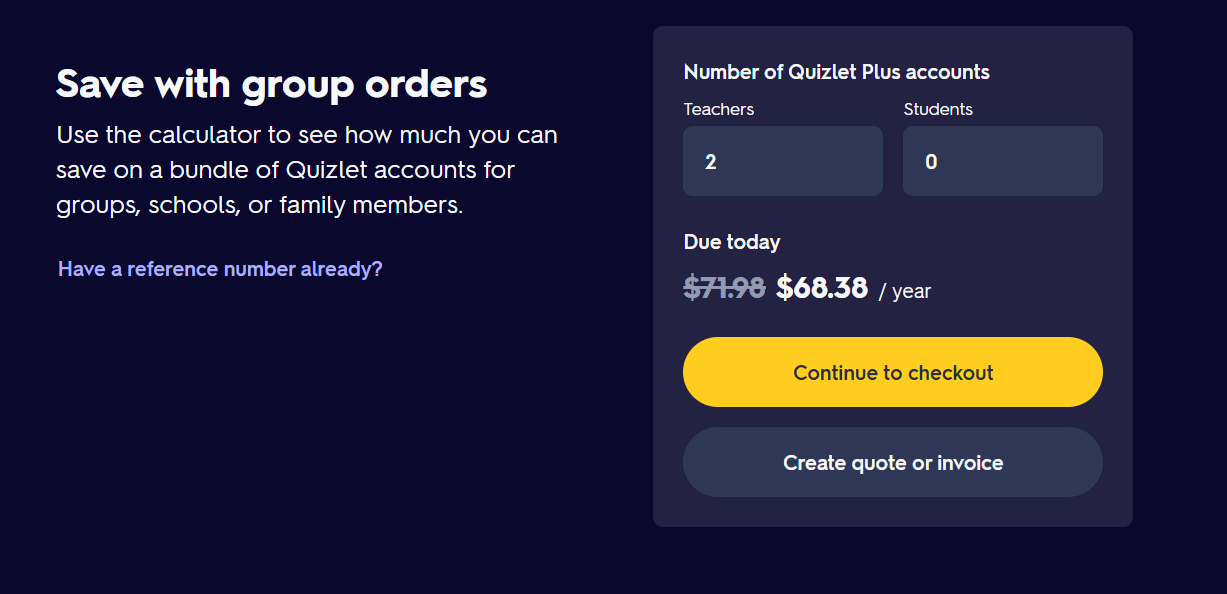
- The “Paywall Fatigue”: Since 2025, Quizlet has moved several formerly free features (like unlimited Learn Mode and certain AI study tools) behind the Quizlet Plus subscription. For students on a tight budget, this has created significant friction.
- Limited Depth of Assessment: Quizlet is excellent for DOK 1 & 2 (Recall and Basic Application). However, it fails at Higher-Order Thinking. You cannot build complex branching scenarios, case studies, or multi-step problem-solving simulations here.
- Strict Formatting Constraints: You are essentially locked into the “Term/Definition” box. You cannot change fonts, create custom layouts, or build complex drag-and-drop interactions. If your branding requires a specific look and feel, Quizlet will feel very restrictive.
- Compliance & Analytics Gaps: Quizlet does not support SCORM or xAPI. If you are a corporate trainer needing to report “Time spent on slide” or “Detailed question-level analysis” to a central LMS, Quizlet’s internal “Class Progress” is too rudimentary.
5. Elevating Your Content: When You Need a Full Authoring Tool
Quizlet is a fantastic starting point for quizzes and flashcards. However, as your E-learning projects grow in complexity, you will eventually hit a ceiling. This is where a professional Authoring Tool becomes essential to bridge the gap between “simple study sets” and “comprehensive educational experiences.”
For those ready to move beyond basic flashcards, ActivePresenter is the logical next step. It doesn’t just offer quizzes; it provides a complete environment for high-end instructional design.
Why Upgrade to ActivePresenter?
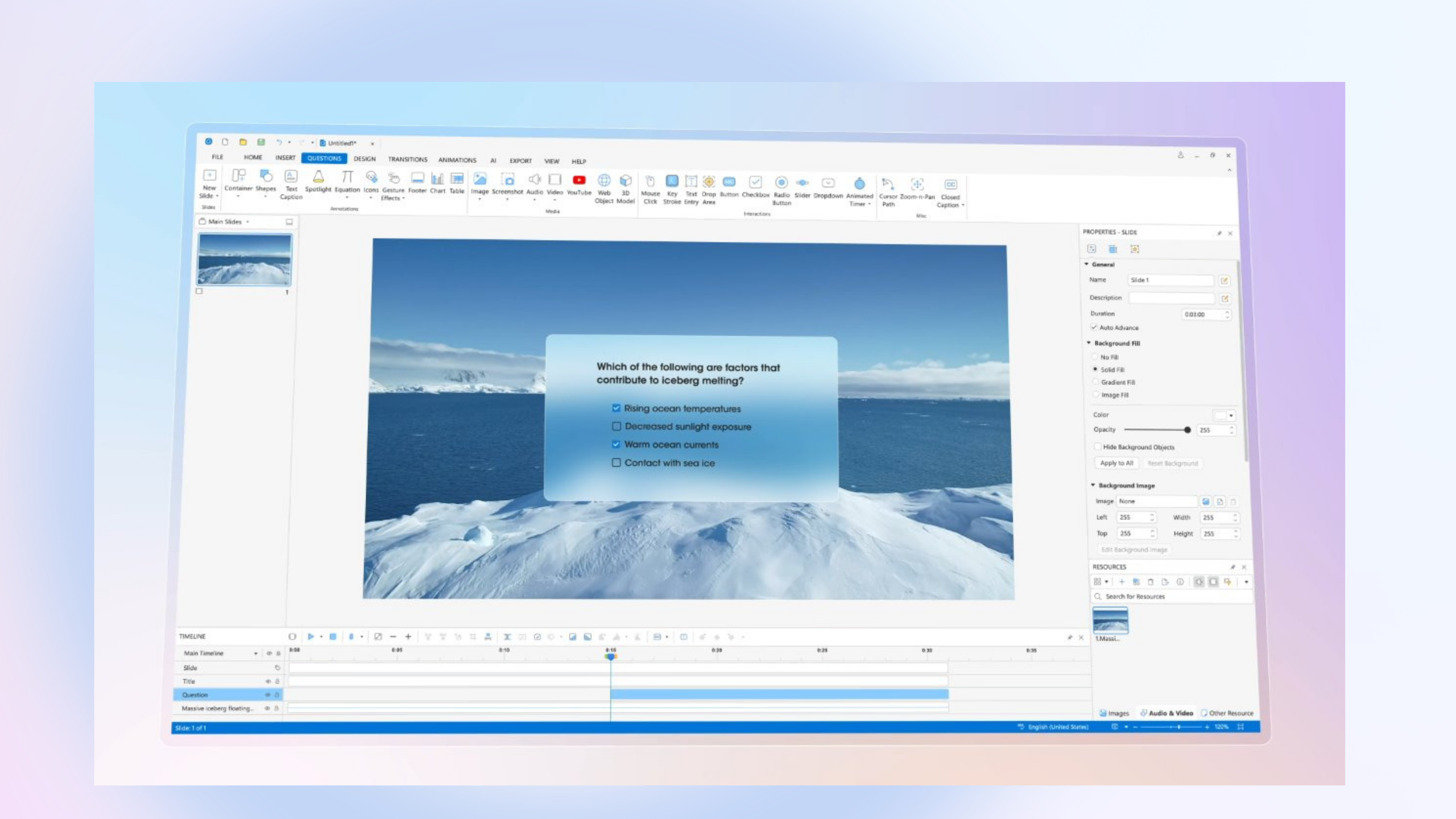
- Advanced Interactive Quizzing: While Quizlet offers a few game types, ActivePresenter allows you to build 13 different question types (including Sequence, Drag-and-Drop, and Hotspot) with complex feedback layers and conditional branching.
- Software Simulations: If your goal is to teach a specific software, Quizlet can’t help. ActivePresenter’s “Smart Capture” records your screen and automatically generates interactive tutorials where learners must click the correct buttons to proceed.
- Full Multimedia Editing: You get a professional-grade multi-track timeline. You can edit video, record high-quality voiceovers, and synchronize animations—all within one interface.
- E-learning Standards (SCORM/xAPI): Unlike Quizlet, ActivePresenter allows you to export your content in formats that talk to your LMS. This ensures every score, every attempt, and every second spent learning is tracked and recorded for official certification.
6. Final Verdict & Pro Tip
Quizlet is the perfect companion, not a replacement, for a full-scale E-learning suite. In my 10 years of experience, the most successful courses use a “Hybrid Approach”:
- Use ActivePresenter to create the core instructional video and the high-stakes final exam.
- Embed a Quizlet set into your ActivePresenter project (via the Web Object feature) to give learners a “Practice Zone” where they can drill terms before taking the big test.
Ready to build your next interactive masterpiece?
Instead of juggling five different tools for recording, editing, and quizzing, why not try an all-in-one powerhouse?
👉 Take Action: Download the ActivePresenter Free Edition today. It has no time limit and allows you to explore the full range of professional eLearning features.
