Images play a critical role as a valuable tool for visualizing concepts and texts that cannot be adequately conveyed through words. In this article, let’s learn about adding image objects in the new release version of ActivePresenter – ActivePresenter 10. ...
ActivePresenter offers you a wide range of eLearning questions for creating interactive and engaging content. Let’s get an overview of them now! In every eLearning course, questions and interaction objects are likely to be the two most important elements. They...
Text caption is one of the annotation objects in ActivePresenter 10. It’s used to direct viewers’ attention toward certain areas in the slide or give extra information about concepts. In this article, let’s learn how to work with it. Text captions are useful for...
Knowing how to add and customize shapes on a slide is one of the building blocks of learning ActivePresenter 10. Once you become skillful in shape, you can do so much more. Explore the basic manipulation with shapes through today’s tutorial. In addition to shapes,...
ActivePresenter 10 allows you to create object animation effects with four types: Entrance, Exit, Emphasis, and Motion Path. There are up to 80 effects of all types that help bring your content to life effortlessly. Creating animation for objects in your...
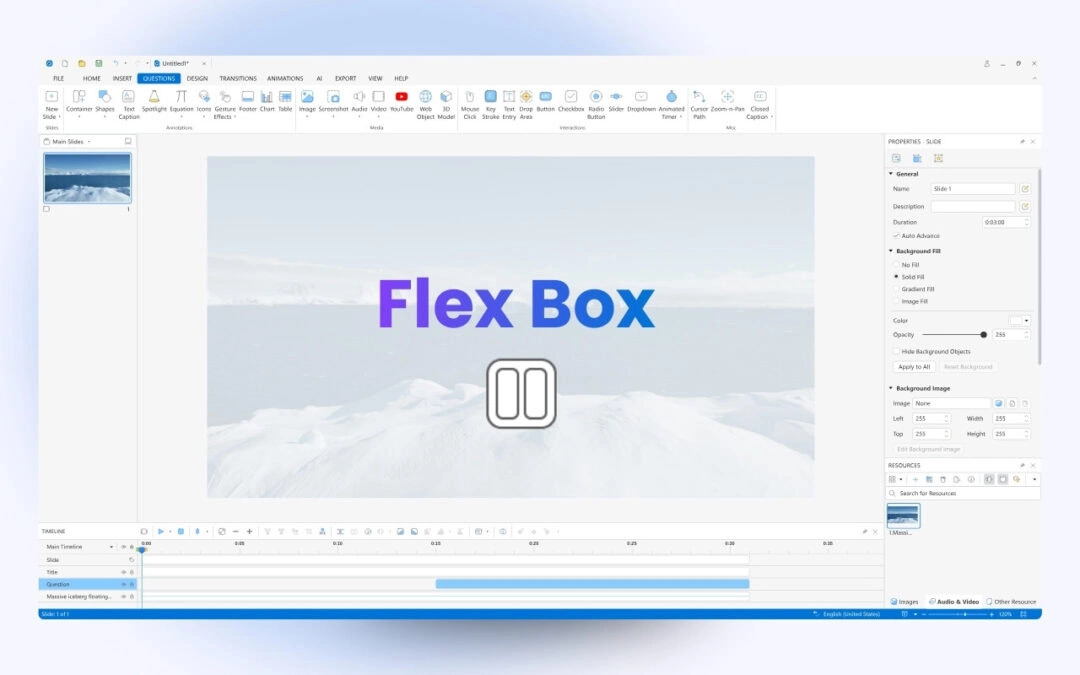
Flex box is a flex container that can hold objects. It is made for one-dimensional layouts, which means the child objects can be laid out either horizontally or vertically. As you know, a grid box is two-dimensional that can distribute child objects both...