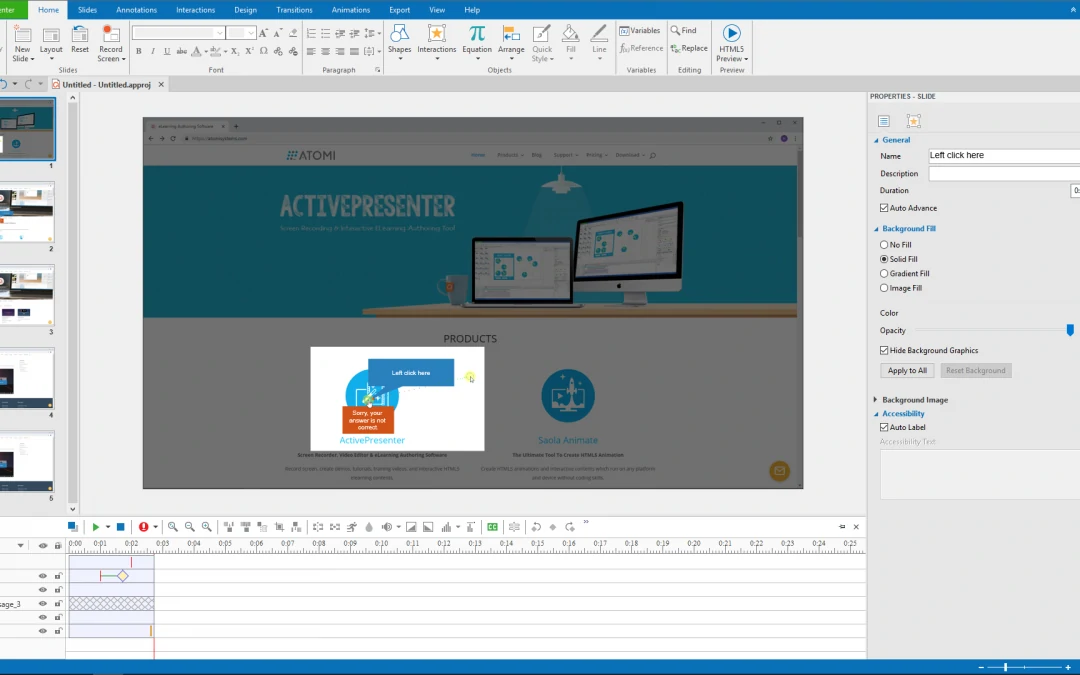
If you have a software that you want to simulate, this article is right for you. ActivePresenter 7 – one of the best tools for interactive software simulation allows you to record any application on screen and save the process as a project with slides. These...
ActivePresenter 7 gives you better experience when recording screen, editing video and designing eLearning contents. Let’s take a closer look at practical uses and features of the app in this article. Practical Applications of ActivePresenter 7 ActivePresenter has a...
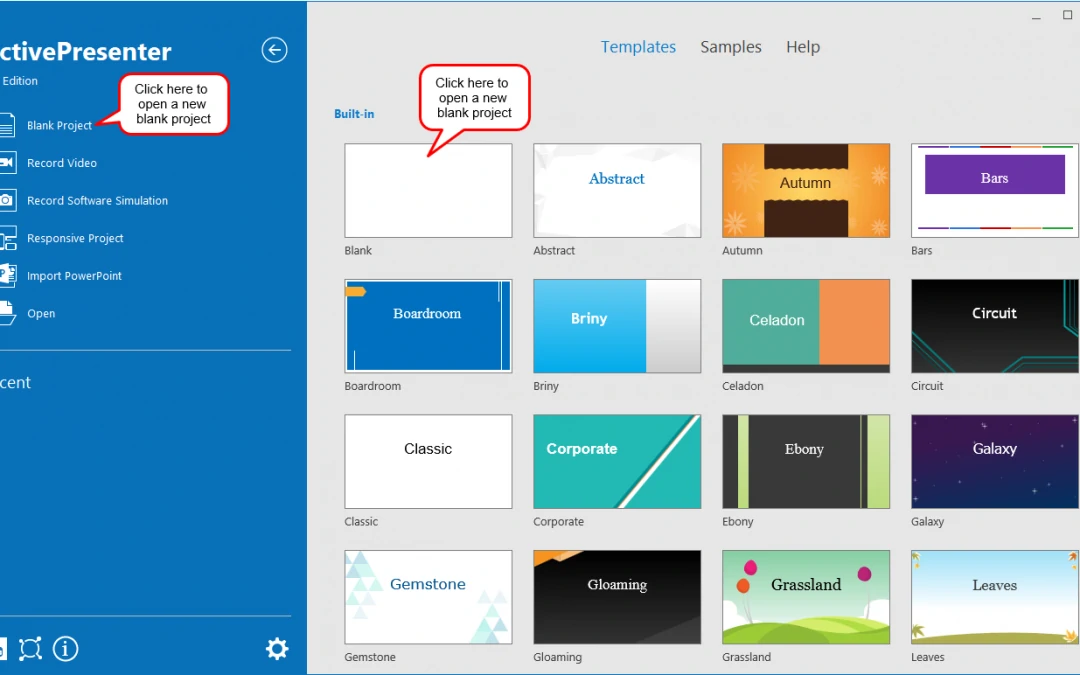
A blank project contains blank slides where you can add contents such as images, video/audio clips, and slides from ActivePresenter projects or PowerPoint presentations, etc.Let’s get to know how to create a first blank project in this brief article.Creating Blank...
In this post, you are going to learn step by step how to send quiz reports in ActivePresenter – the best eLearning authoring tool for both beginners and pros. After creating a course in ActivePresenter, you can send report data (course results) to an HTTP...
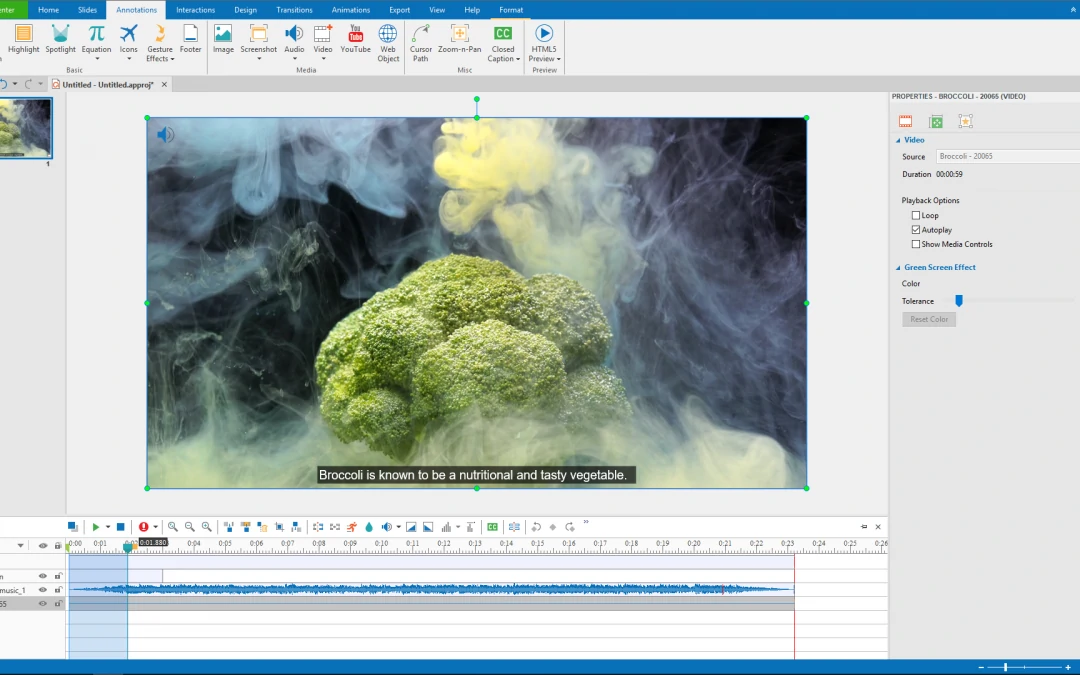
There are a lot of things to do if you want to make amazing videos. For example, you need to remove unnecessary parts, adjust volume speed, and insert closed captions. Also, it’s important to spice up your video with music tracks. Today, I’ll show you a complete guide...
When creating a video, one of the most important things you need to do first is to write a good video script. The reason is that a script helps you build a solid foundation to create a great video. In this article, I’ll show you how to do that in more detail. Why You...