Using random questions is a useful way to avoid cheating in online learning. Course creators can assign different versions of the same quiz to the learners without the need of creating a bundle of quizzes. Let’s learn how to generate random questions with...
Instead of recreating the same design objects repeatedly, you can create templates for commonly used objects and reuse them in multiple ActivePresenter 9 projects. Let’s learn how to do that in today’s article. Using object templates can save you a significant amount...
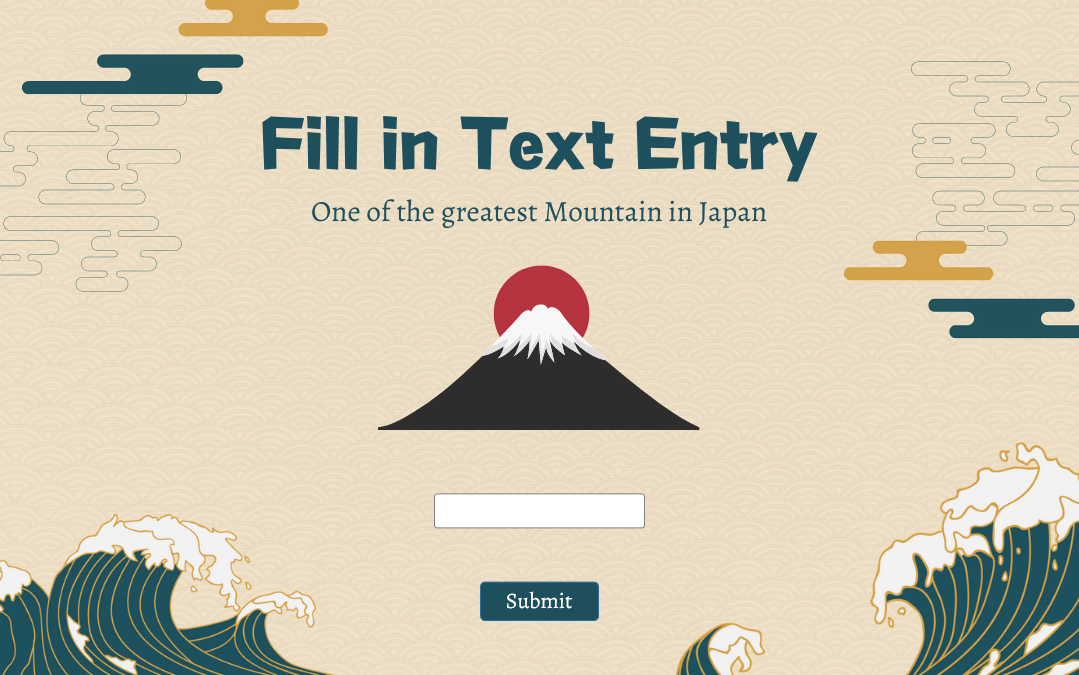
In the previous articles, you’ve learned how to create many interactive question types in ActivePresenter 9 such as True/False, Multiple Choice, Multiple Response and Essay questions. Now, turn to the next one – Fill in Text Entry questions. Like Essay...
In eLearning course design, a question bank comes in handy when you want to reuse questions or create several different versions of the same quiz. ActivePresenter will help get your work done with just a single feature: Slide Pools. In this tutorial, you will learn...
Among a wide range of annotation objects that ActivePresenter 9 supports, web objects help enrich your presentation a lot. Let’s learn how to insert web objects into your projects through today’s article. As you may know, ActivePresenter supports inserting several...
The tenth question type ActivePresenter 9 provides you is the Essay question. This question gives learners the freedom to raise their voices. Let’s learn how to create it in this article. In ActivePresenter 9, an Essay question has two main parts: A question...