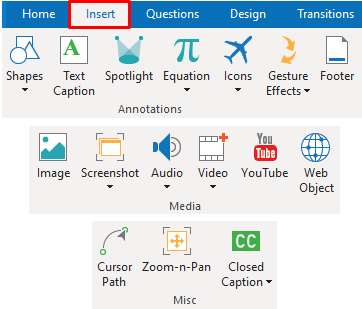
In the previous article, you’ve been exposed to interaction objects like mouse click and button which are designed to respond to users’ actions. Besides, ActivePresenter also supports a wide range of annotation objects. You are free to use them to add further notes,...
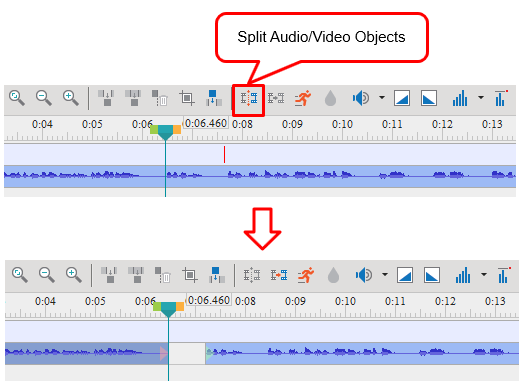
As said earlier, ActivePresenter 8 has many functionalities for video editing, ranging from basic to advanced. And in the previous post, you’ve learned about four basic audio and video editing tools. So, in this tutorial, we will quickly walk you through how to split...
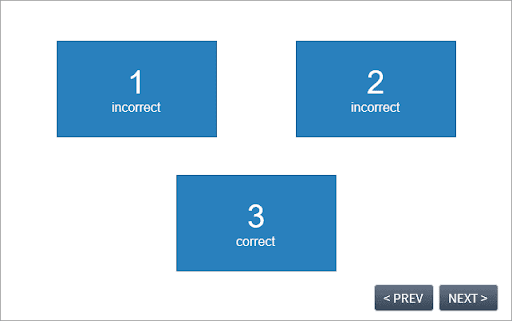
Number variables are a great solution to capture and track numeric values. This tutorial will show you how to use number variables to count the number of incorrect clicks on a screen. Also, it is useful when you want to keep a record of the total clicks taken to reach...
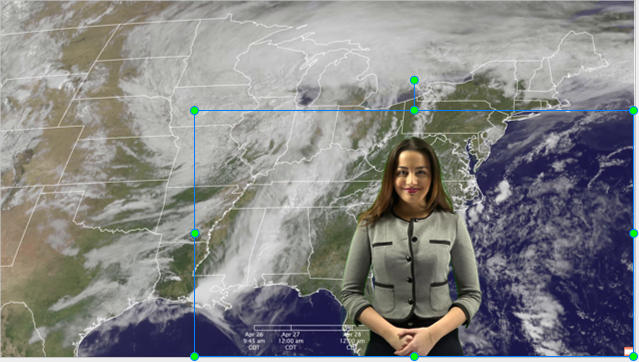
ActivePresenter 8 – a professional screencasting tool and video editor has a lot of powerful features that makes it stand out in the crowd. One of which is Green Screen Effect for videos. It’s the feature that both video editing newbies and experts need. What Is Green...
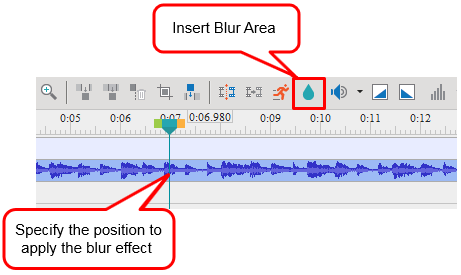
Let’s say you’ve captured a perfect video but accidentally, you recorded unwanted or unnecessary things. So, you need to hide or remove them at once. What can you do if the blur tool isn’t available in the screencasting tool you are using or it doesn’t have enough...
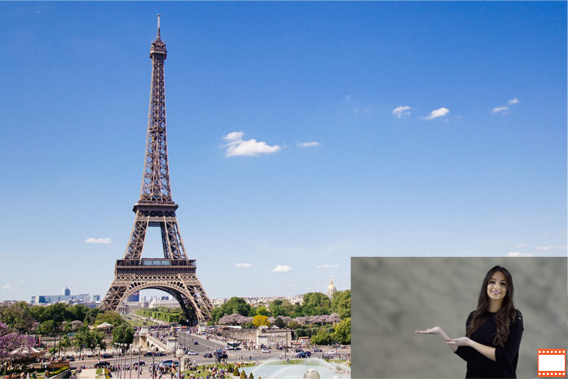
The picture-in-picture effect (also called video overlay) lets you place a video clip in a small frame on top of another so that they play at the same time. You often see this effect in instructional videos where webcam videos are placed at the corner of the tutorial...