Text Entry is an interaction object which allows users to enter text in. Using text entries is useful in testing knowledge and collecting information. When you record software simulations, text entries are inserted automatically whenever you enter a text string. In...
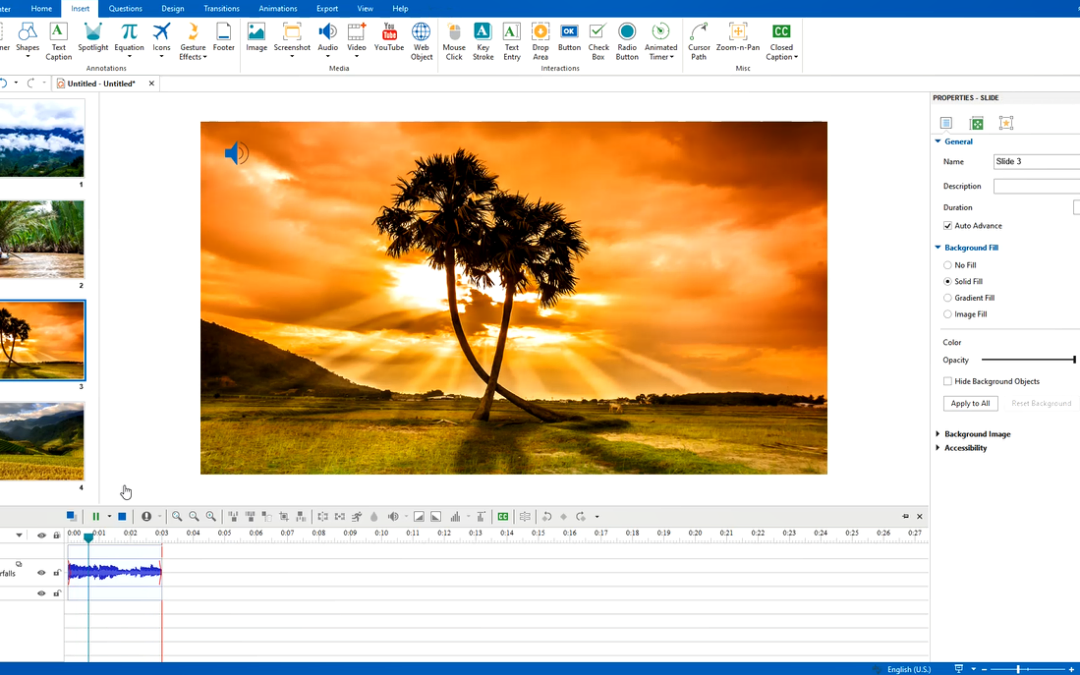
As you may know, using background music is a good way to create engaging video demos and software simulations. Besides recorded videos, ActivePresenter also allows you to add audio to any imported video or presentation. In case your project has many slides, you can...
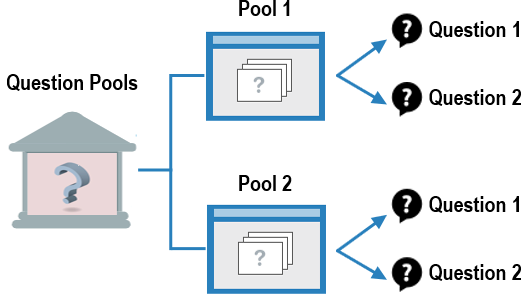
In eLearning course design, question pools (also called question banks) are really practical. They come in handy when you wish to reuse questions or create several different versions of the same quiz. In this tutorial, we show you how to create and manage question...
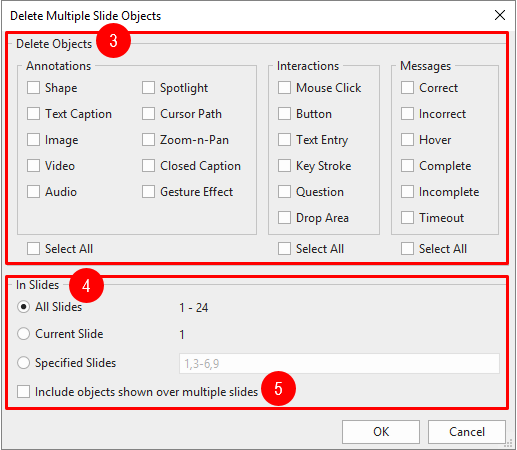
Working with ActivePresenter, chances are you want some batch operations to insert objects into multiple slides or delete multiple objects at once. ActivePresenter has got you covered. Insert Objects into Multiple Slides ActivePresenter makes it easy to insert objects...
Key stroke is an interaction object that helps to simulate keyboard actions when interacting with a target software. When you record software simulations, key strokes are automatically inserted whenever you press shortcut keys. Let’s learn how to work with...
In this tutorial, you will learn how to set pass/fail conditions for lessons. When you are done building a question list, defining score and having a report slide at the end of your course, you now will need to set up conditions to determine whether learners will pass...