Variables are a great way to store and retrieve dynamic information. They are also useful in creating conditional actions to make your course more interactive and personalized. In this article, you’ll learn how to add variables and work with them in eLearning courses....
In ActivePresenter, it’s easy to create drag-n-drop interactions using Drop Area. You can even make this type of interaction in just a few minutes. How? This tutorial will show you all techniques to do that. Overview of Drop Area Drop Area is suitable for creating...
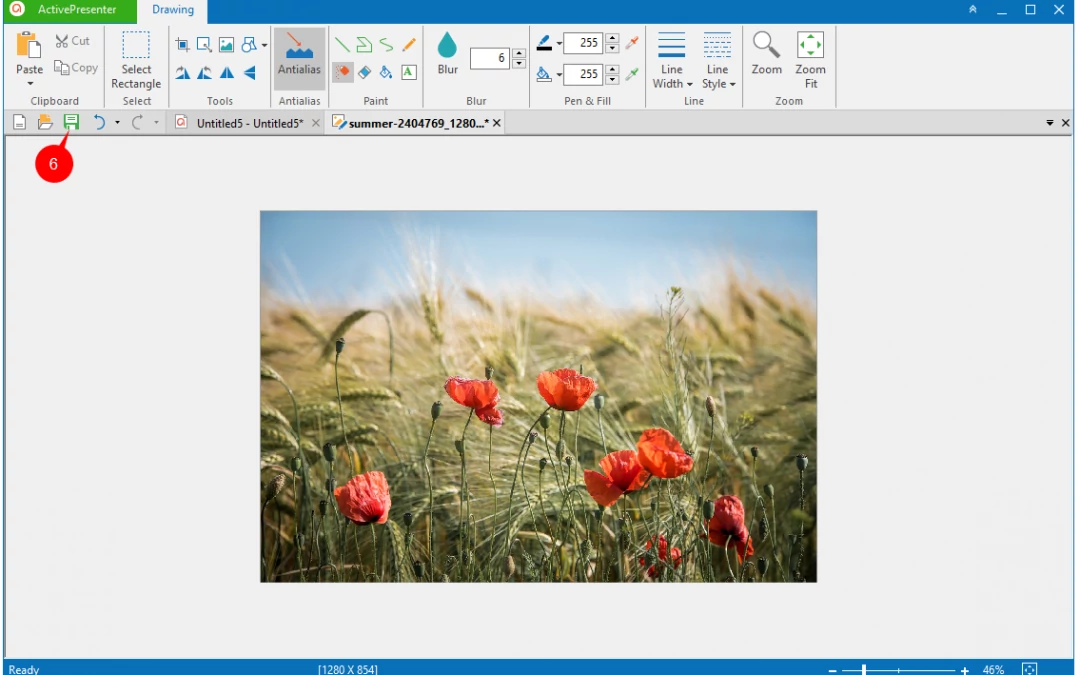
Slide background has a huge impact on the look and feel of your presentation. In ActivePresenter, you’re given four ways to change slide background: Work with the Background Fill feature in the Properties pane. Use Background Styles. Edit background images with the...
Without a single line of code, you can create variables and use them to collect and store information such as learner names and scores, then retrieve it throughout the course. Variables are also helpful to add conditional interactivity to your course with conditional...
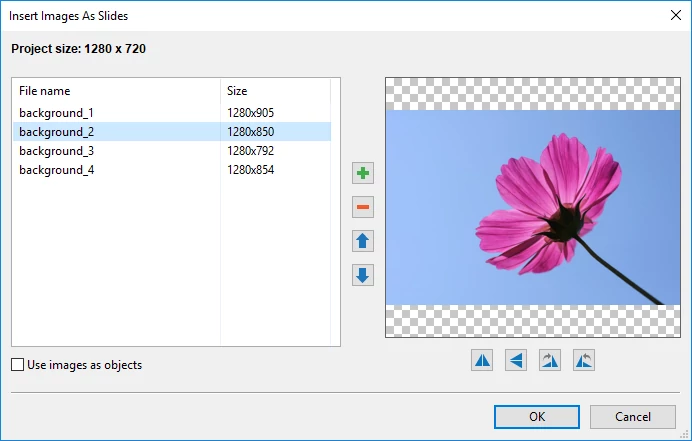
Let’s say you’ve had a lot of images. Now you need to import many of them into ActivePresenter as slides to illustrate your course or video. But is there any way to quickly bring all of them into the app? Or, you have to insert slides and add images to them...
ActivePresenter 7 provides many types of output (videos, images, HTML, documents, etc.). Depending on specific purposes, you should choose the right one. For example, when you need to create software simulations, the HTML5 output is good to go. On the other hand, if...