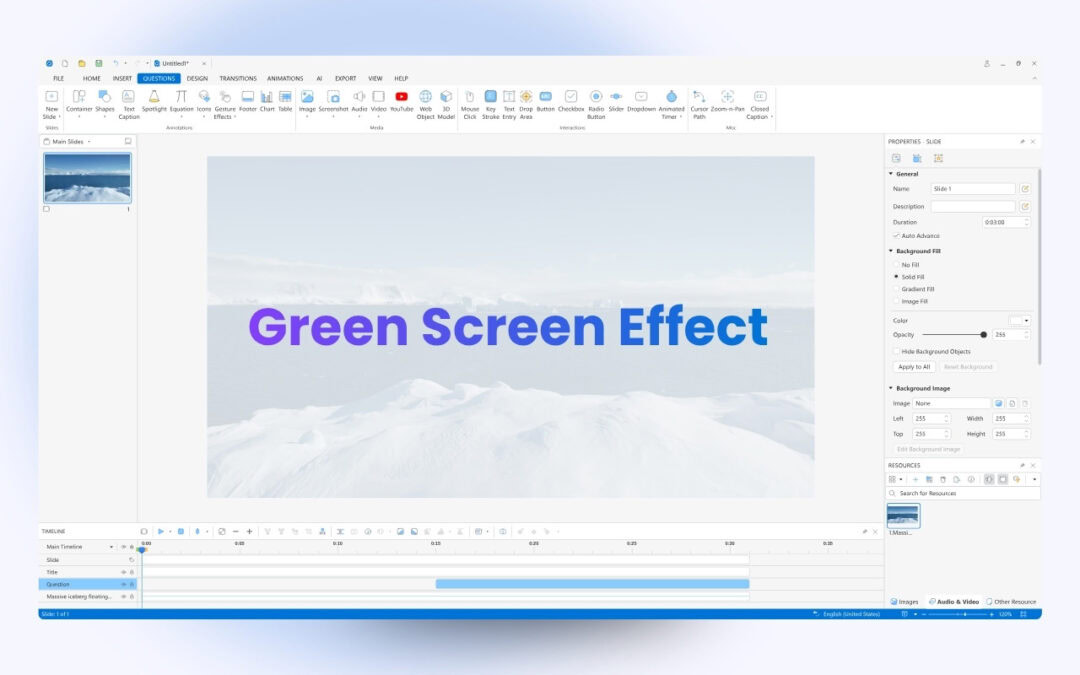
The Green screen effect is a powerful feature that allows users to create eLearning video courses by replacing the background of a video or image with any desired content. Let’s dive deeper into today’s article to know how to apply this type of effect to videos in...
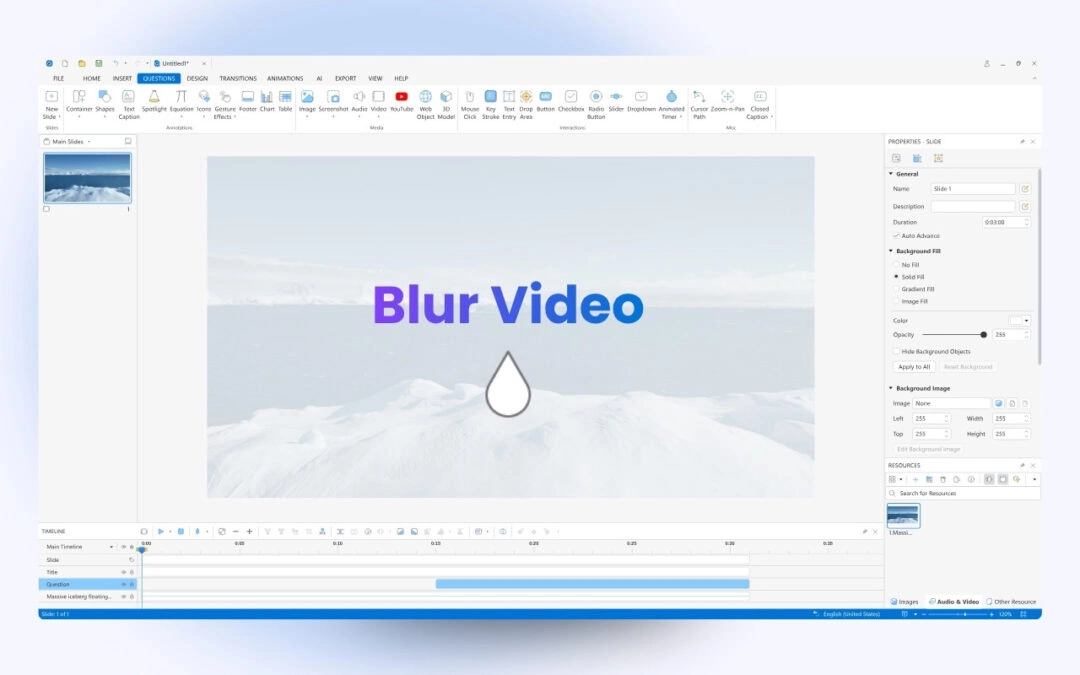
If you need to hide private or sensitive information such as identity or email address in videos, you can use the Blur effect feature in ActivePresenter online course creation tool. It helps to blur not only static but moving objects in videos. In the scope of...
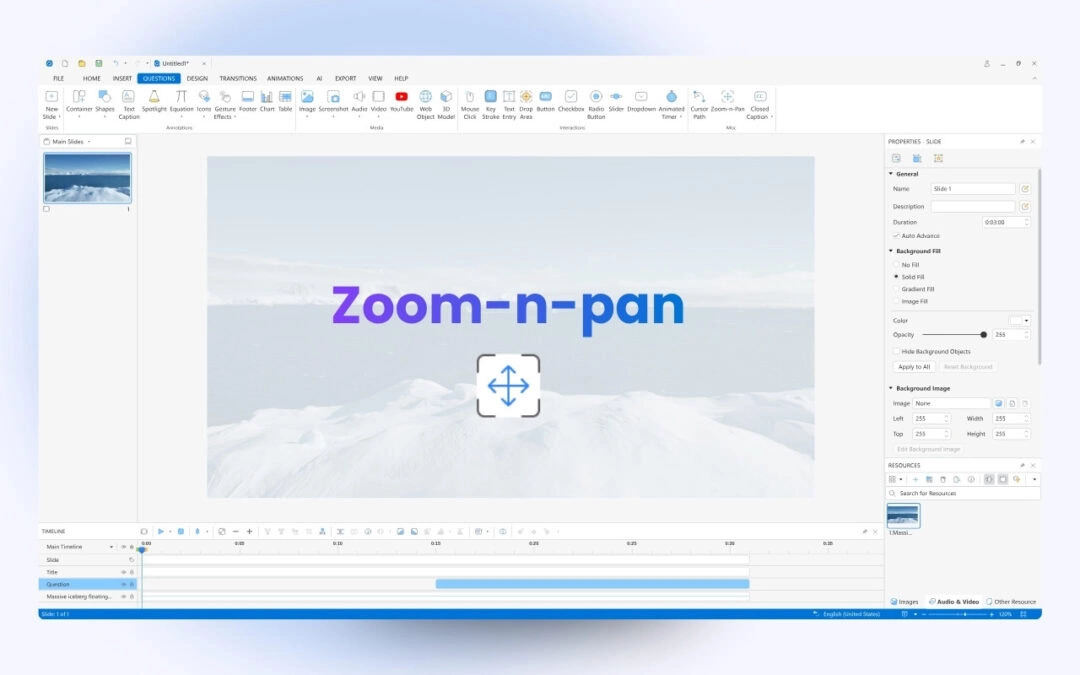
When creating your projects, there is a high chance that you may want to zoom in on the objects of interest or pan from one object to another. You can do that within seconds by working with the Zoom-n-Pan feature in ActivePresenter eLearning authoring software. In...
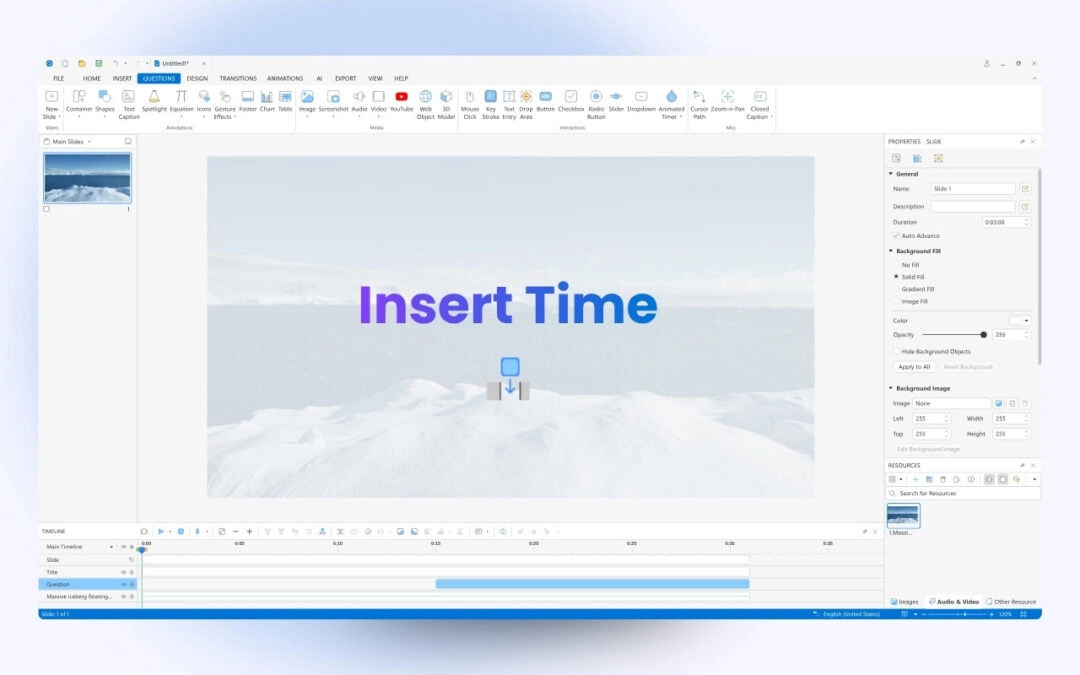
When you need to add silence to your audio or pause a video clip for a certain amount of time to explain something, the Insert time feature in ActivePresenter video editing tool will give you a hand. Concerning editing videos, the Insert time feature helps you a...
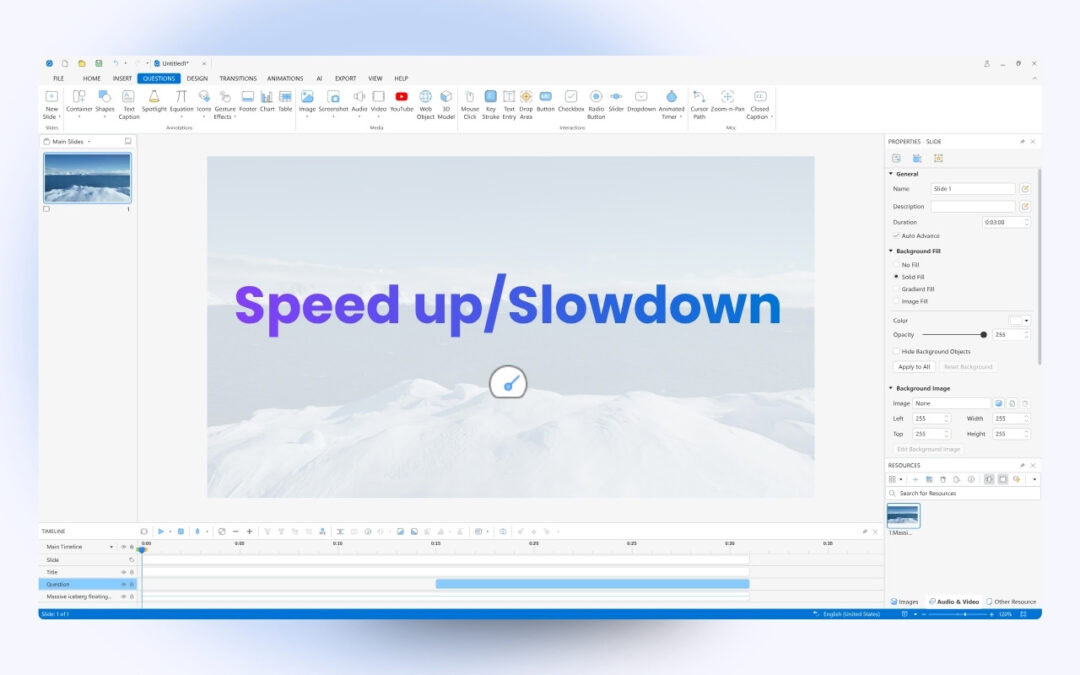
The Change Playback Speed feature in ActivePresenter screen recorder & video editor lets you speed up or slow down the playback speed of the whole video or just parts of it in a single click. When it comes to editing videos, changing video speed is an...