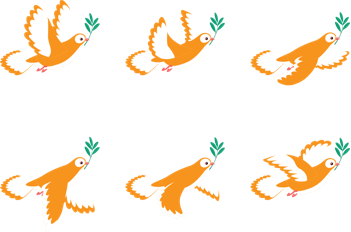
Today’s tutorial will give you an overview of the sprite sheet and how to create sprite sheet animations in Saola Animate 3. Let’s check it out. This tutorial covers: What is a Sprite Sheet?Create Sprite Sheet Animations What is a Sprite Sheet? As you may already...
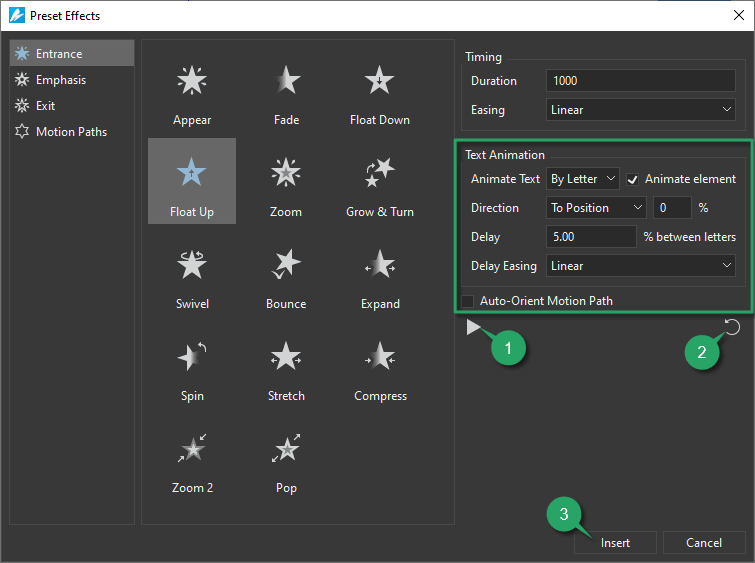
In the previous version, you became familiar with animating text by adding keyframes manually. From now on, you can set animations for text by using built-in Saola Animate preset effects. Thanks to that, creating engaging and eye-popping content is just a...
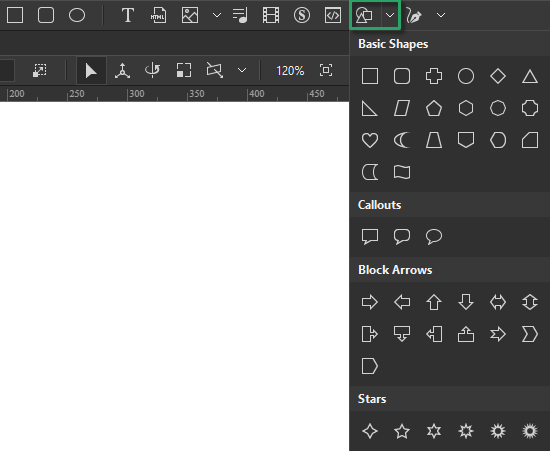
Basically, shape elements are two-dimensional blocks surrounded by an outline. You can make use of shapes to create engaging HTML5 animations and interactive content. Once you become skillful in shapes, you can do so much more. So, let’s explore how to insert shapes...
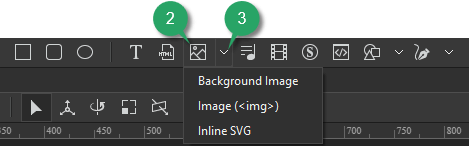
Saola Animate lets you add six image formats to a project. Supported formats include JPG, JPEG, PNG, BMP, SVG, and GIF. It means that you can use both static and animated images as well as both raster and vector files. For the vector image format, it’s also possible...
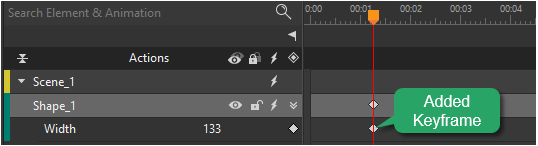
Keyframes define the value of a property at a specific time. They are available throughout the Properties pane to set parameters of any property that can be changed over time. To create animation with keyframes, you need at least two keyframes with different values of...
When creating HTML5 animations and interactive content, an important thing you can not ignore is adding audio elements. In this tutorial, you will learn how to add and work with audio in Saola Animate 3. This tutorial walks through: Add Audio ElementsRename...