Adding objects is a common task in every project whether it is a responsive or non-responsive one. However, managing them in a responsive project is quite a challenging task and different from a non-responsive project. This tutorial will explain in detail how to add...
Motion Path is one of the animation effects that ActivePresenter 10 offers you. It makes a stationary object move along a path so that you can create engaging eLearning content. ActivePresenter 10 also provides a flexible environment for designing animations and...
You can create animations for text in various ways, one of which is adding a typing effect or so-called typewriter effect to your text. The eye-popping text typing animation is quick to be done by animating letters or words. With ActivePresenter 10, you can easily...
You may get familiar with working with the Object Settings to create default objects and reuse them later. Now, ActivePresenter 10 – powerful eLearning authoring tool brings you enhancements to make you optimize your work. Learn more in today’s...
Instead of recreating the same design objects repeatedly, you can create templates for commonly used objects and reuse them in multiple ActivePresenter 10 (an eLearning authoring tool) projects. Let’s learn how to do that in today’s article. Using object...
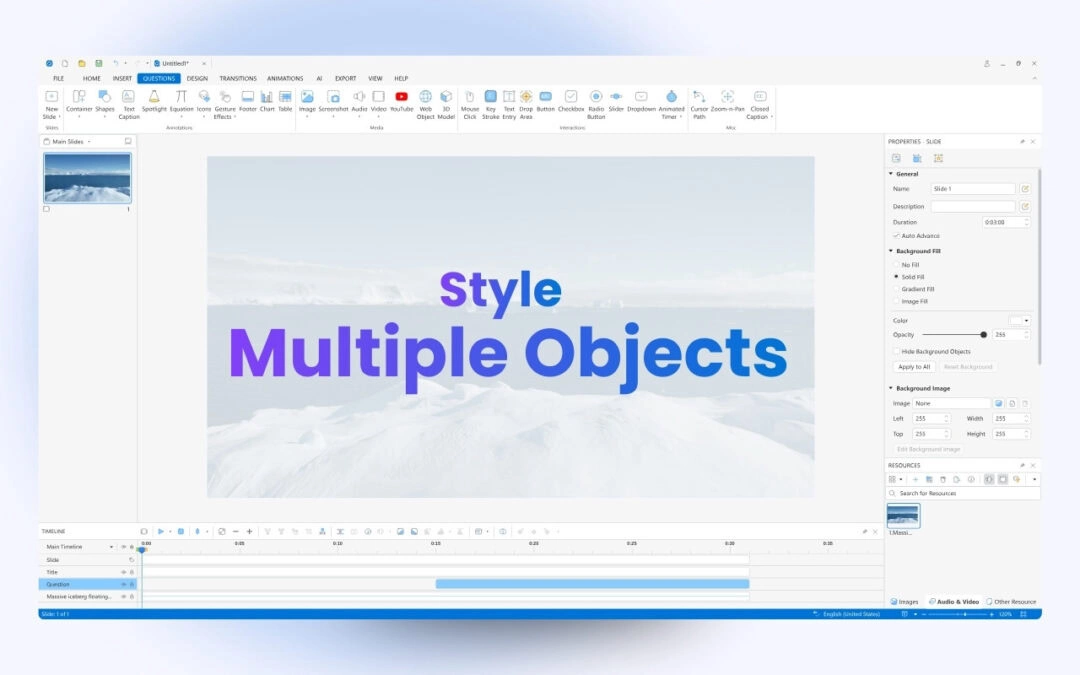
When your project has many objects of the same type, you may want them to have the same animation effects or formatting style. ActivePresenter 10, a course creation tool allows you to style multiple objects in a flash. The article covers two main contents: For...