
ActivePresenter 10
An AI-powered eLearning authoring tool that streamlines your course creation. An all-in-one eLearning solution to create training videos, software simulations, educational games, and interactive slide-based lessons.

uPresenter
Next-Generation Interactive eLearning Platform
Create interactive presentations, quizzes, and dynamic learning experiences with real-time collaboration, seamless public sharing, and powerful reporting features.

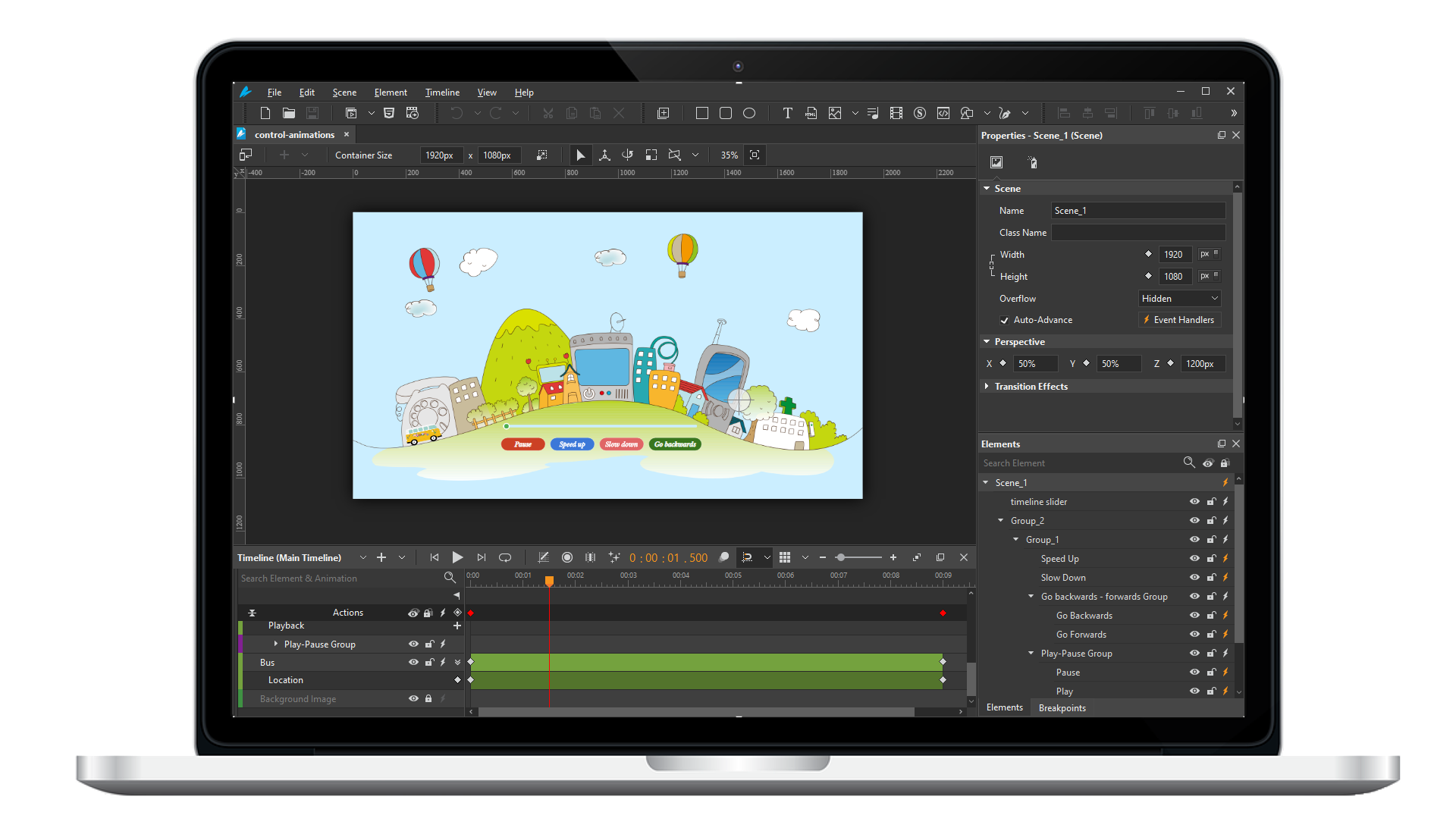
Saola Animate 3
Create HTML5 animations and interactive content which run on any platform and device without coding skills.
Learn, share, and get support

Read latest tutorials and tips

Learn & ask our support experts

Connect & share with user community
Latest from our blog
Screencasting & eLearning
3 Ways to Create Interactive Quizzes in ActivePresenter
Create interactive quizzes are one of the most effective ways to increase learner engagement & reinforce knowledge. ActivePresenter provides multiple ways to create interactive quizzes efficiently, including creating with AI and bulk CSV file.
Closed Captions in ActivePresenter 10.5 (2026): Cut Editing Time by X3 with Pro Caption Controls & Styles
Explore Closed Captions in ActivePresenter 10.5. Gain professional control over text design and enhance accessibility effectively.
How to Record Your Screen on Mac (macOS 26): ActivePresenter vs Built-in Tools
Explore the best screen recorder Mac 2026 options for training. Get clean exports and interactive learning outputs.
HTML5 Animation
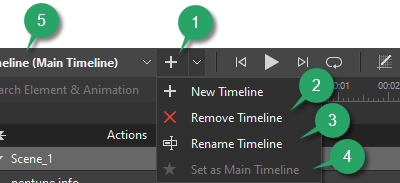
Use Multiple Timelines in Saola Animate 3
What is the best way to organize and control complex animations? Let’s consider using multiple timelines in Saola Animate 3.

Use the Effects Tab in Saola Animate 3.0
Let’s learn how to use the Effects tab to edit element’s shadow, filter, and clip effects in Saola Animate 3 to create awesome visual design.
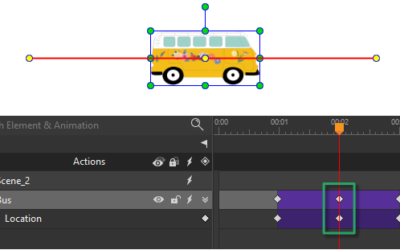
Create Motion Paths in Saola Animate 3
Saola Animate 3 brings your website to life with HTML5 animations and interactive web content. Today’s tutorial describes how to create motion paths to mimic real-life motions, giving objects the illusion of life.