Objects in ActivePresenter are classified into 2 main categories: annotation objects and interaction objects. In this tutorial, let’s learn how to copy, cut, duplicate, and delete objects in general with ActivePresenter 10 – a leading eLearning authoring tool. ...
Aside from the 13 question types, ActivePresenter eLearning authoring software includes 10 different types of interaction objects that allow learners to interact with content in an online environment and track their progress. Users can interact with these objects in...
Standing at the twelfth in the Questions tab, Select in Dropdowns question is the second new question type implemented in ActivePresenter 10 (an eLearning software) apart from Select in Dropdown question. Let’s see how to create it in this tutorial. As its name...
Welcome to a new question type implemented in ActivePresenter 10 – Select in Dropdown question. This question type allows you to gather a long list of answer options into a dropdown list which is only visible when learners click the down arrow. As you may...
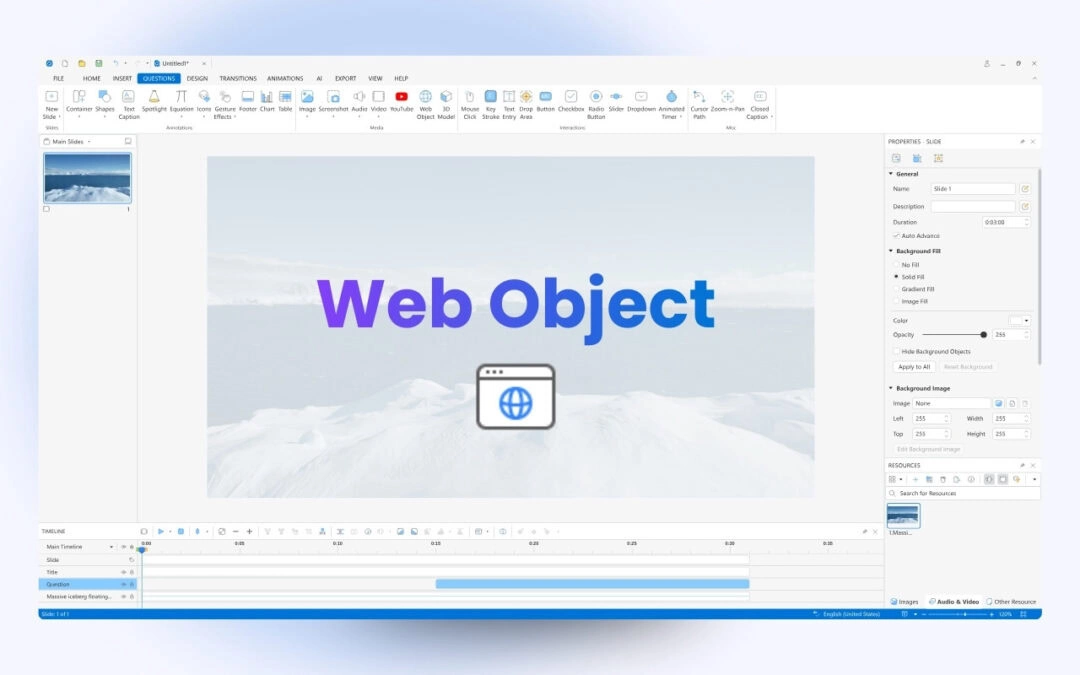
Among a wide range of annotation objects that ActivePresenter 10 supports, web objects help enrich your presentation a lot. Let’s learn how to insert web objects into your projects through today’s article. As you may know, ActivePresenter eLearning...
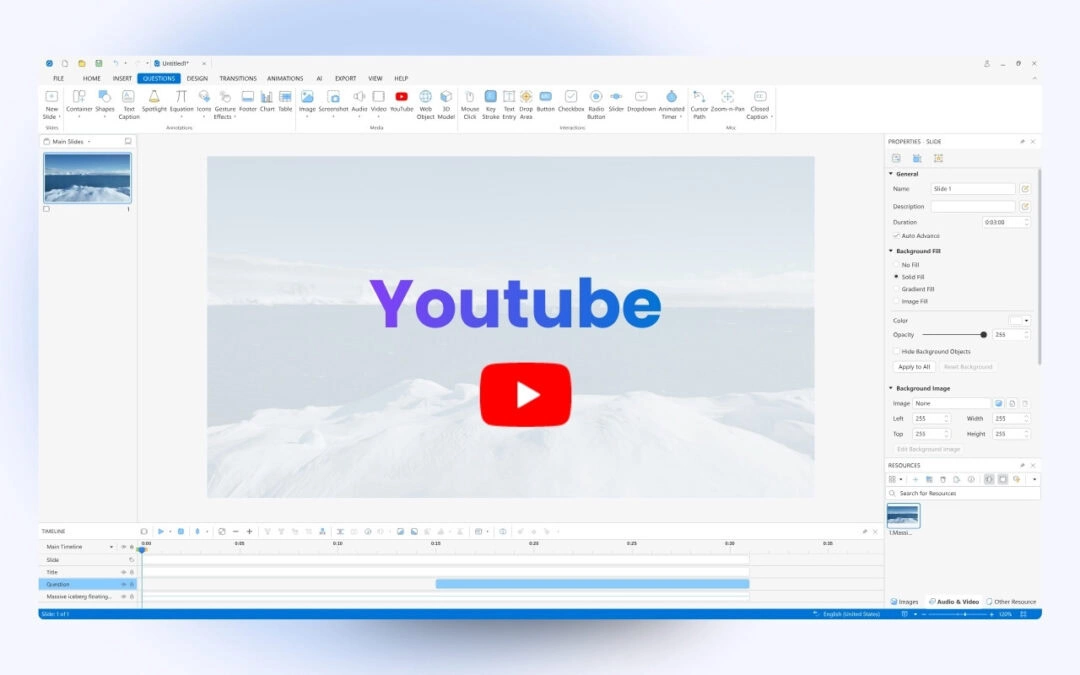
YouTube videos are one among plenty of annotation objects that ActivePresenter 10 supports you. By embedding them into slides, you can easily stream and play YouTube videos within the presentation. Keep reading for more information! In the previous tutorials, you’ve...