Every L&D professional knows the nightmare: a new hire sits down on Day 1, gets handed a 47-slide PDF about the company’s CRM system, and is expected to be productive by Week 2. Spoiler — they’re not. Traditional onboarding methods are failing modern...
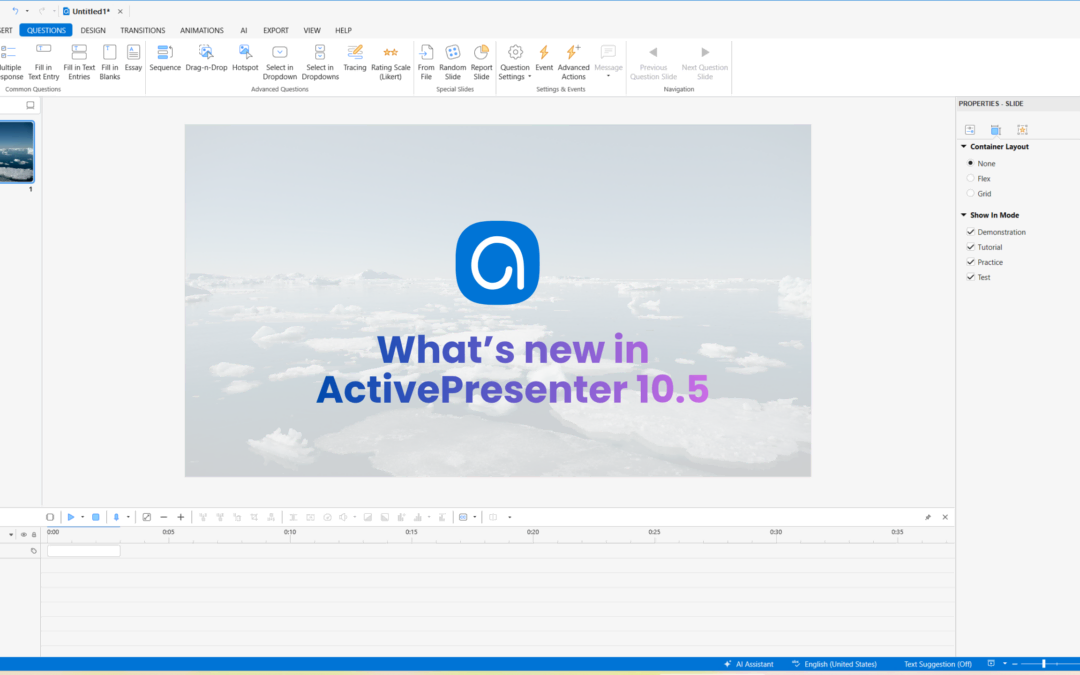
We’re thrilled to announce the release of ActivePresenter 10.5! Following the major launch of version 10, this update brings a series of “quality-of-life” improvements and powerful new eLearning authoring tools designed to make your experience more...
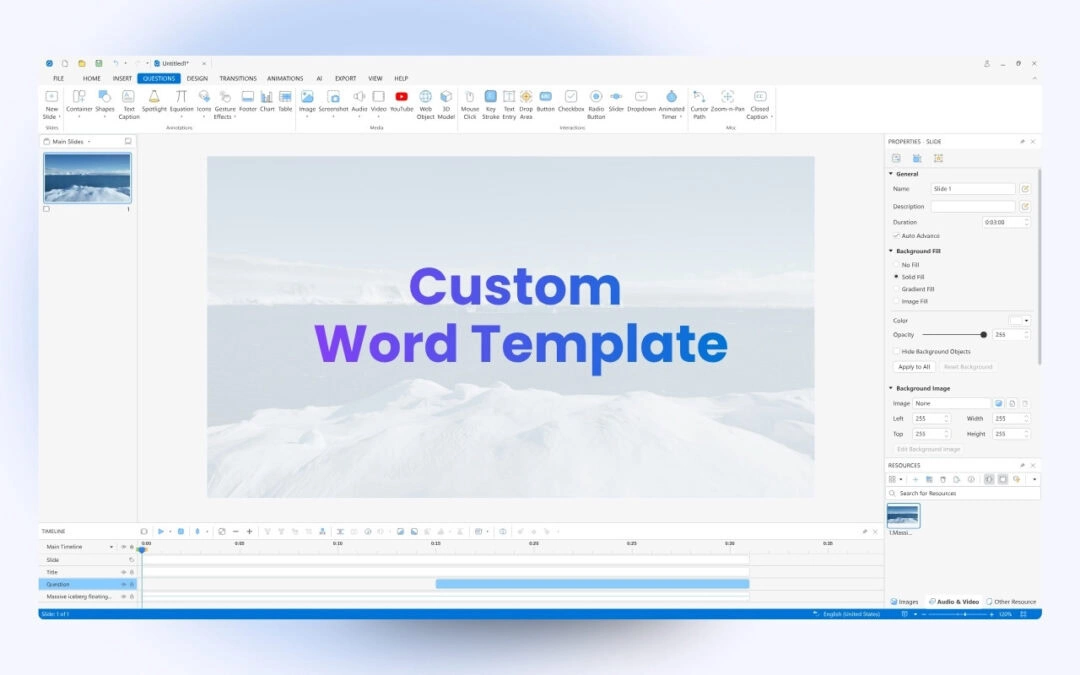
In this article, we’ll guide you through the steps to export your ActivePresenter course creation software projects to Word using a custom Word template. By utilizing custom templates, you can enhance the consistency and professional look of your documents,...
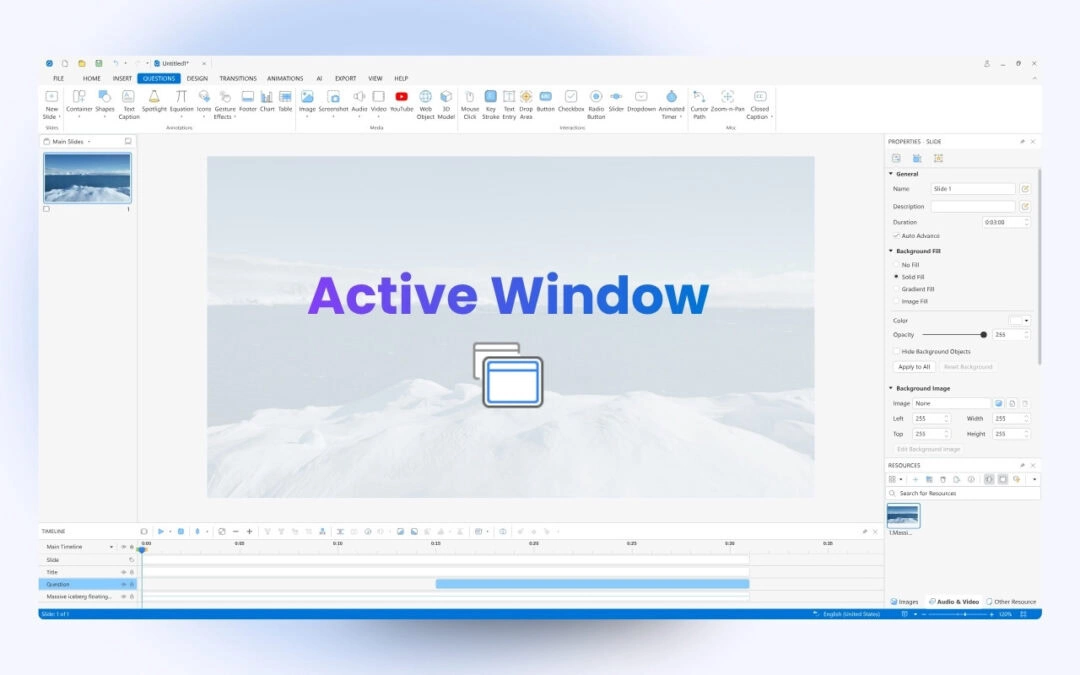
Active window area is the window of an application that you are currently working with. This feature is helpful when you create interactive simulations, in which there are specific windows that you want to capture or export. For example, you want to create a manual...
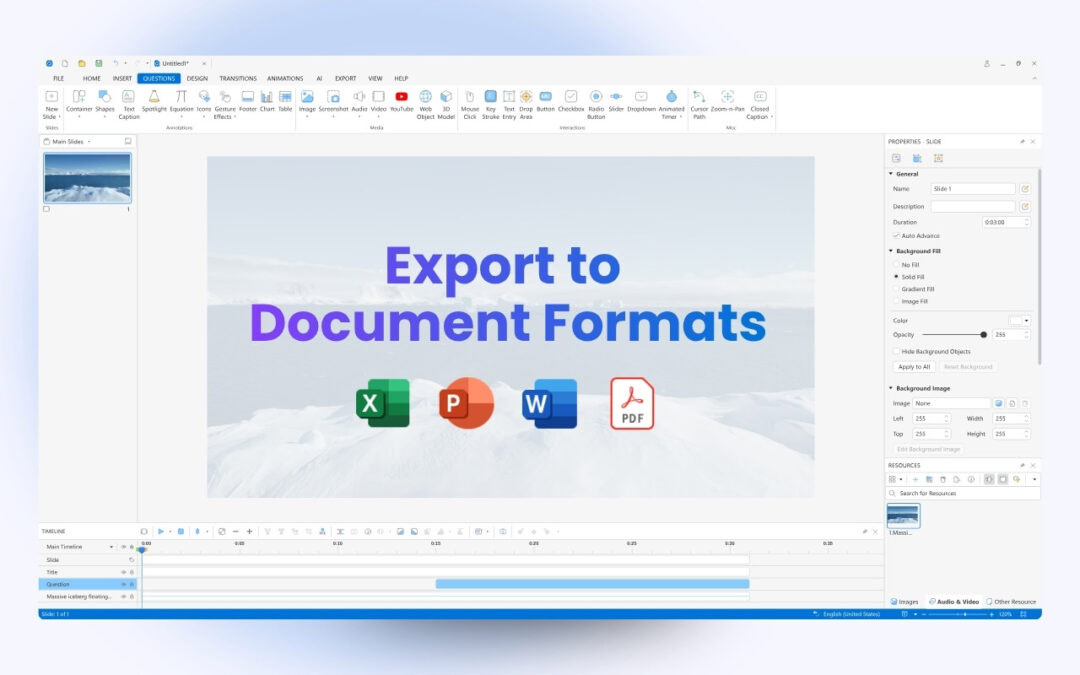
ActivePresenter course creation software allows you to export projects to document formats such as PDF, Word, or Excel so that you can save, or print them to create handouts. Let’s learn more in this tutorial. To export projects to any type of document...
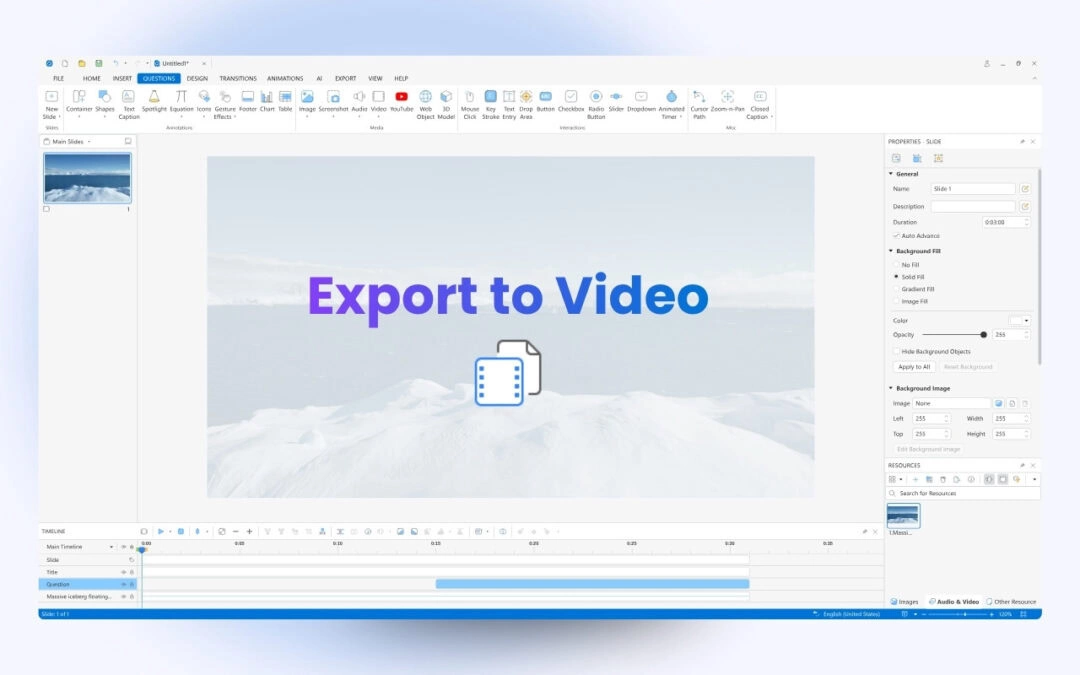
After completing a project in ActivePresenter course creation tool, you can export it to many output formats depending on your needs such as image, video, document format, HTML5, and more. This tutorial will show you how to export projects to videos. Table of...