Building interactive training guides from scratch is one of the most time-consuming tasks in any eLearning developer’s workflow. You record the screen, manually add annotations, insert click zones, write feedback messages – and by slide 12, you’re...
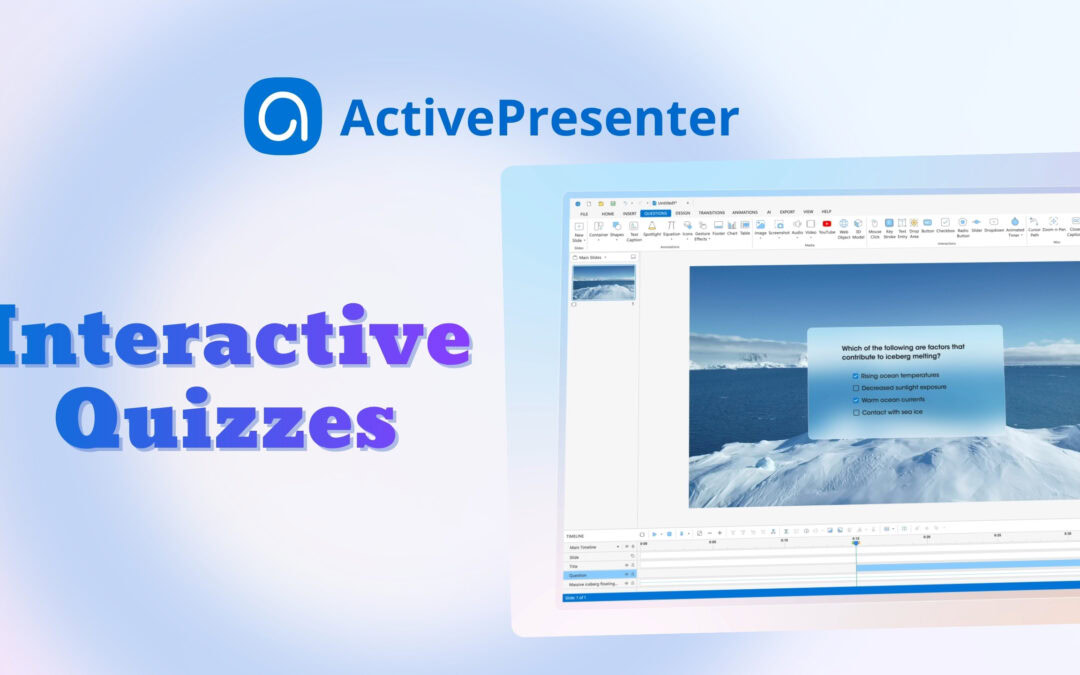
Create interactive quizzes are one of the most effective ways to increase learner engagement & reinforce knowledge. Whether you’re creating training materials for employees, educational content for students, or self-paced online courses, ActivePresenter...
In ActivePresenter 10.5, the closed caption (CC) system is redesigned to give you professional-grade control over how your text looks, moves, and reaches a global audience. Whether you’re a teacher building lesson content, an eLearning creator optimizing engagement,...
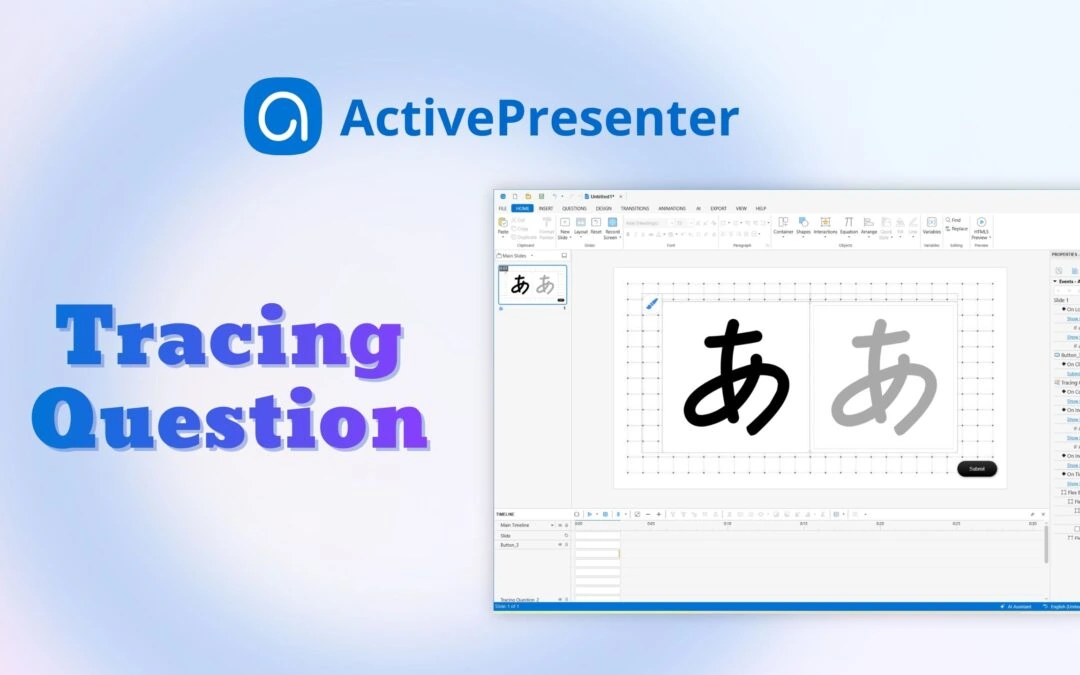
If you’ve ever wanted learners to practice writing, drawing characters, or tracing paths directly to create an eLearning course, a Tracing Interaction/Question in ActivePresenter eLearning authoring tool is the feature you need. Looking for the right tool to...
In ActivePresenter 10.5, we fundamentally reimagined how instructional designers and developers interact with an eLearning authoring space. Instead of dividing these capabilities into a single, bloated system, we split our AI architecture into two separate, dedicated...
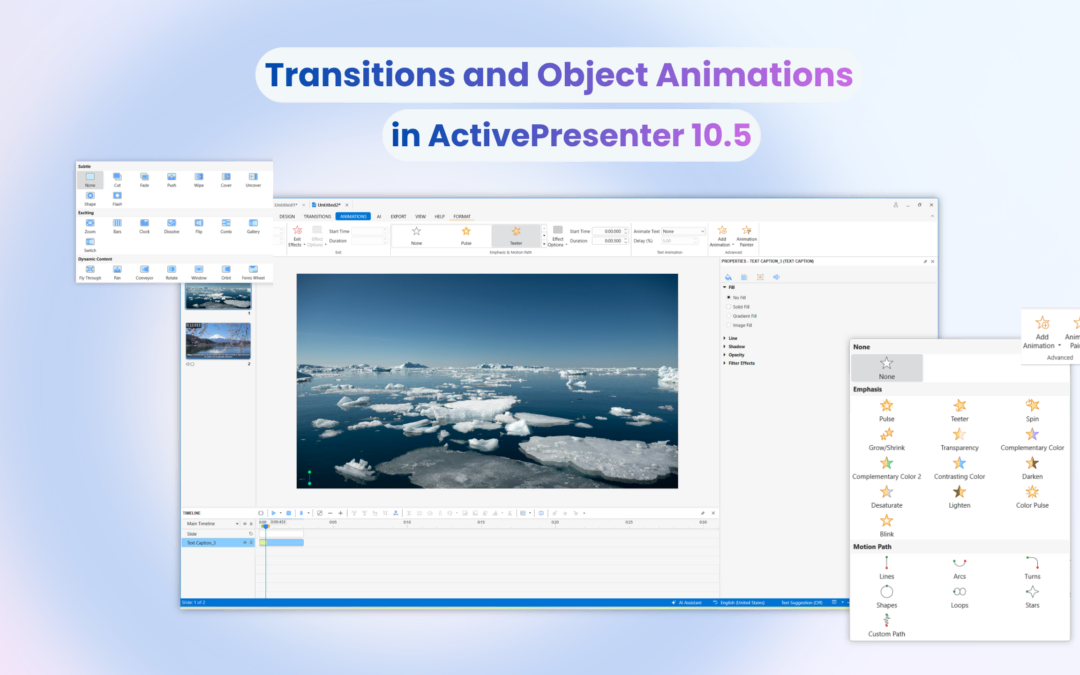
When designing an eLearning course or instructional video, keeping learners engaged is half the battle. Visual movement, when used intentionally, acts as a roadmap for your audience’s attention. It cues them on what to read next, transitions them seamlessly from one...