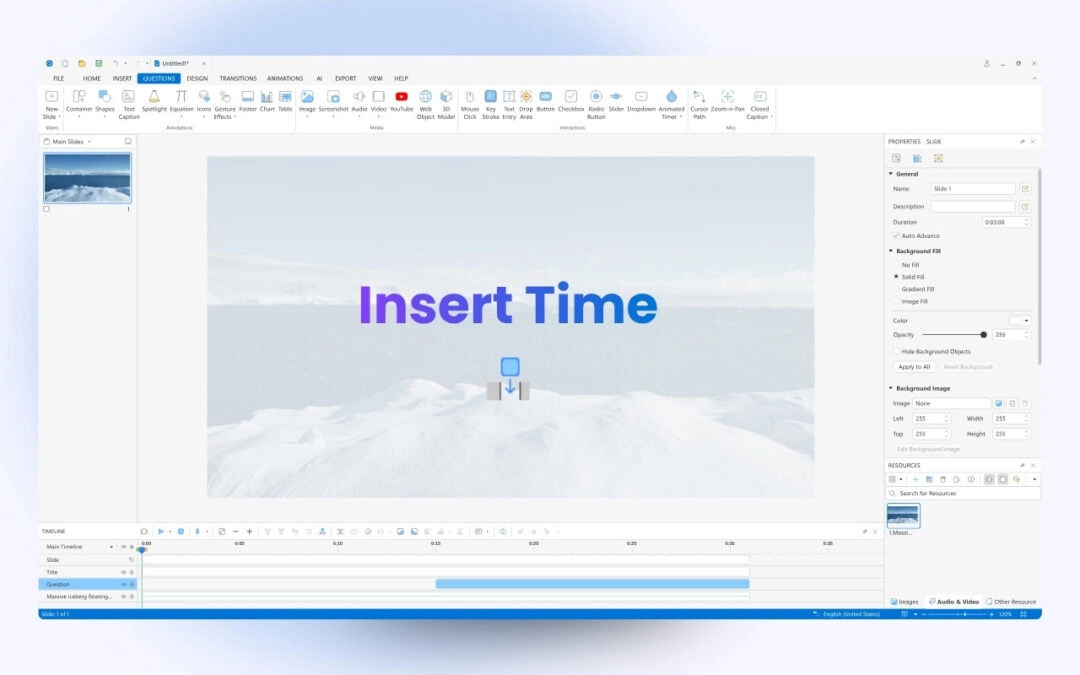
When you need to add silence to your audio or pause a video clip for a certain amount of time to explain something, the Insert time feature in ActivePresenter video editing tool will give you a hand. Concerning editing videos, the Insert time feature helps you a...
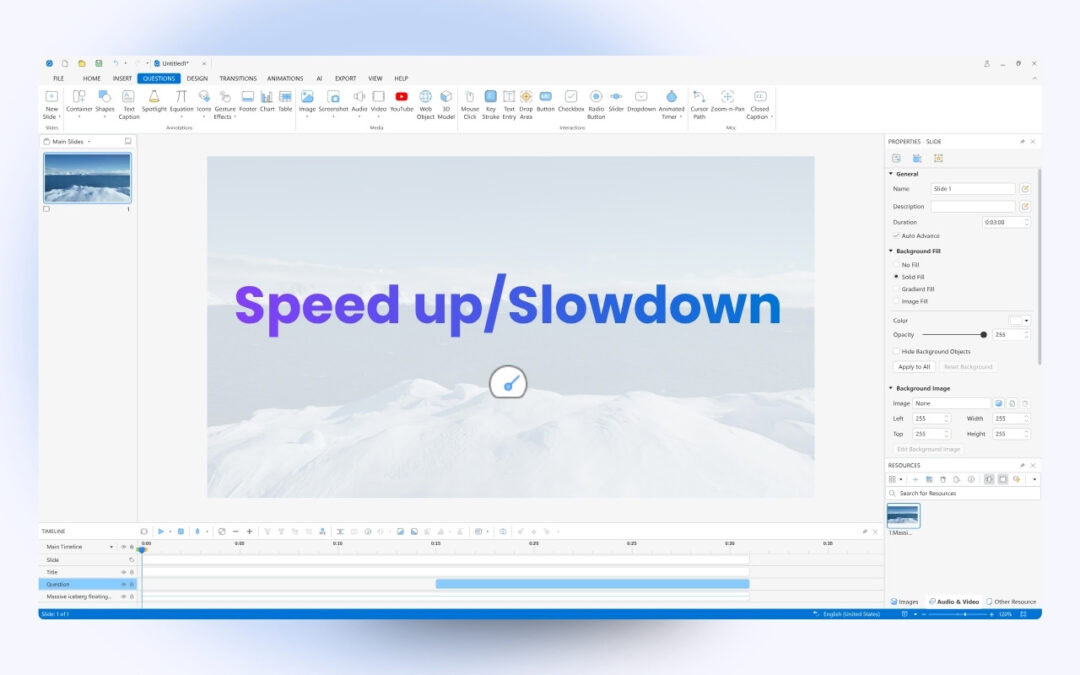
The Change Playback Speed feature in ActivePresenter screen recorder & video editor lets you speed up or slow down the playback speed of the whole video or just parts of it in a single click. When it comes to editing videos, changing video speed is an...
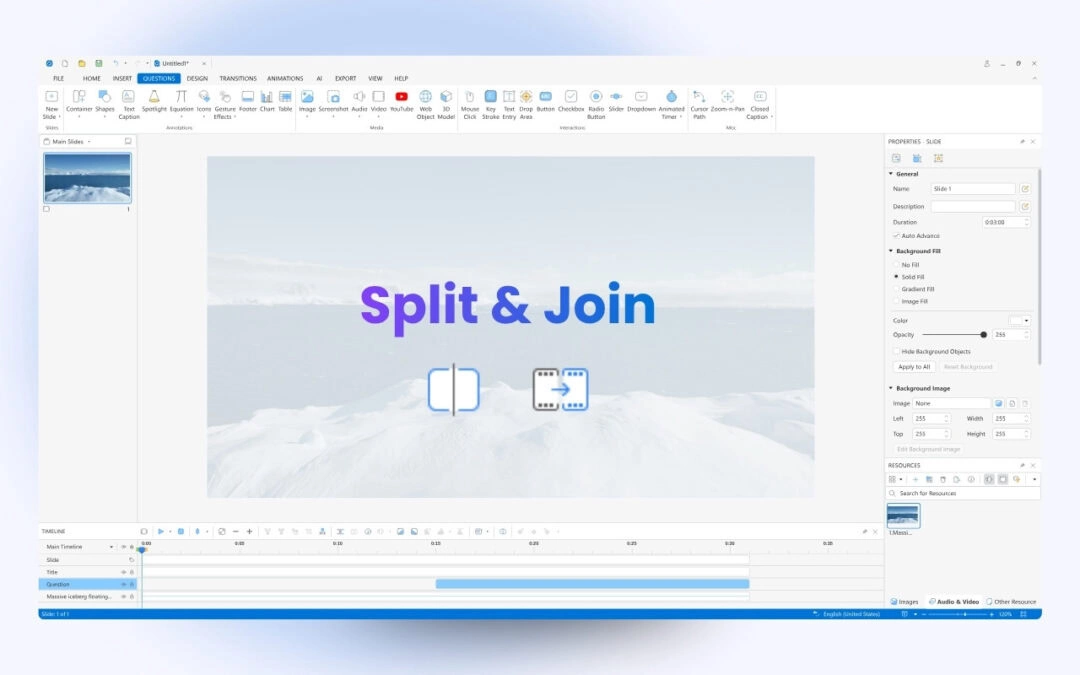
Splitting and joining videos or audio tracks in ActivePresenter eLearning software can be done with a single click. You can split a video or audio track into several smaller parts or join them together into a single track. ActivePresenter 10 has many...
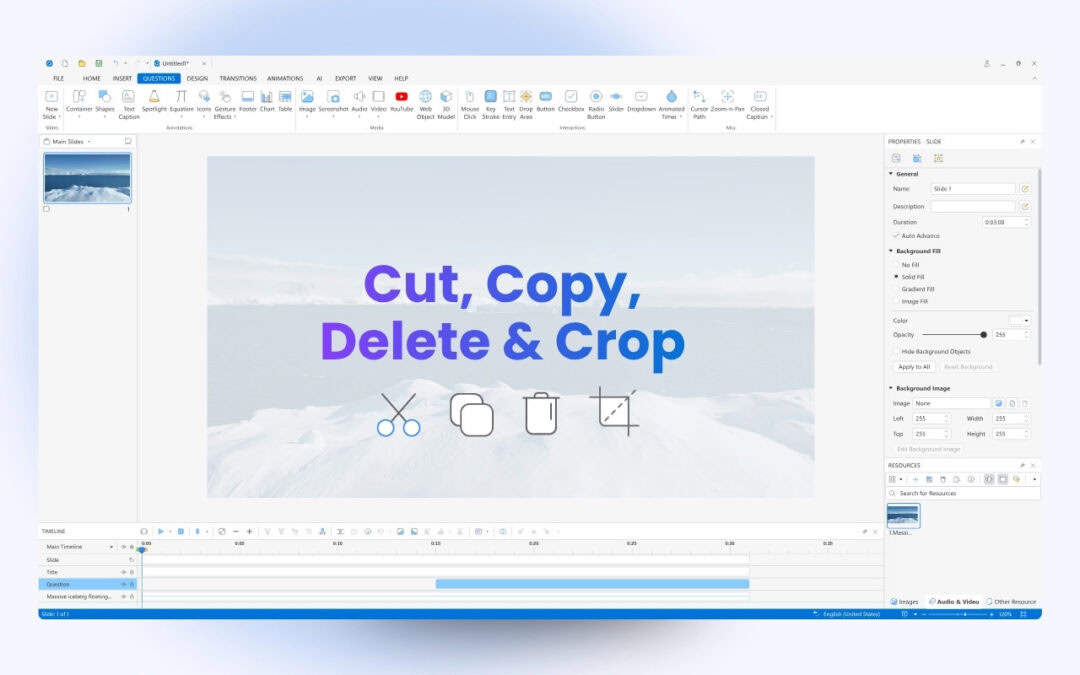
With basic editing tools for audio/video like cut, copy, delete, and crop, ActivePresenter 10 helps to create great videos in a breeze. Let’s check out today’s article for more details. As you know, ActivePresenter 10 is an all-in-one screen recorder, video...
ActivePresenter provides you with up to 5 ways to insert audio tracks into the app. Keep reading the article to explore what they are! As you may know, audio and images are considered a perfect pair in creating eLearning courses because of their ability to make...
There are three ways to insert video objects into your project in ActivePresenter eLearning software: insert from files, insert by recording webcam and by recording screen. Let’s follow this tutorial for details. Using videos in eLearning courses is a good way...