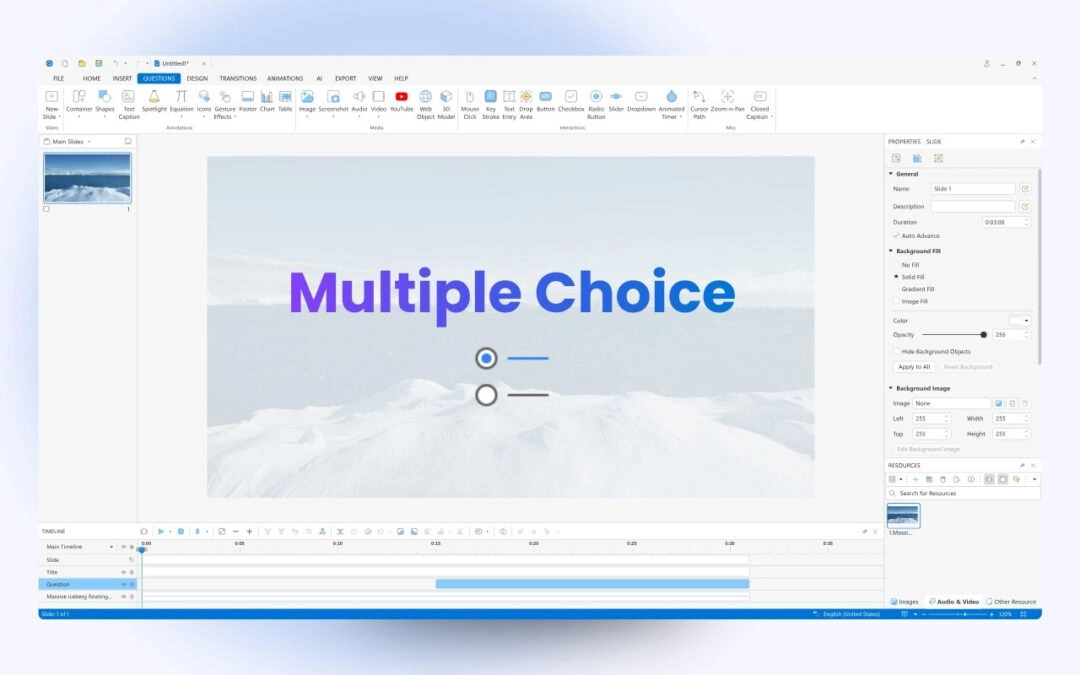
Given quick assessment and the ability to provide immediate feedback, a multiple choice quiz can be a simple and favored approach to gauge learners’ knowledge. A Multiple Choice quiz consists of numerous multiple choice questions. Each question has two parts: a...
Are you looking for a quiz maker that helps create high-quality and professional-looking interactive quizzes? If yes, ActivePresenter 10 will satisfy you. ActivePresenter is a powerful eLearning authoring tool. The release of version 10 brings you more advanced...
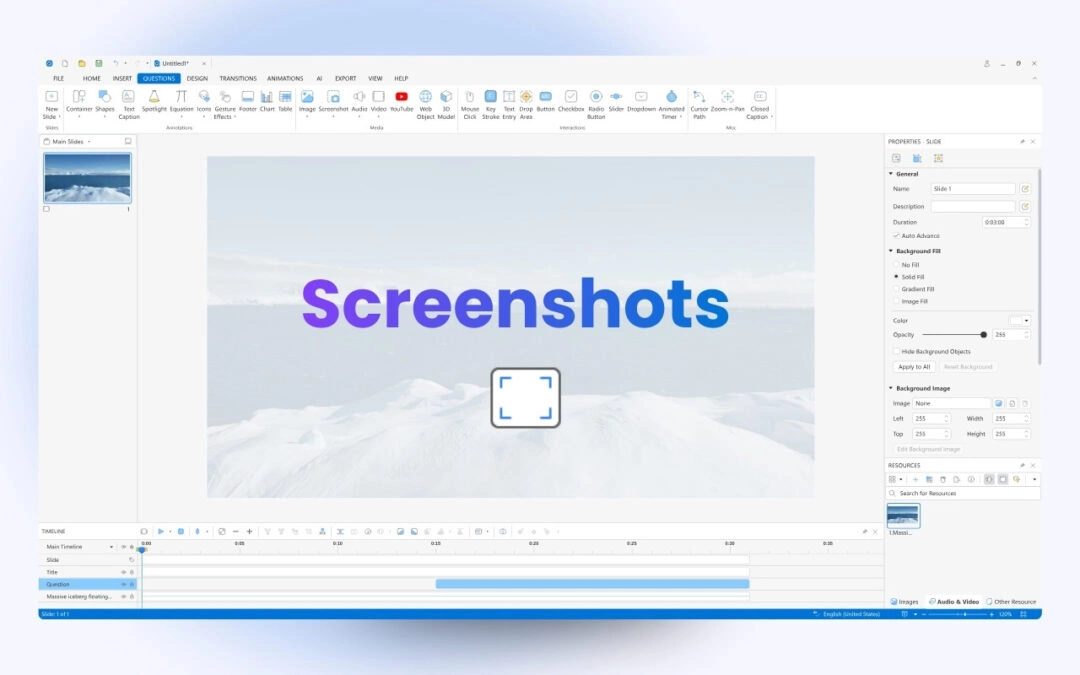
Taking screenshots is a simple way to capture important information on your screen. In this tutorial, you’ll learn how to take screenshots in ActivePresenter 10. Screenshots are useful for creating tutorials, documentation, or instructional materials. ActivePresenter...
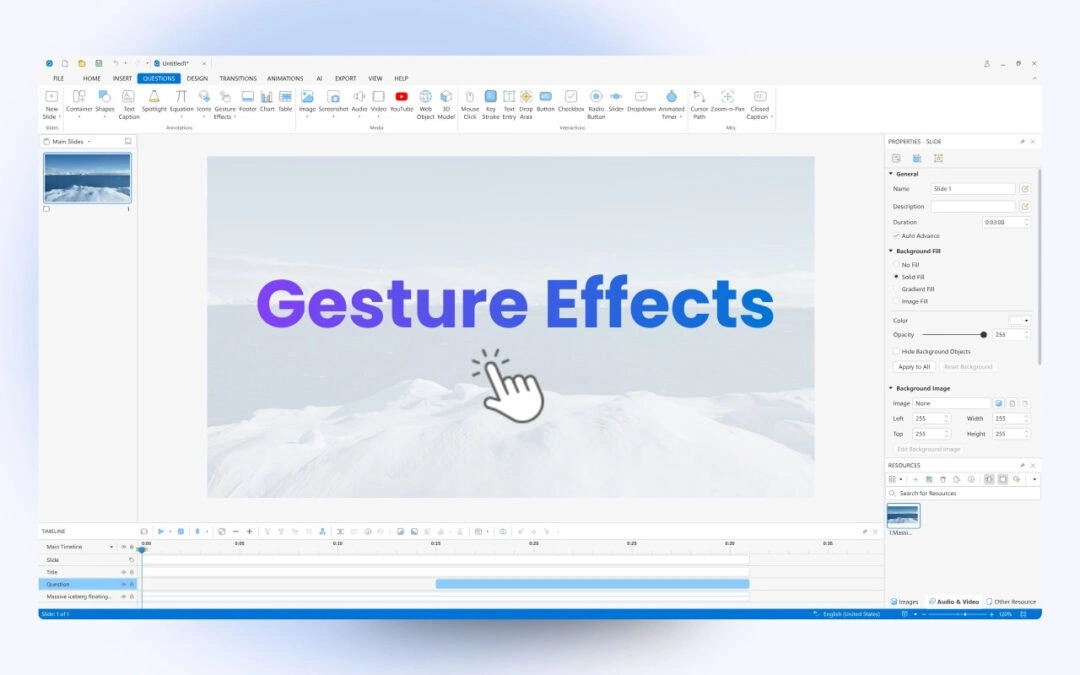
Apart from spotlight, text caption and shape, gesture effect is also an annotation object that ActivePresenter 10 provides you. They are visual effects that simulate taps, swipes, etc. to instruct users how to interact with the content on the touch devices. This...
ActivePresenter 10 makes it simple to add, create, and alter mathematical equations. It offers a collection of in-built equations, and the ability to edit or create new ones or even import themfrom Microsoft Office. When teaching mathematical concepts, many...
A spotlight effect helps maximize the audience’s attention toward an object, text, or image in the slide. With a few clicks, it’s handy to add spotlight effects to slides in ActivePresenter 10. This tutorial will explain how to do it. In ActivePresenter 10...