Tables come in handy when you need to store and organize data in rows and columns. In this tutorial, you will learn how to work with tables in ActivePresenter eLearning creation software This tutorial covers: 1. Insert, select, and delete tables4. Reposition and...
Slide background has a huge impact on the look and feel of your presentation. In this tutorial, you will learn how to change the slide background in ActivePresenter eLearning software There are four ways to change the background of slides as follows: Using Background...
Slide names and numbers help you identify and manage slides more effectively. Let’s learn how to add slide titles and numbers and customize them with ActivePresenter eLearning tool In the previous tutorial, you learned how to create a new project and insert slides...
ActivePresenter course creation software allows you to split a slide into many small parts as well as merge numerous of them into one. Let’s learn about that in this article. This tutorial covers 2 parts: Split Slides Merge Slides Split Slides When working...
In the previous articles, you have learned how to create a new project from a blank slide or PowerPoint presentations. However, do you know how to insert a new slide to the opening project? Let’s learn in today’s tutorial. There are numerous ways to add slides...
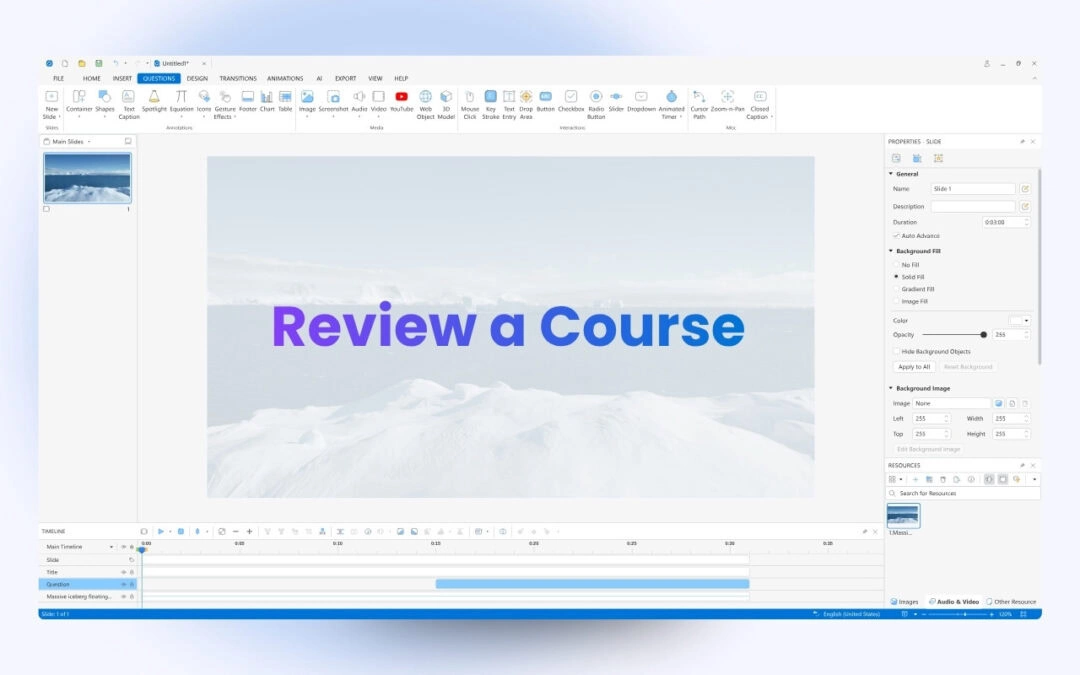
The Review Course function in ActivePresenter eLearning software allows learners to revisit what they have done in a test, for example, answers which are right or wrong, the correct values, and the overall results of each interaction. The Review Course function...