In ActivePresenter eLearning software, Tab order lets users specify the order of objects in the slide when they press the TAB key, which means users can navigate between objects using the TAB key in the HTML5 output. In a word, when you use this feature, pressing the...
ActivePresenter eLearning software provides you with a flexible system of events-actions, advanced actions and variables, which enable you to create highly interactive eLearning courses without a single line of code. But if you want to go beyond the long list of...
One of the key tasks in creating eLearning content is to set scores and report on the learning outcomes, especially when you want to track online learners’ performance. This article will show you how to set them up for questions. Before we start, note that you...
Do you have any trouble when you assign scores to interactive eLearning quizzes? If yes, this article is here to help you resolve it. It will provide you with useful information to grade quizzes efficiently and flexibly in ActivePresenter 10. This tutorial...
You can decide whether a learner will pass or fail an eLearning test by setting up its pass/fail conditions in ActivePresenter eLearning authoring software. This tutorial will show you how. When you are done building a question list, defining the score, and...
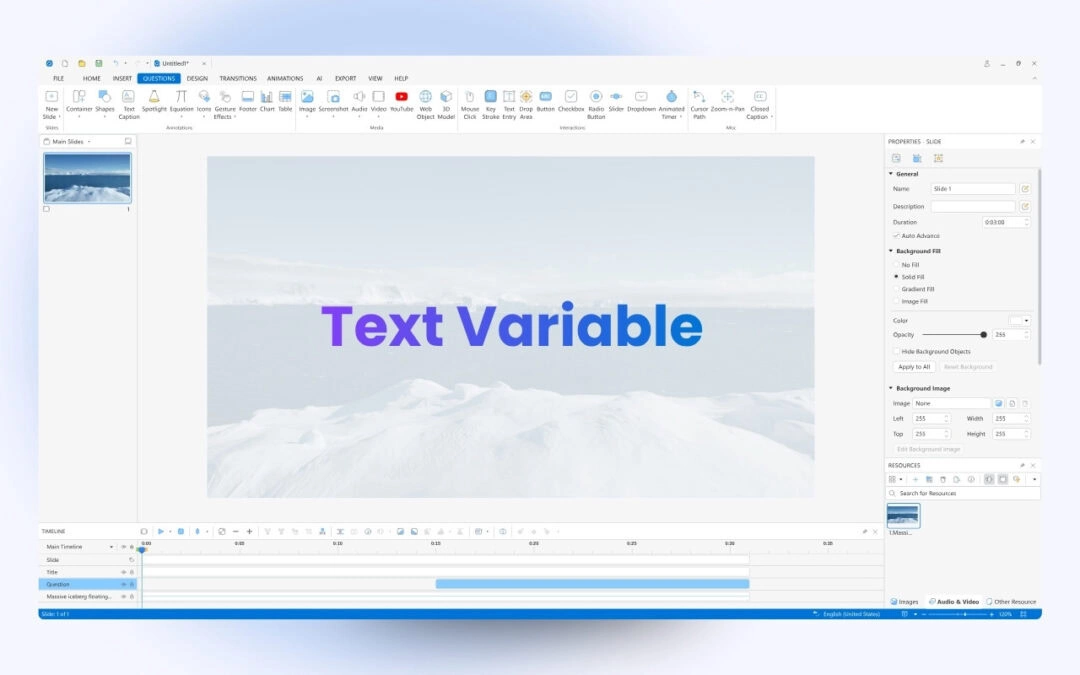
Text variable is one of the three variable types in ActivePresenter SCORM authoring tool. The practical example you can use is to capture learners’ names and display those names throughout the course. It’s a great way to make the training more personalized. Suppose...