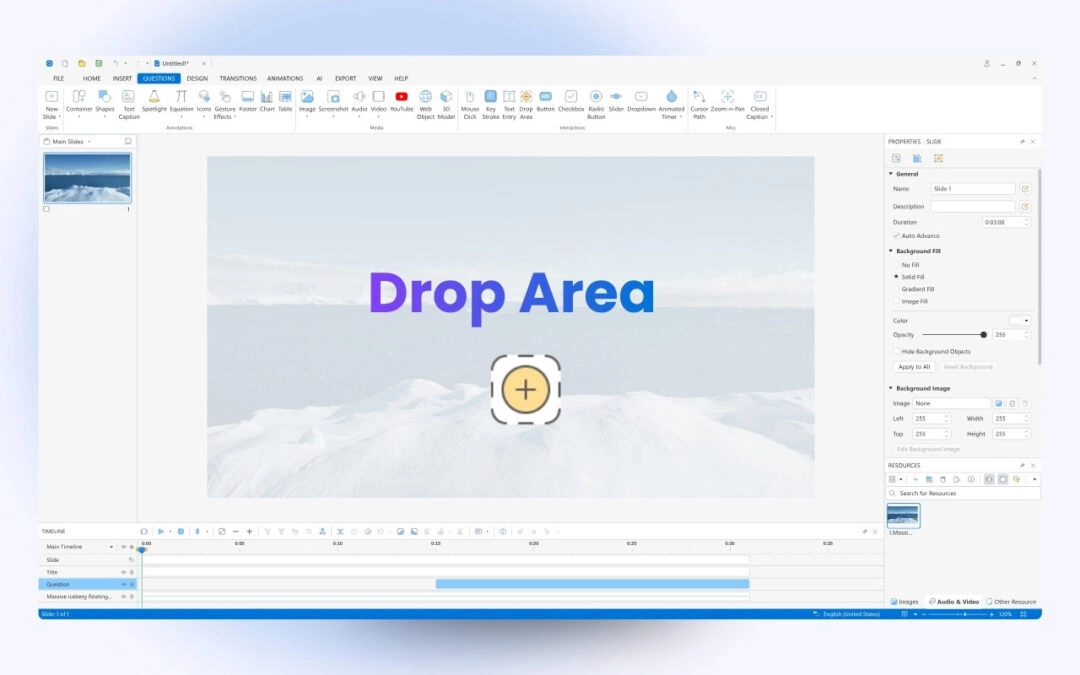
Drop area is one of the interaction objects in ActivePresenter. This object is useful in creating drag-and-drop interactions. Learn more in this tutorial. A drop area is a special drop target that can evaluate, score, and record users’ answers when they drag...
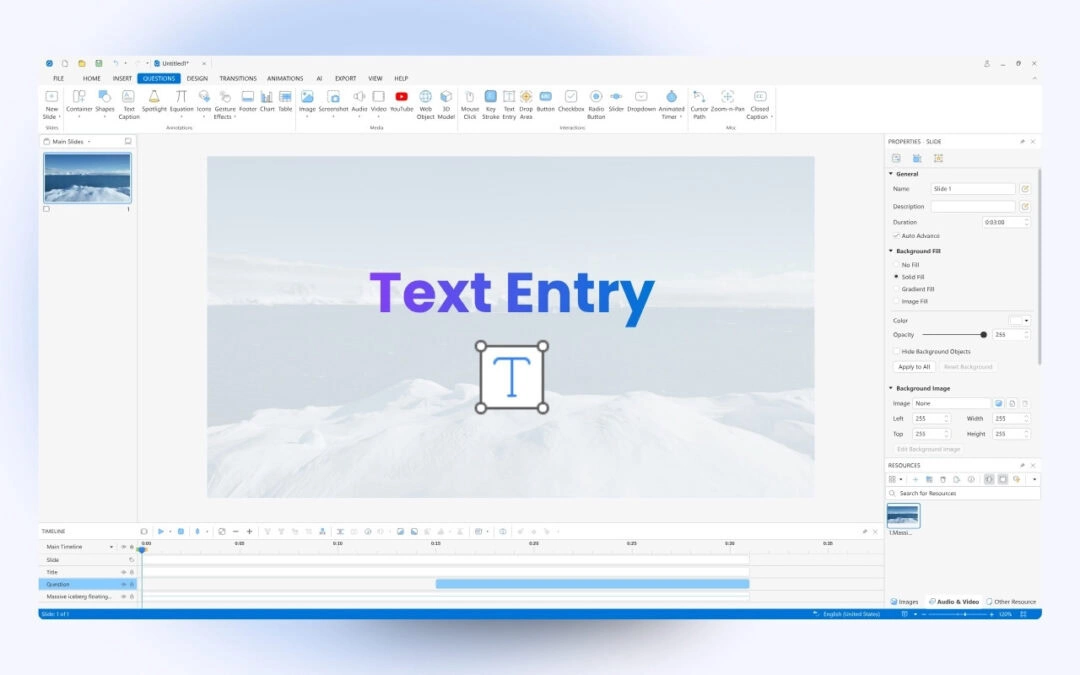
Text entry is an interaction object in ActivePresenter 10. It allows users to interact with eLearning content by typing a text string into the blank box. Using text entries is useful in testing knowledge and collecting information. Insert Text Entries You can insert a...
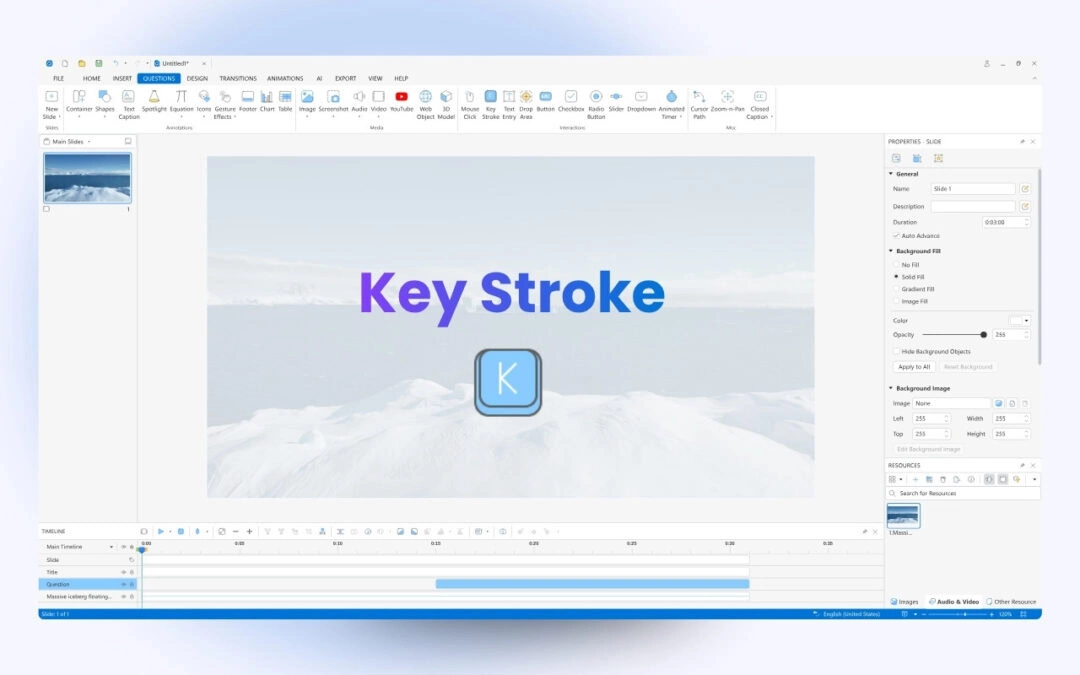
Key stroke object is another type of interaction object in ActivePresenter 10. It allows you to interact with eLearning content by using the keyboard. For example, eLearning authoring tool ActivePresenter lets you combine some objects into a group by pressing...
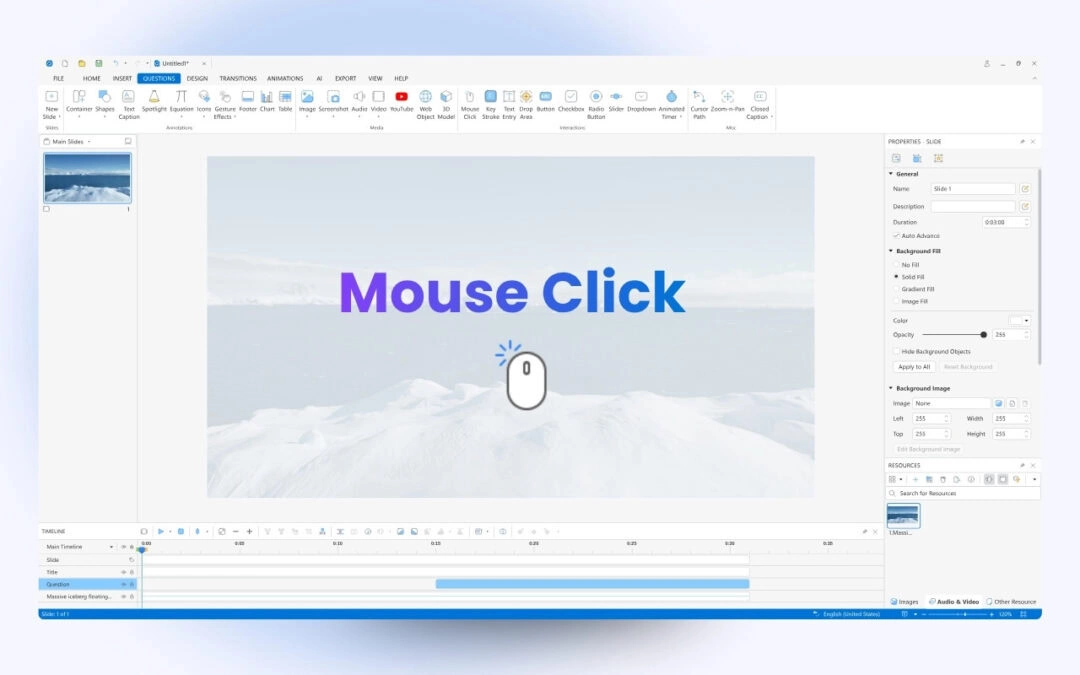
A mouse click object is one of the interaction objects in ActivePresenter 10 – a course creation tool. You can add a mouse click to a place where users must click to take the next action. For example, you want to instruct users to click the New button to...
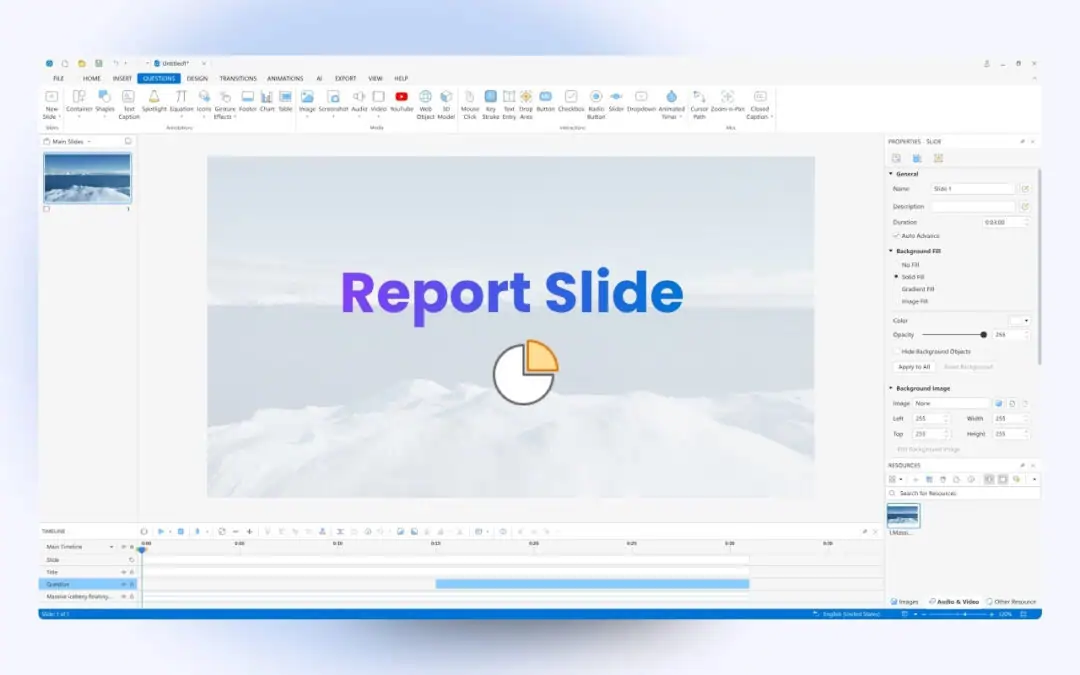
Report Slide in ActivePresenter eLearning software is a summary slide of the learner’s performance in a course. It reports stuff like quiz scores, learner’s responses, or pass/fail results. You can let learners know their own results by adding a Report Slide at the...
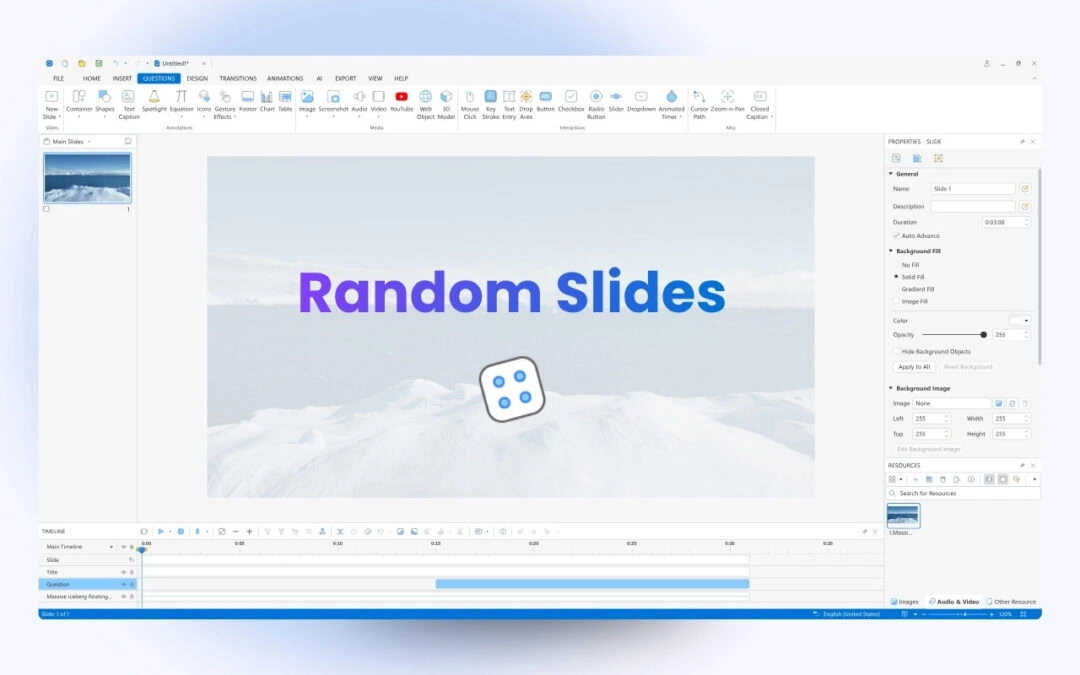
Using random questions is a useful way to avoid cheating in online learning. Course creators can assign different versions of the same quiz to the learners without the need of creating a bundle of quizzes. Let’s learn how to generate random questions with...